

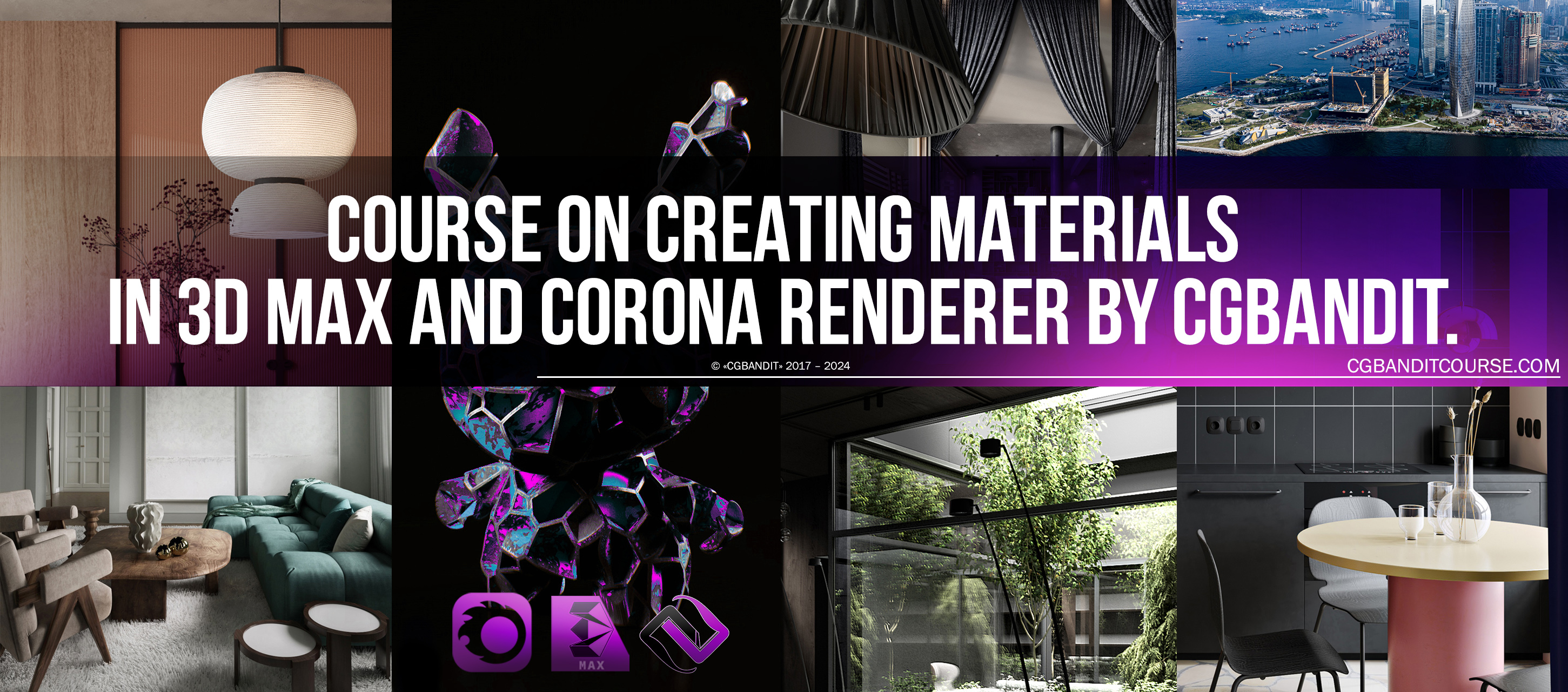
Course on creating materials in 3D Max and Corona renderer by CGBandit.
Access to the course
Price: $250 [ The course is now available to CGBClub members for free ]
- Video tutorials (master classes). Total duration 24 hours 11 minutes
- CGBClub members are given access to a database of high-quality, newest and most relevant 3D scenes and 3D models on our marketplace ( CGBandit.com or Bendtrade.com at your choice).
- Access to the training video updates. We connect you to the opportunity to receive systematically updated new video tutorials and webinars on the course. We provide updated accompanying materials. Cheat sheets, manuals, checklists, and other additional training files. Software manufacturers are constantly releasing new versions of programs with new features. They remove old bugs and software errors, improve and modernize programs, and we bring you up to date with new developments and shoot new video tutorials, and bring you up to date. We take care of you by constantly updating the course and giving out new video lessons to improve and speed up the workflow.
List of all lessons:
Section 1 (introductory)
Mini-tutorials getting started in corona mtl:
1. preparation_&_material_editor 00:04:00
2. bottom_panel_material_editor 00:05:36
3. definition_of_material_&_texture 00:01:55
4. diffuse 00:05:51
5. level_&_diffuse_map 00:01:50
6. reflection_color 00:03:55
7. reflection_glossiness 00:04:52
8. fresnel_effect 00:05:31
9. anisotropy 00:02:34
10. refraction_color 00:02:10
11. refraction_glossiness 00:02:29
12. refraction_IOR 00:01:22
13. caustics_dispersion_thin 00:06:01
14. opacity 00:02:31
15. bump 00:04:53
16. displacement 00:09:52
17. bump_displace_comparison 00:02:43
18. translucency 00:05:13
19. self_illumination 00:02:04
20. subsurface_scattering 00:27:13
20.1 subsurface_scattering_additional 00:03:40
21 material_editing_FAQ 00:18:14
Mini lessons. Map Theme
1 Cellular 00:04:03
2 ColorCorrect 00:09:33
3 Corona Mix 00:04:14
4 Falloff 00:14:57
5 falloff_demonstration 00:02:20
6 Mix 00:10:51
7 mix_extention 00:13:52
8 composite_map 00:24:34
9 noise 00:12:47
10 bitmap 00:27:39
11 gradient_map 00:06:17
Mapping. Texture coordinates
1. UVW Map00:23:29
Unwrap uvw
1. introduction unwrap 00:54:11
2. chair sweep №1 00:41:02
3. ENG_armchair unwrap 2 00:06:49
4. ENG_chair unwrap+final 00:28:23
5. Unwrapping Hy-poly Model 00:12:45
6. Flatten Mapping 05:11:58
Section 2 (simple materials)
1 simple_mirror 00:01:25
1.2 mirror_with_abrasion 00:13:47
2 glass 00:04:16
3 complex_glass 00:17:38
4 the_metal_material 00:11:02
4.1 polished_and_aged_metal 00:09:37
5 the_simple_plastic 00:15:20
5.1 transluscent_plastic 00:13:38
6 paint 00:06:56
7 marble_granite 00:28:05
8 simple_white_wall_material 00:05:27
Section 3 (complex wall materials)
1 wallpaper 00:45:29
2 the_making_of_bw_masks_in_photoshop 00:15:09
3 Concrete 00:51:25
4 Brick 01:30:30
5 Displacement 00:09:33
6 Tiles_map 00:23:41
7 stone+brick_v2 01:14:55
Section 4 (blends, mixing materials)
1 Slate Material Editor1 00:16:38
2 Blend 00:23:36
3 MultiSub-Object 00:07:36
4 Corona Layered Mtl 00:43:11
5.1 Rusty metal_Corona Layered 00:11:02
5.2 Aged metal_Corona AO 00:26:03
6 Fogged glass+droplets_1 00:48:10
Section 5 (wood)
1 Basic wood material 00:54:45
2 Aged wood_1 00:26:34
3 Aged wood_2 00:33:07
4 Tree bark material 00:27:13
5 Aged wood+Corona AO+multisub 00:39:37
6 Floor generator 00:29:53
7 Floor generator setting (MultiTexture) 00:35:06
Section 6 (fabrics)
1 Cotton 00:29:30
2 Satin, silk 00:10:40
3 Tulle+corona ray switch mtl 00:12:10
4 Curtain 00:05:51
4.1 Curtain additional 00:03:06
5 Towel 00:10:07
6 Carpet displacement 00:15:36
6.1 Carpet_Hair And Fur 00:30:37
7 Velvet 00:29:39
8 Leather 00:20:44
Total duration of all training video lessons: 24 hours 11 minutes.
Time limits and limits for the training course
After you become a member of CGBClub, all the training material is immediately available to you.
- As long as you are a member of CGBClub, there are no limits on watching instructional videos of the course lessons. Watch the course as much as you want, at a time convenient for you, and at a pace convenient for you. You can review the video tutorials as much as you want.
The video is protected by a special program to protect intellectual property from free distribution: Infoprotector. It allows you to view video tutorials, after you enter an activation key that identifies only you.
Access to the course via CGBClub
In order to start studying and join CGBClub, write a personal message to the author, the head of the educational project "CGBandit" Valentin Kuznetsov: https://www.cgbanditcourse.com/contact-us