Training Course: The best neural Networks (AI) for improving, creating and editing images and videos [from scratch to Prof. level] from CGBandit
Due to the expansion of the program with additional materials, the course description was updated on September 2.
The online training course is suitable for the widest possible range of users, but it will be especially valuable for AI creators, 3D visualizers, designers, architects, bloggers, photographers, 2D and 3D artists, visual content creators, anyone who runs social networks etc. The training program of the course is designed for absolute beginners for beginners starting from scratch, as well as for users who already have experience working with neural networks.
Hello, dear friends and students! I’m Valentin Kuznetsov. I am the head of the CGBandit educational project.
I will be glad to present and tell you about the training program of our new course: "The best neural Networks (AI) for improving, creating and editing images and videos".
Course content
- 1 DIRECTION - Creating images based on a text prompt [Promt]
- 2 DIRECTION - [AI Upscale & Enhancer] Improve the details and increase the resolution of images: photos, generations, 3D renderings, illustrations
- 3 DIRECTION - Video generation from image (Image to Video)
- 4 DIRECTION - Enhancement of 3D models of people in your 3D visualizations
- 5 DIRECTION - Image generation based on your sketches, drawings, photographs, 3D renderers and any images, and, if necessary, with the addition of a reference
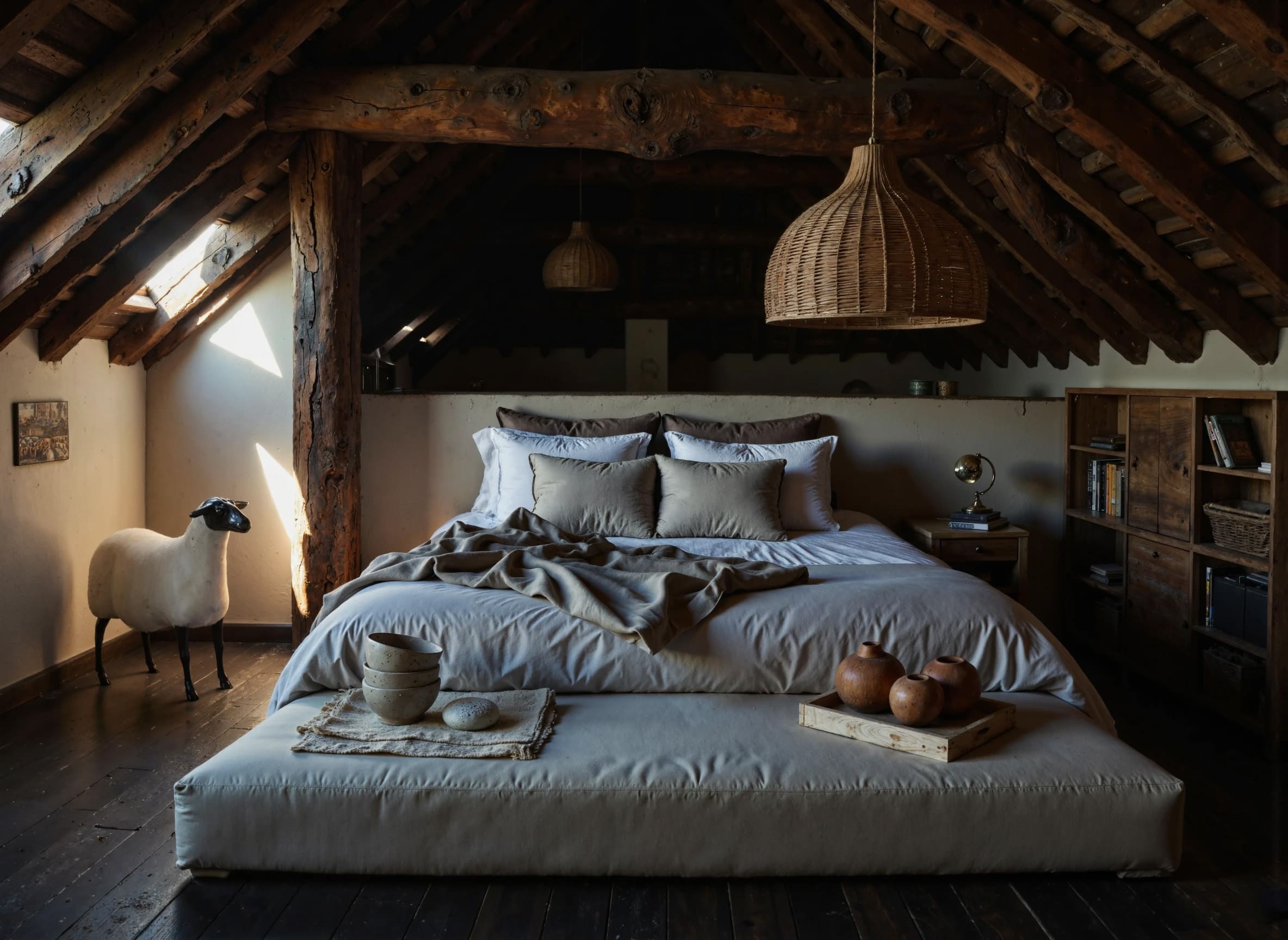
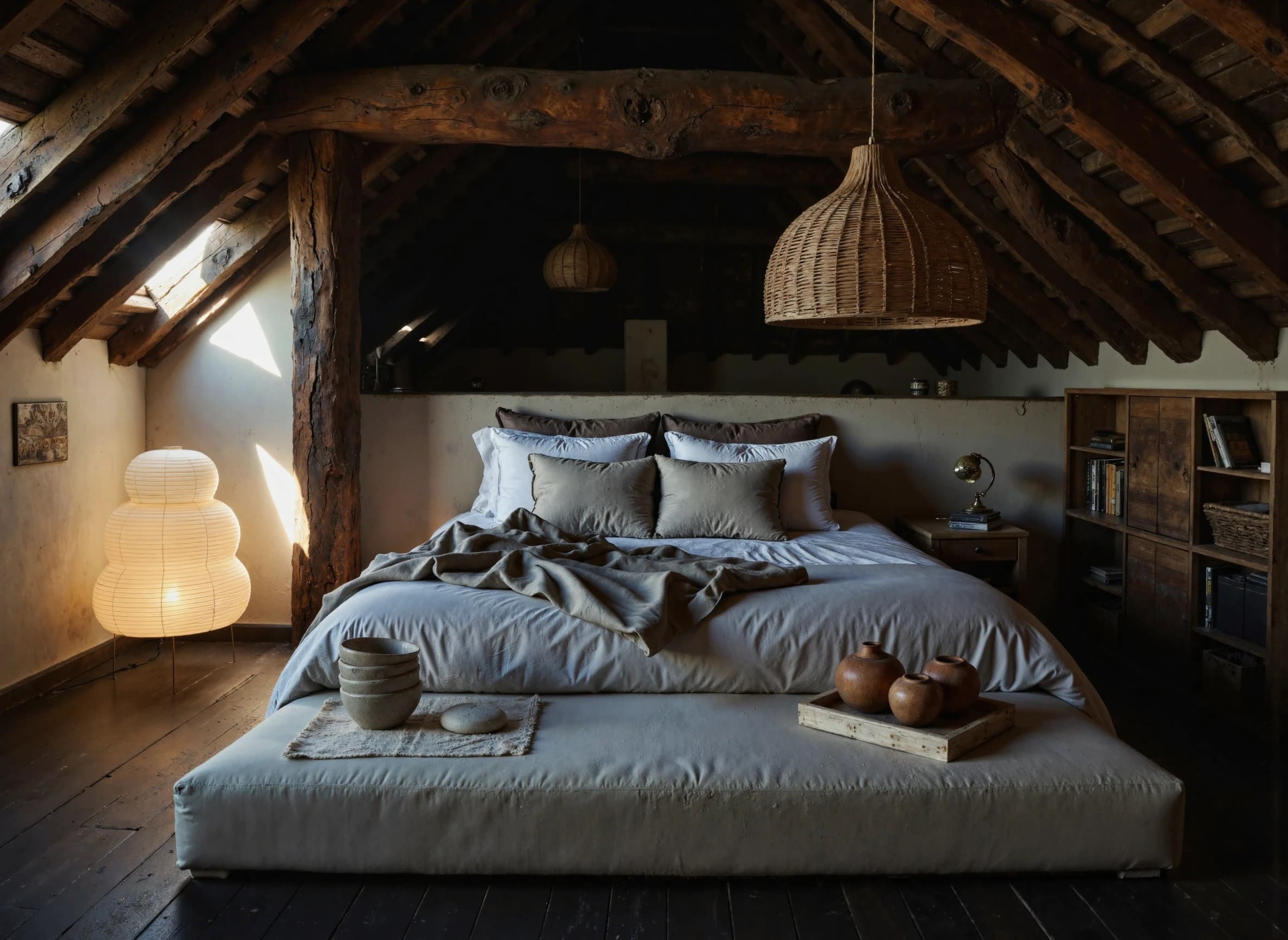
- 6 DIRECTION - INPAINT (insertion / inpainting) — the function of local image editing — adding objects to an image by effect or reference
- 7 DIRECTION - INPAINT - mask insertion using a control card, based on your sketches, drawings, images, 3D readers, etc.
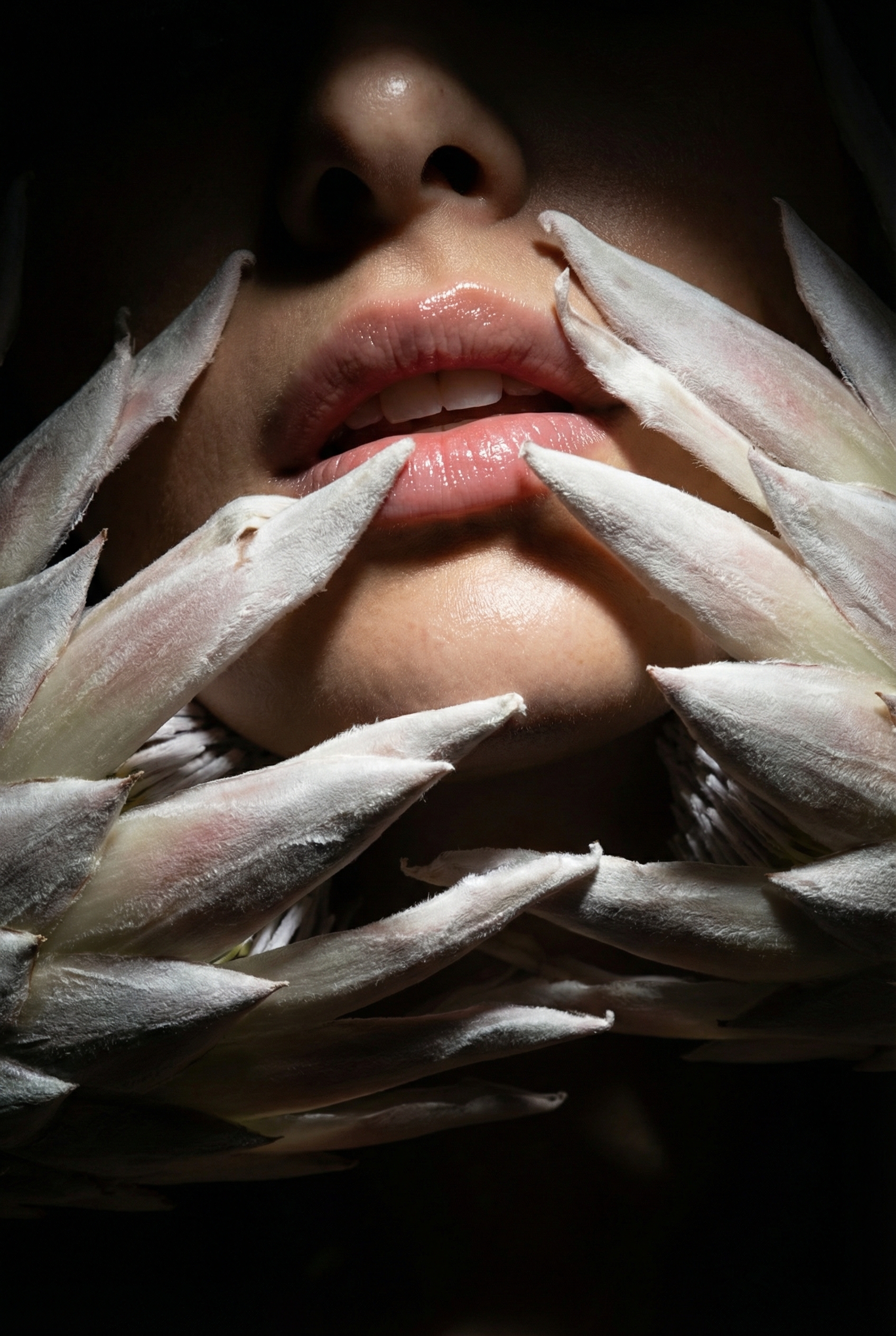
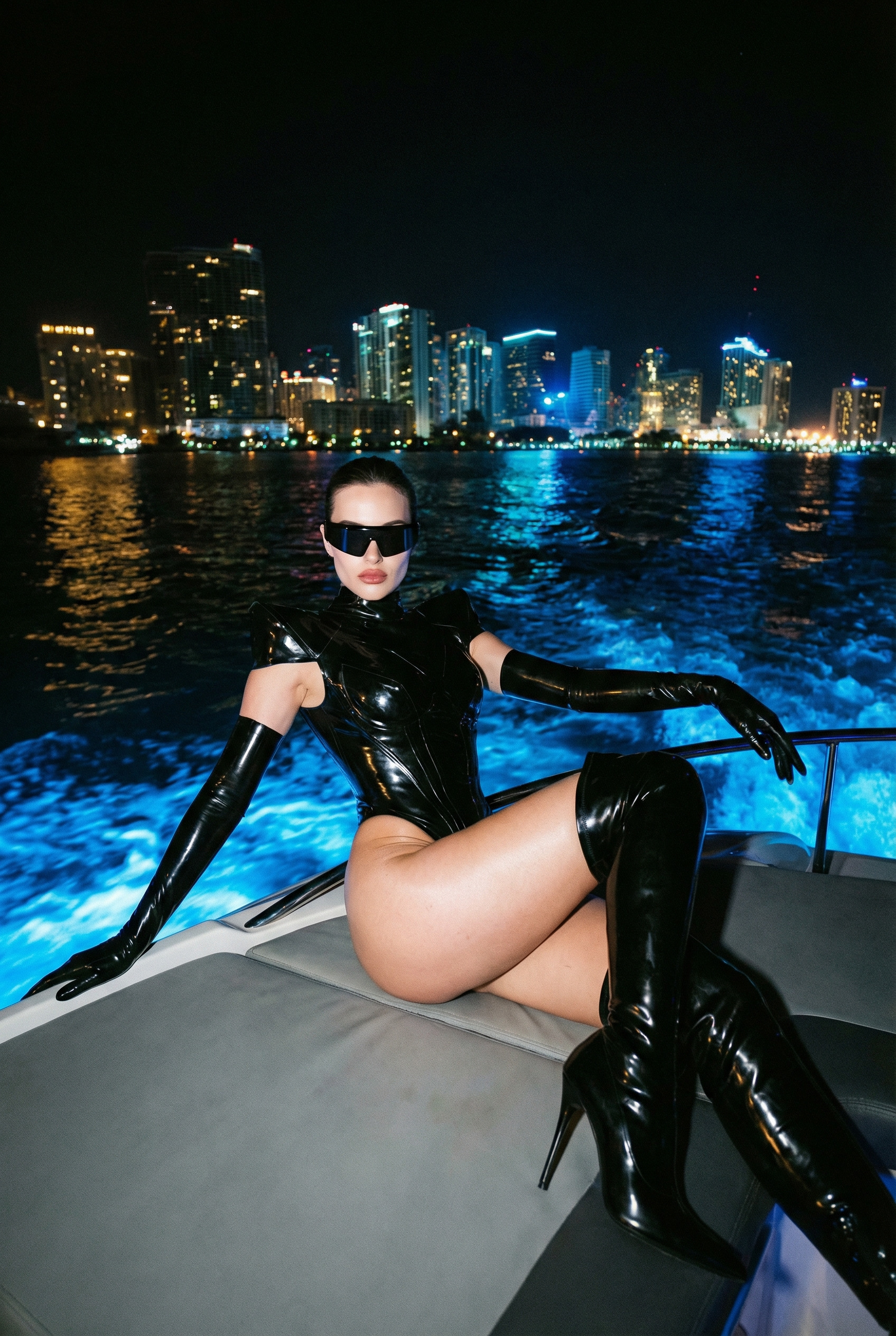
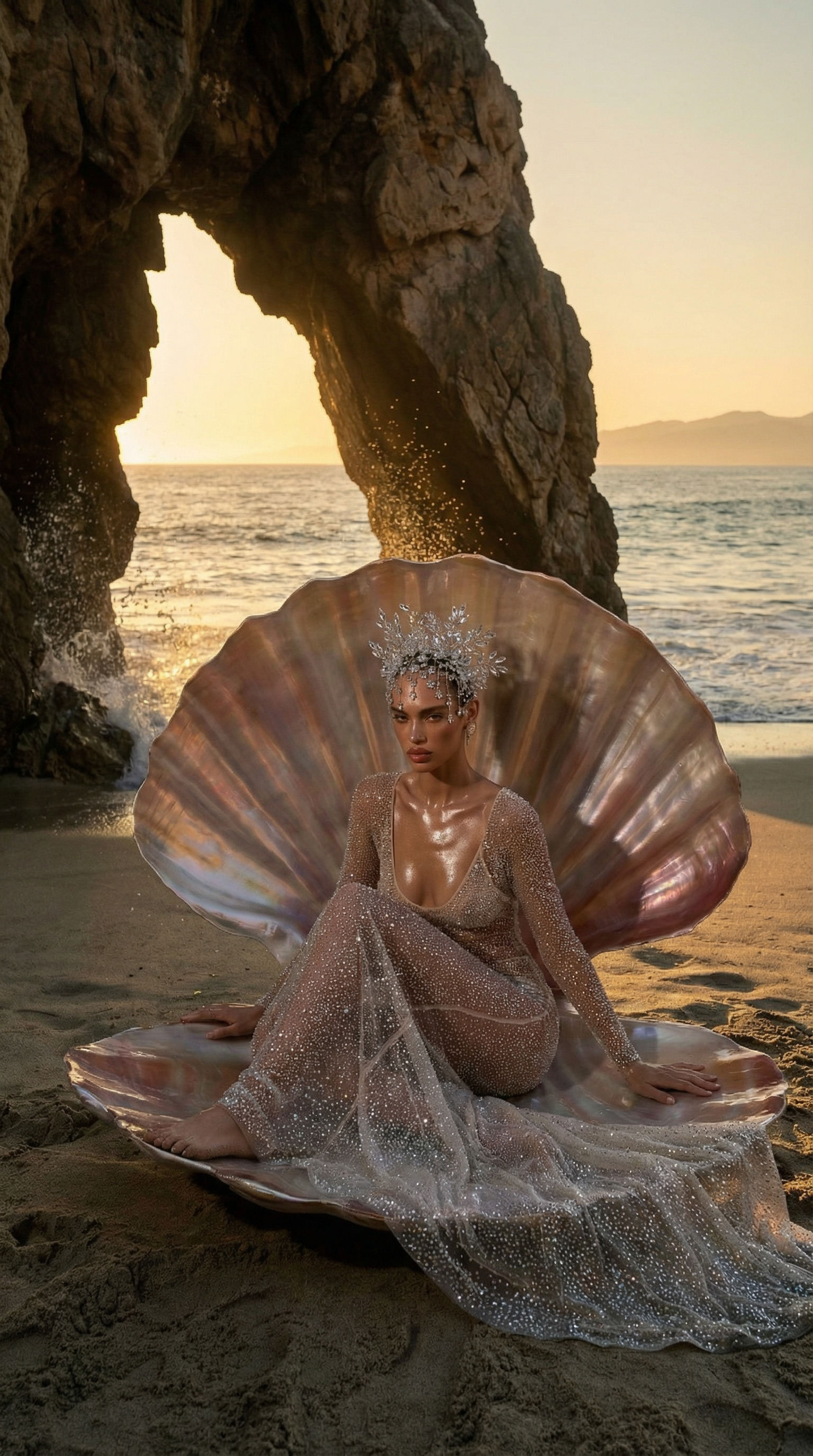
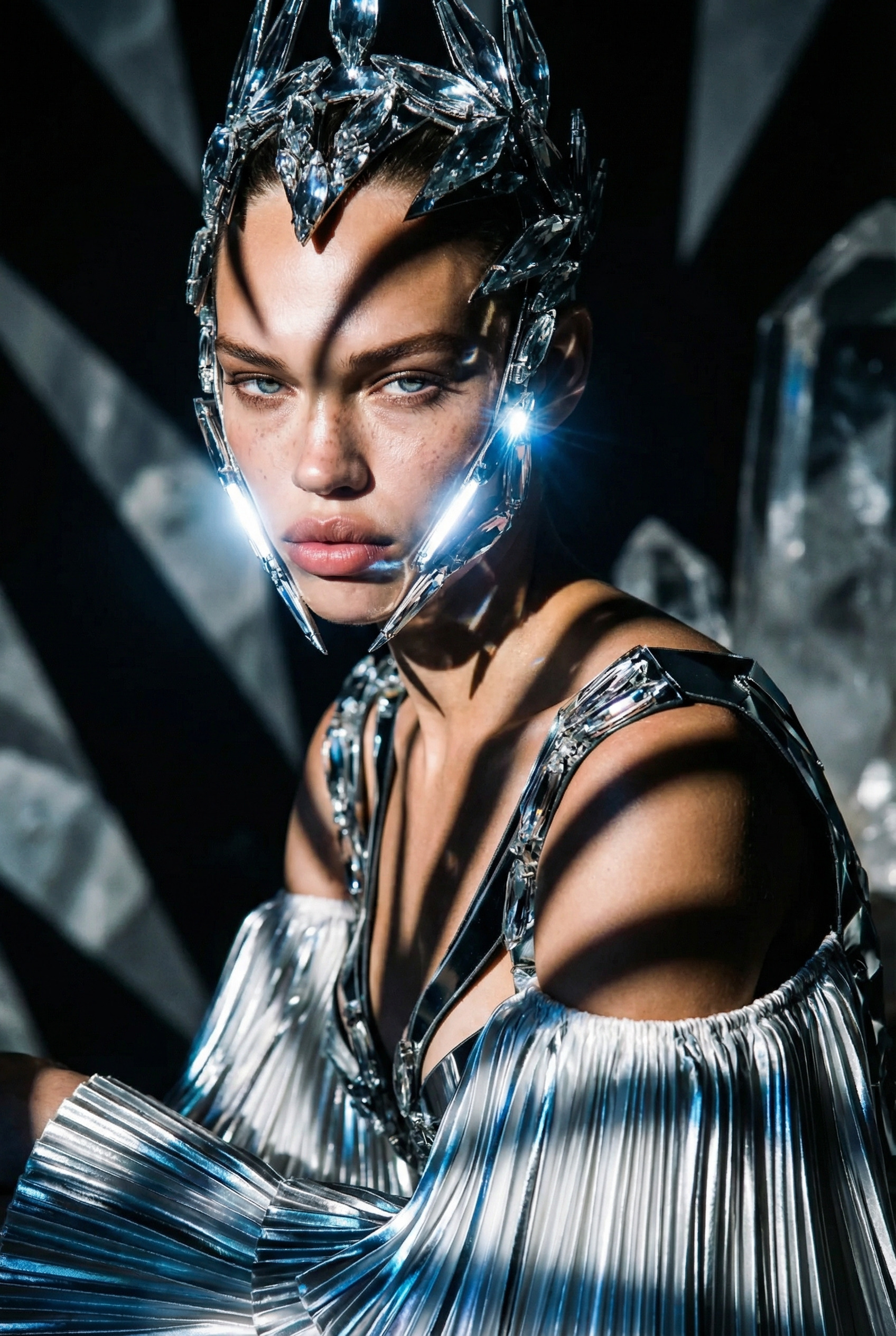
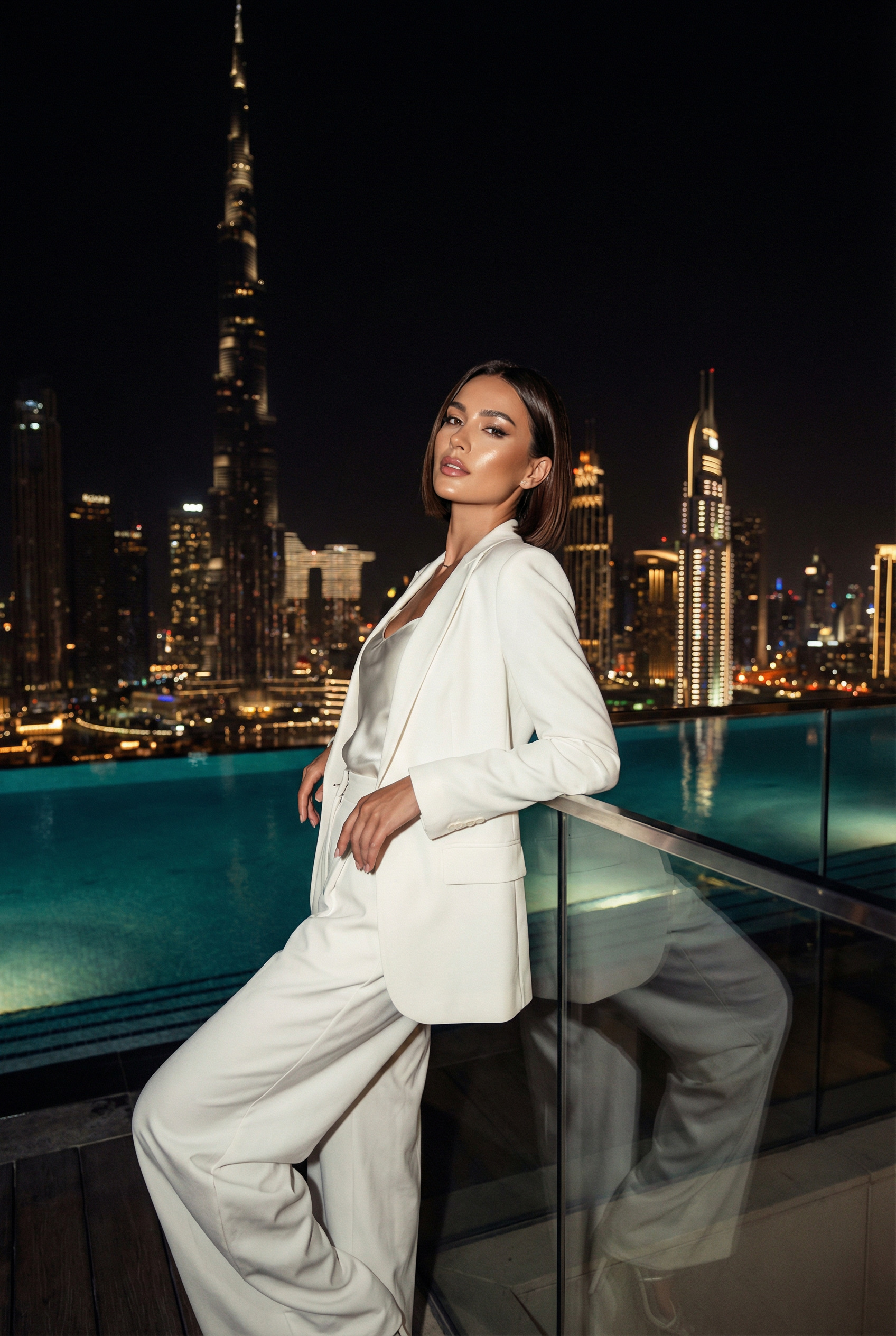
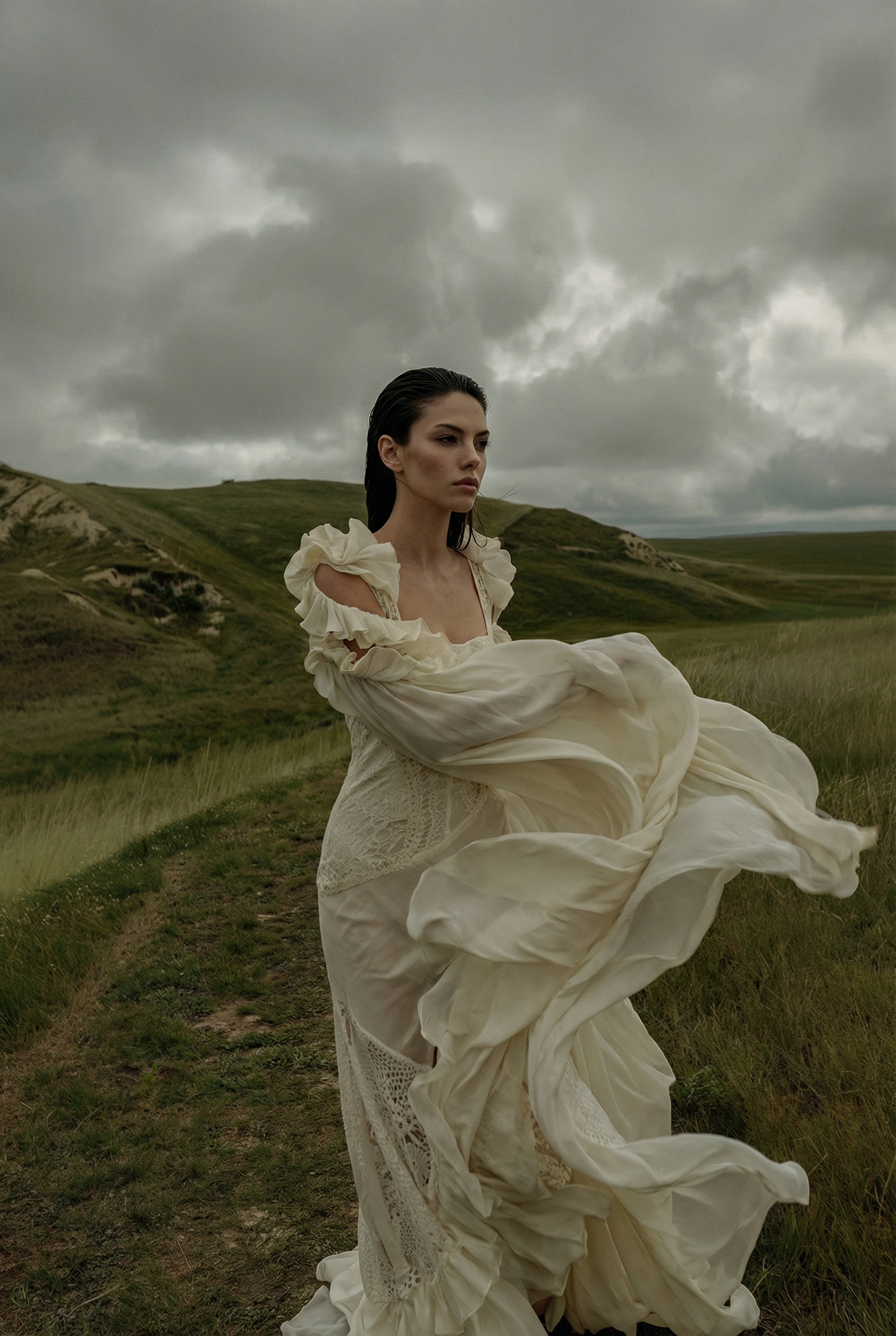
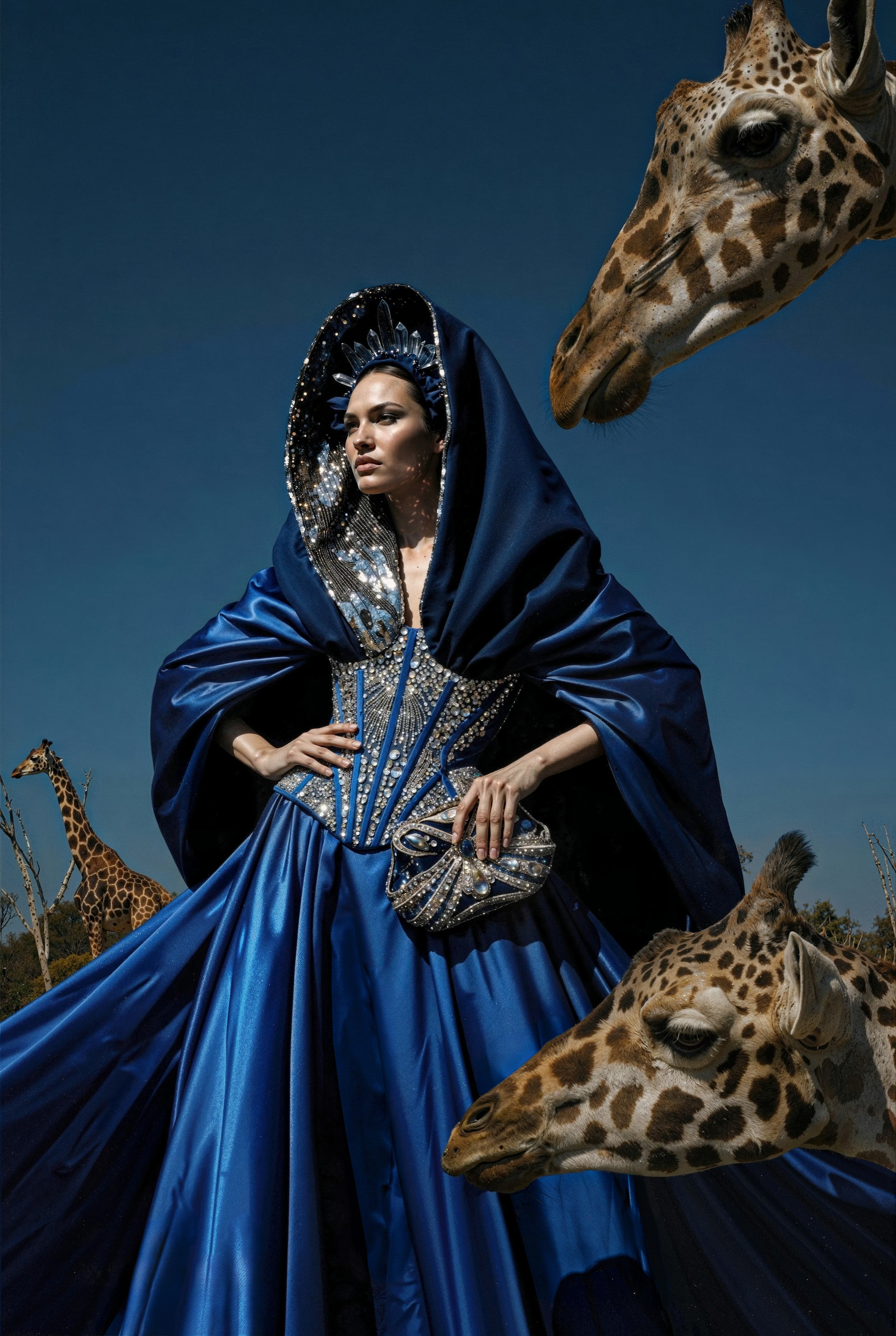
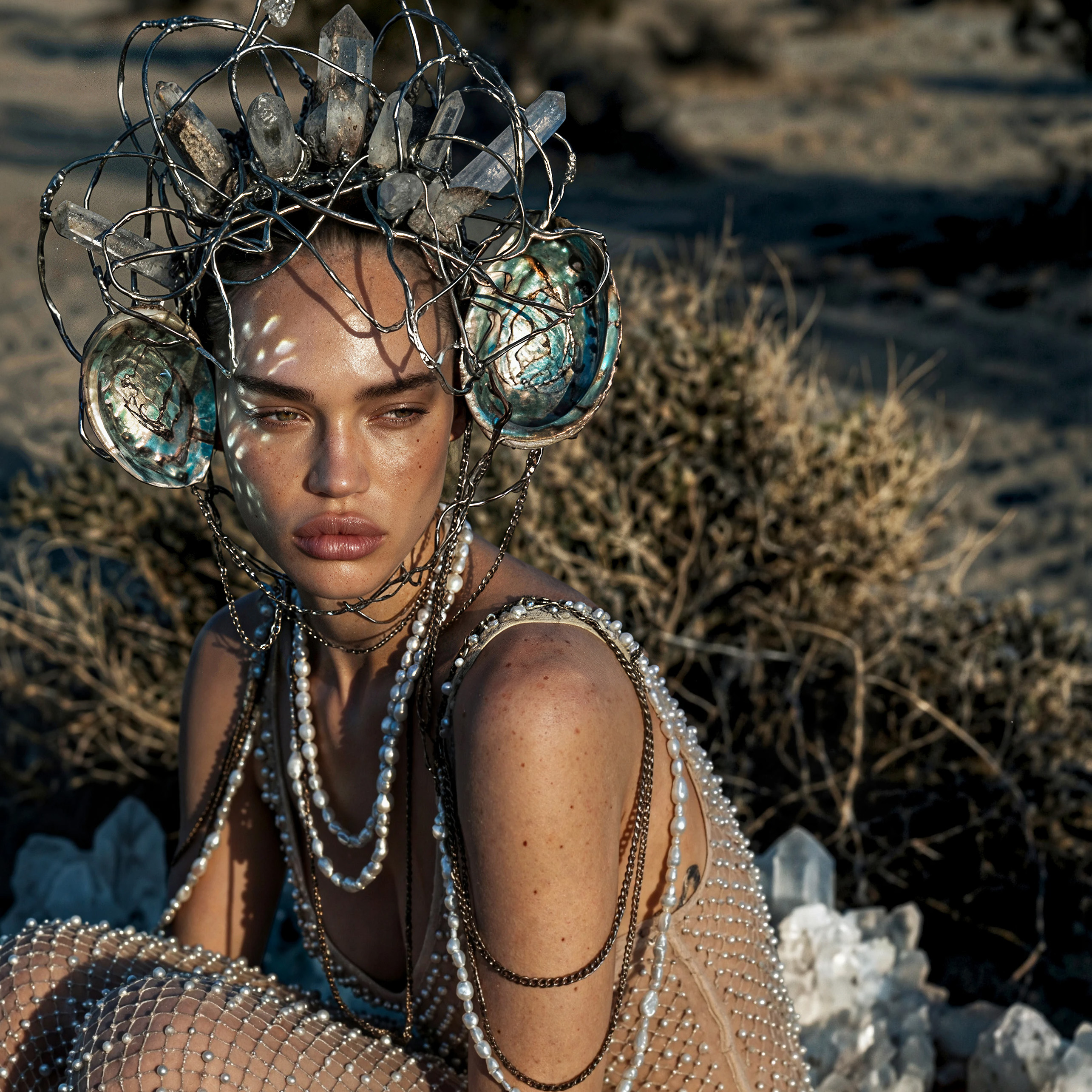
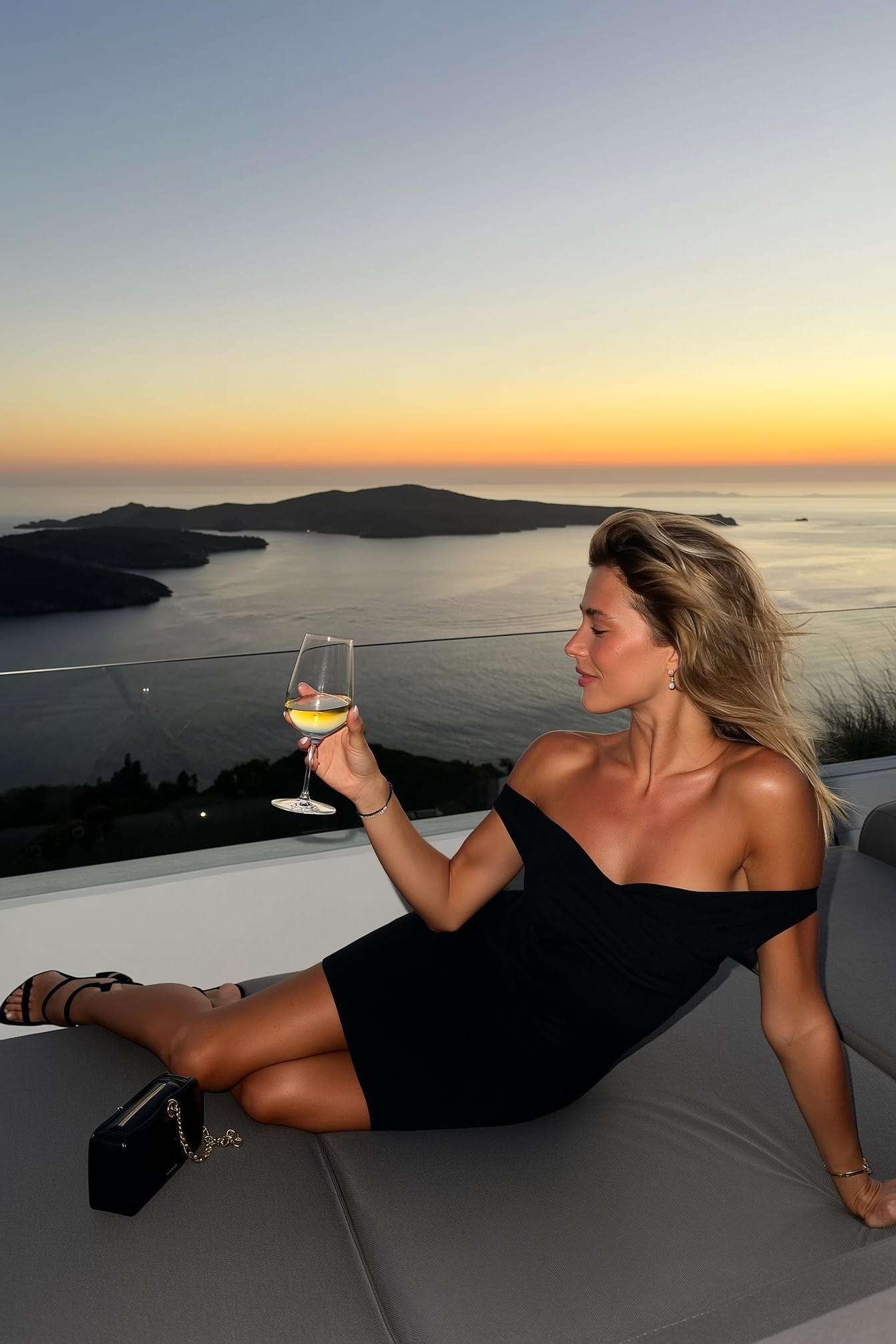
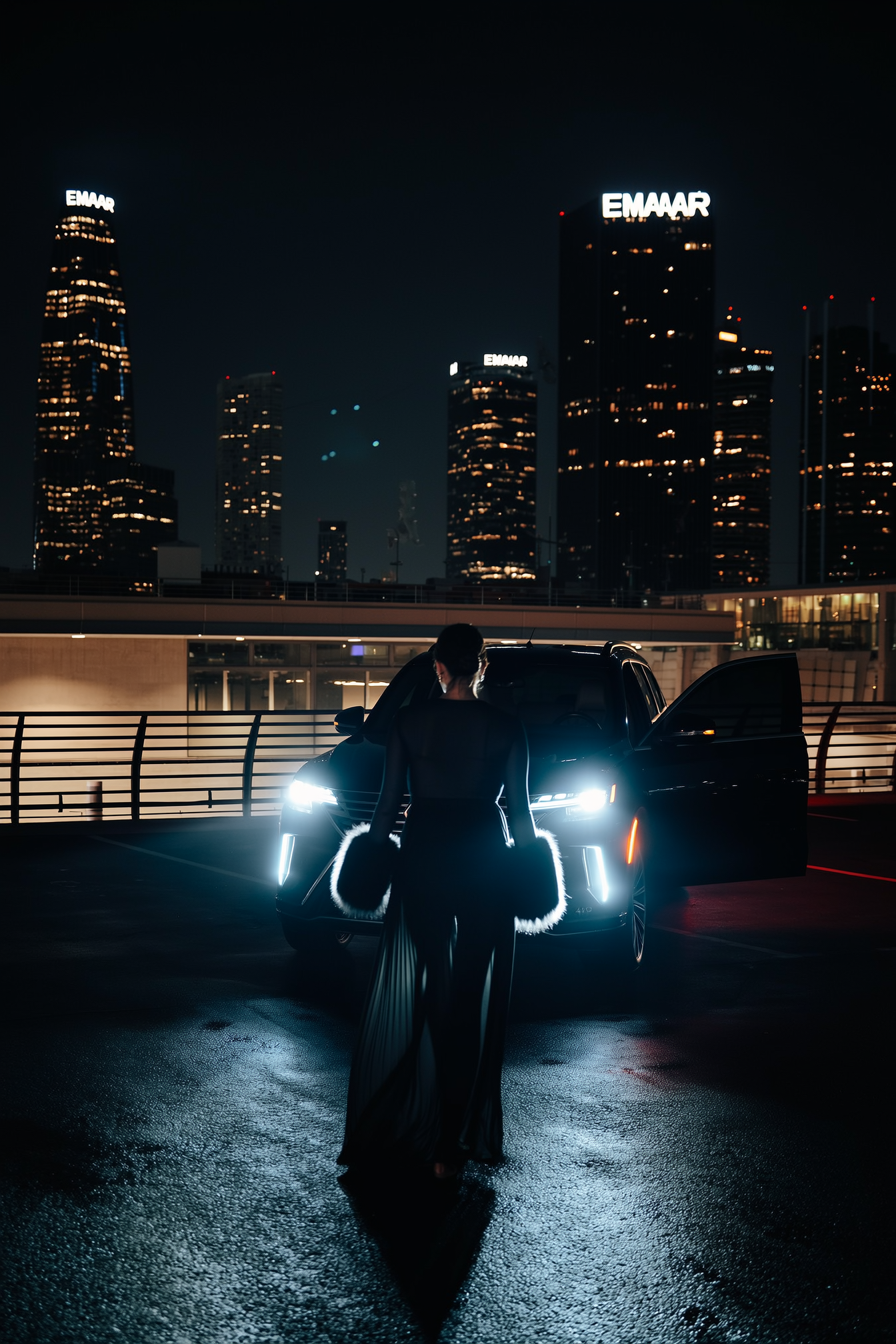
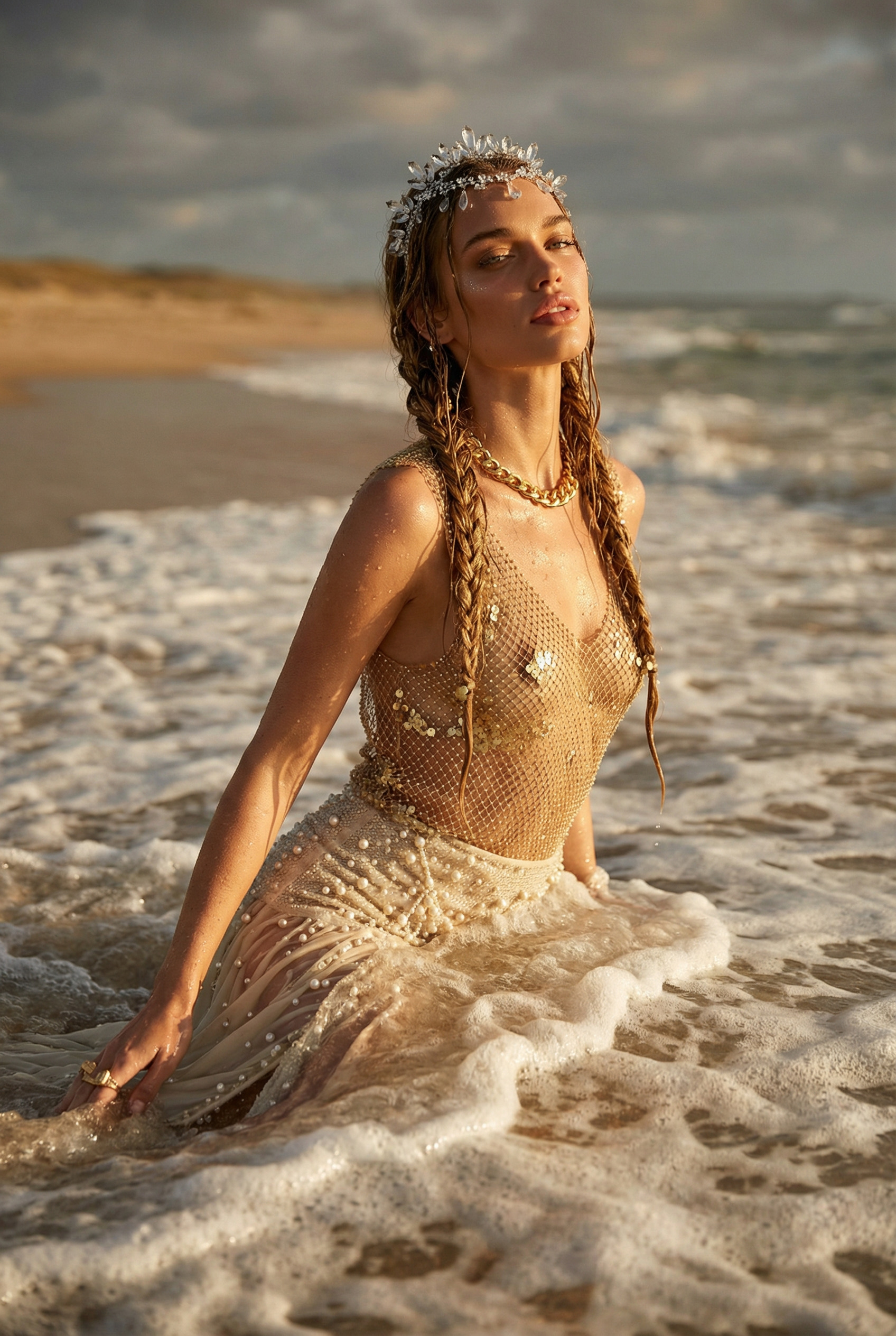
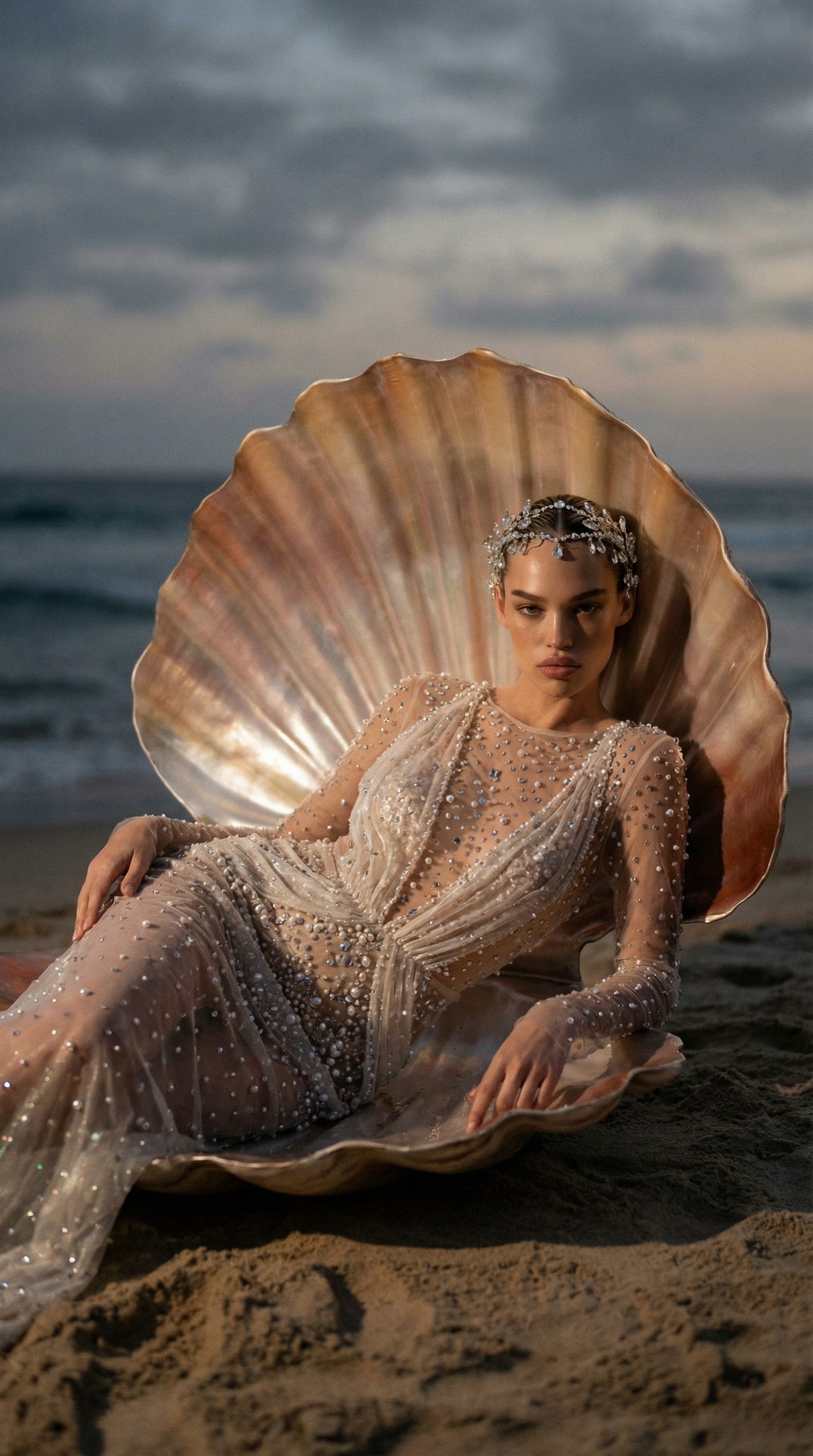
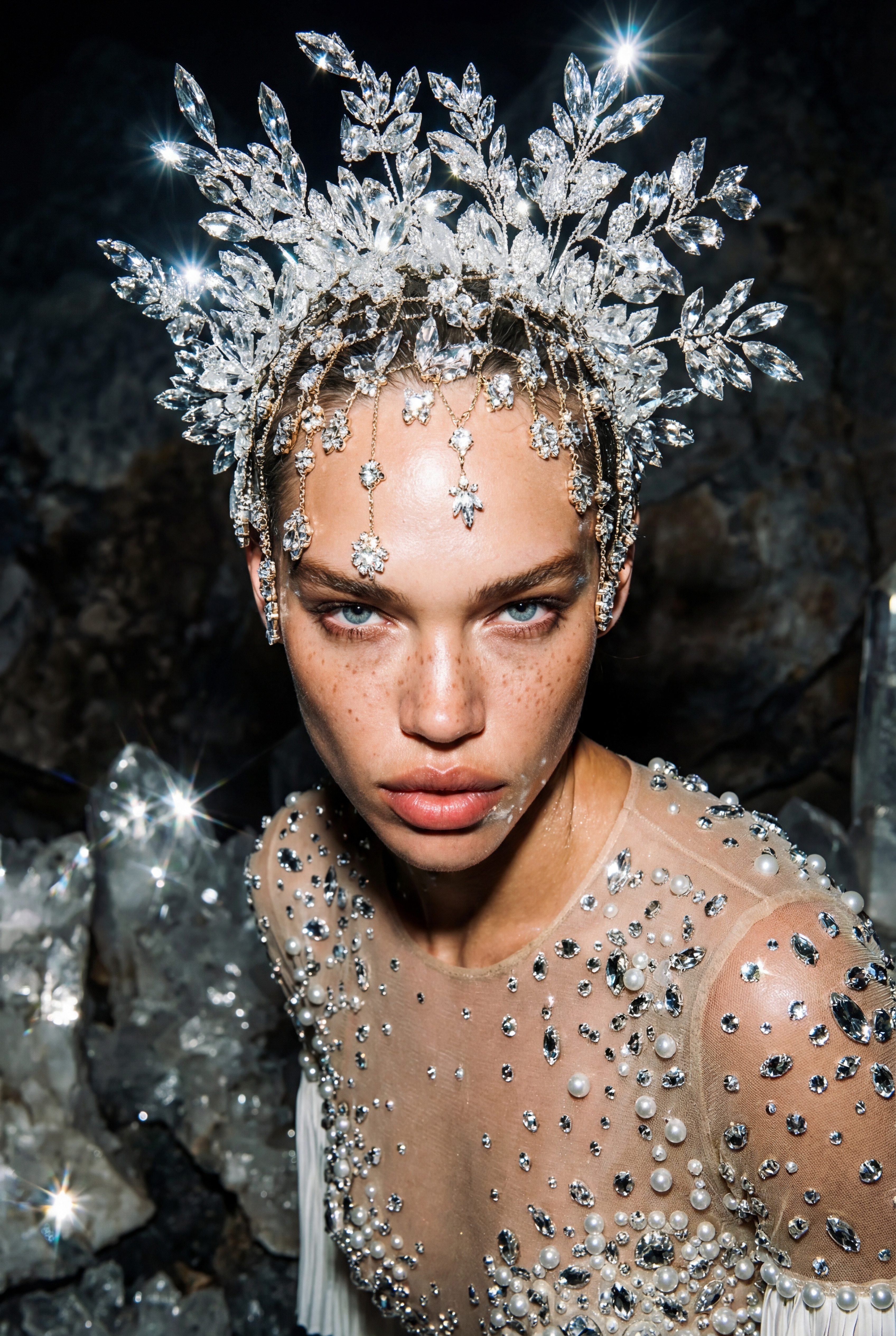
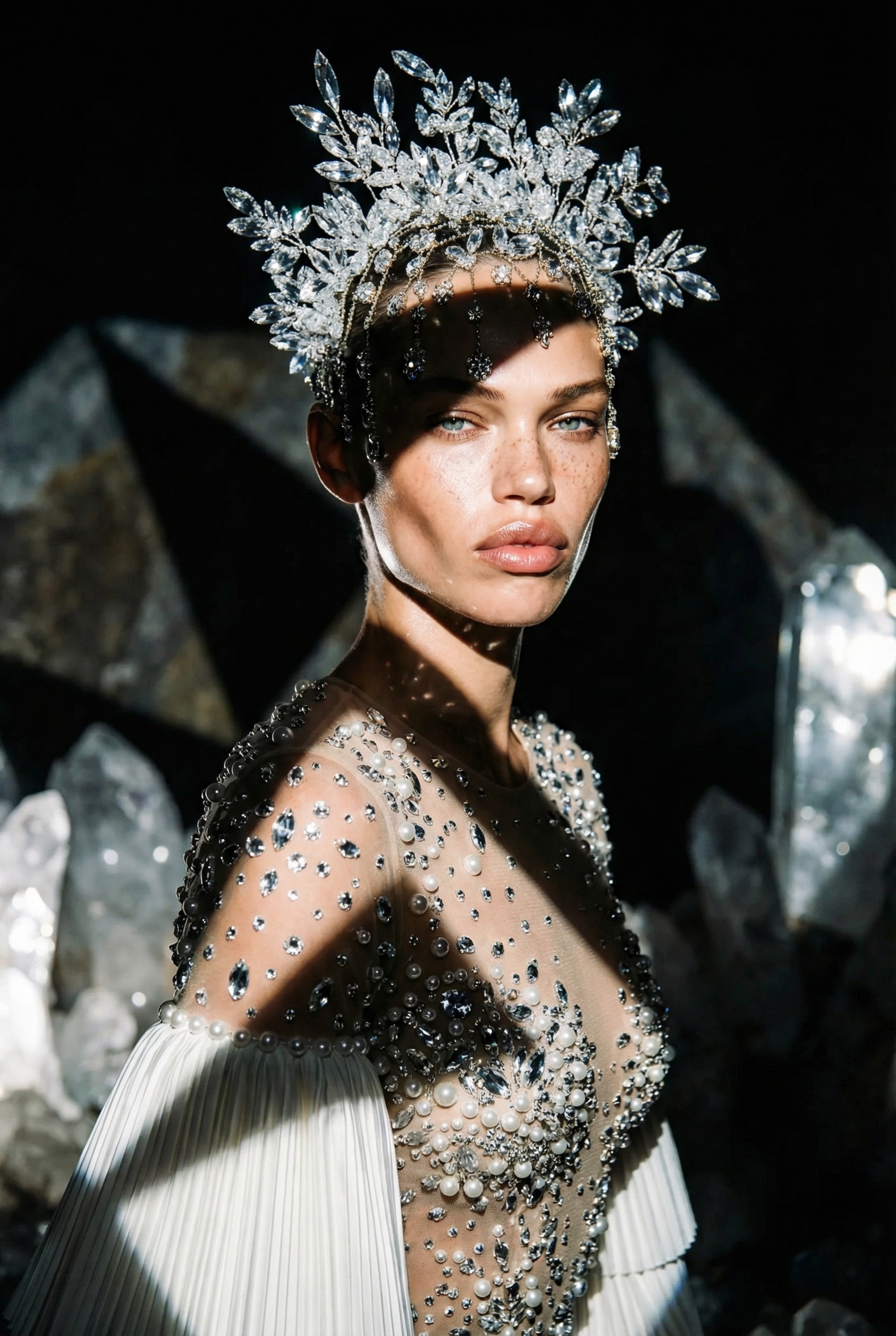
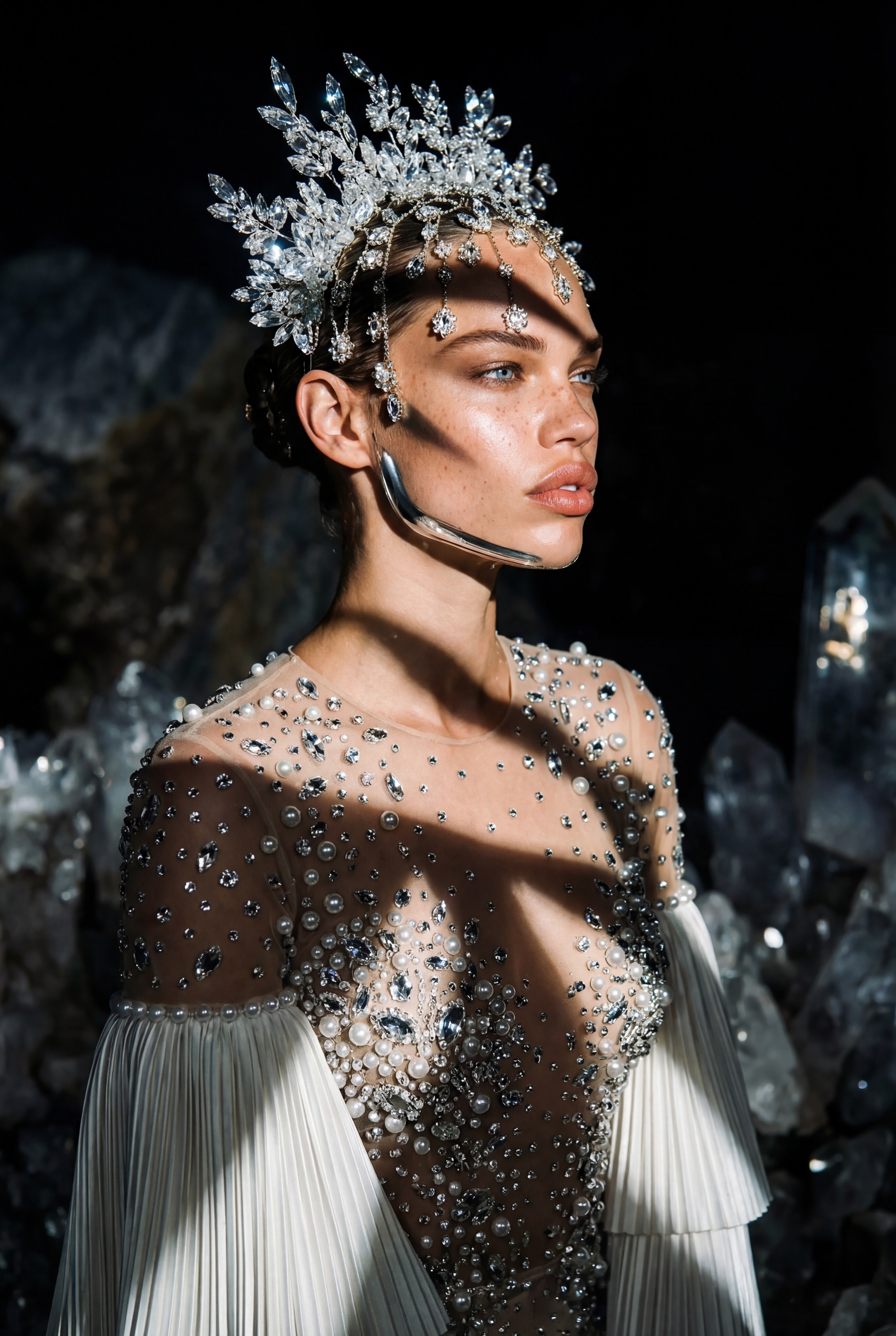
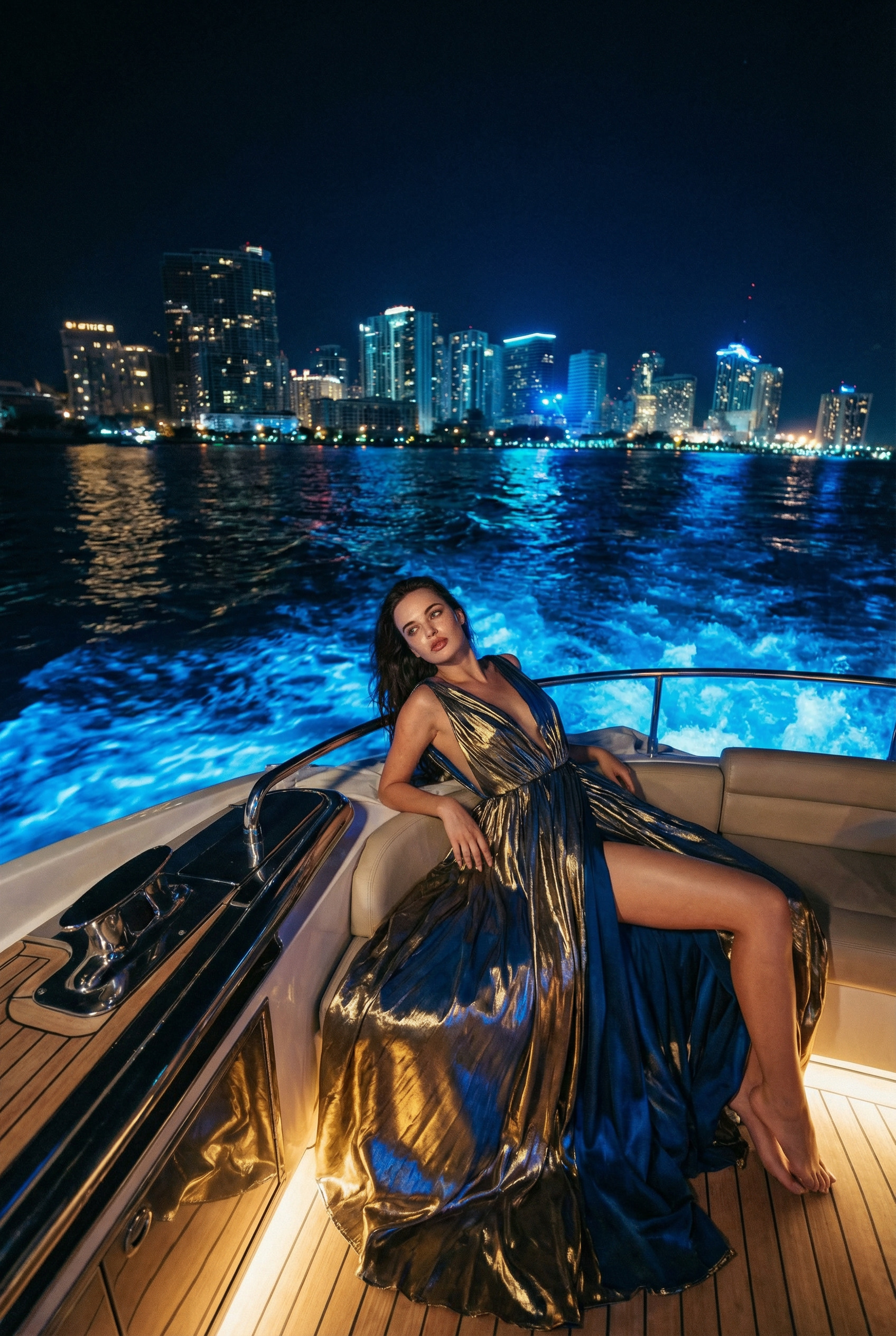
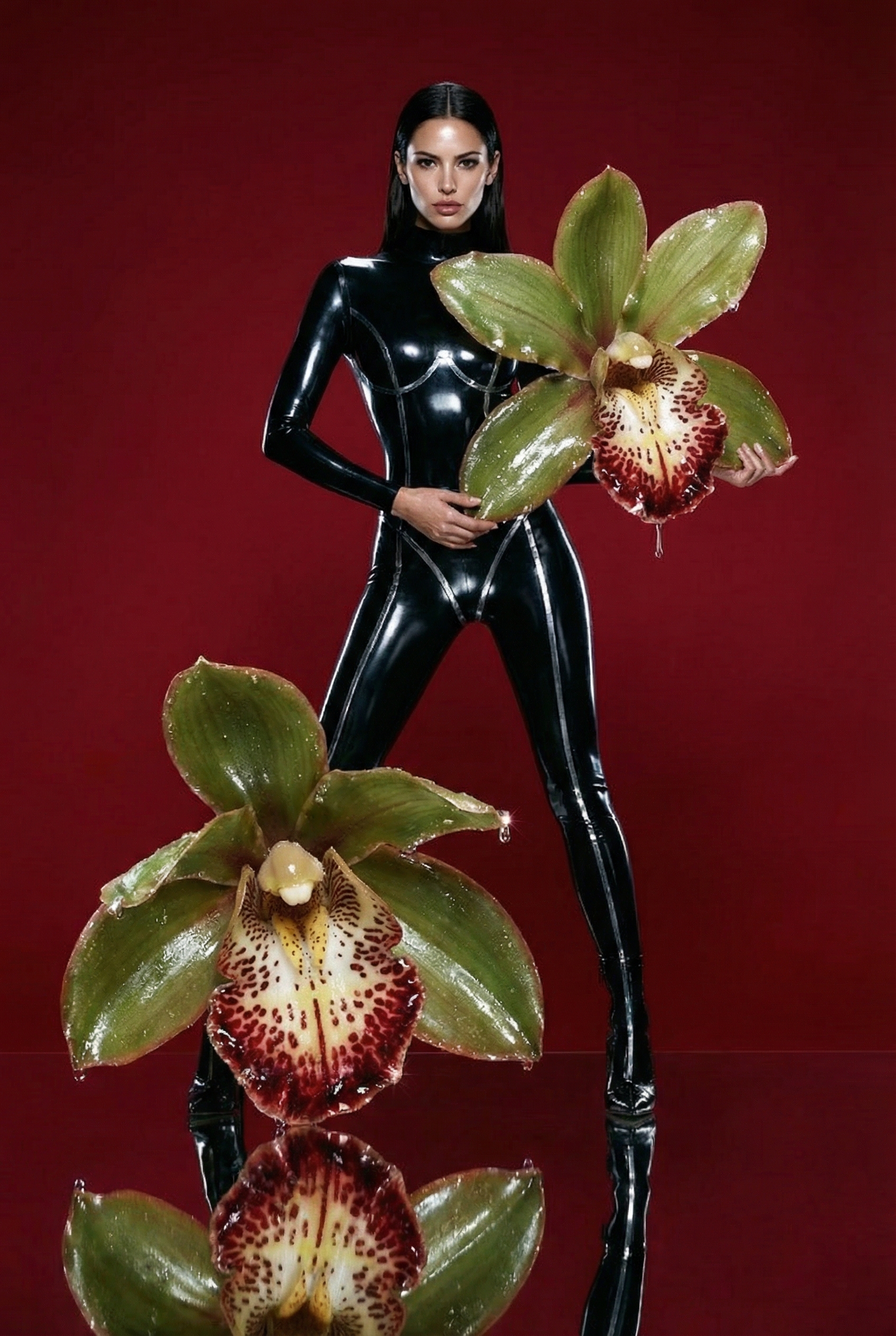
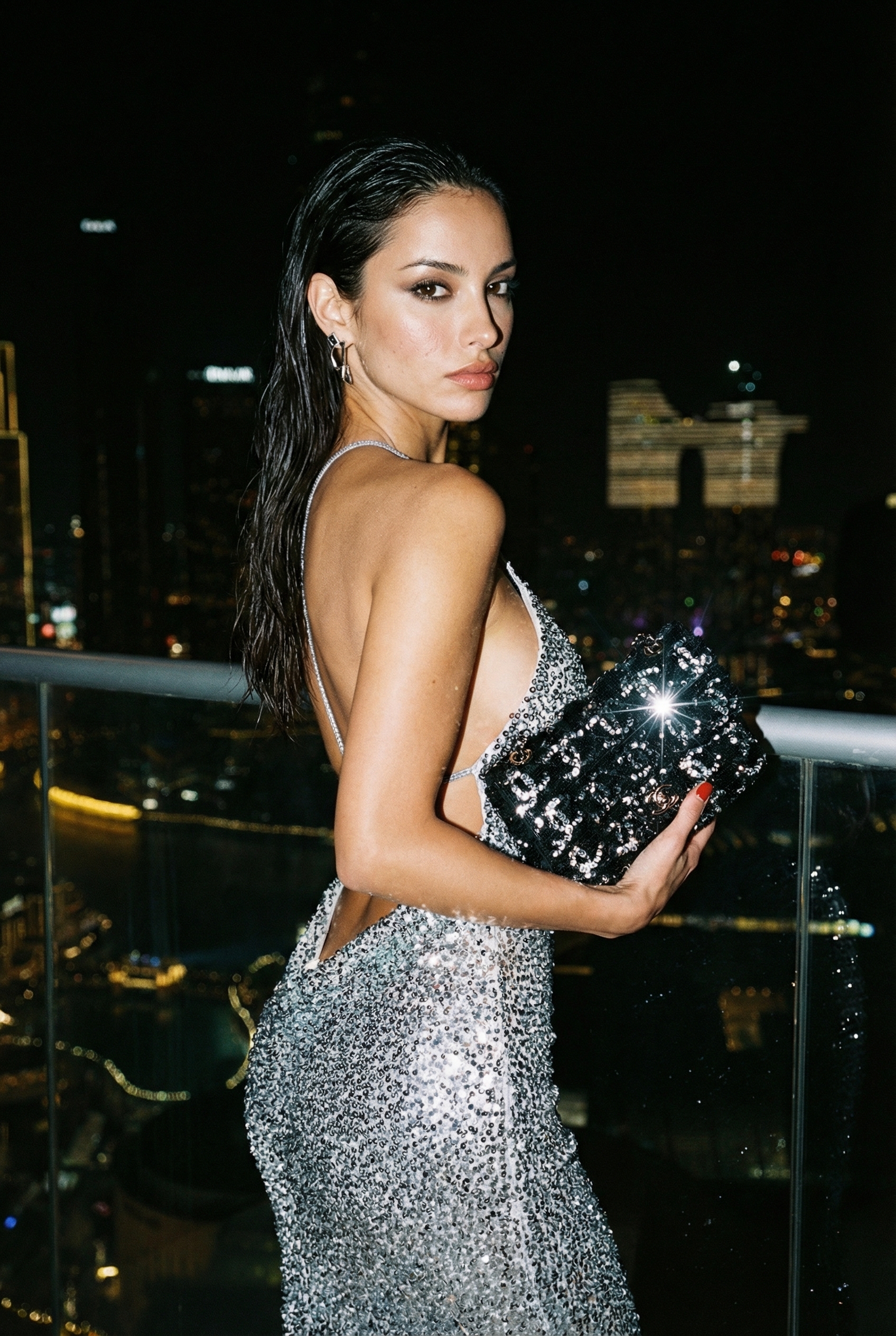
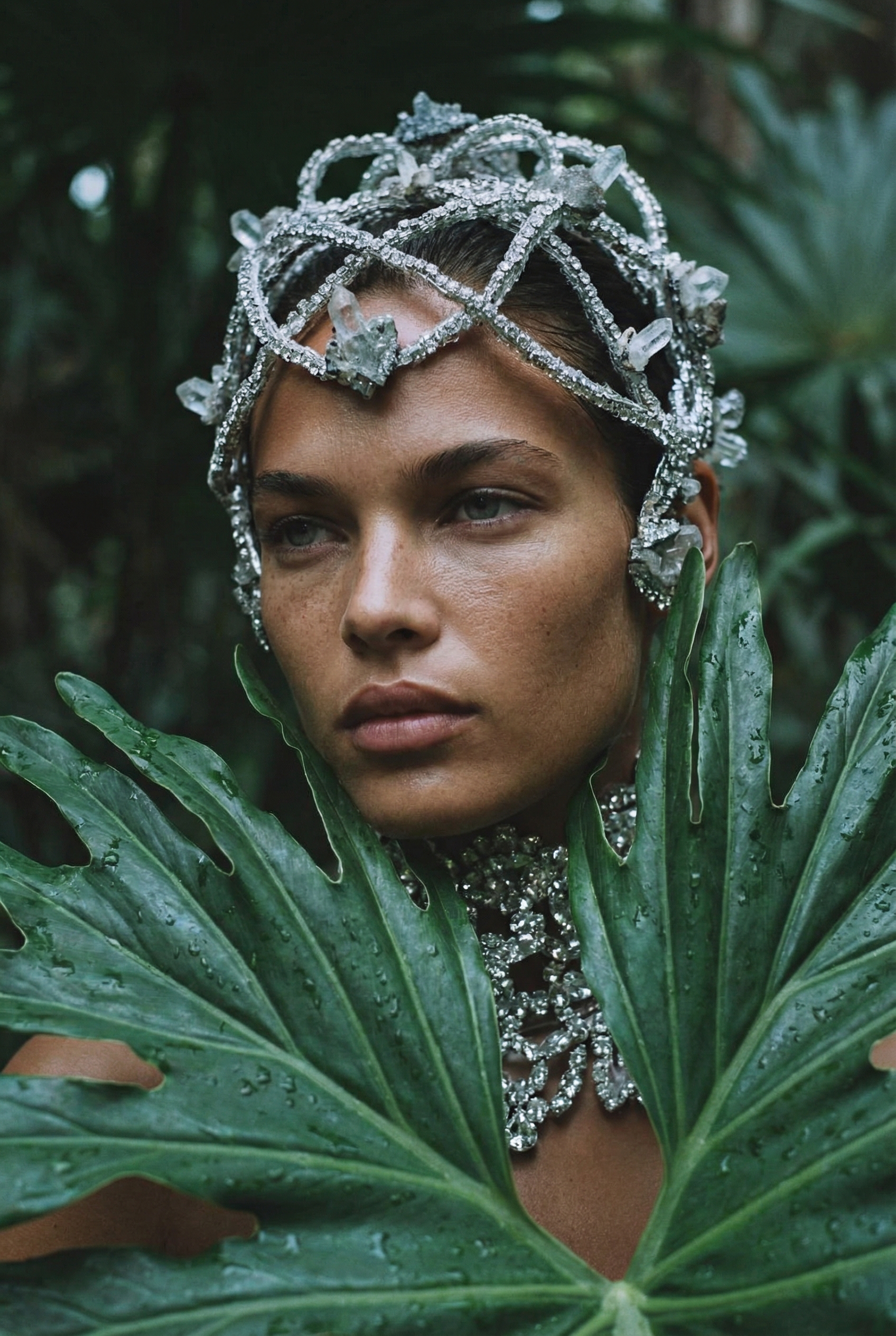
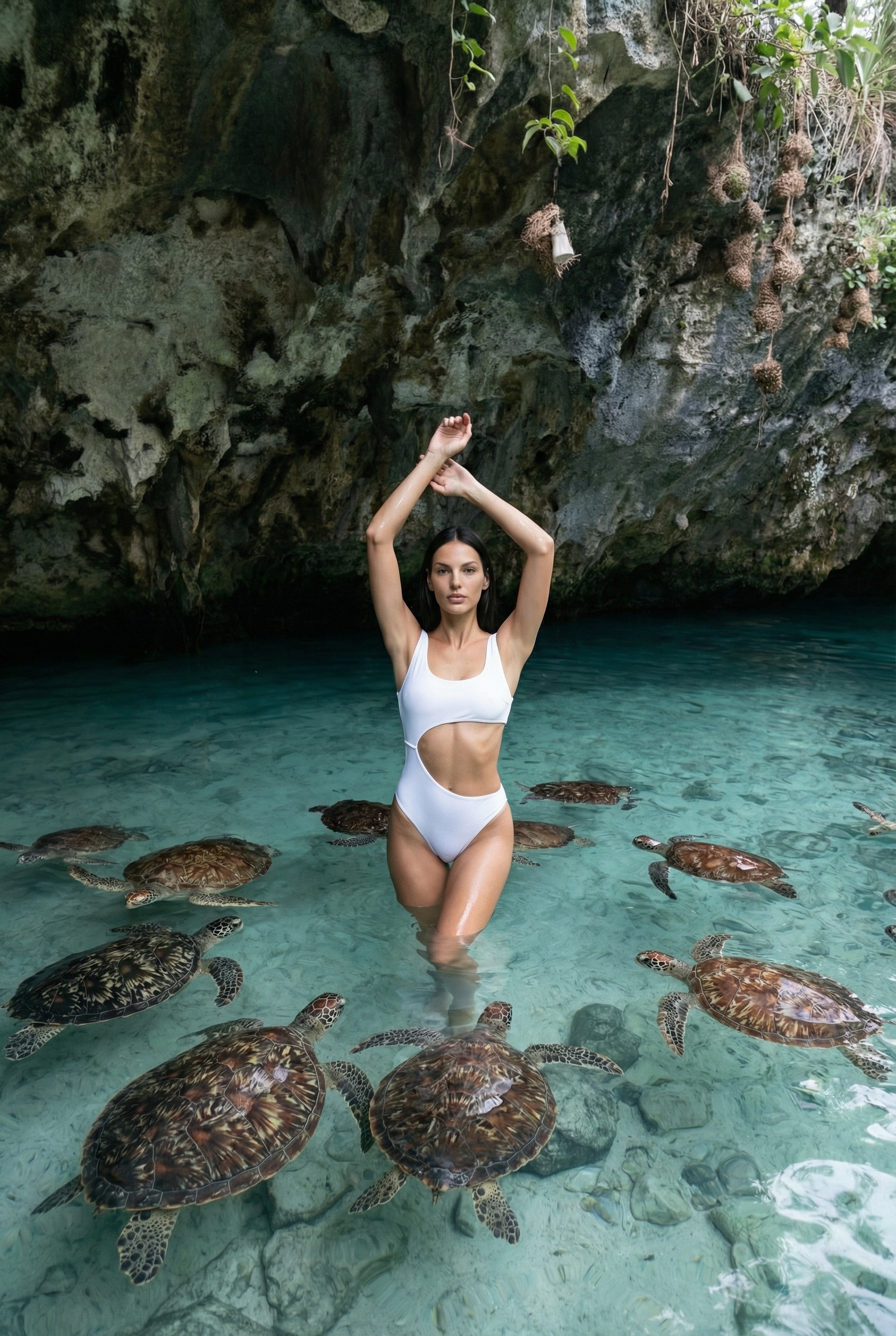
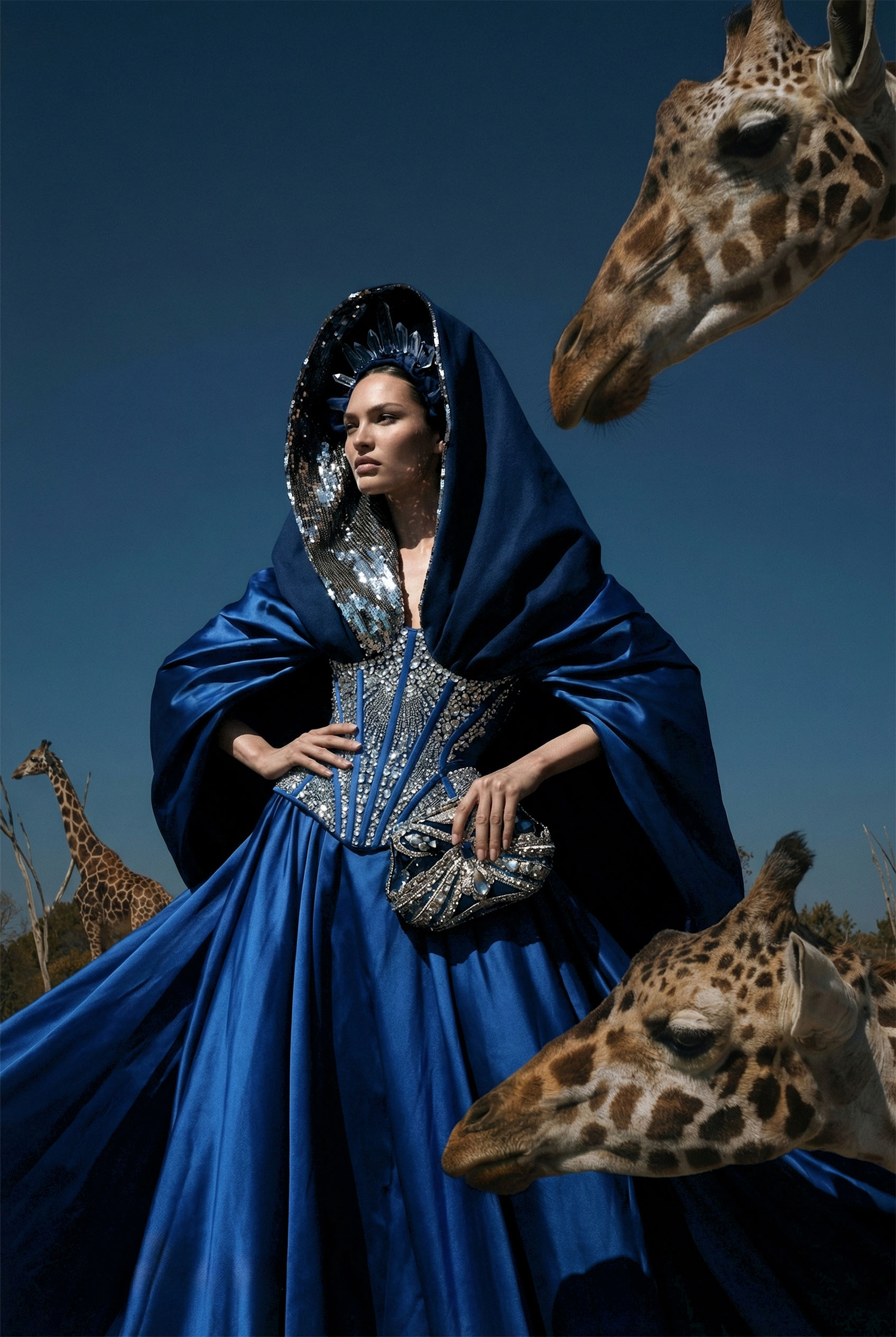
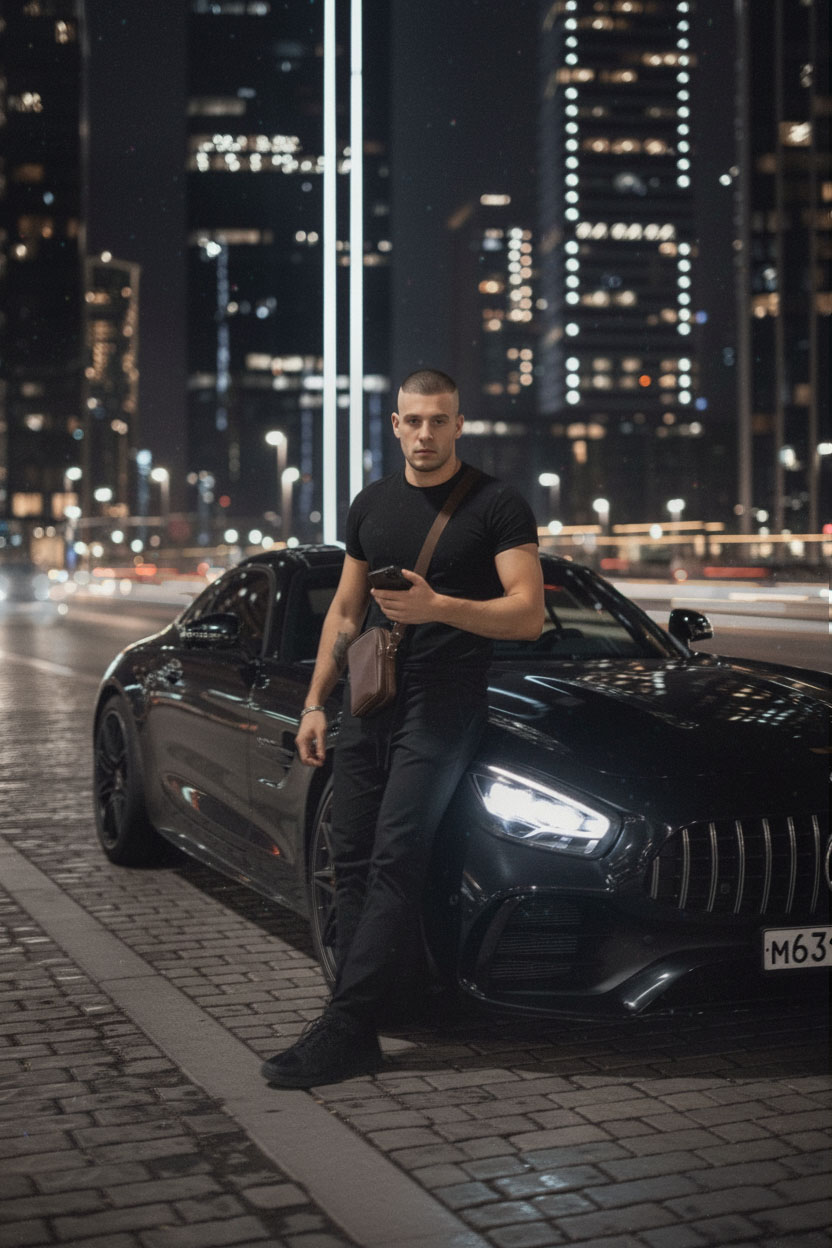
- 8 DIRECTION - Generation of premium neurophotosessions at the level of glossy magazine covers
Updated algorithm [06/12/2026] for creating premium images with
a high level of detail and visual effect
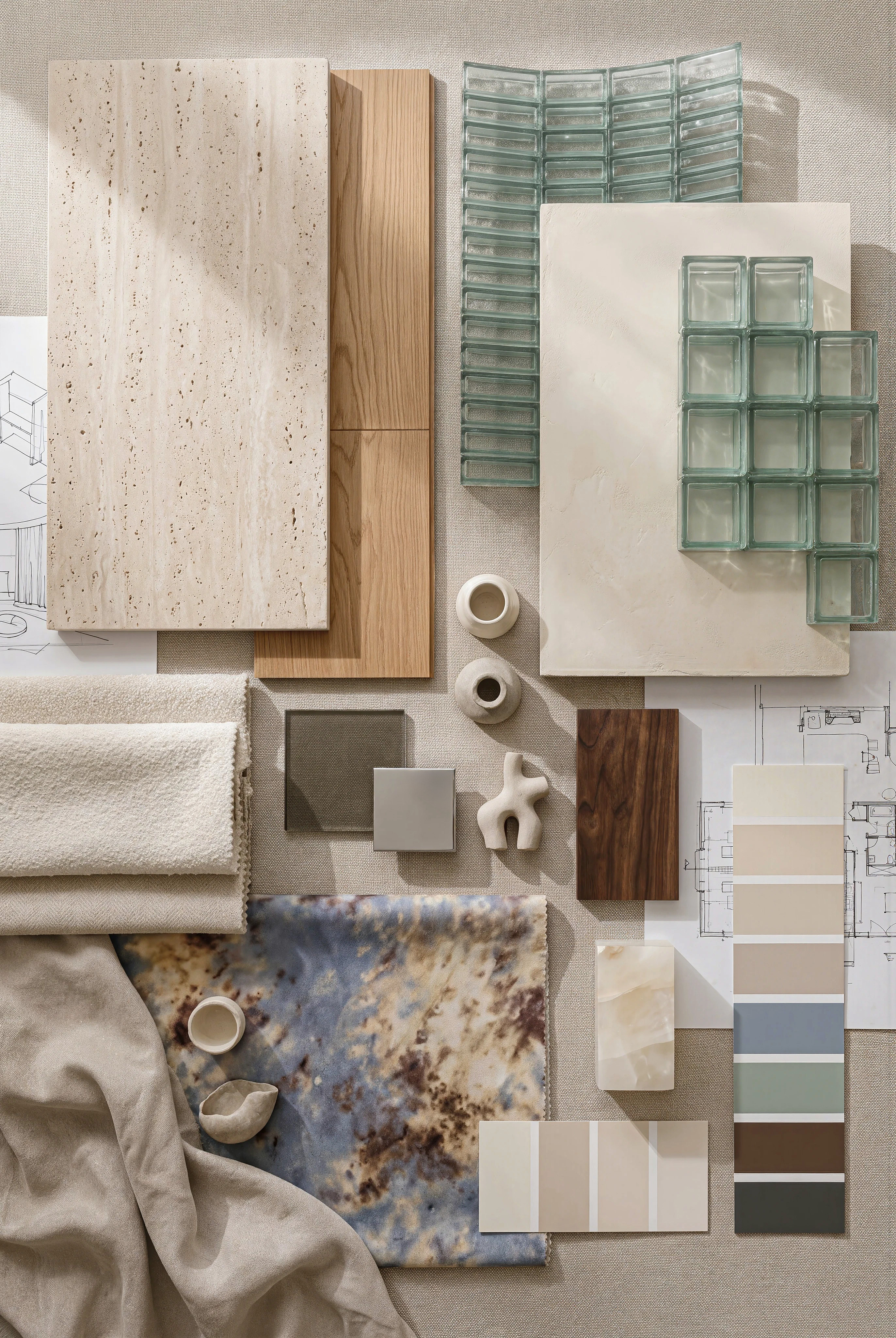
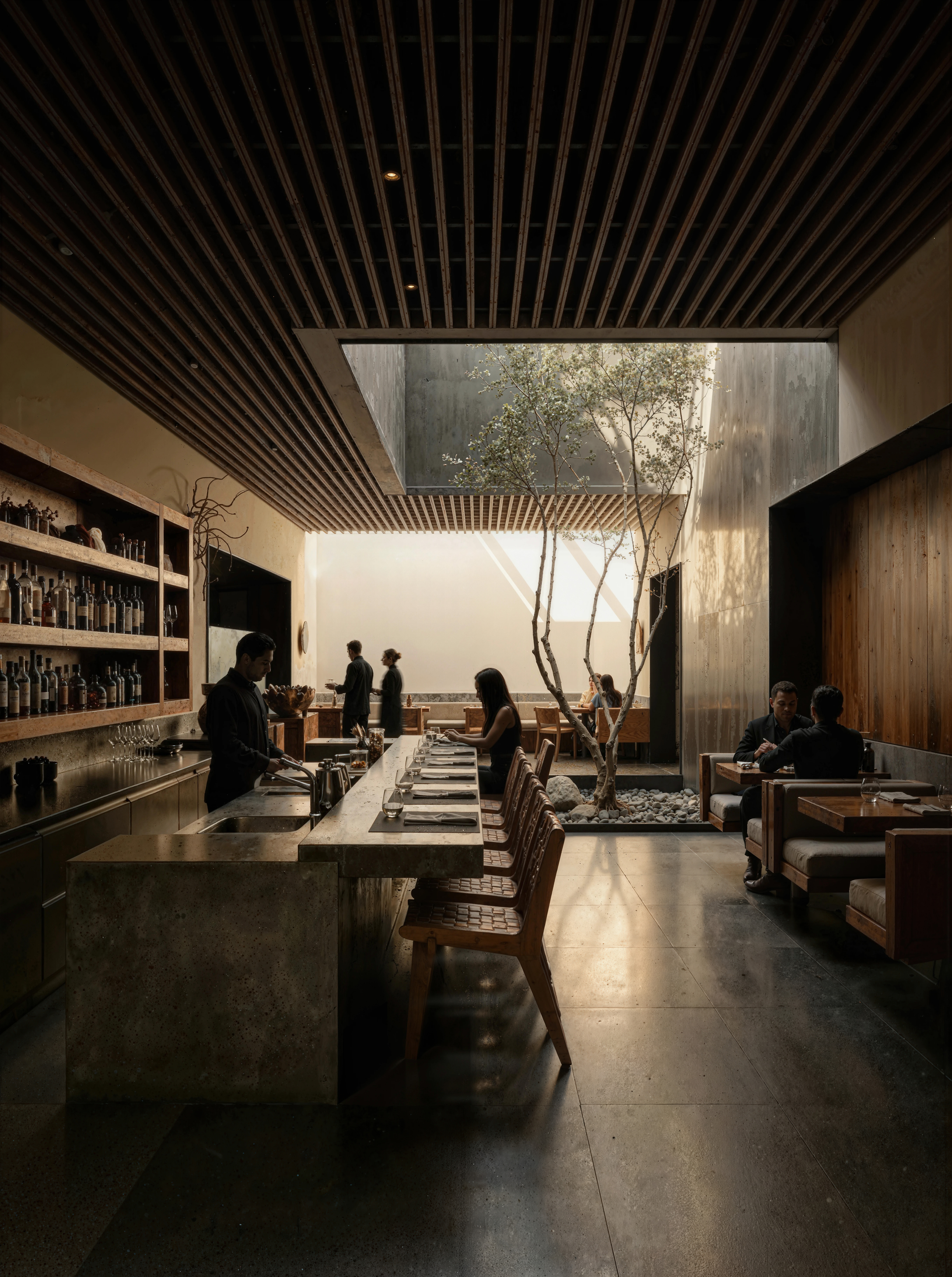
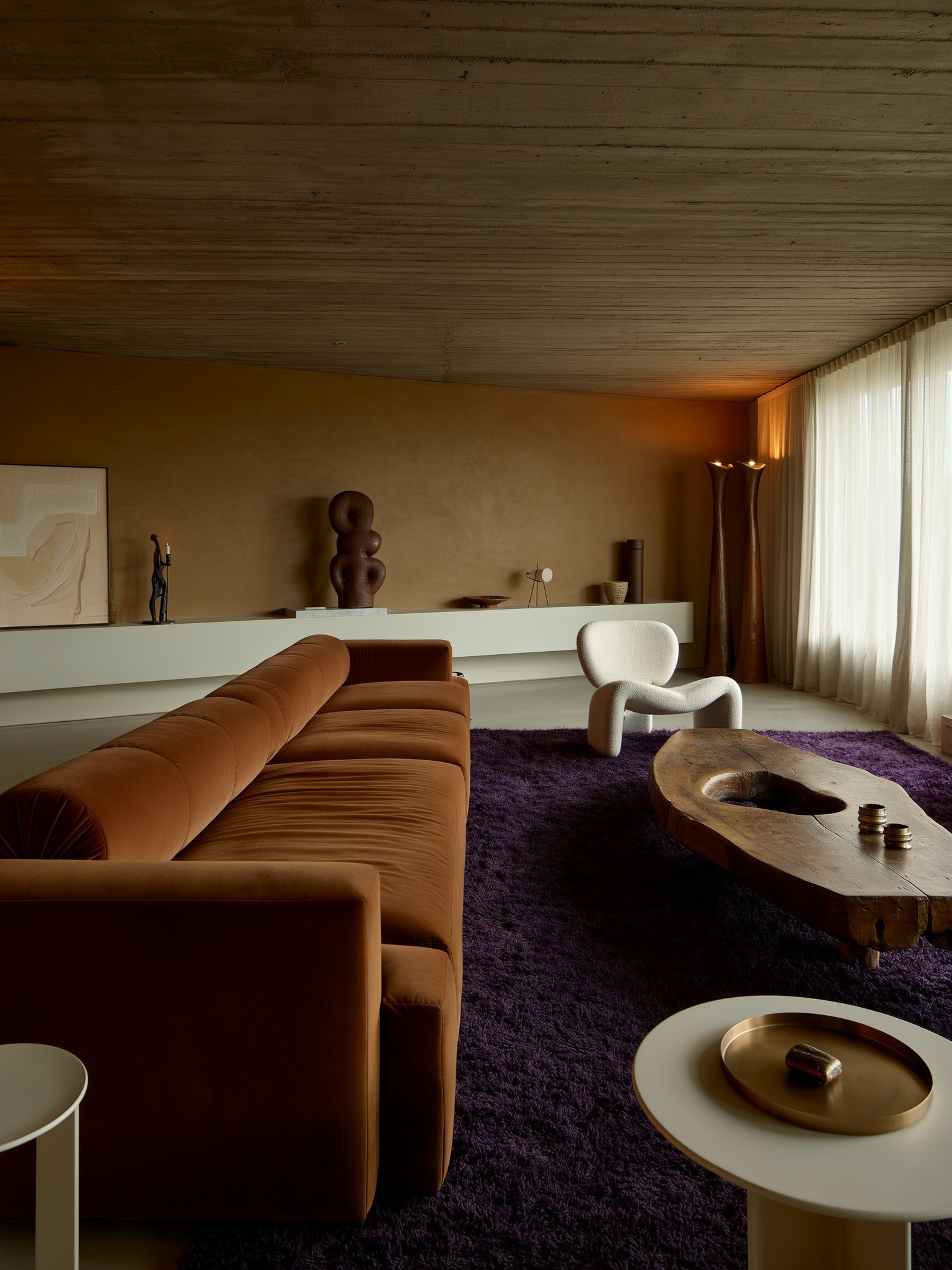
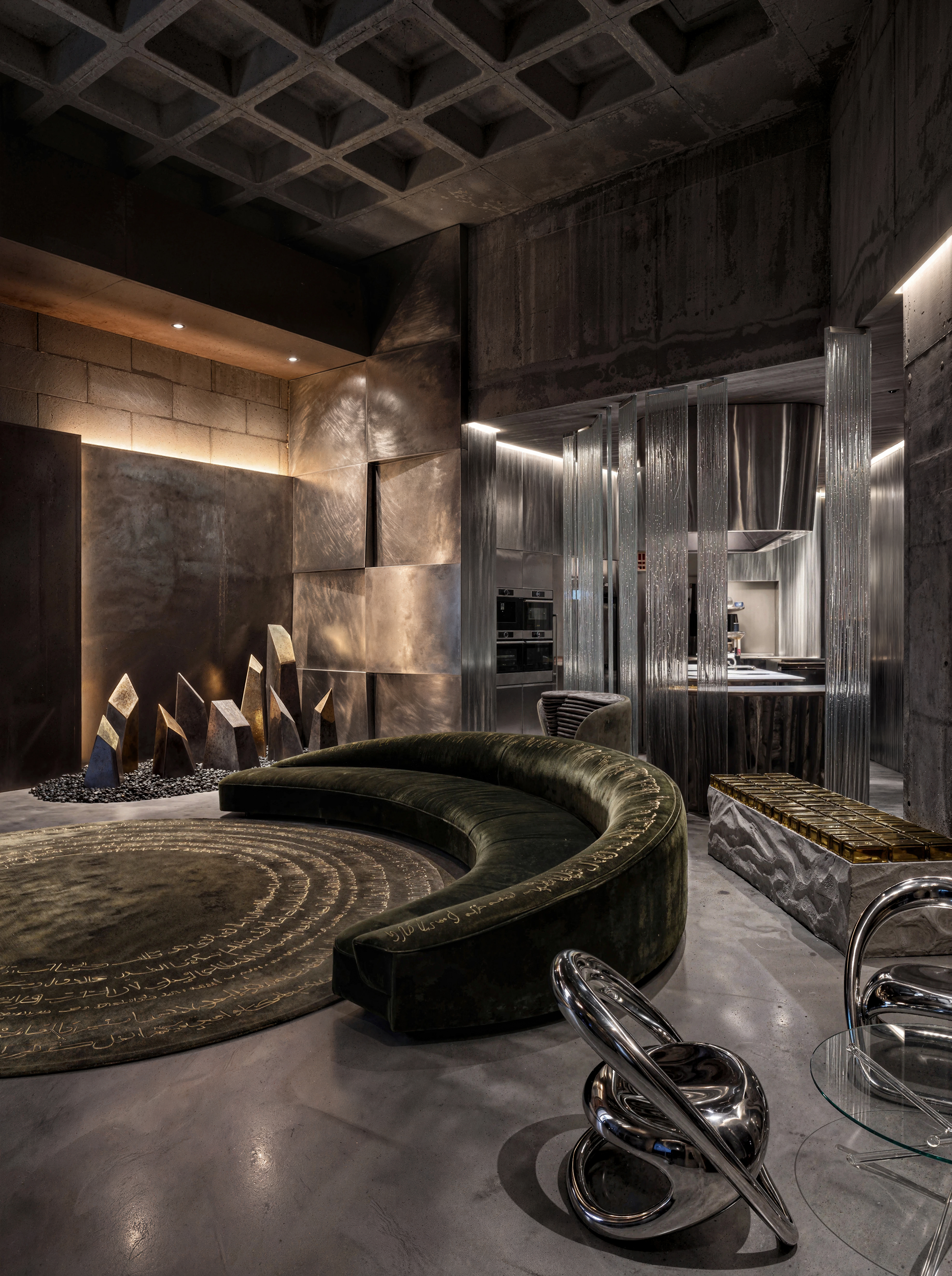
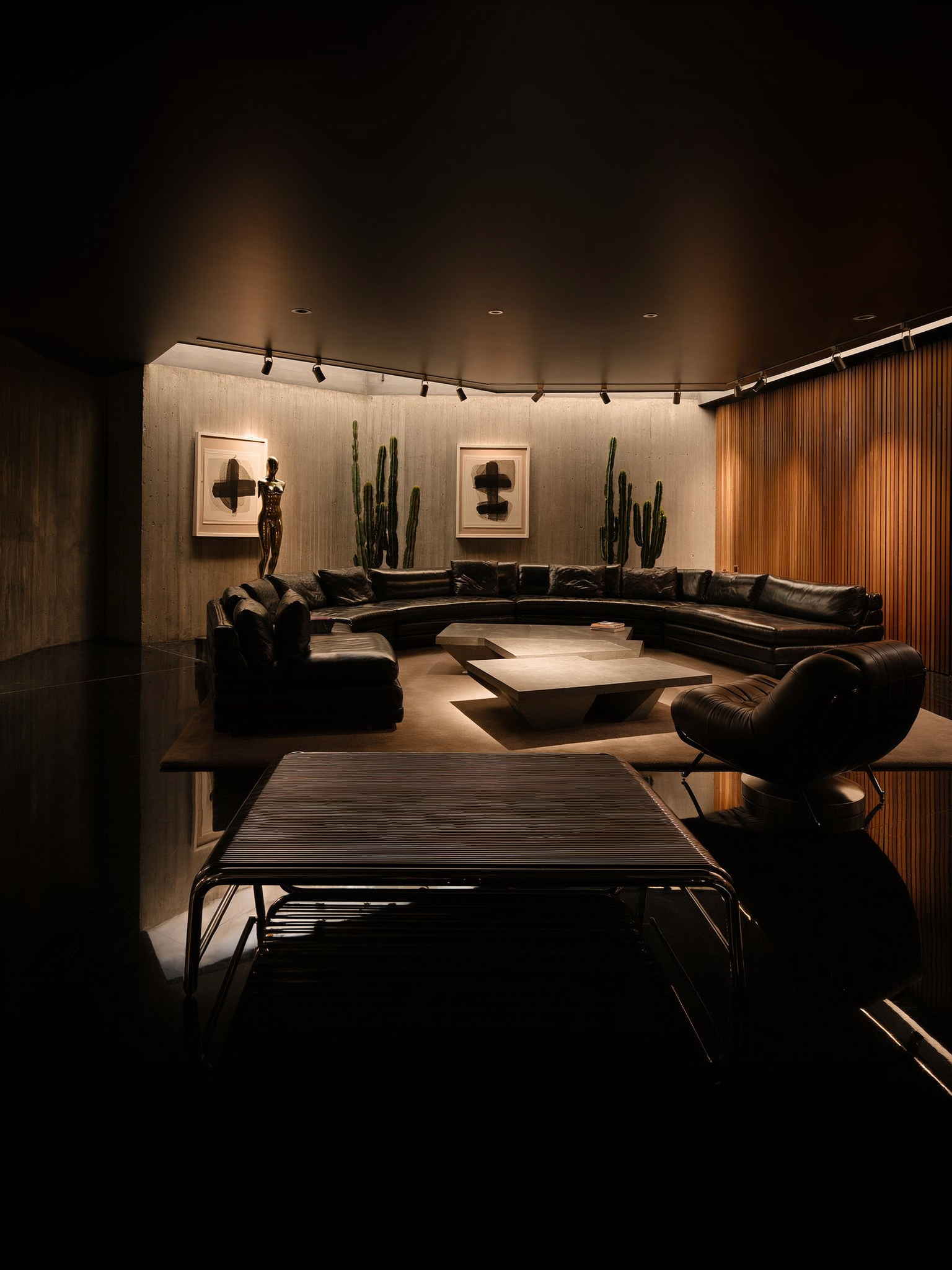
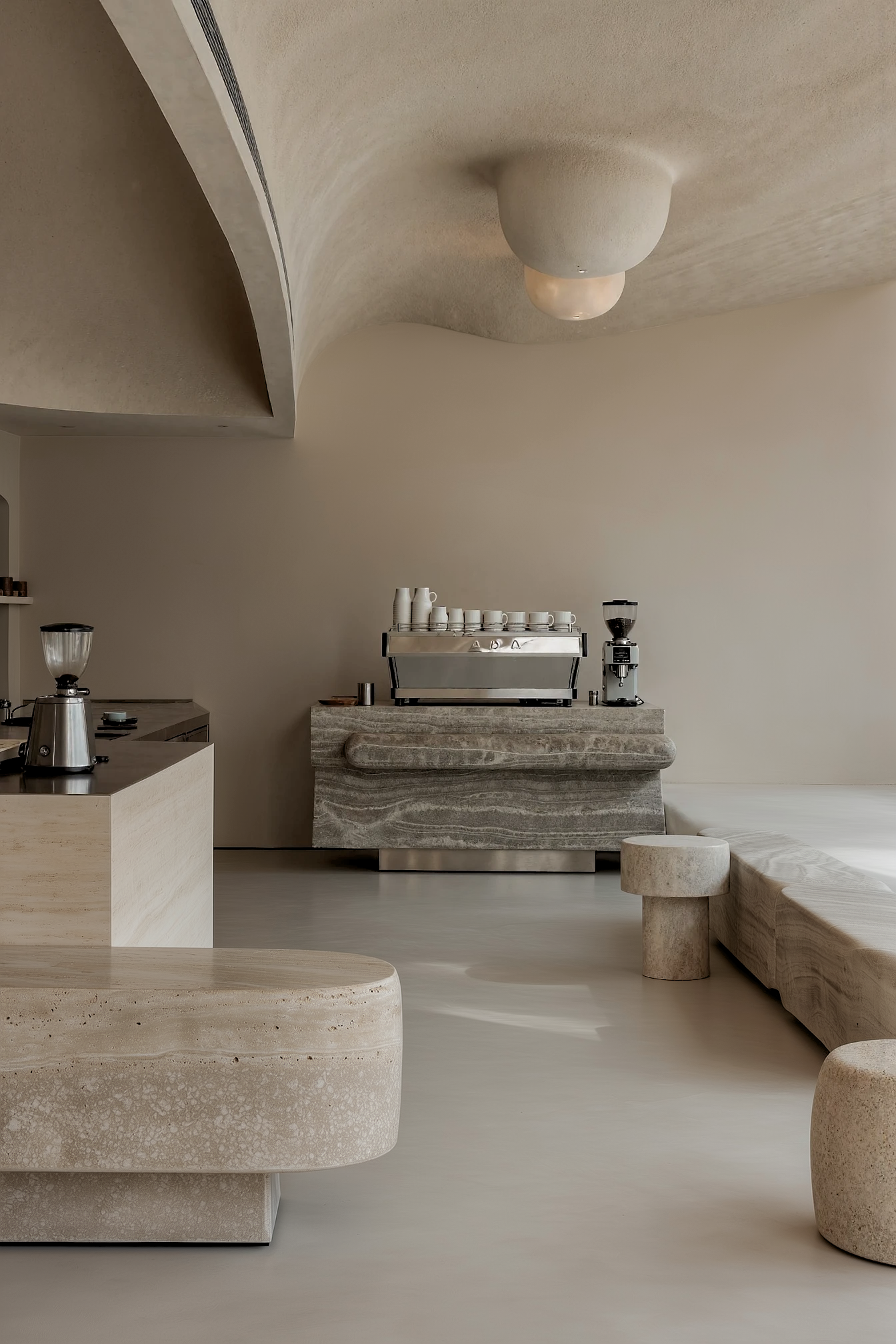
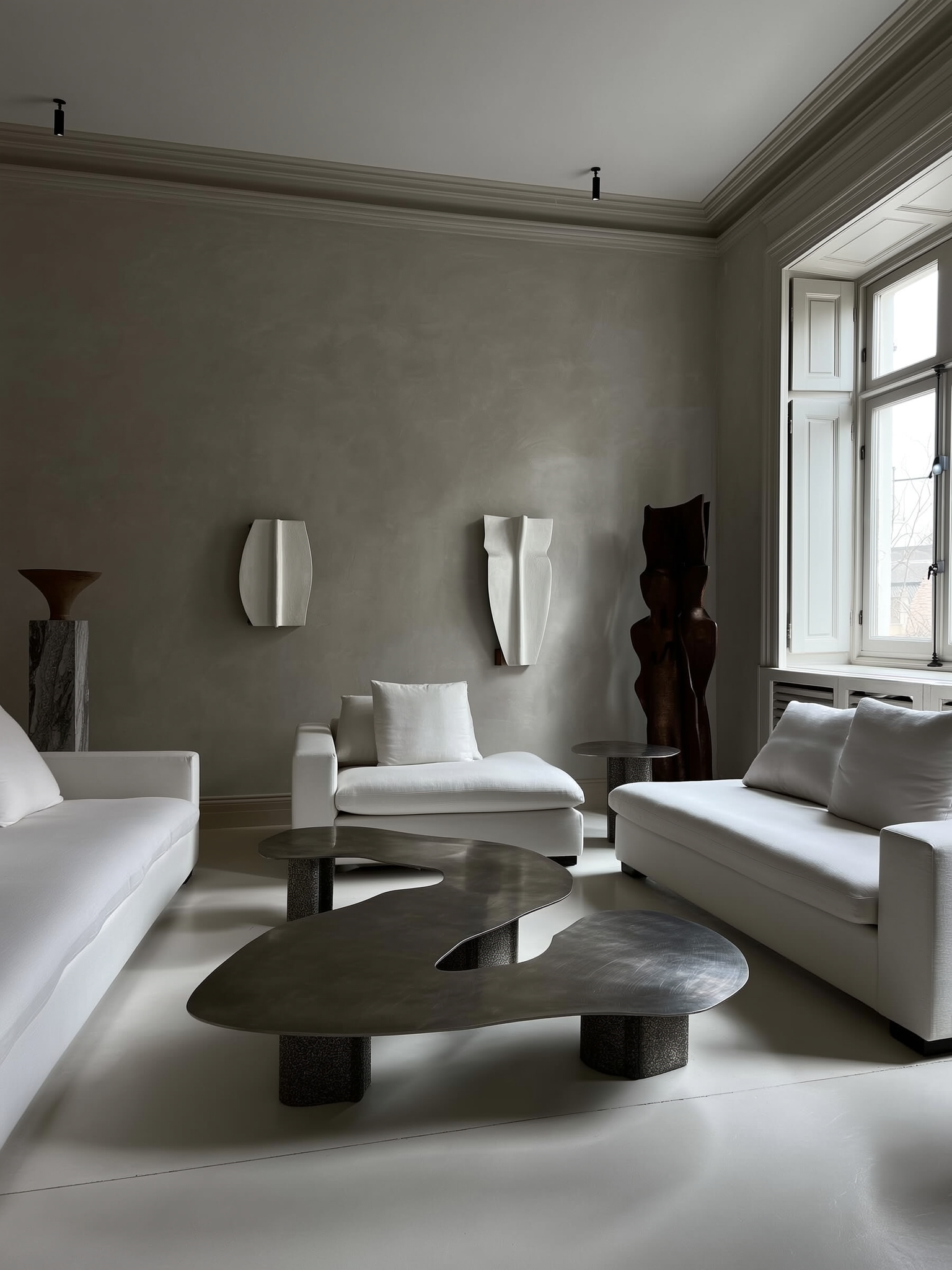
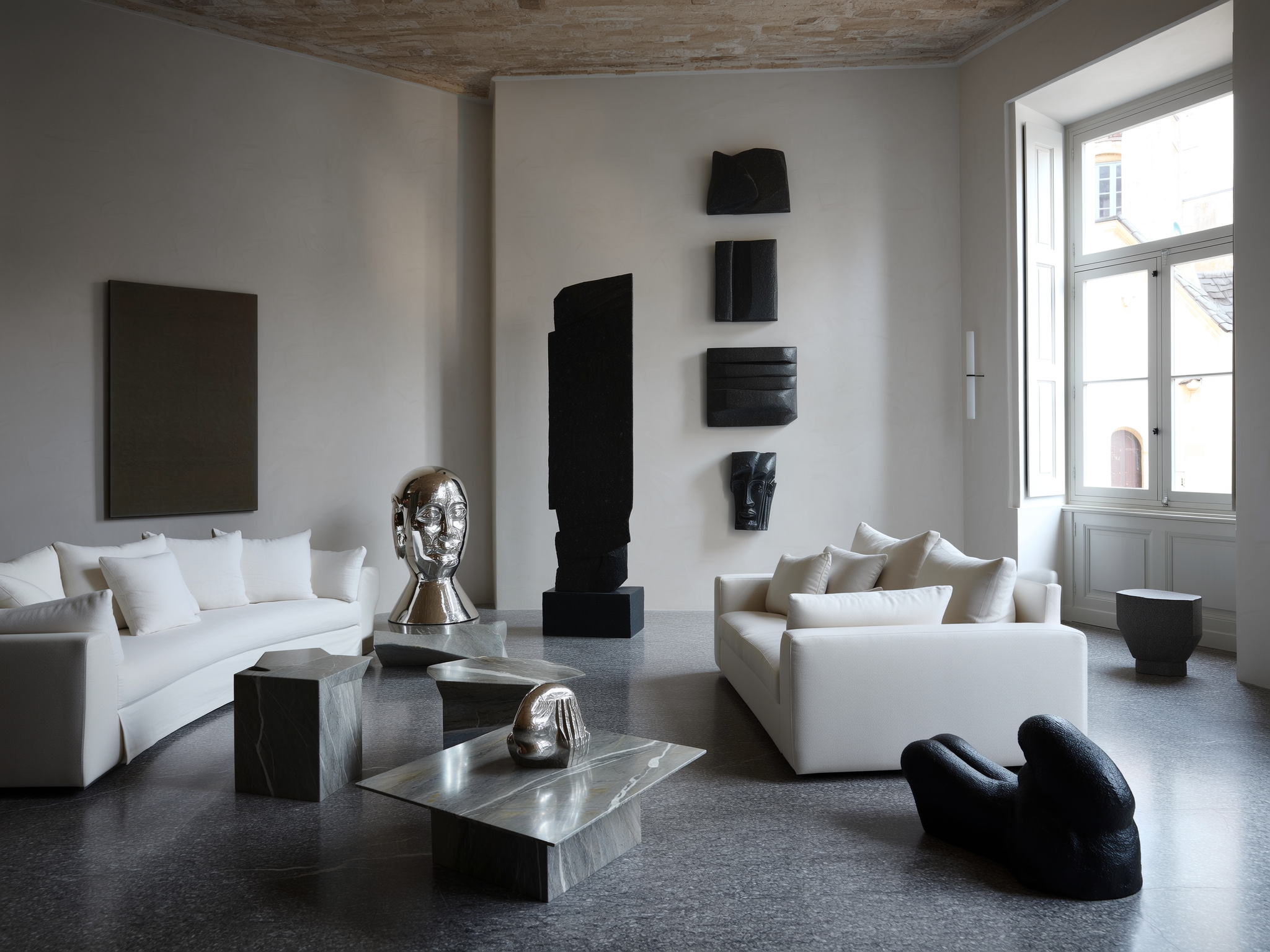
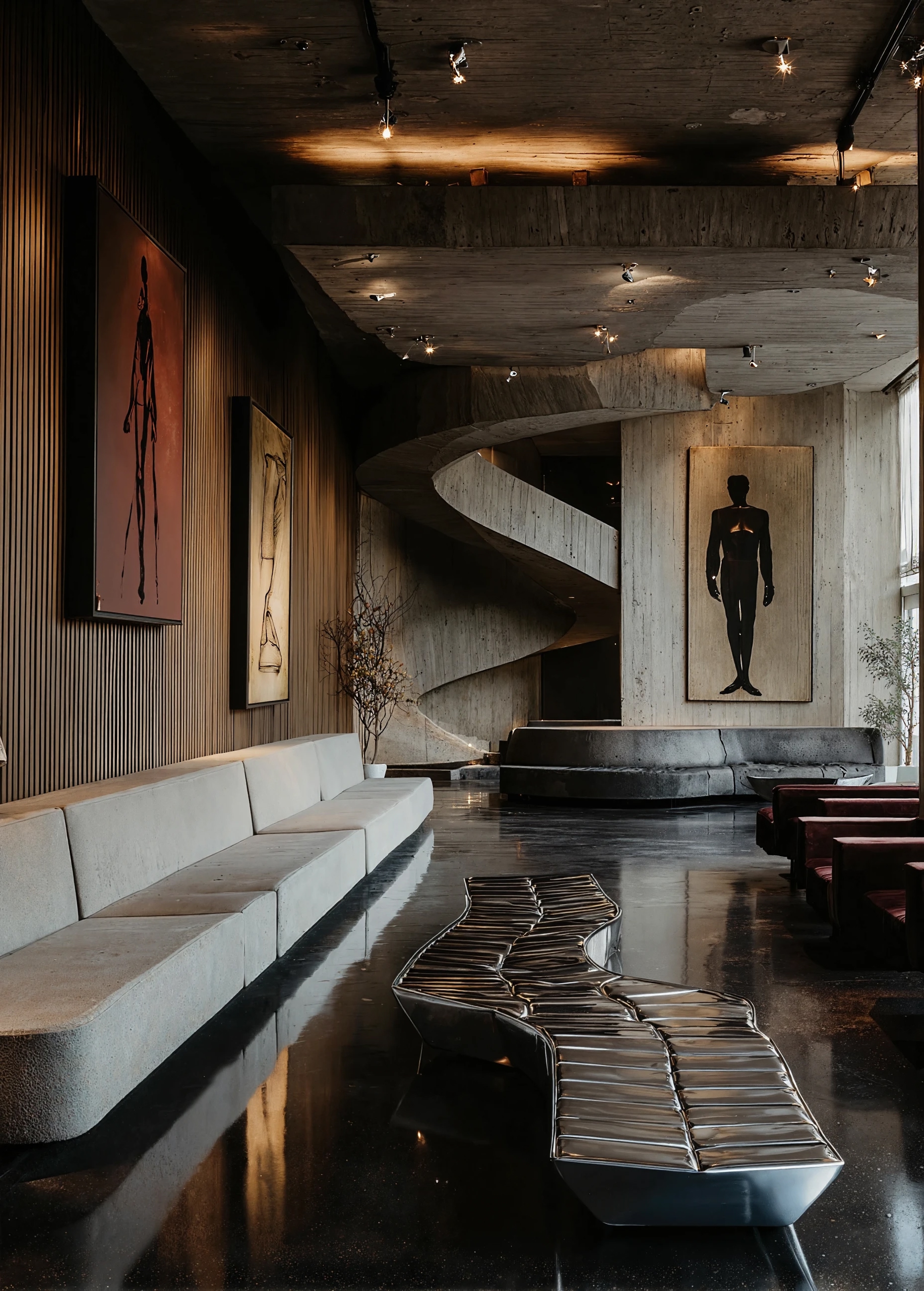
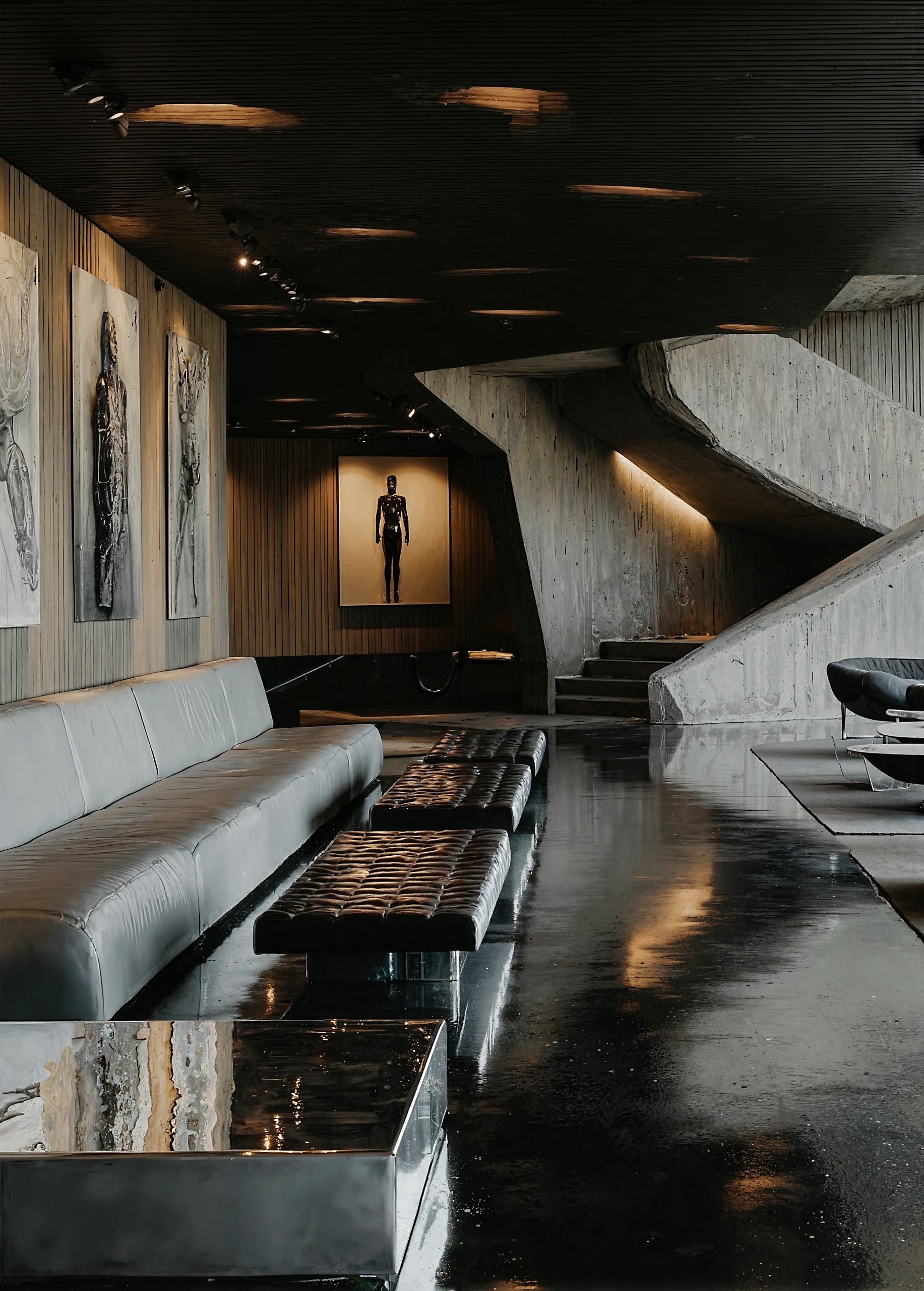
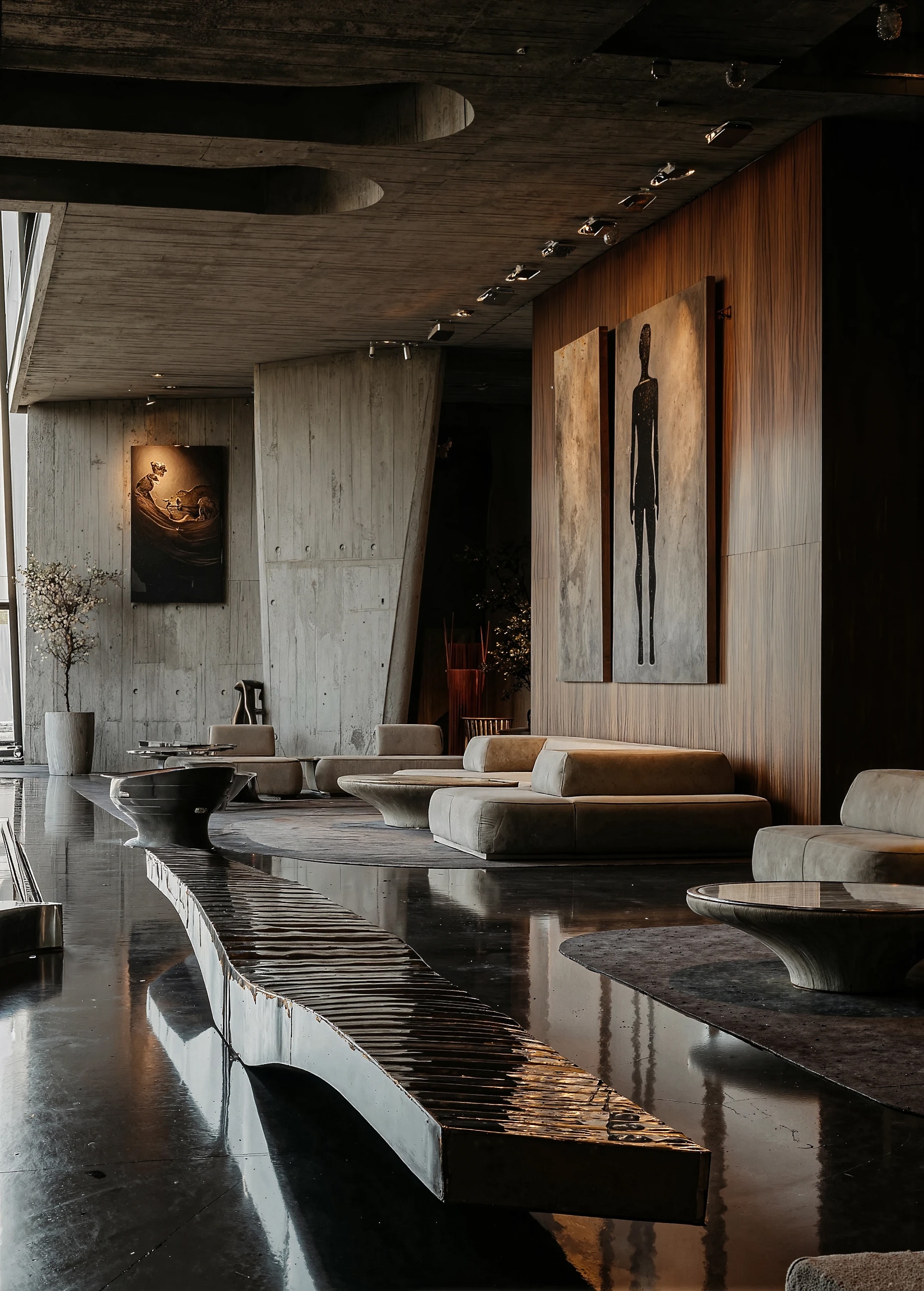
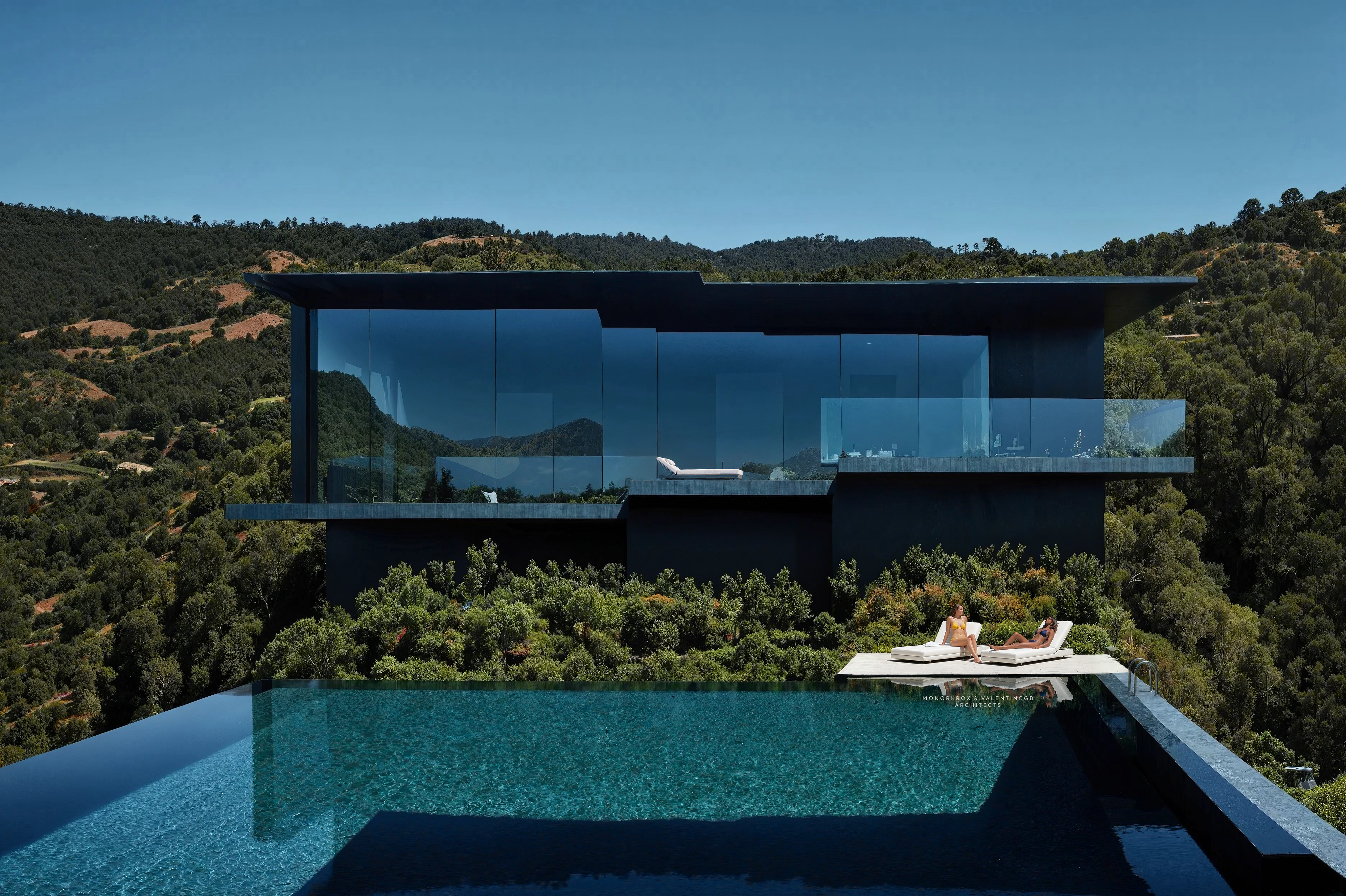
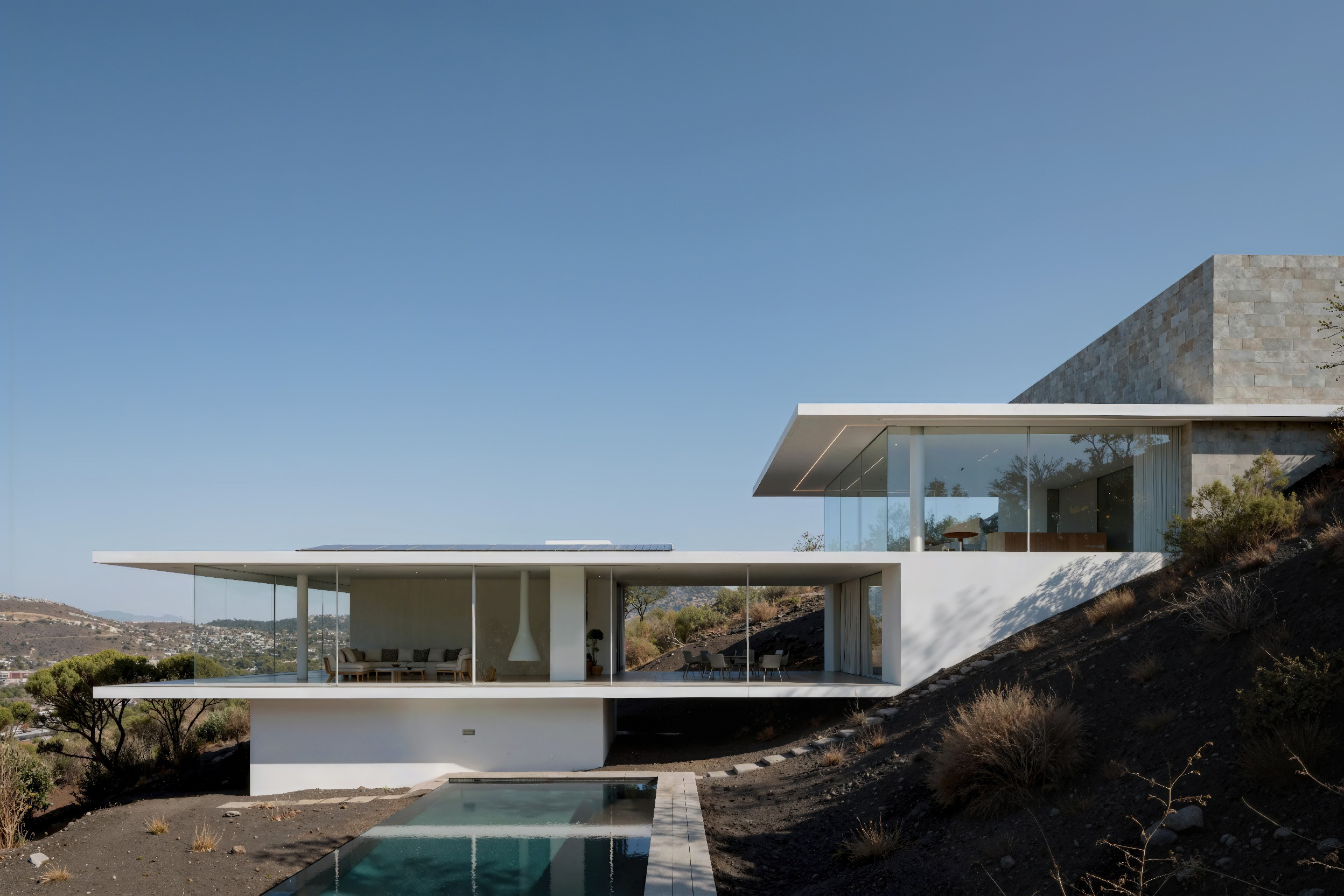
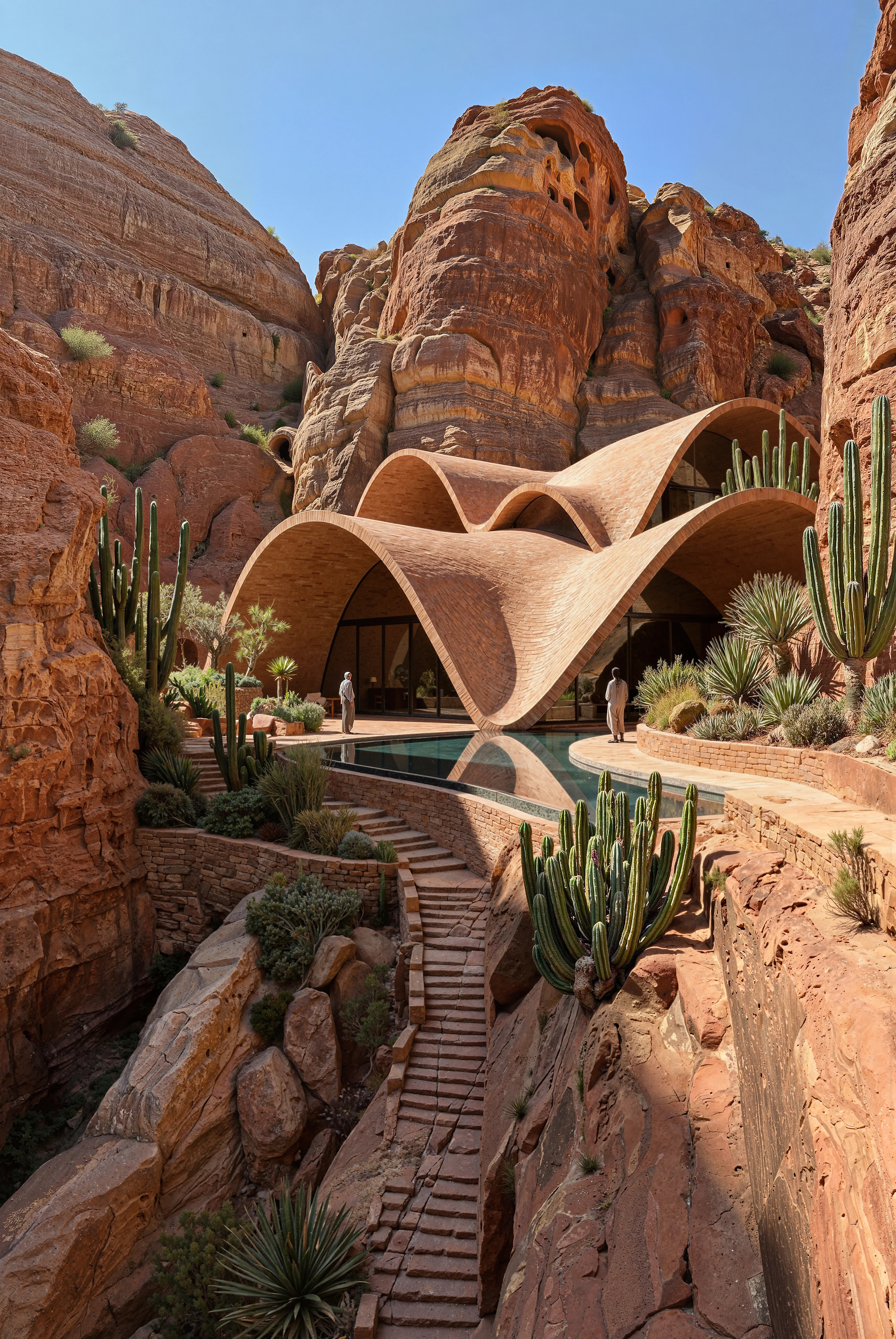
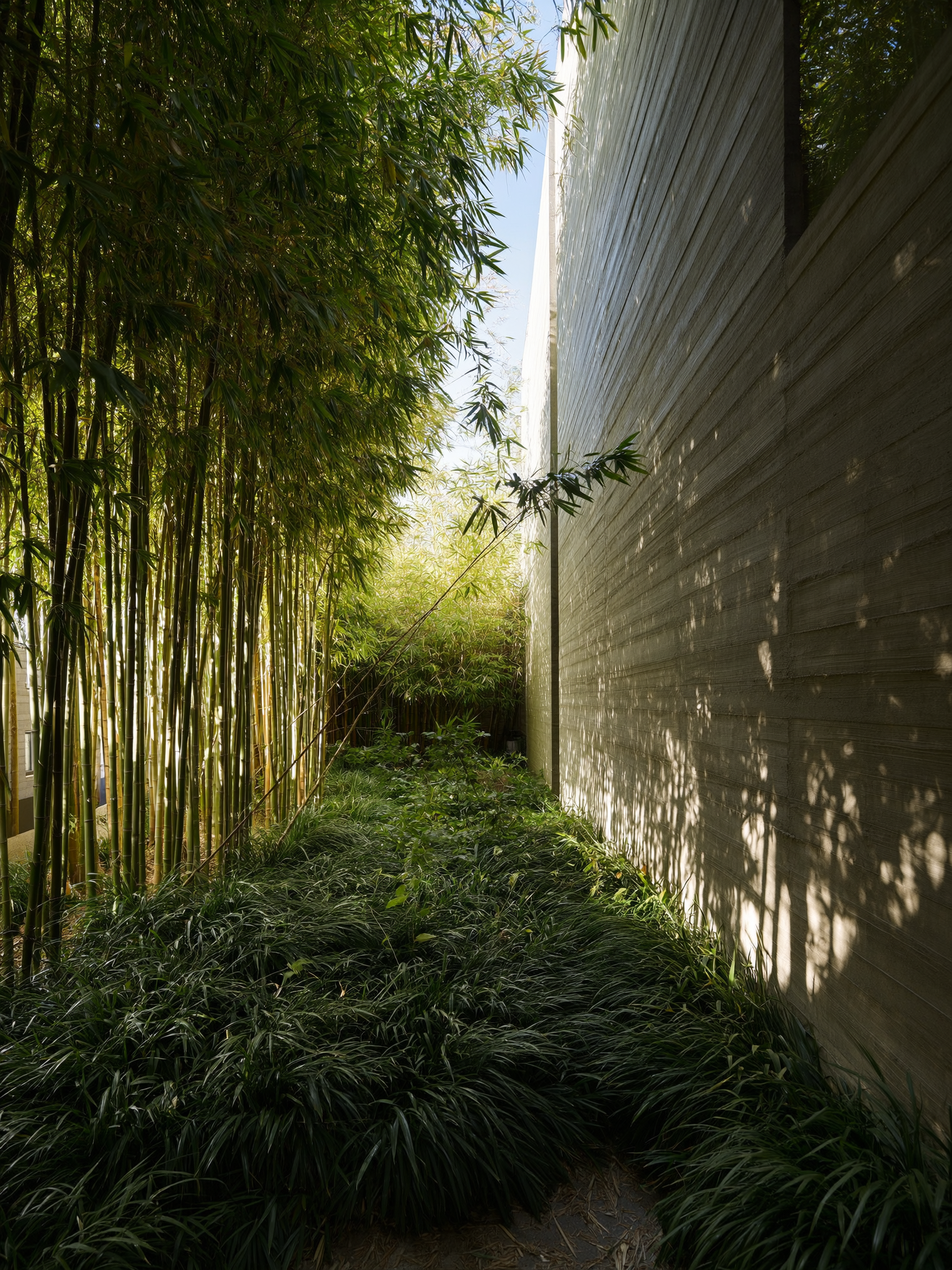
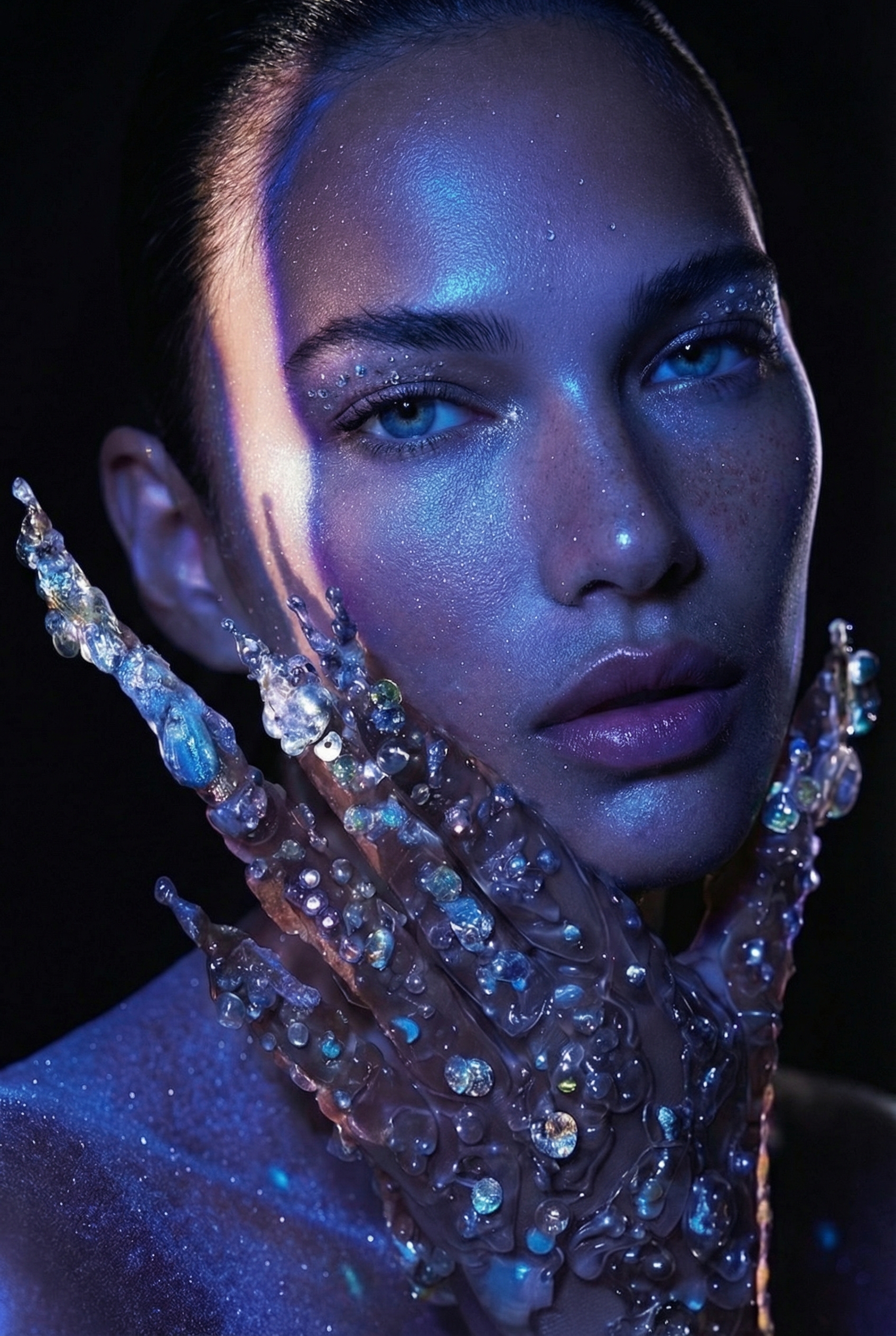
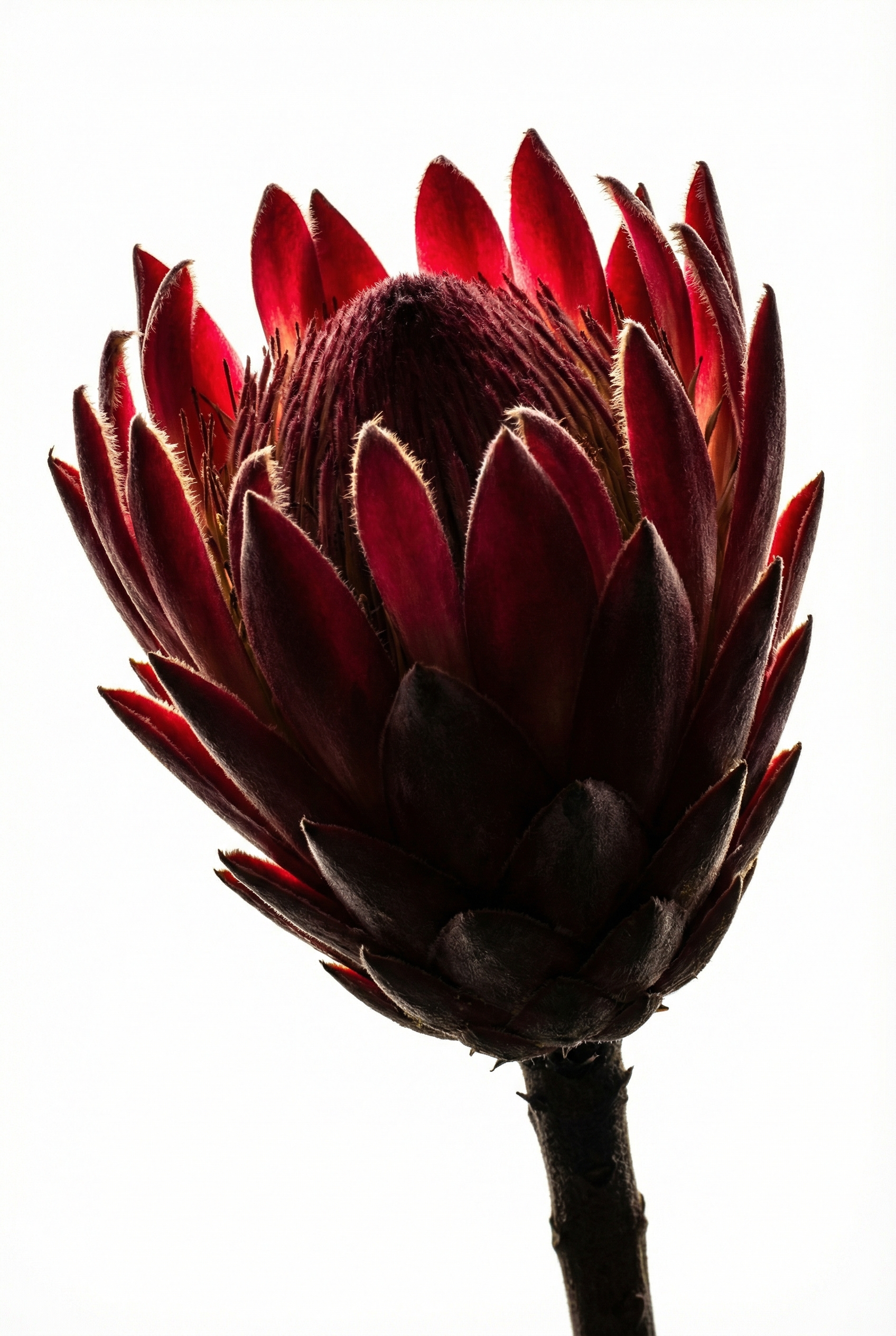
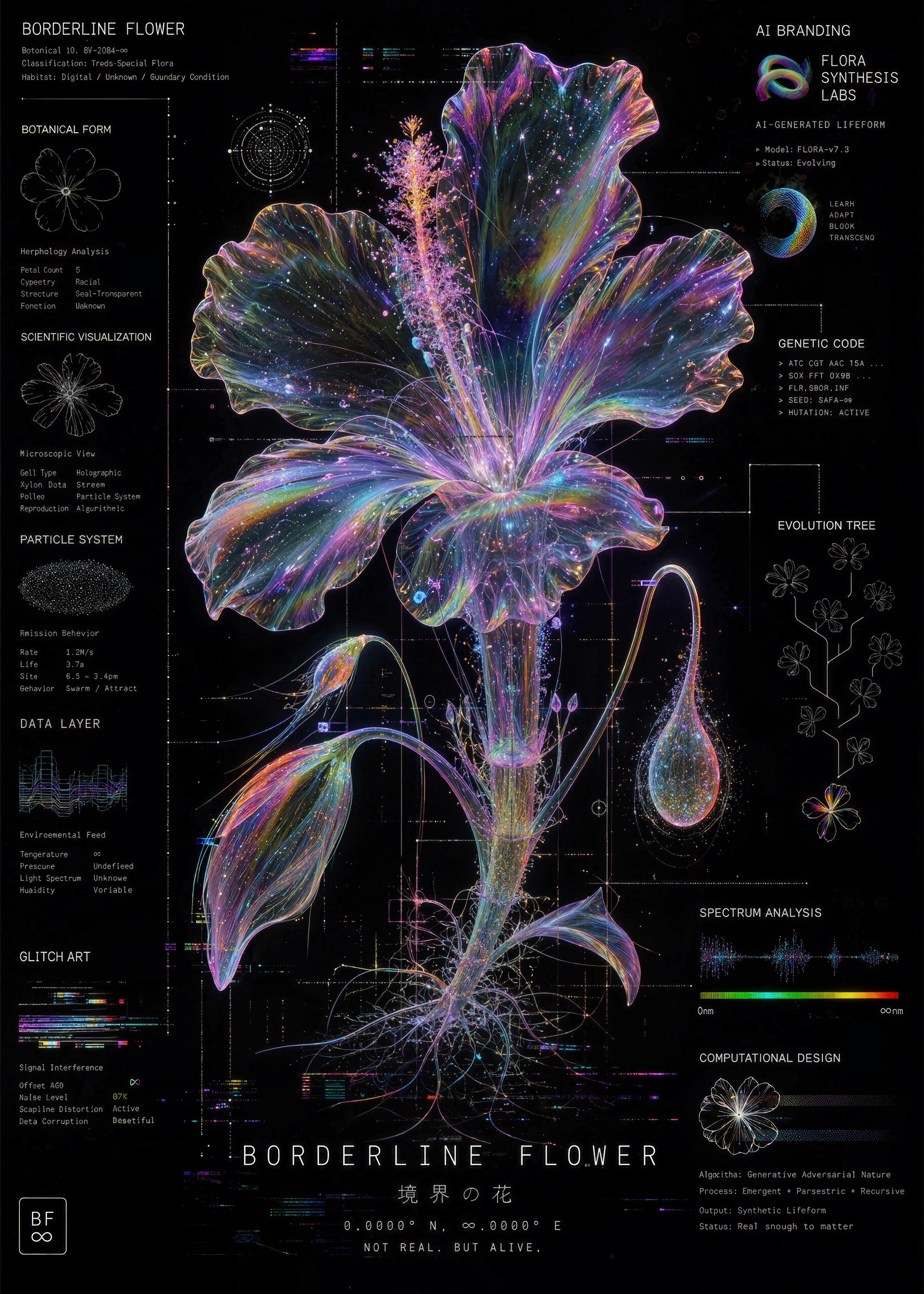
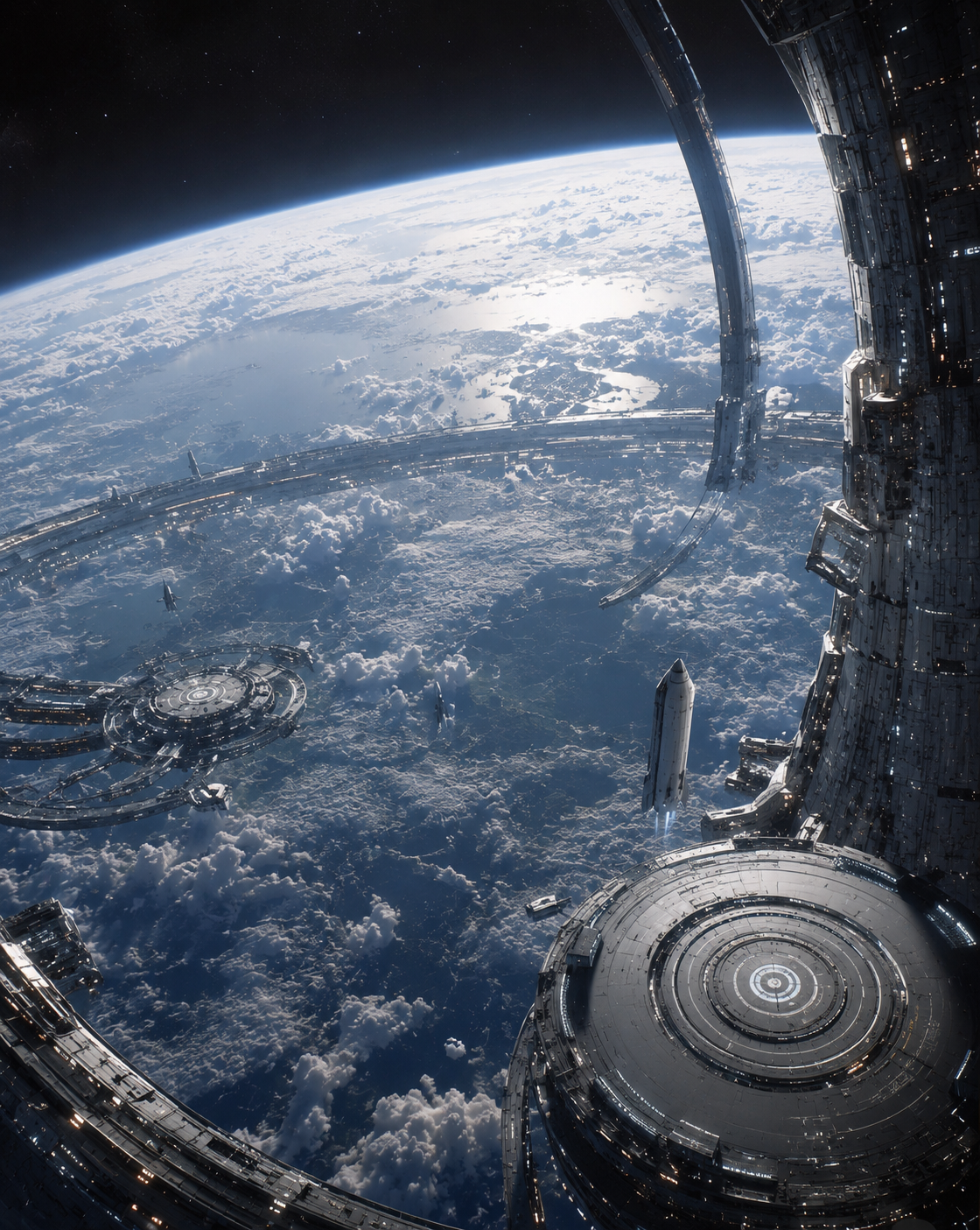
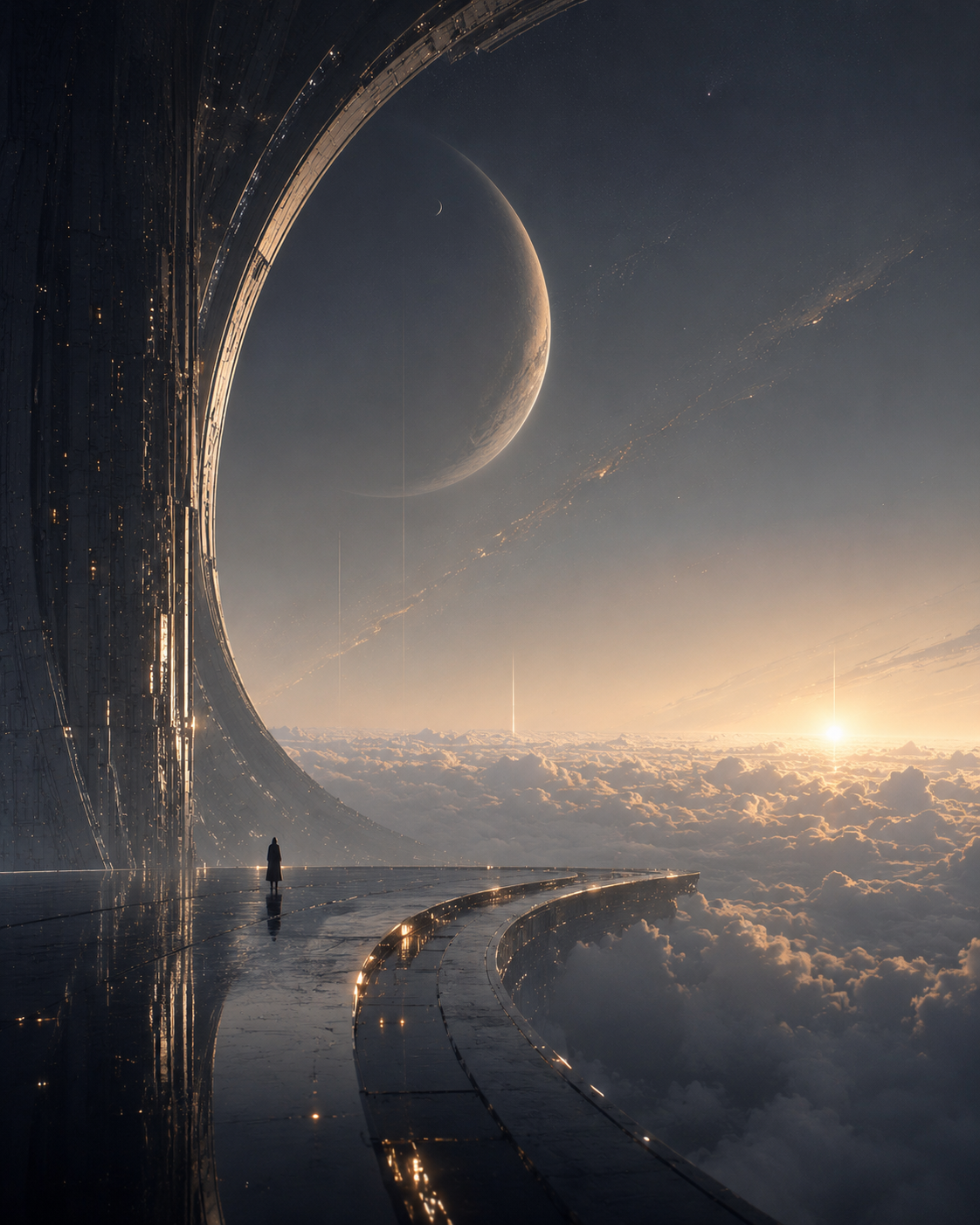
EXAMPLES
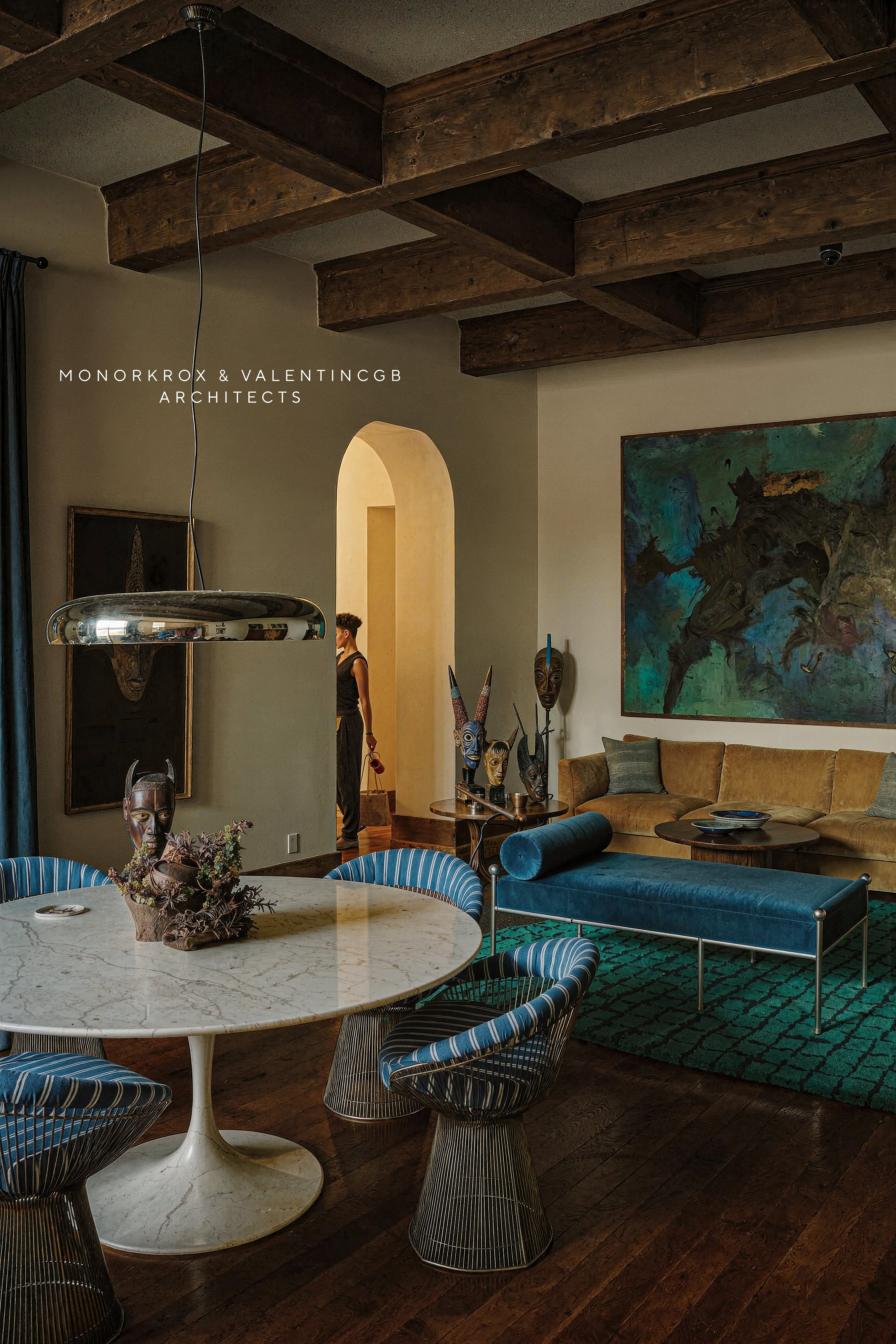
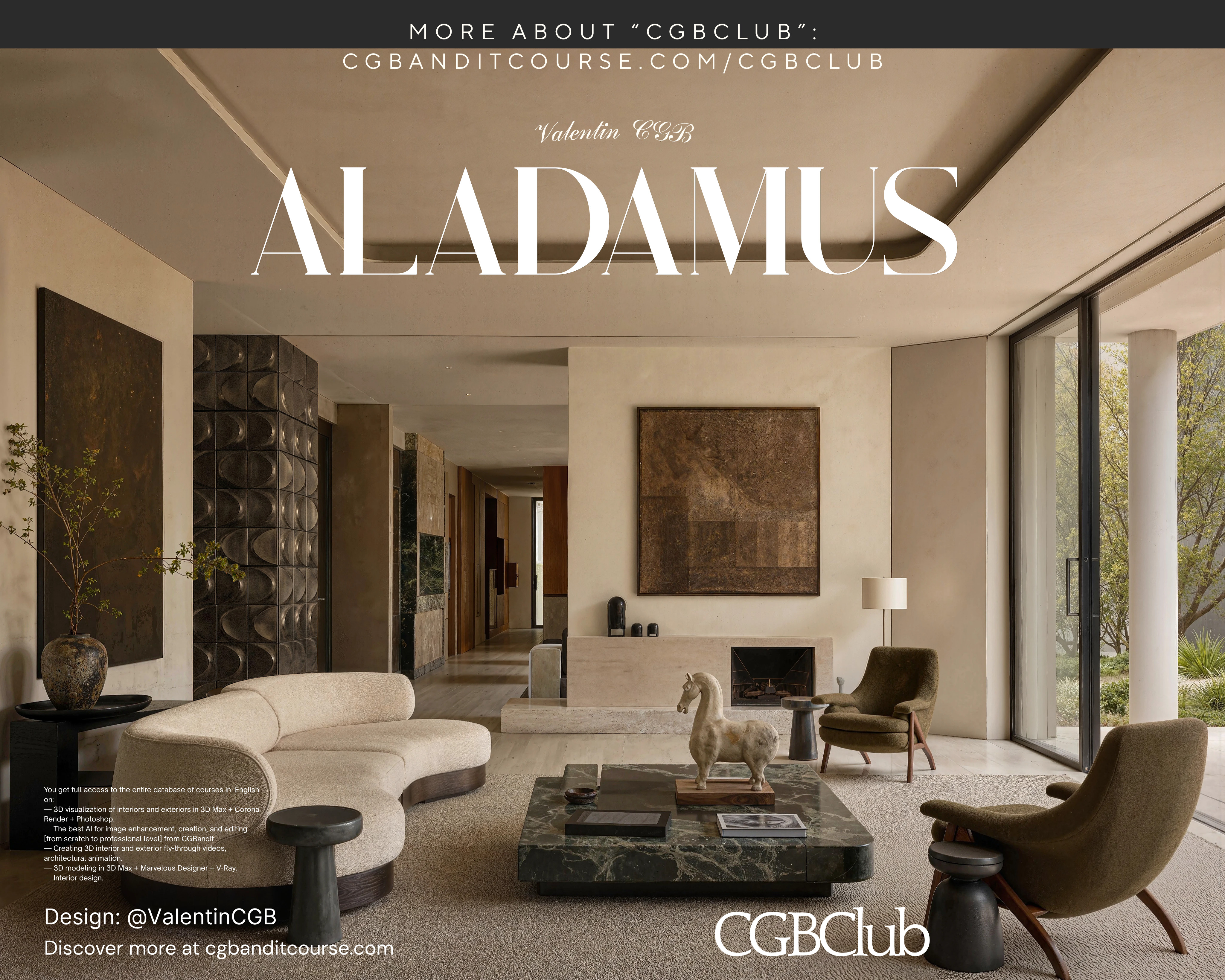
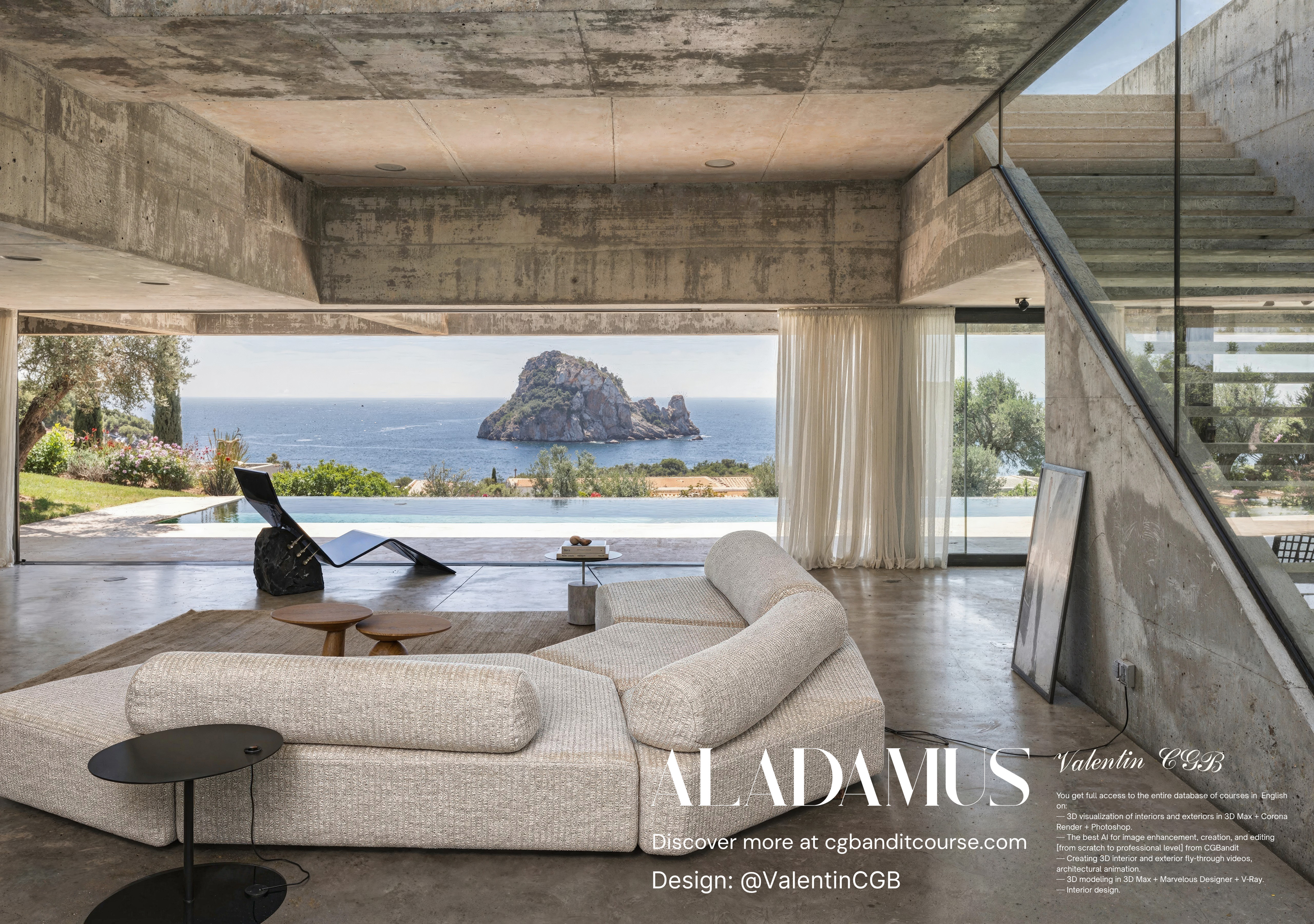
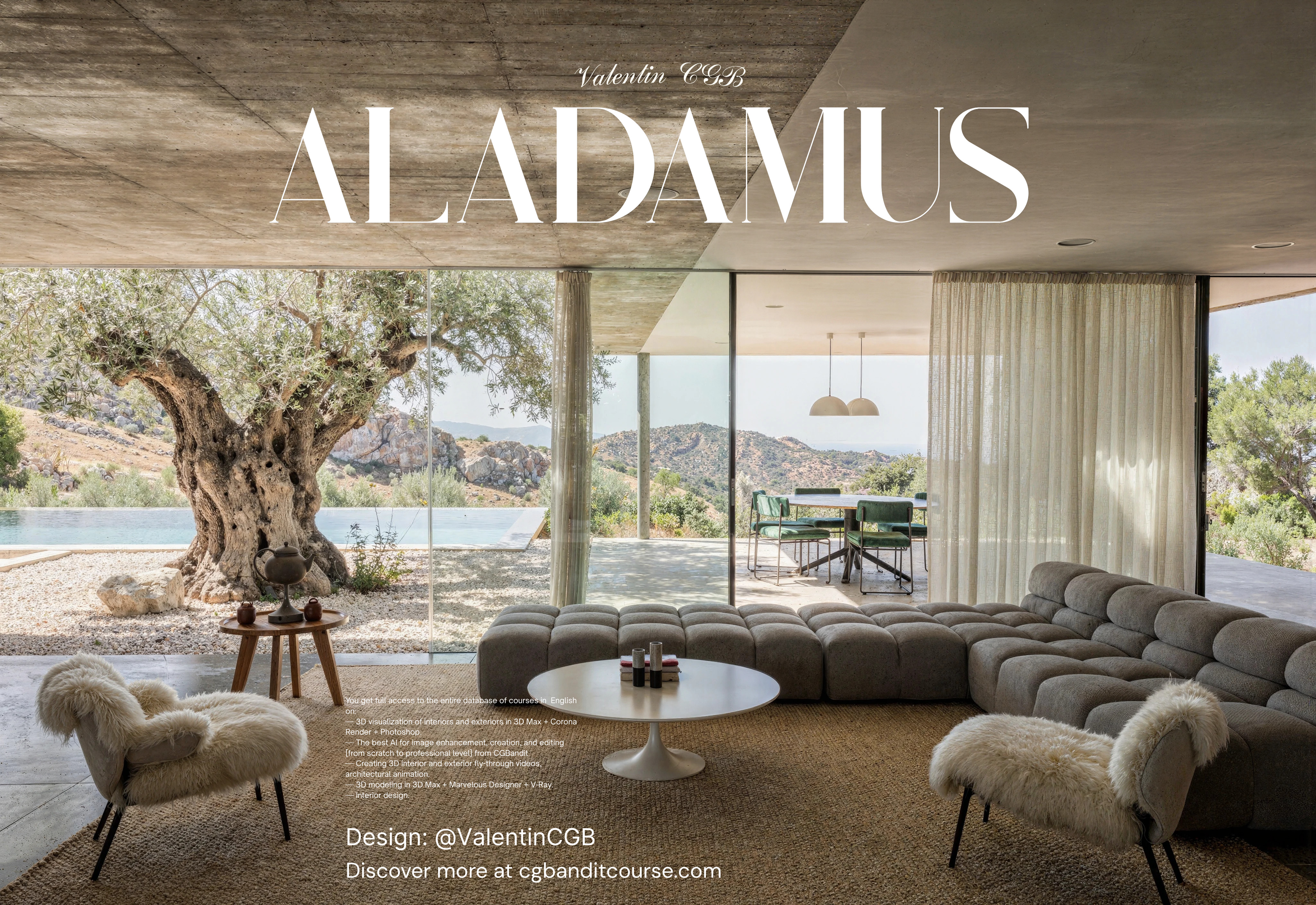
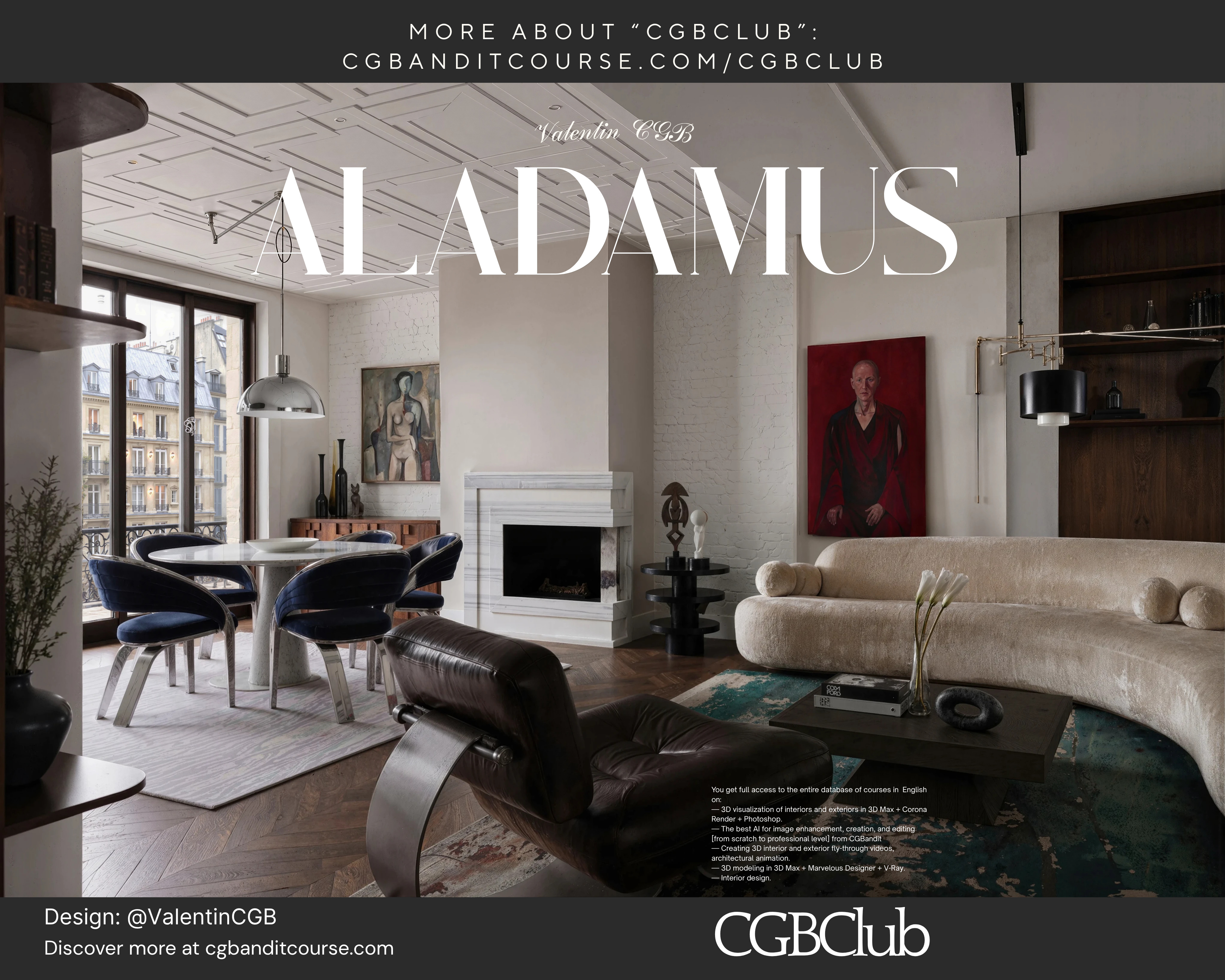
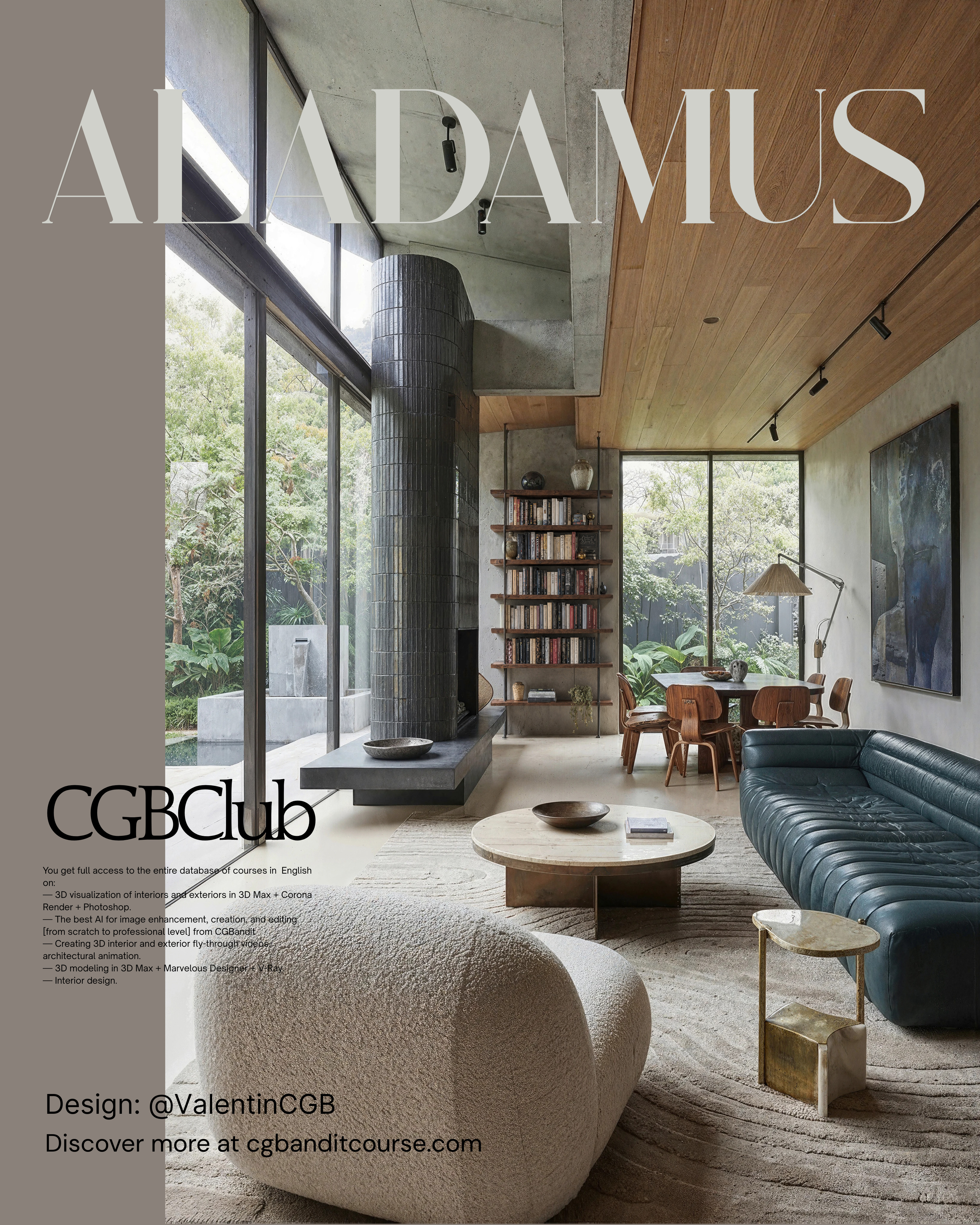
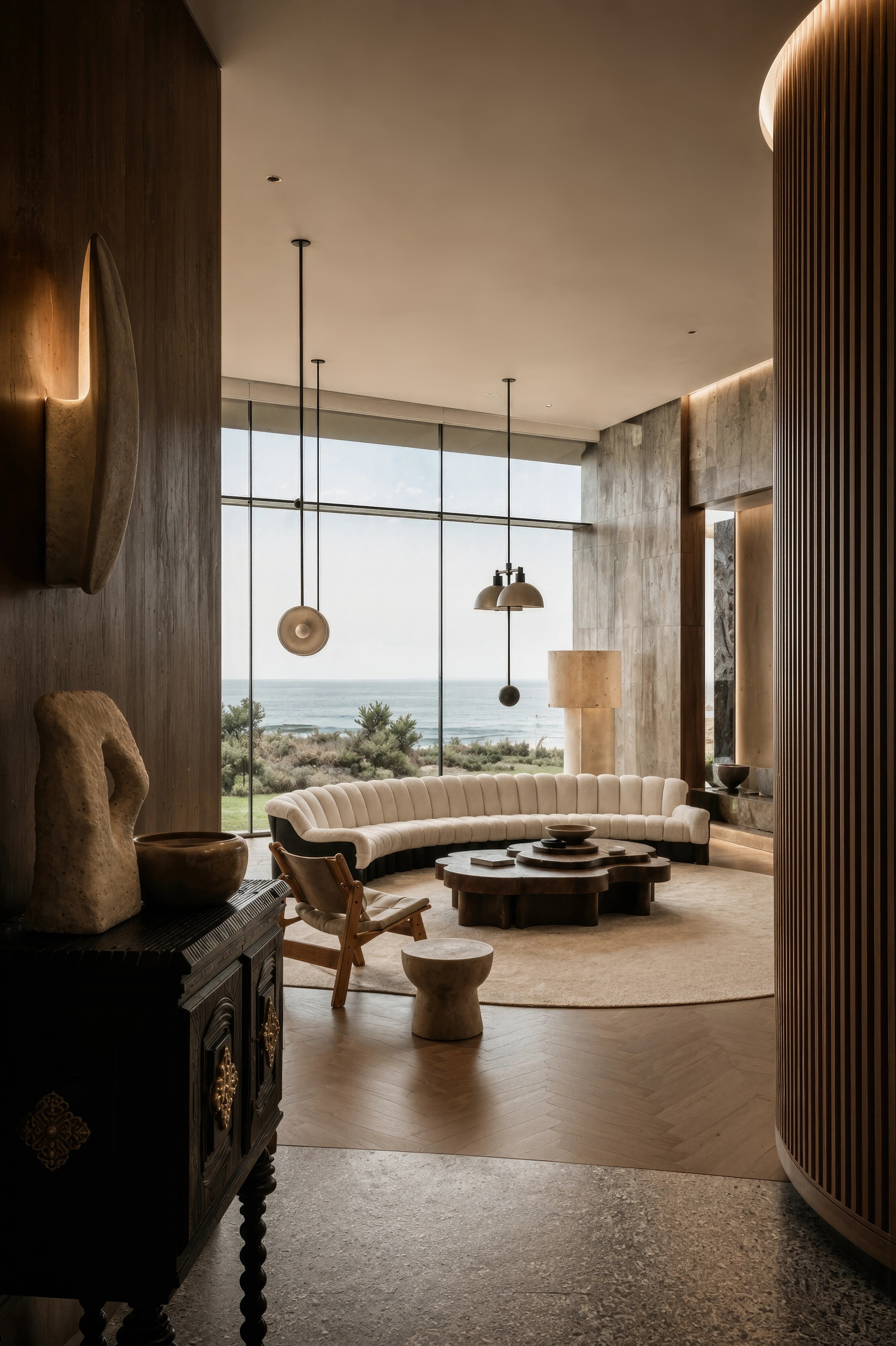
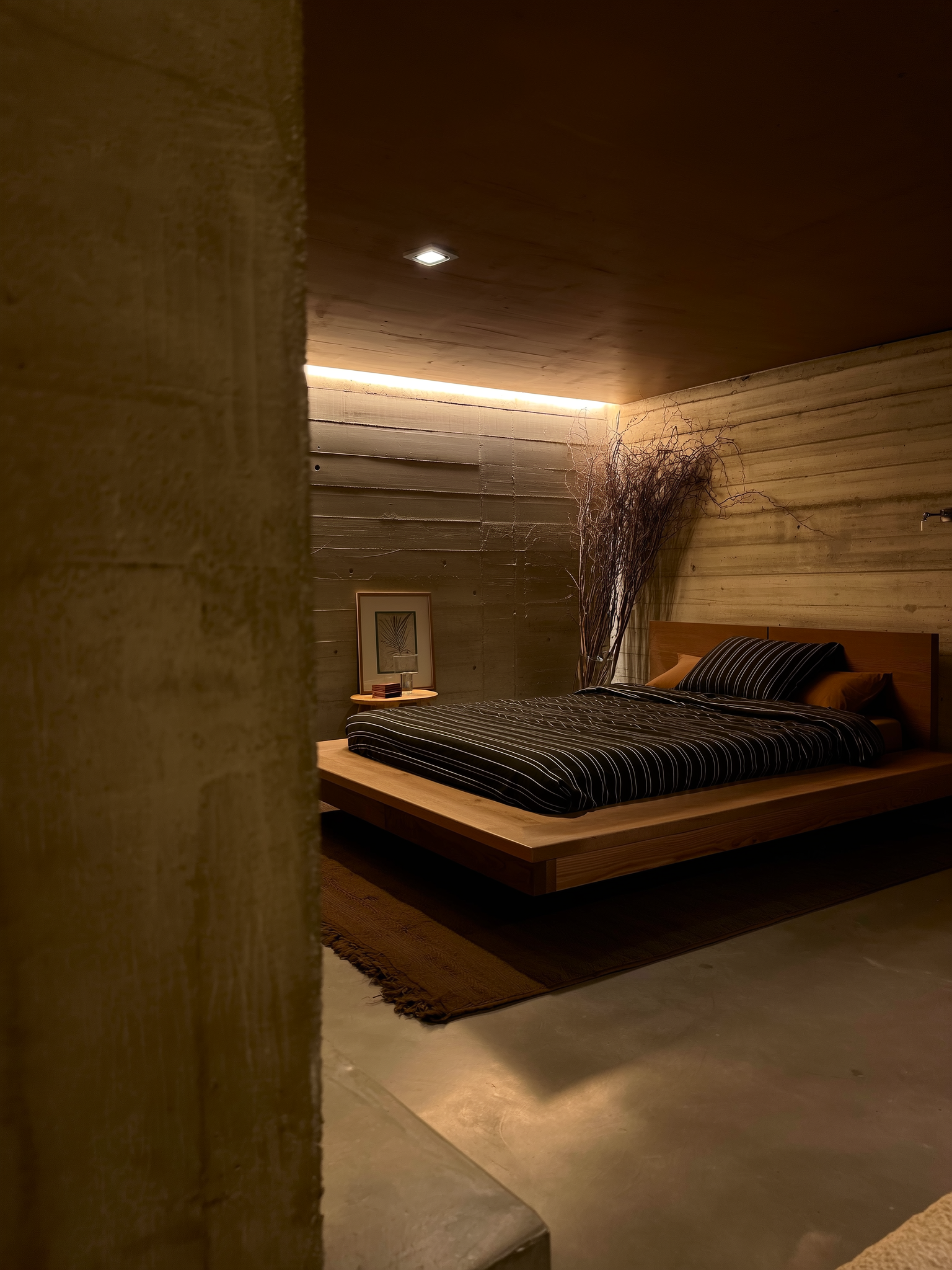
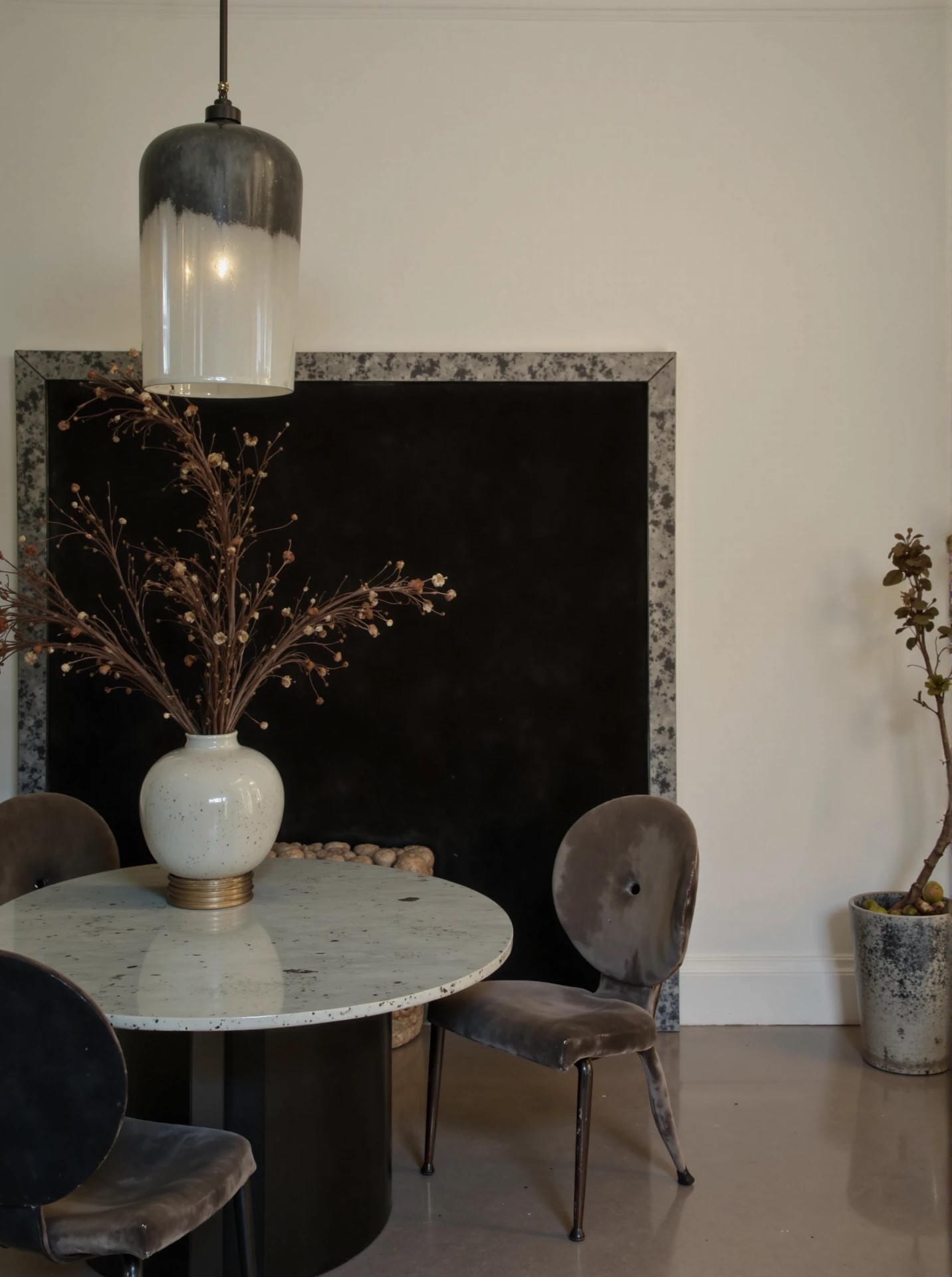
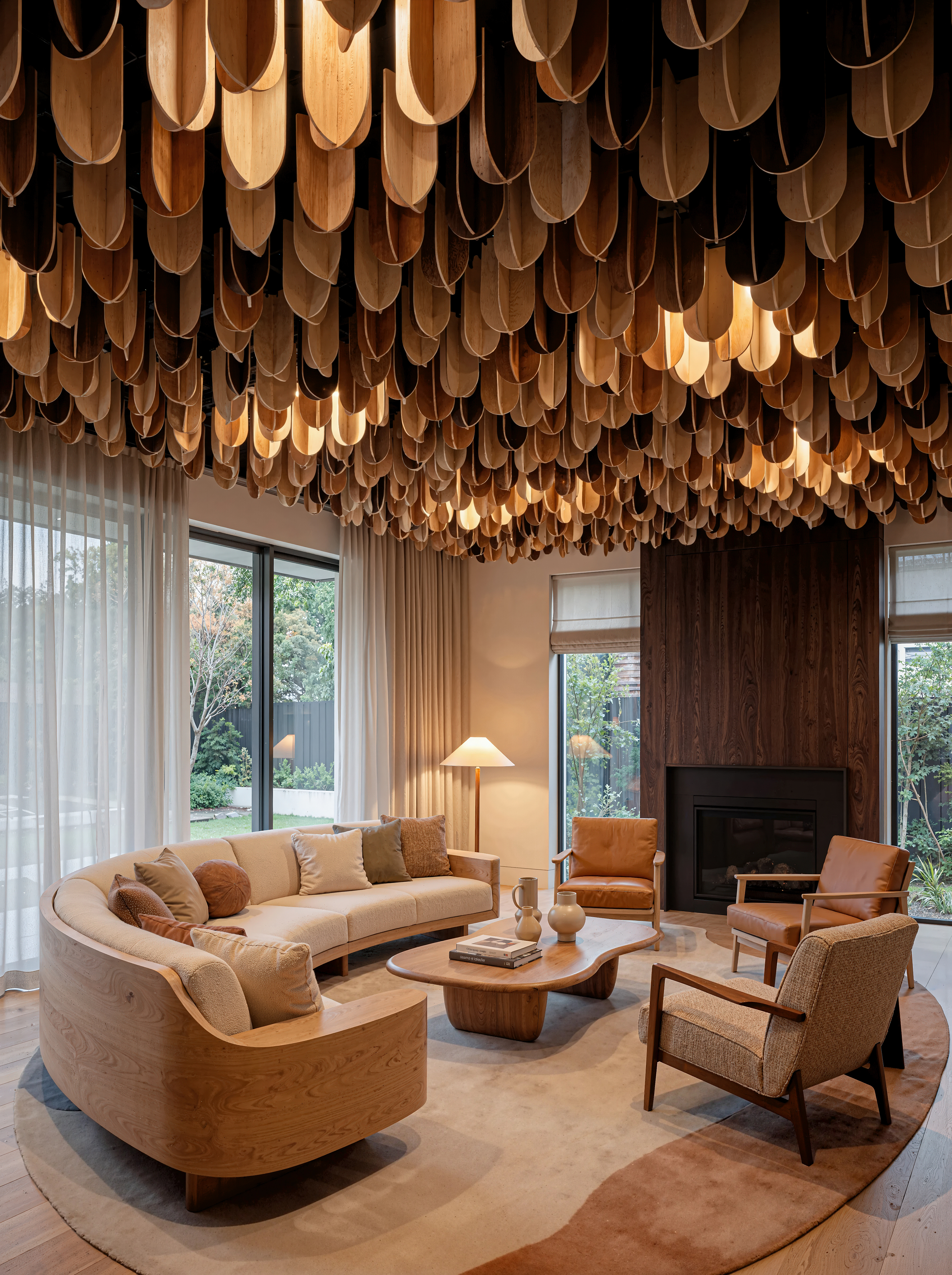
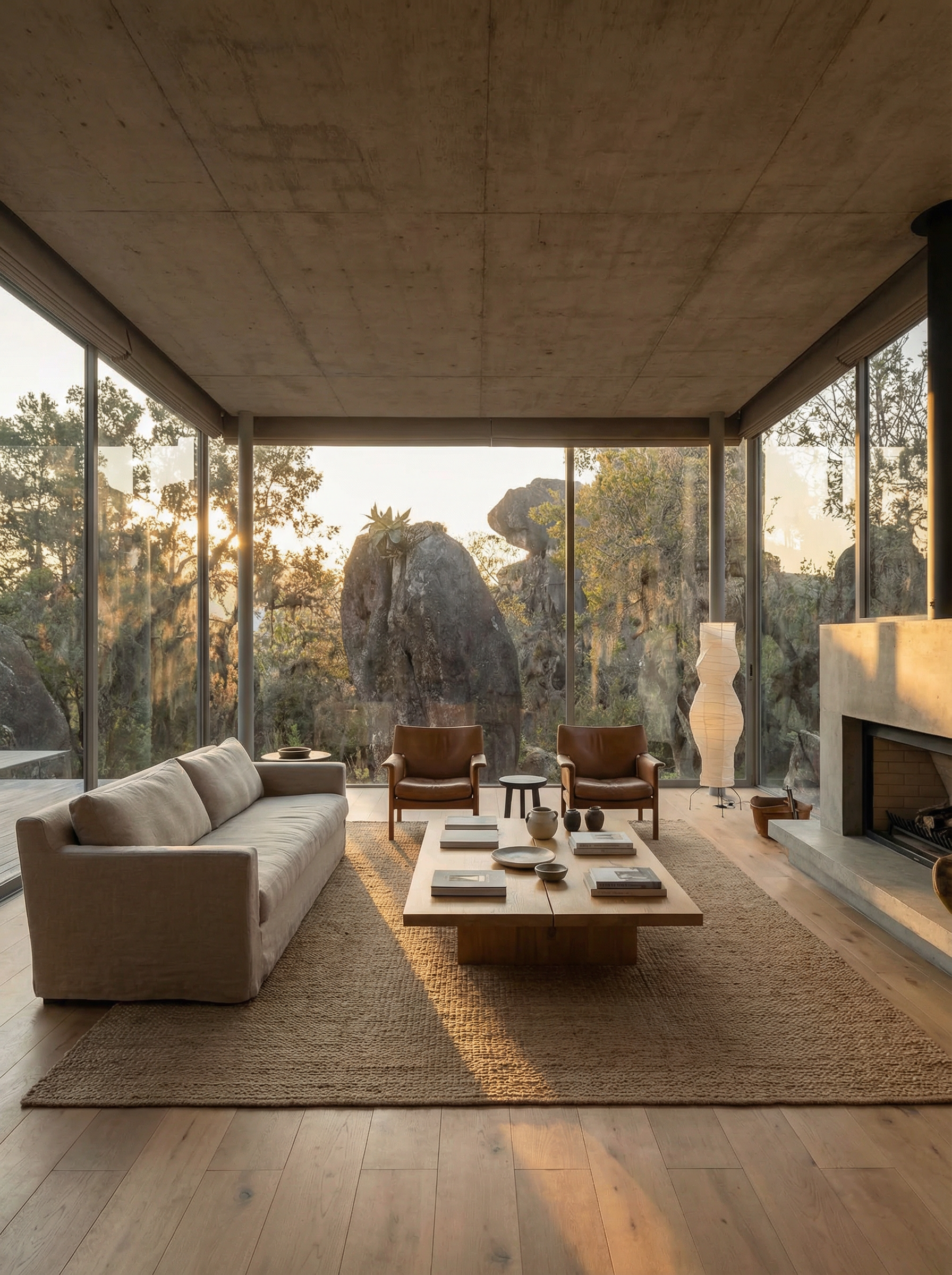
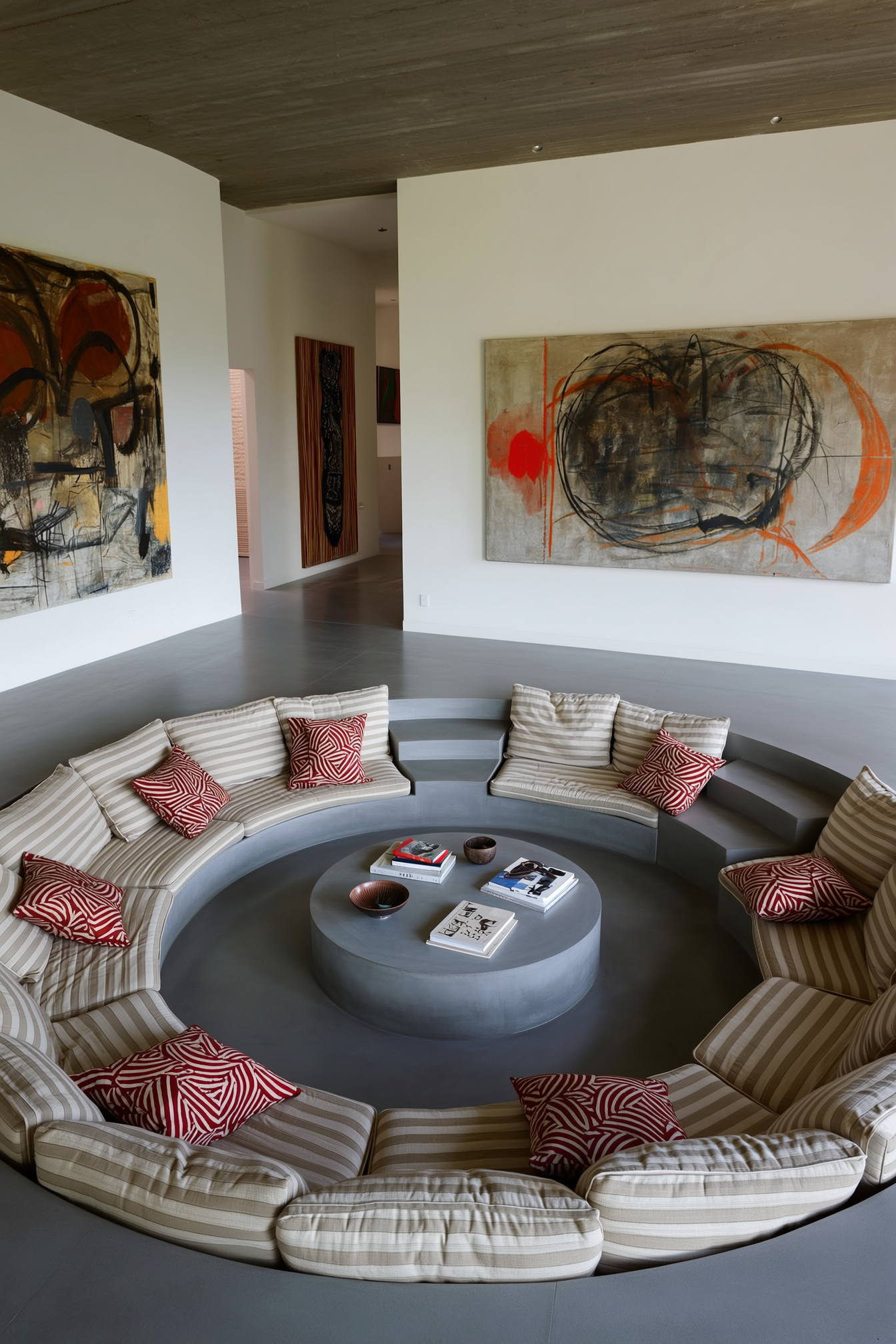
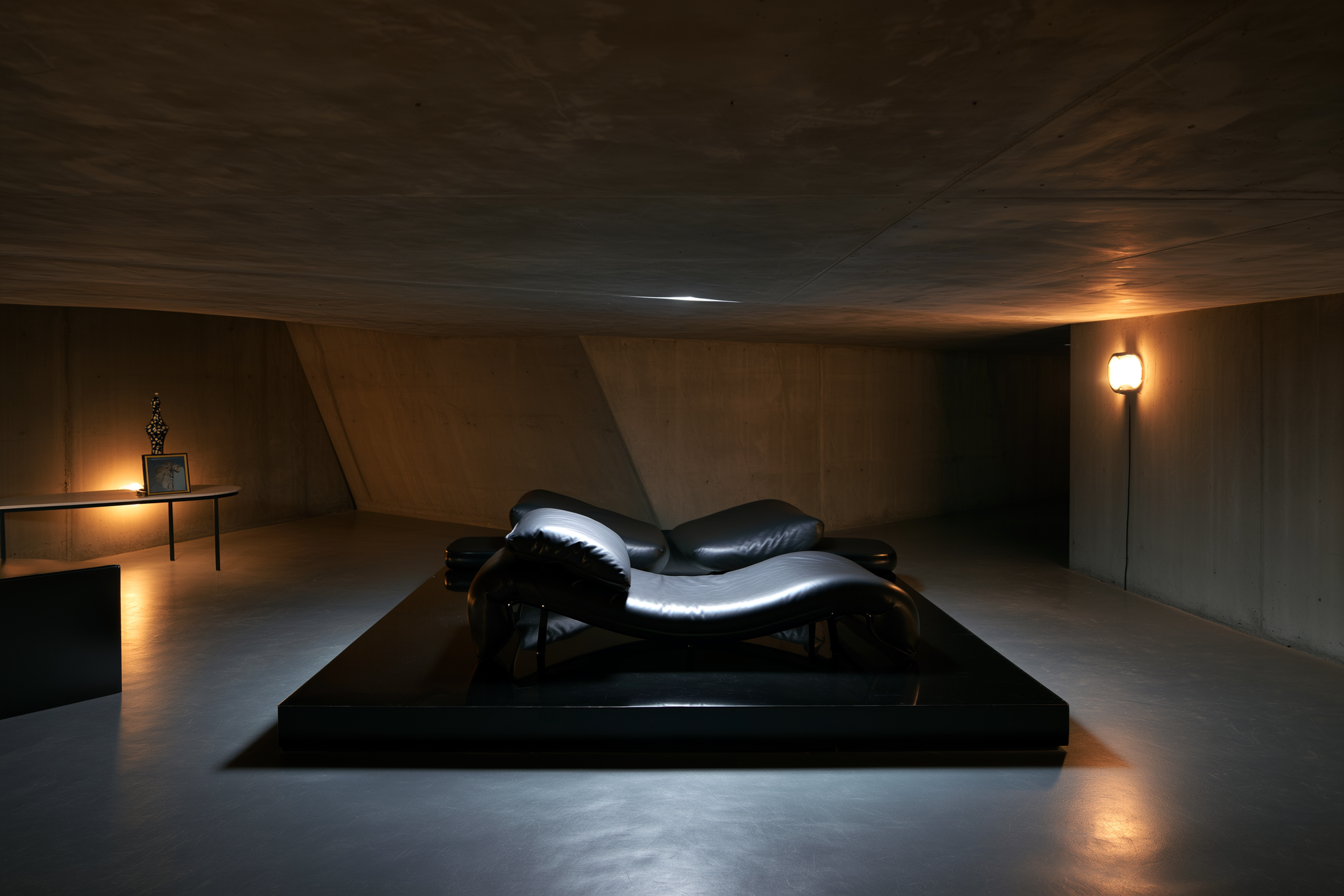
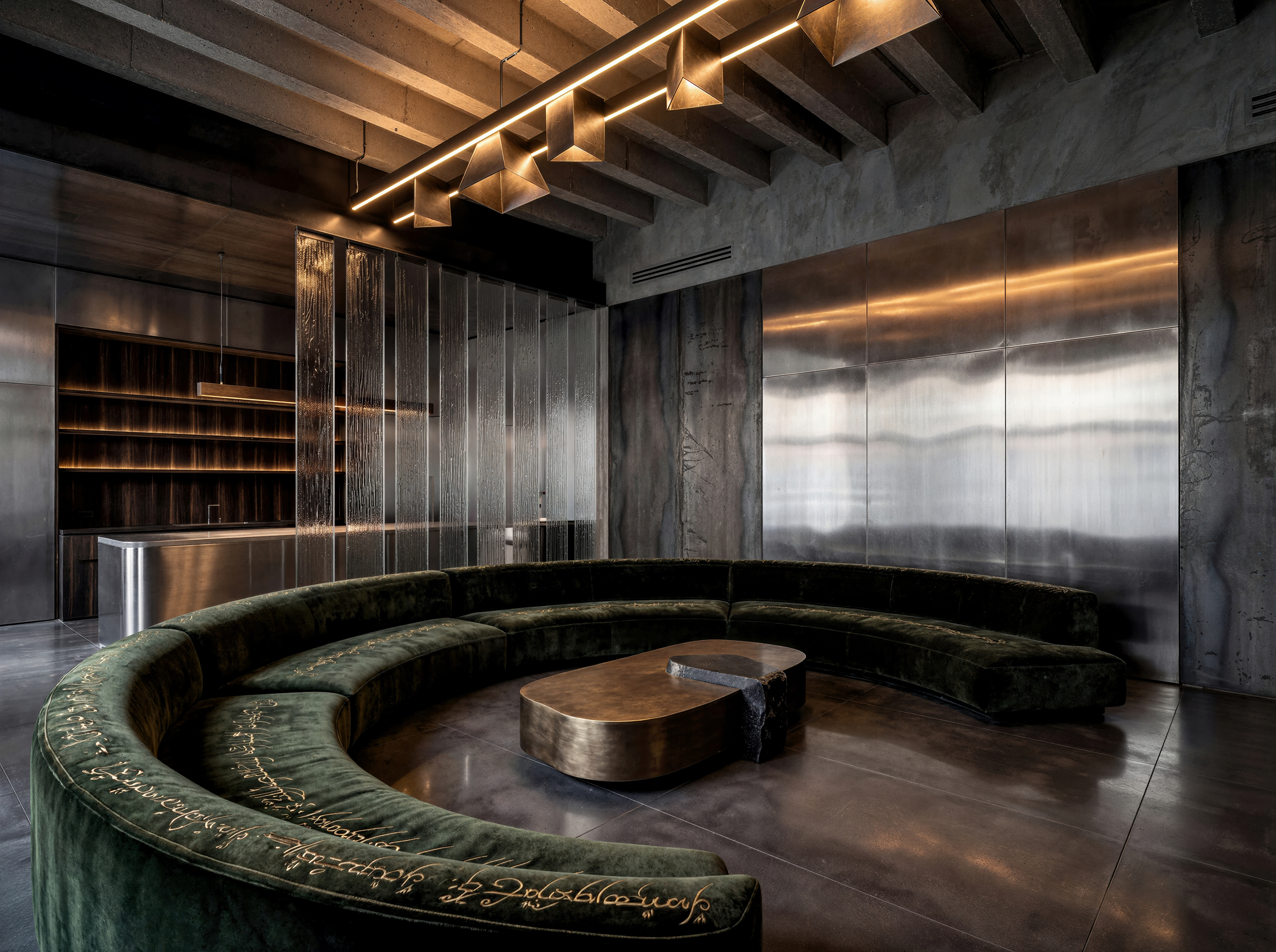
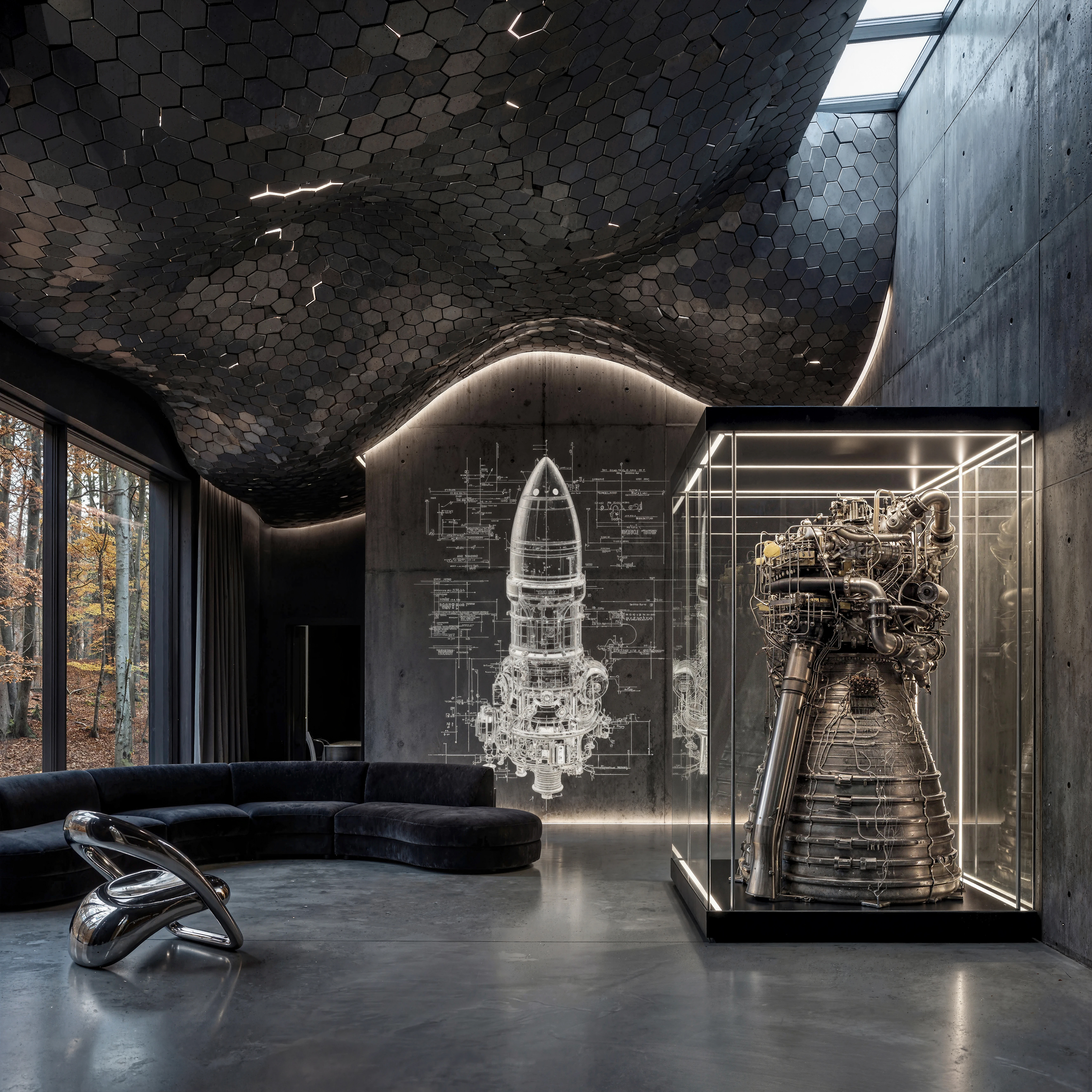
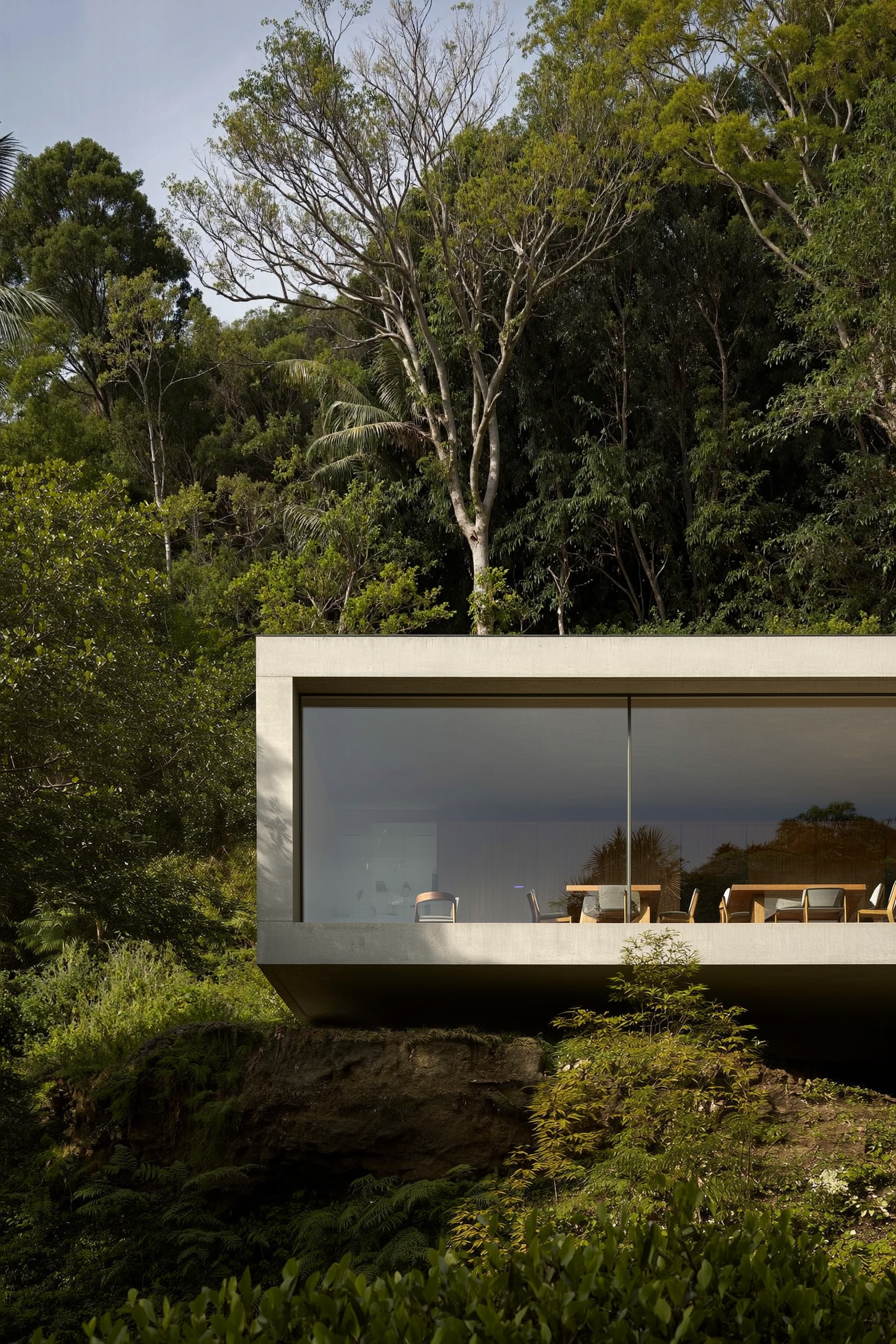
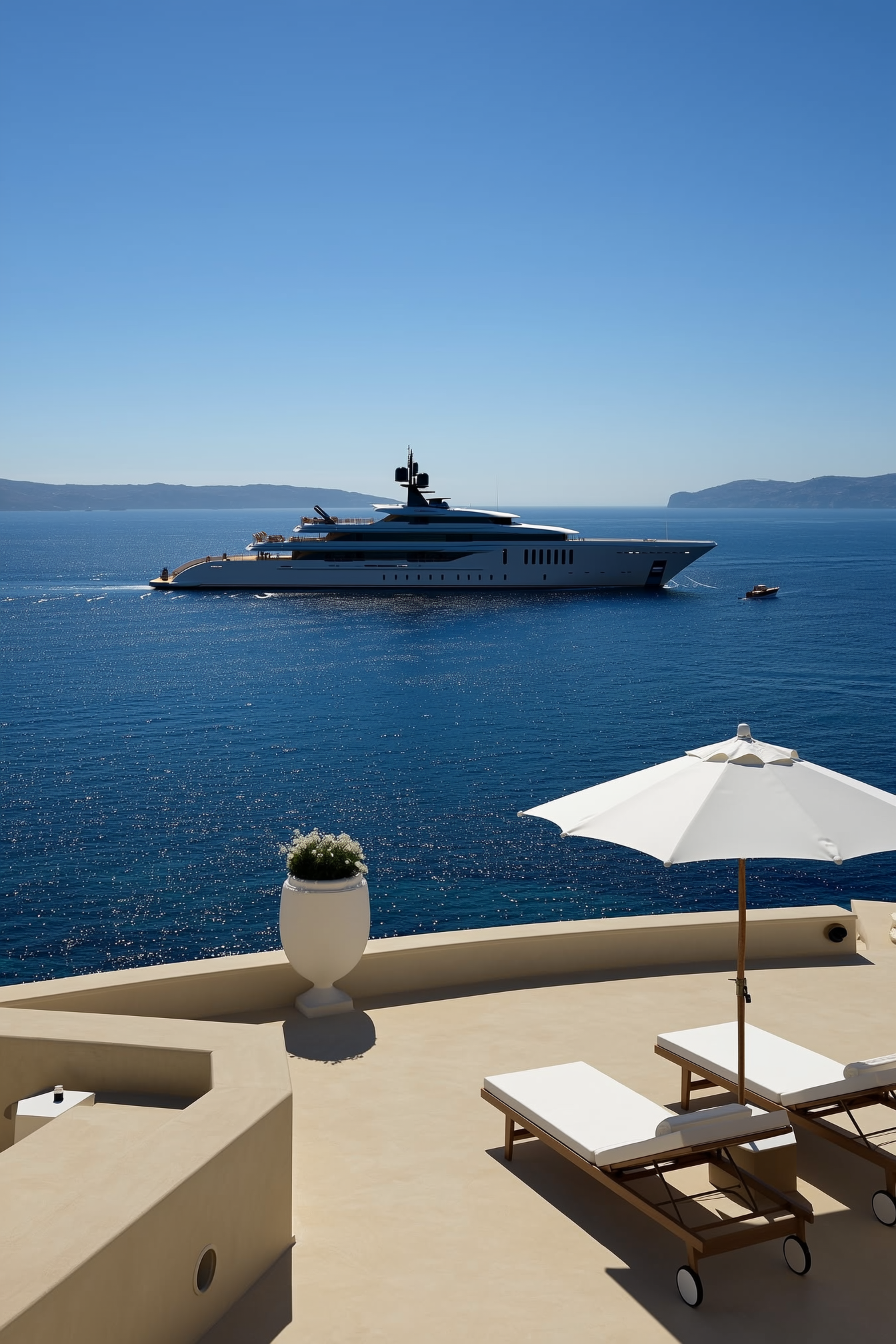
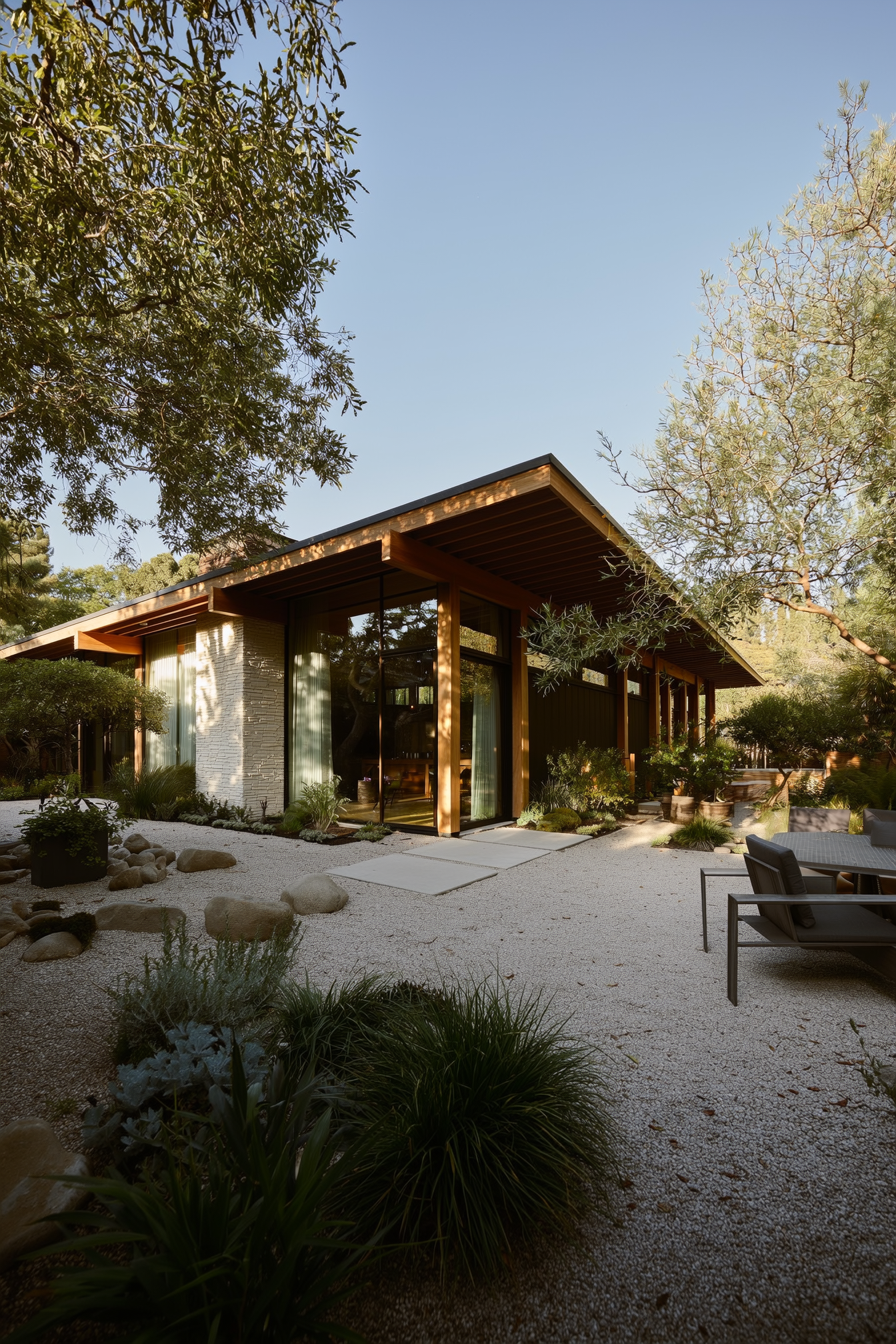
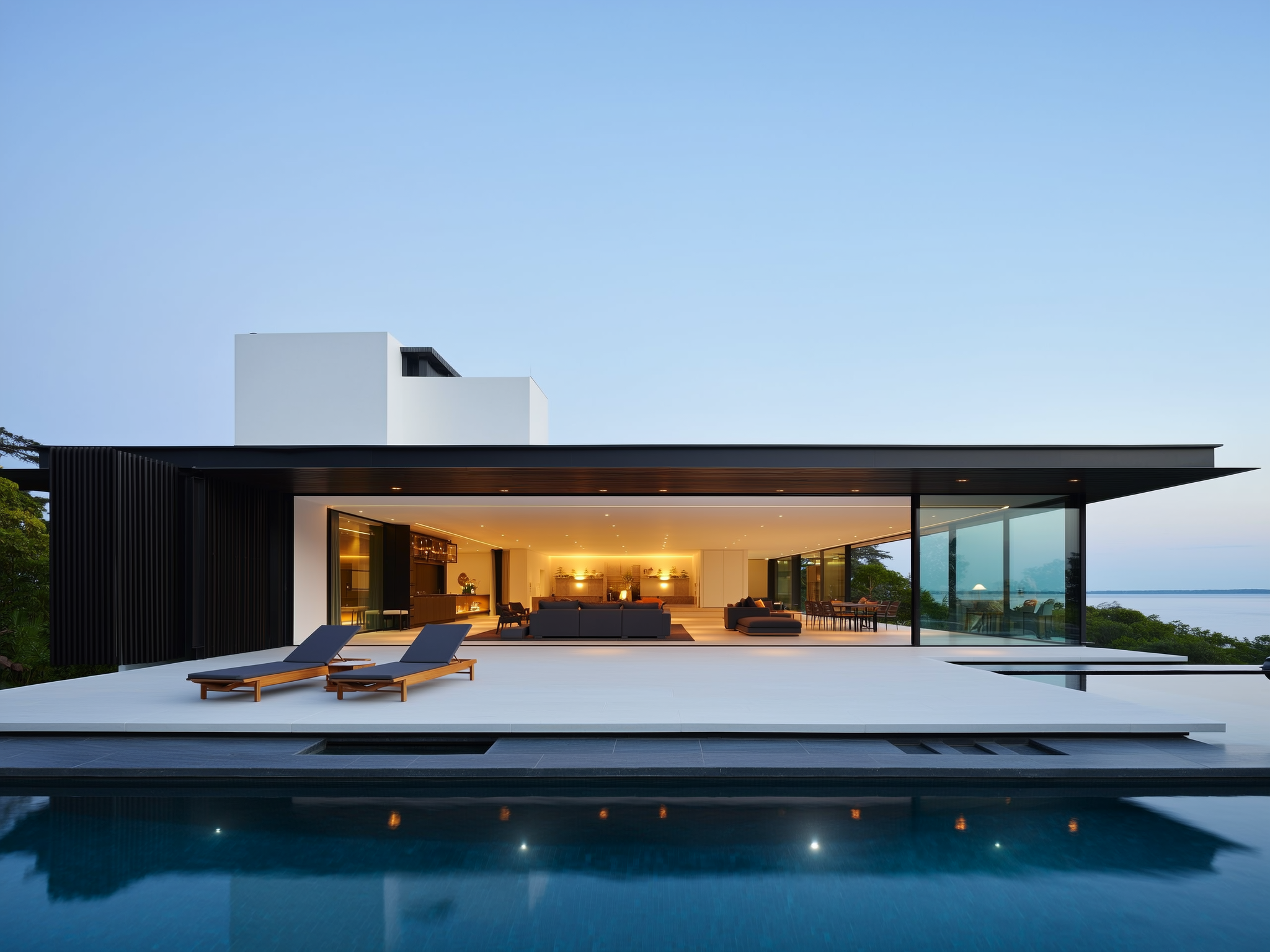
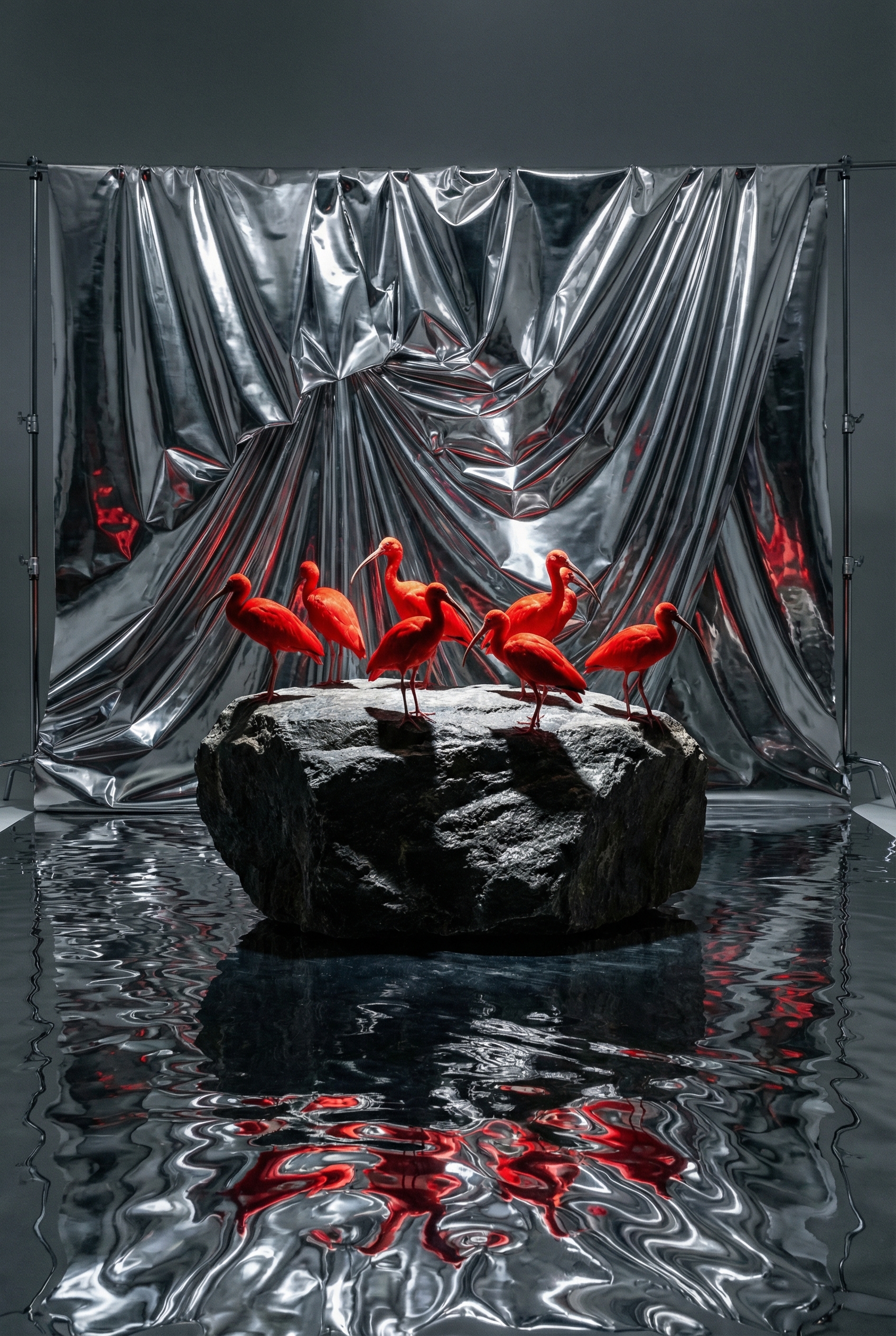
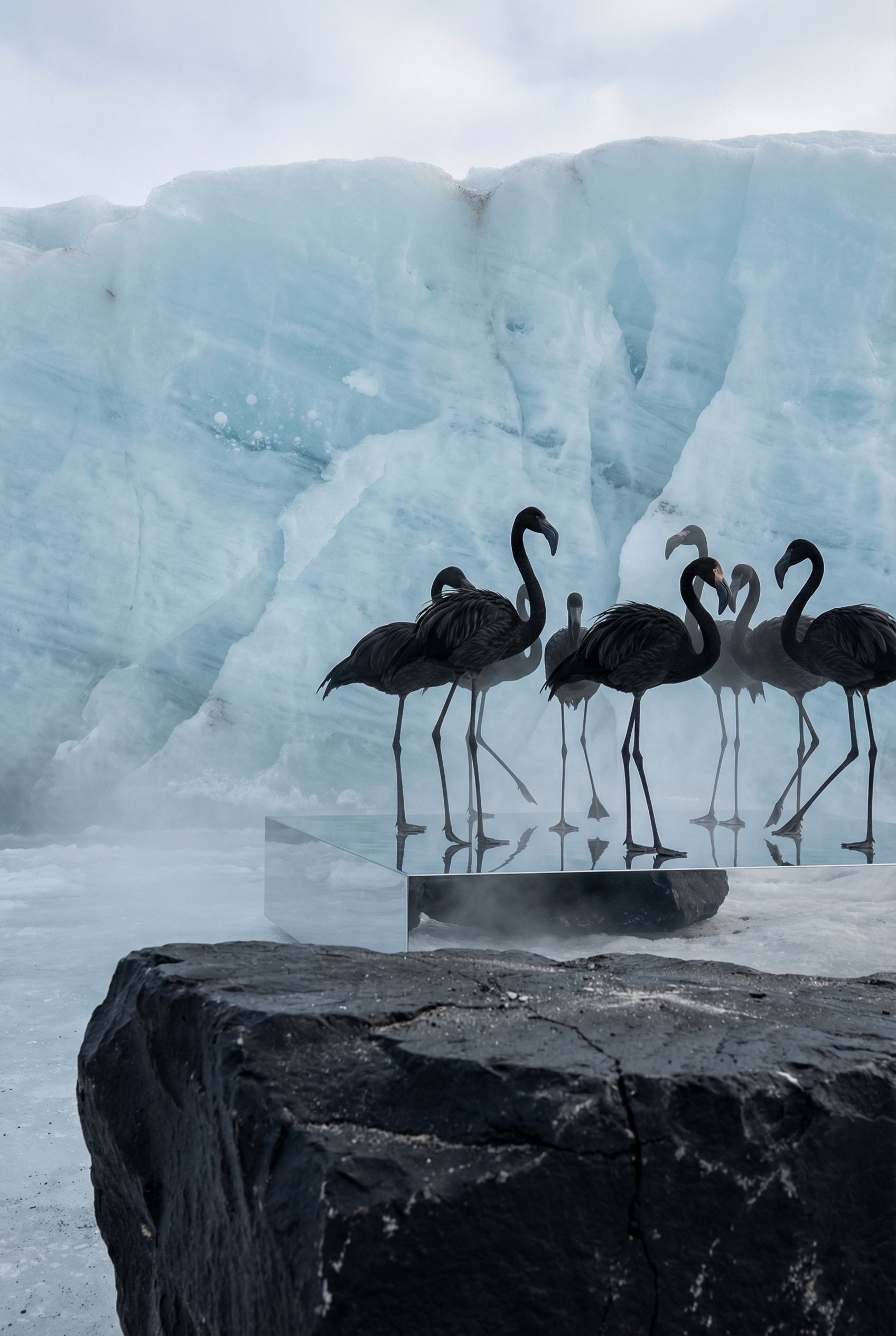
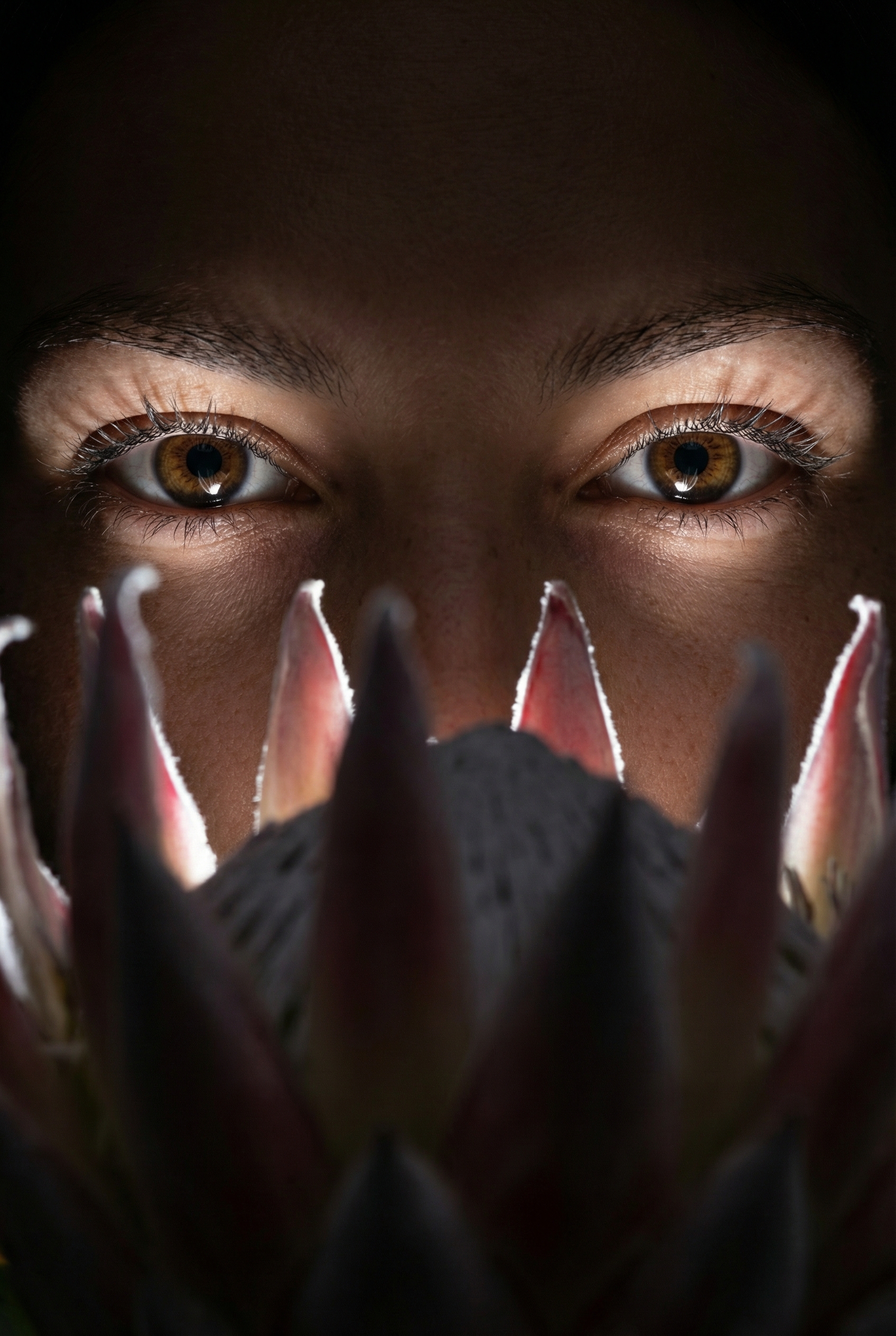
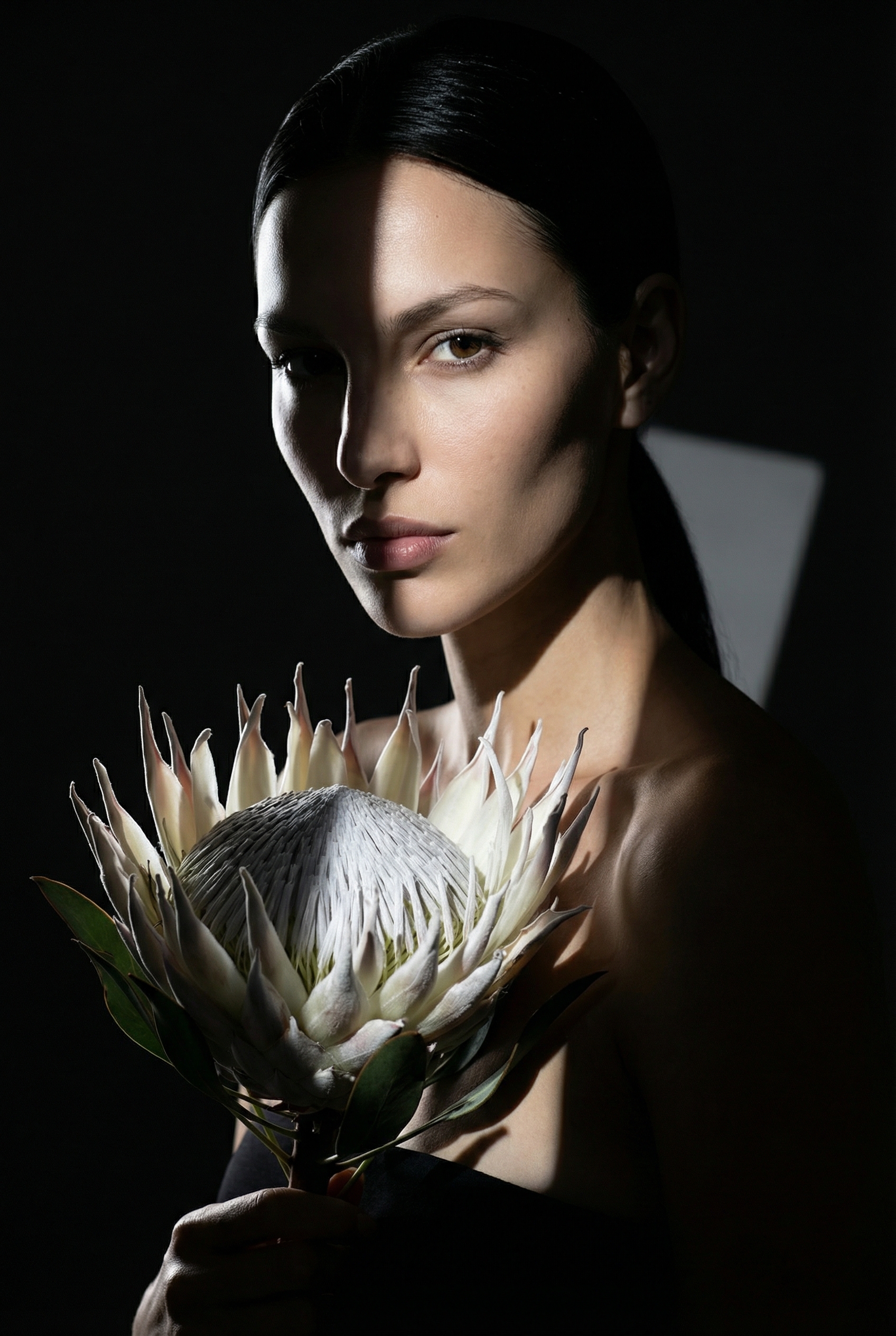
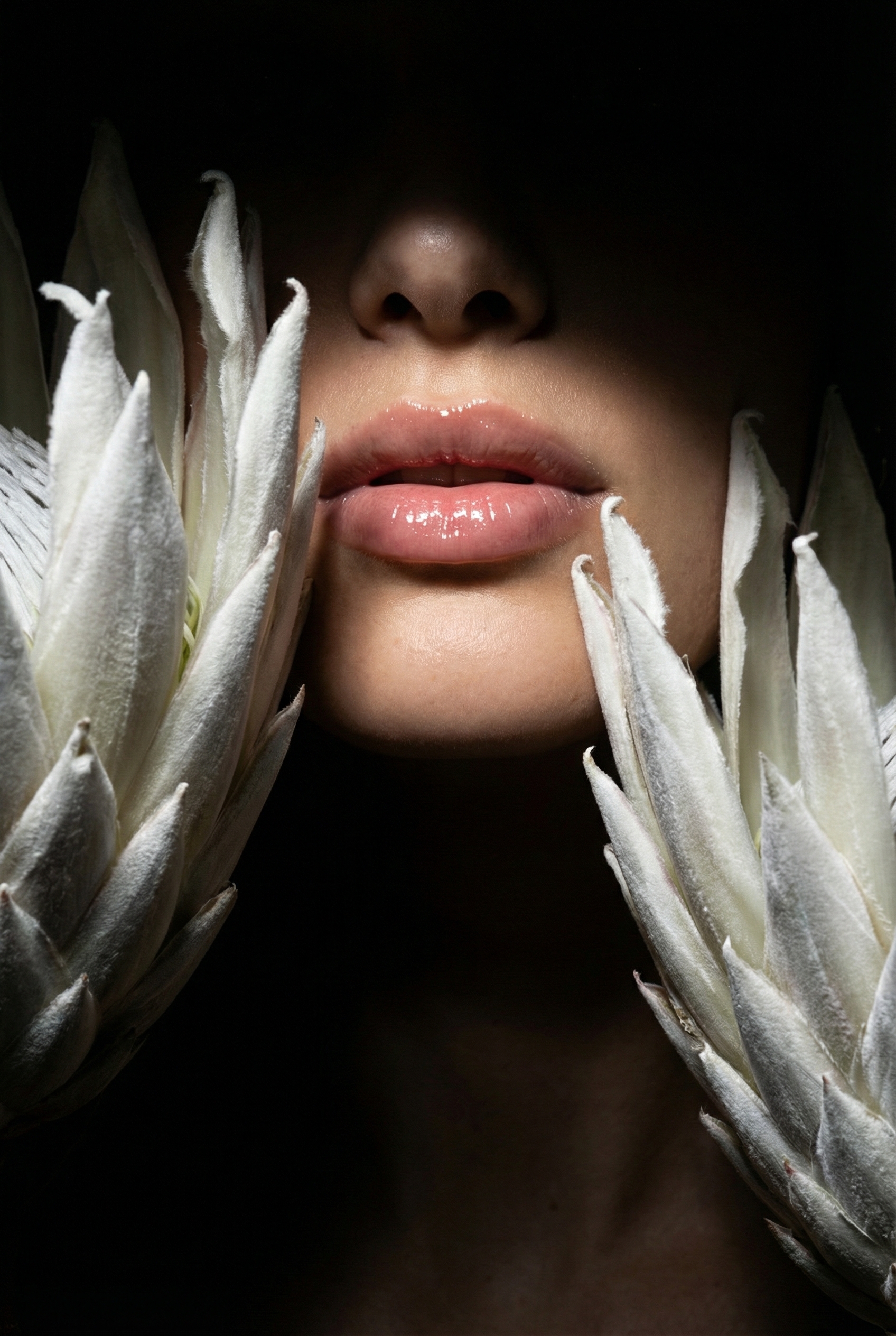
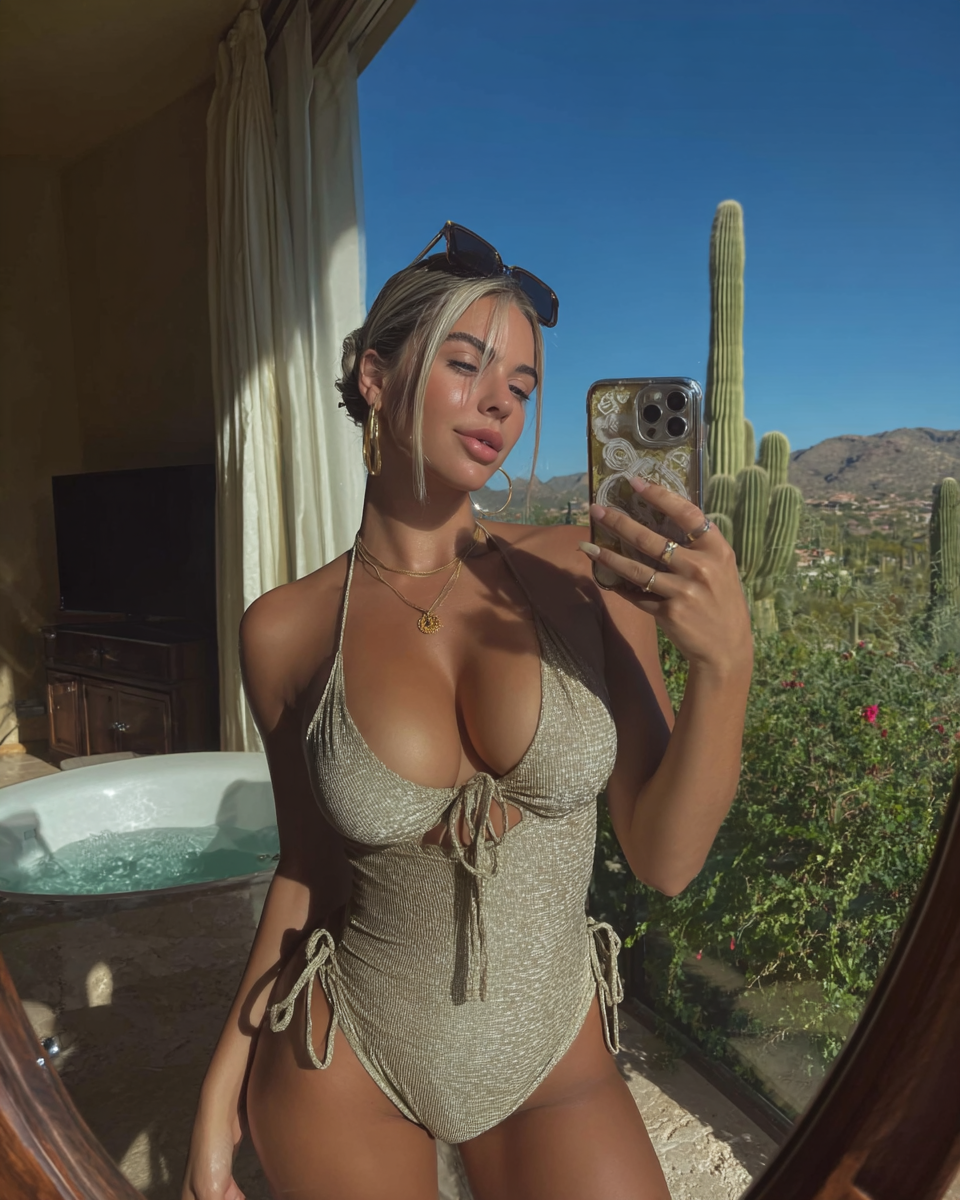
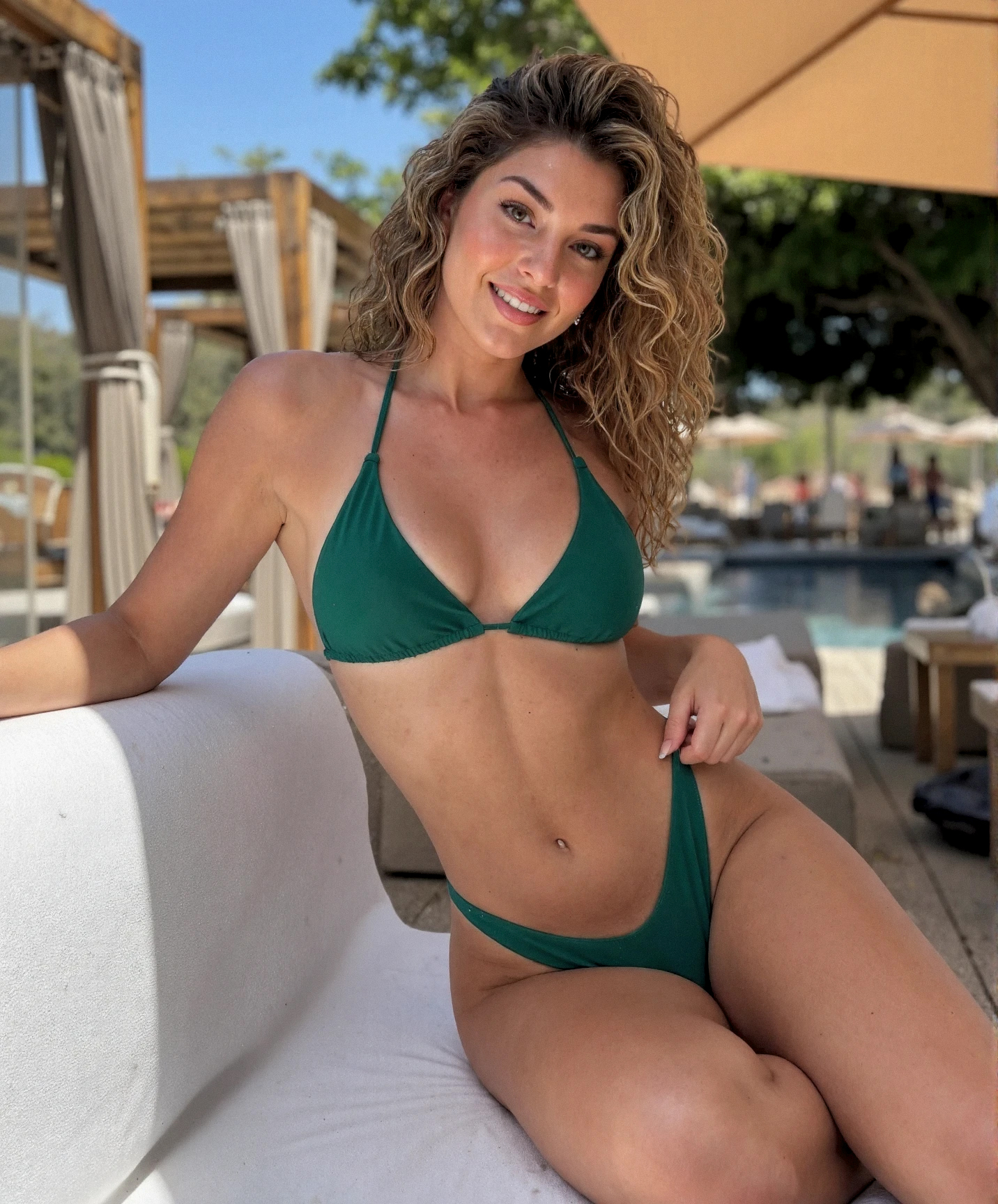
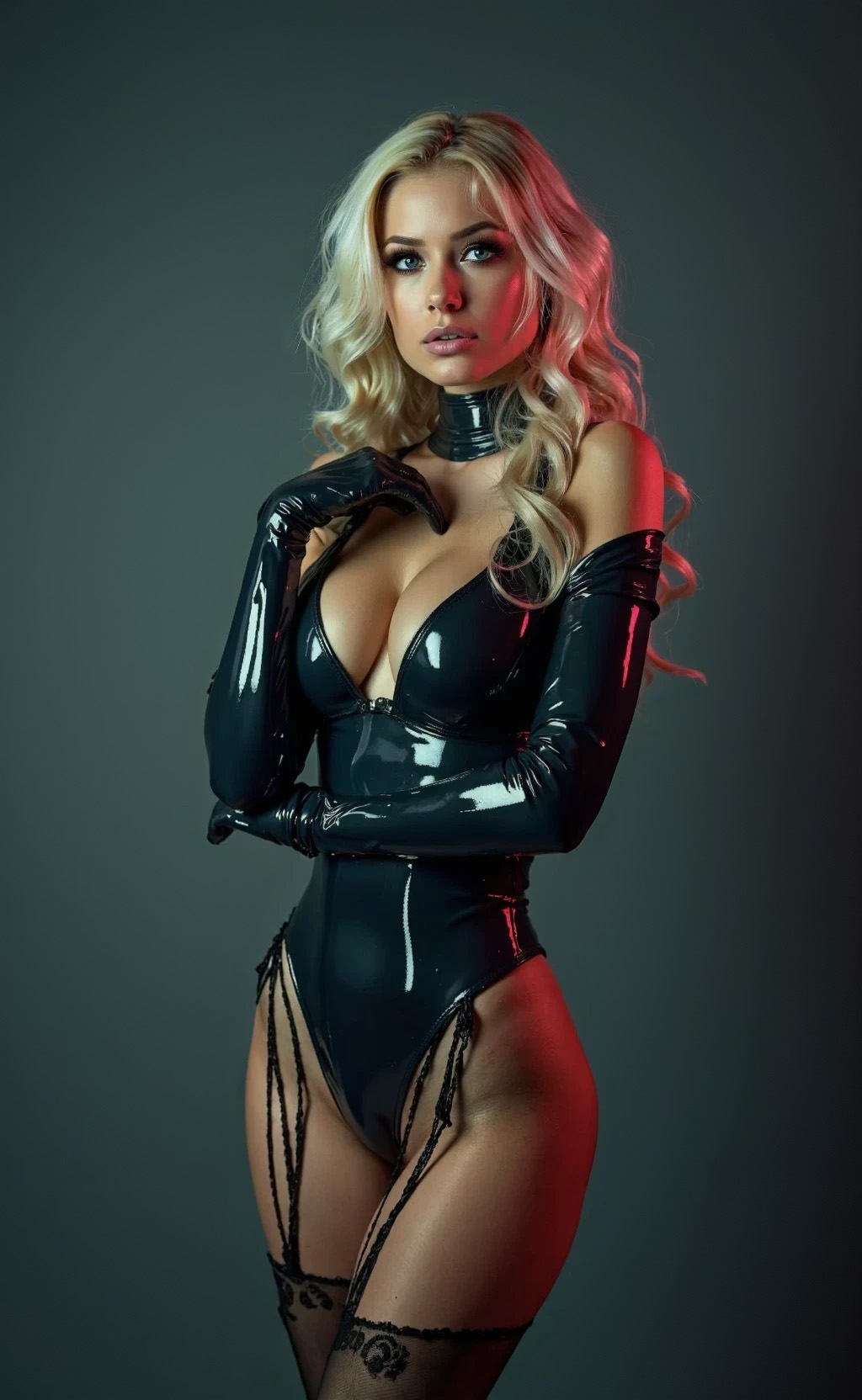
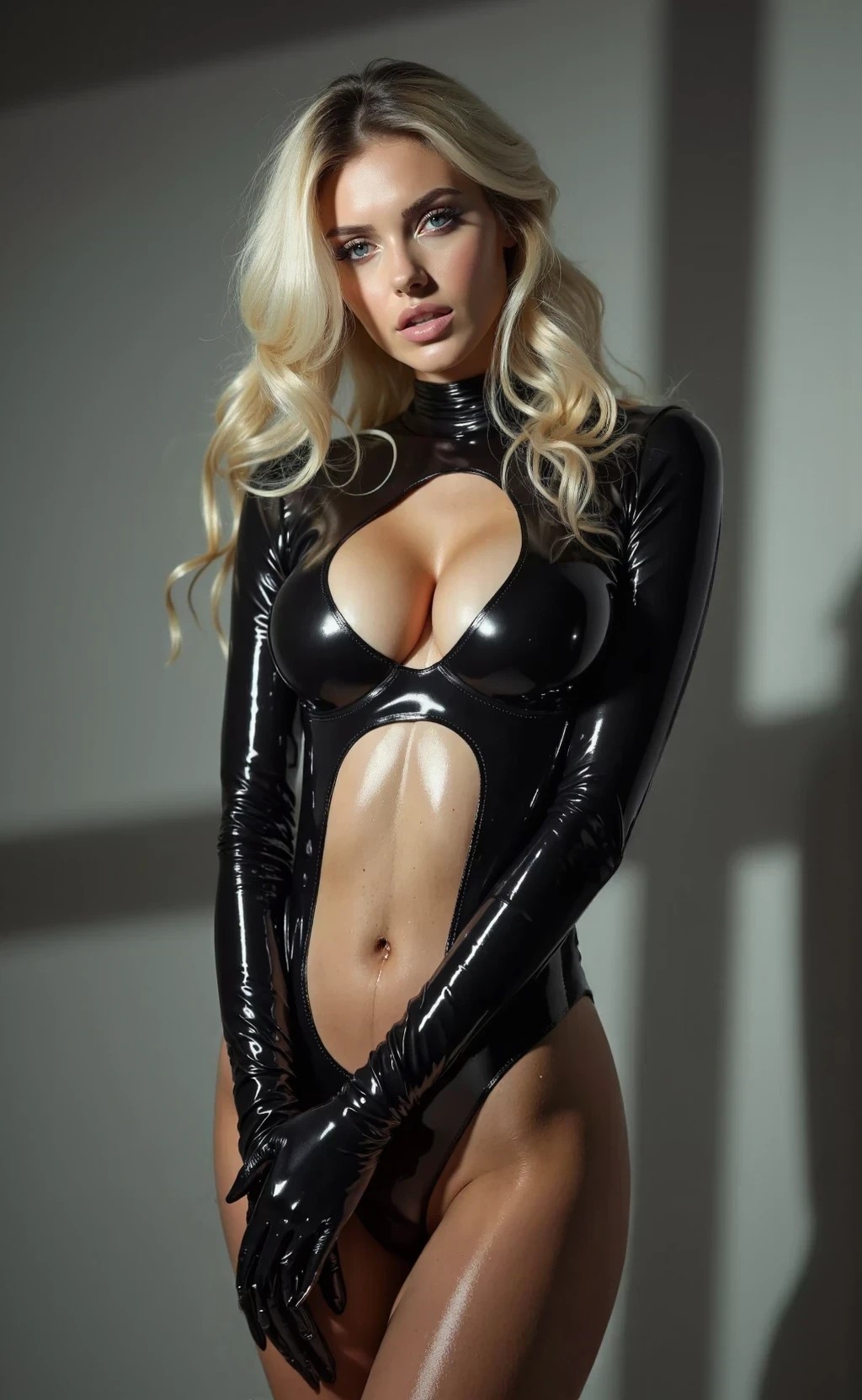
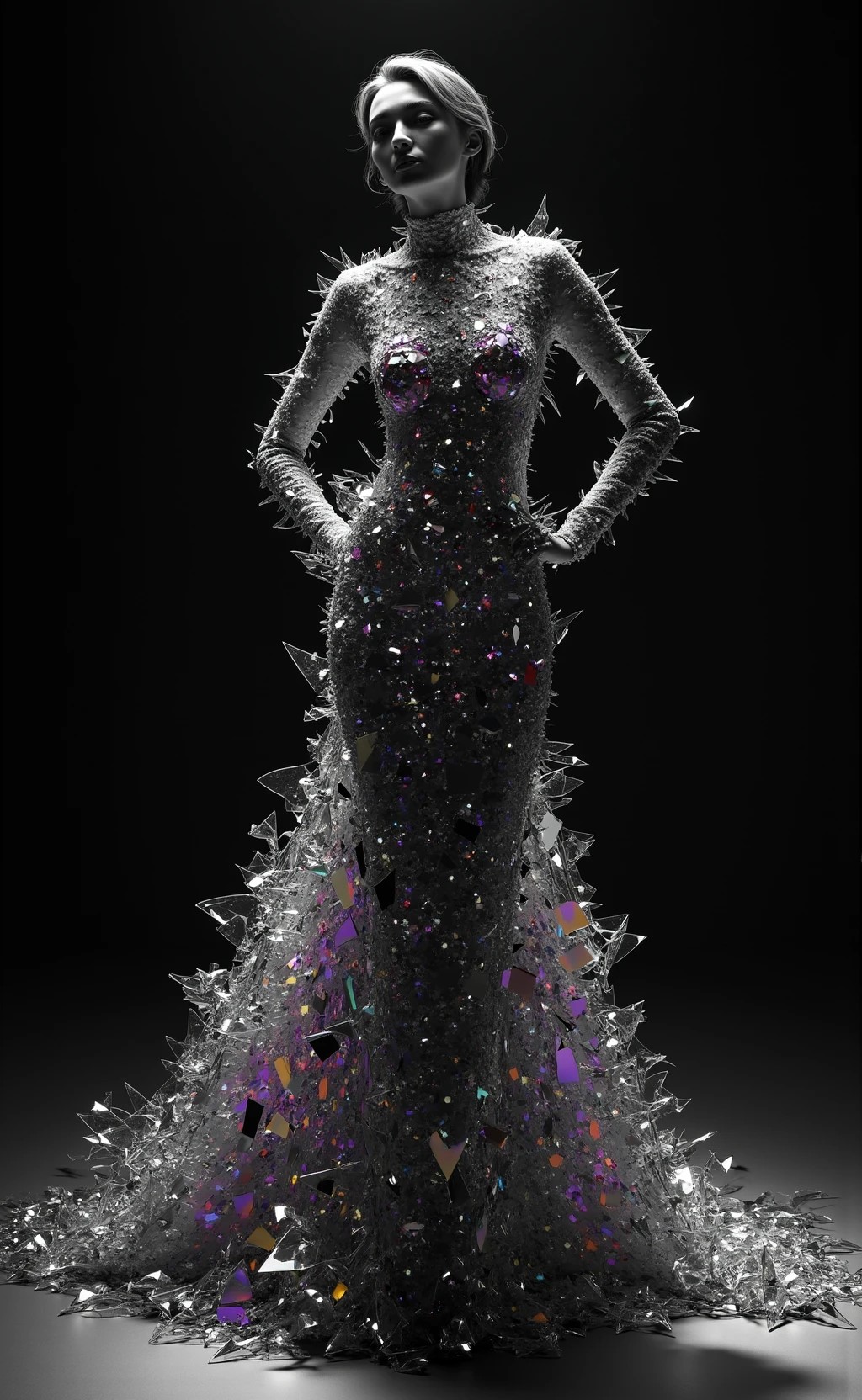
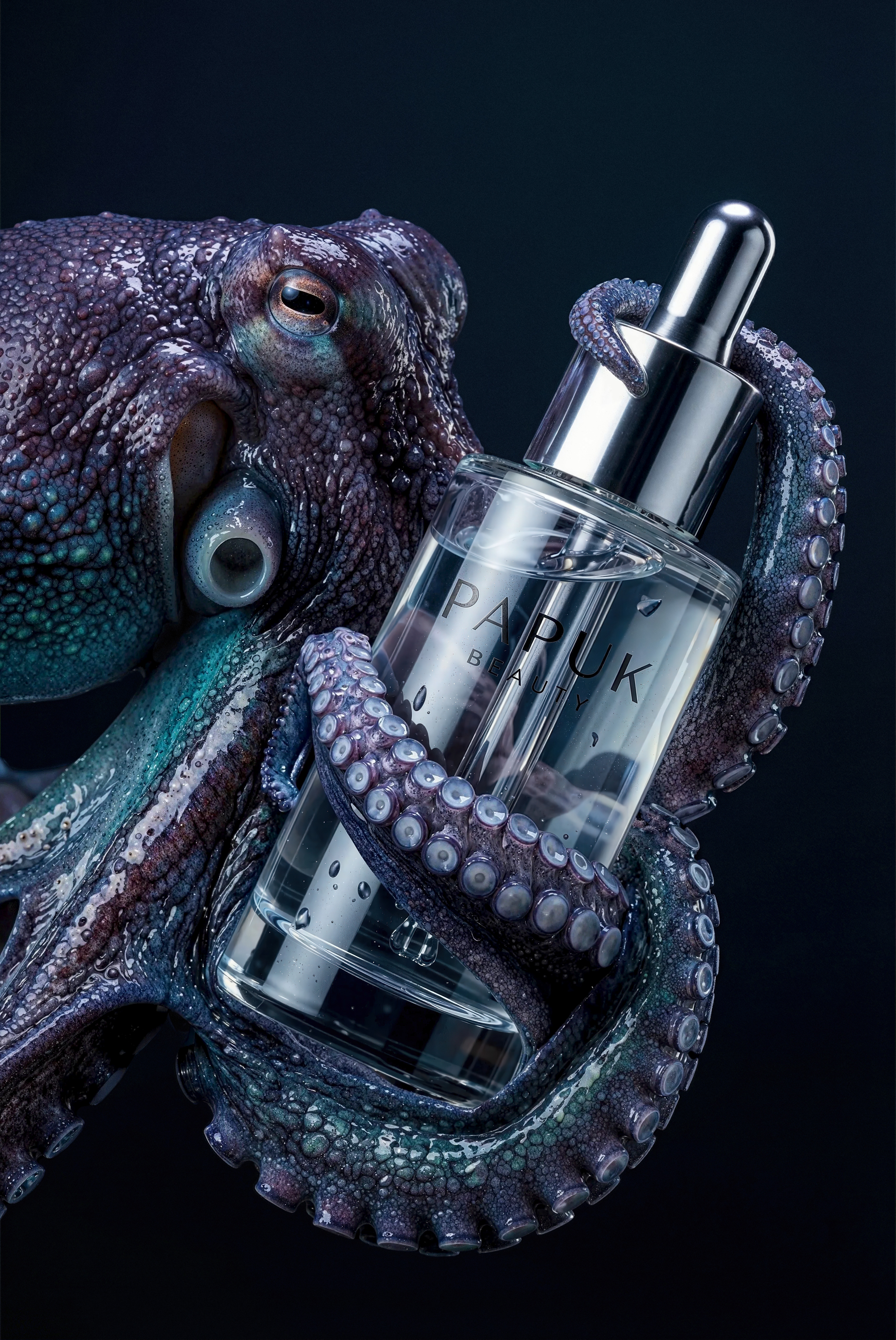
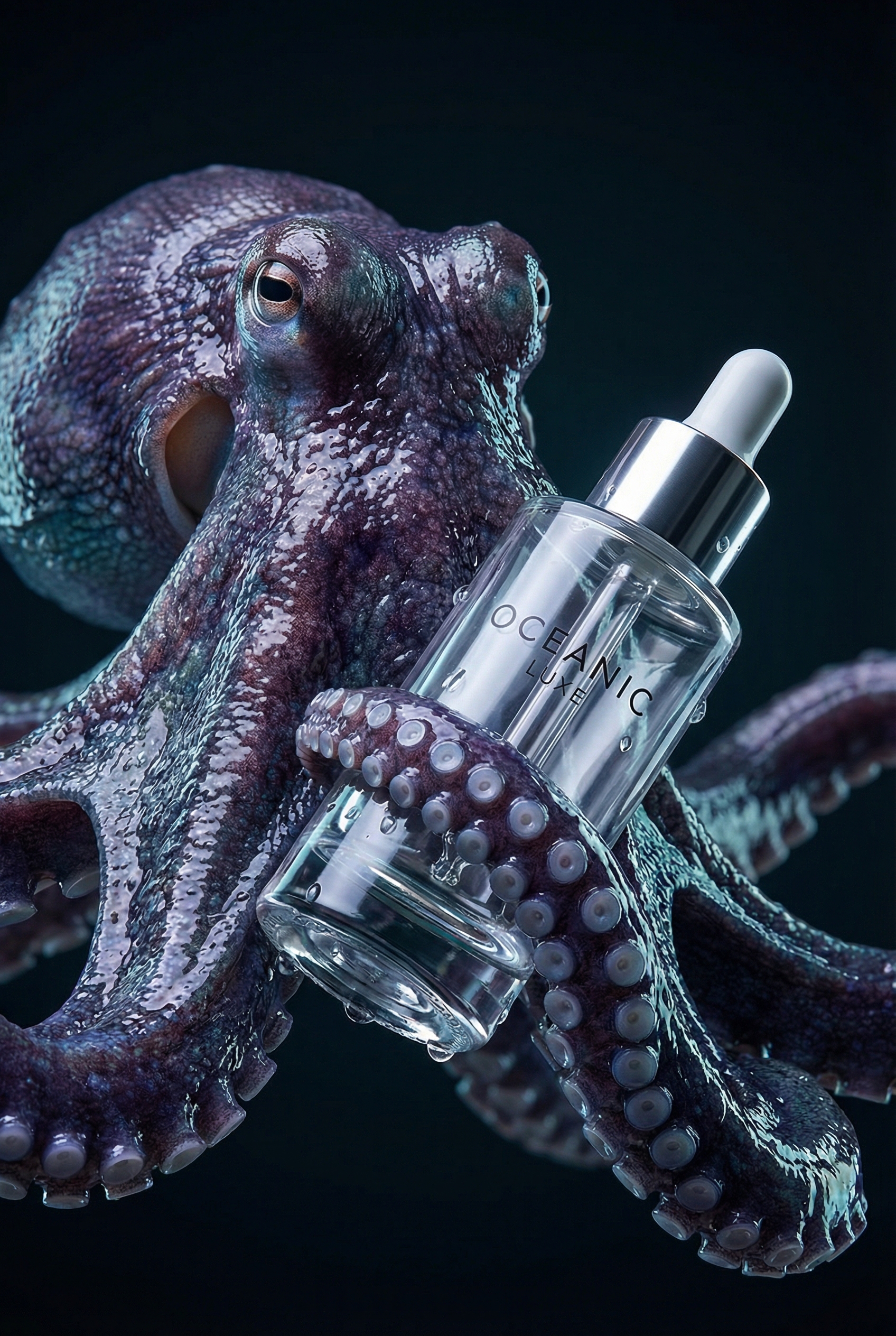
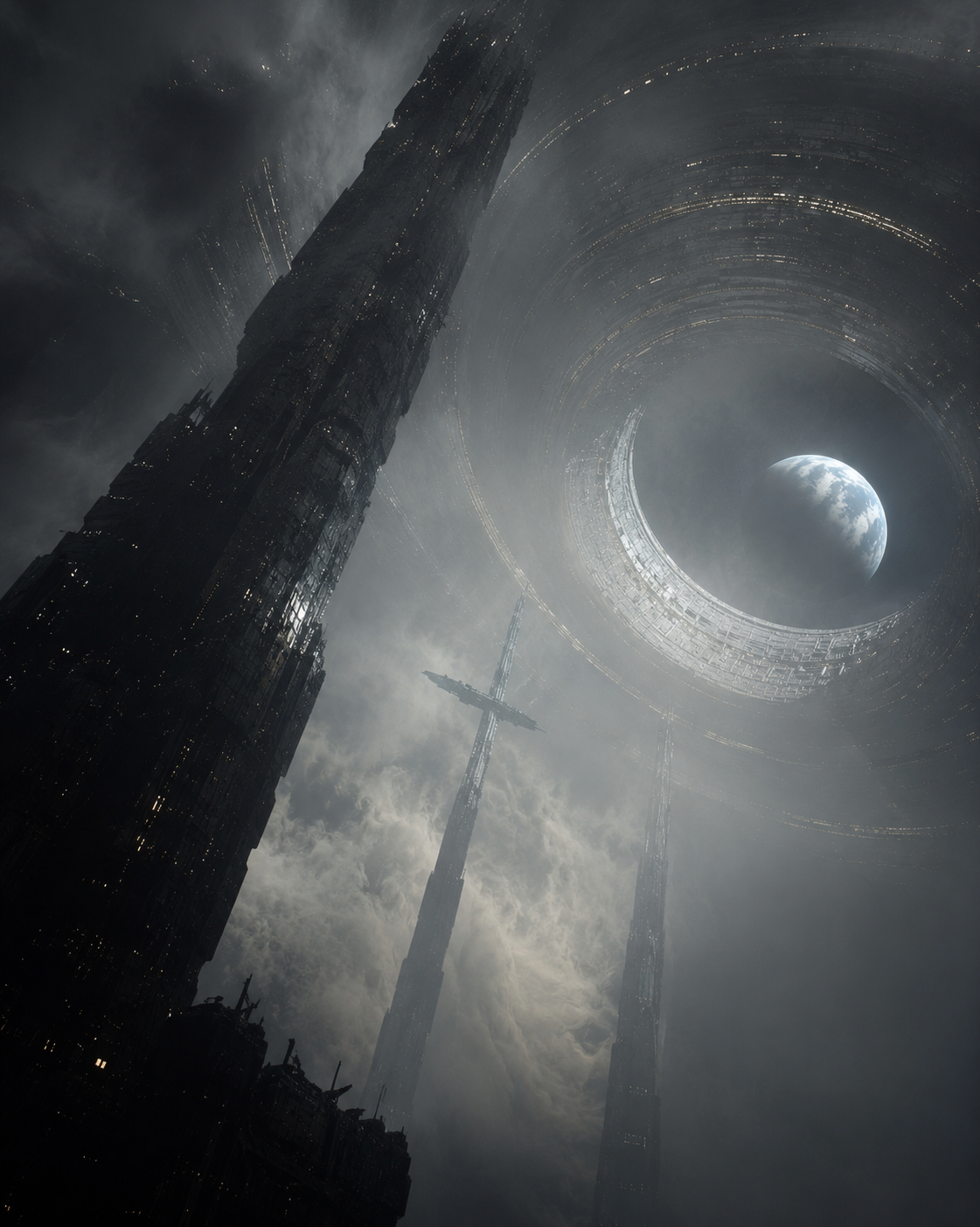
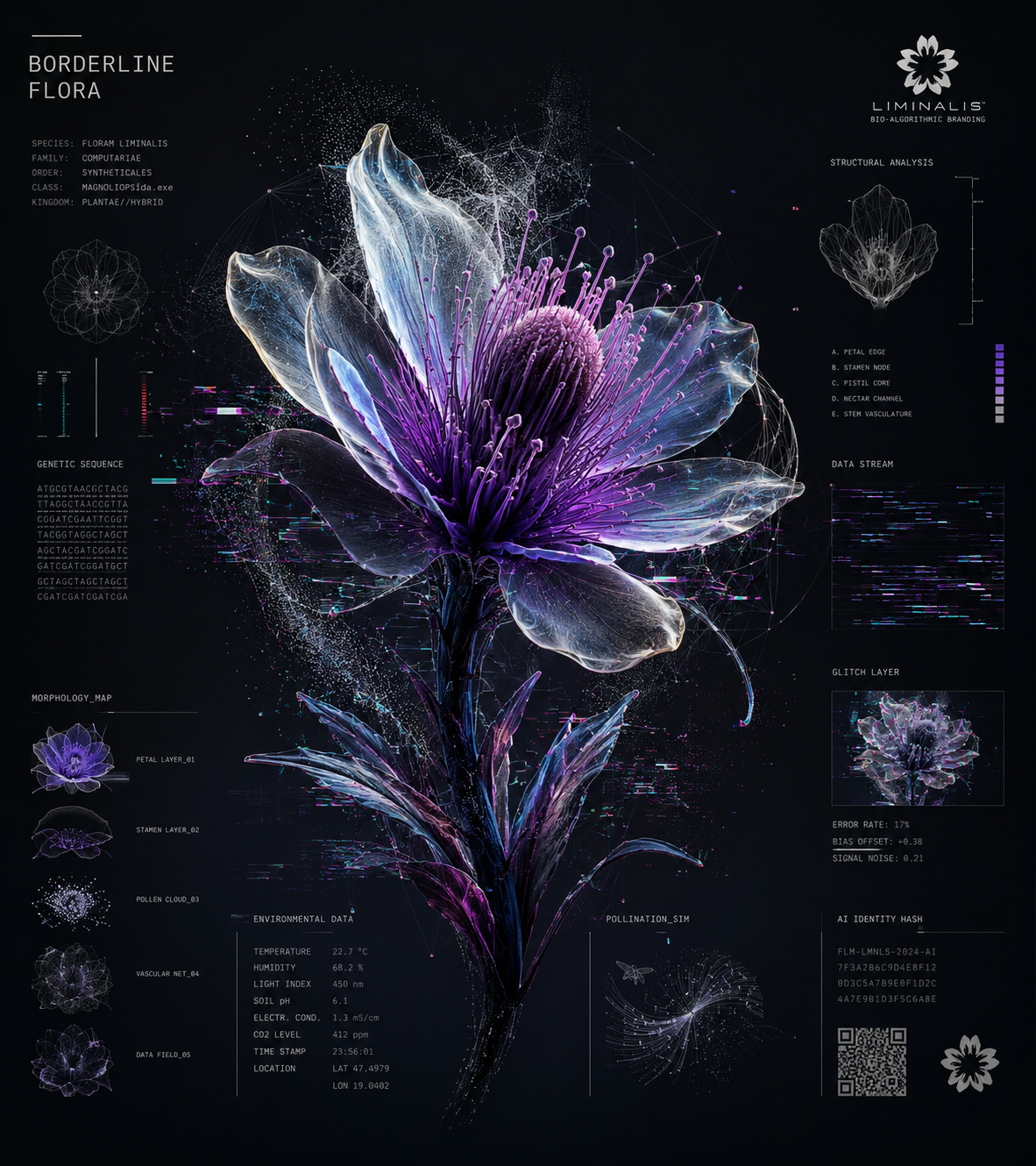
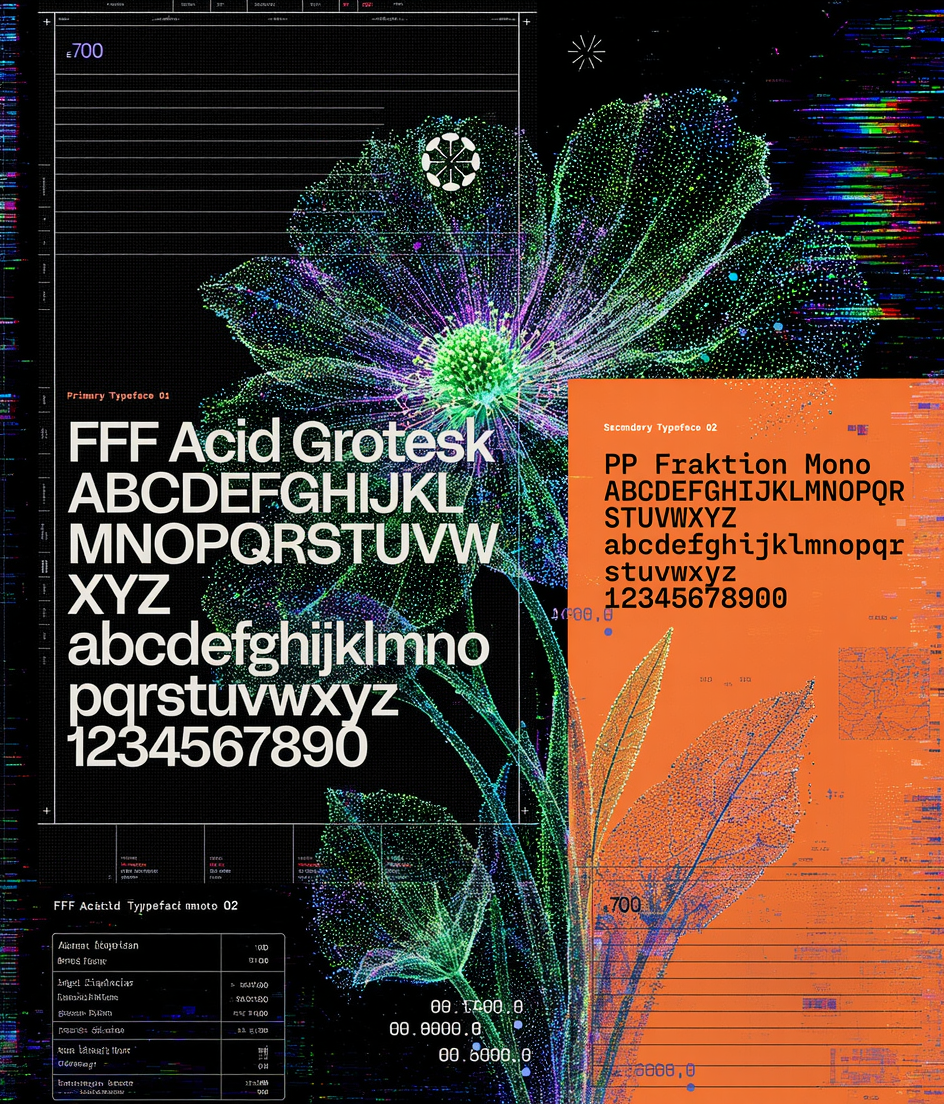
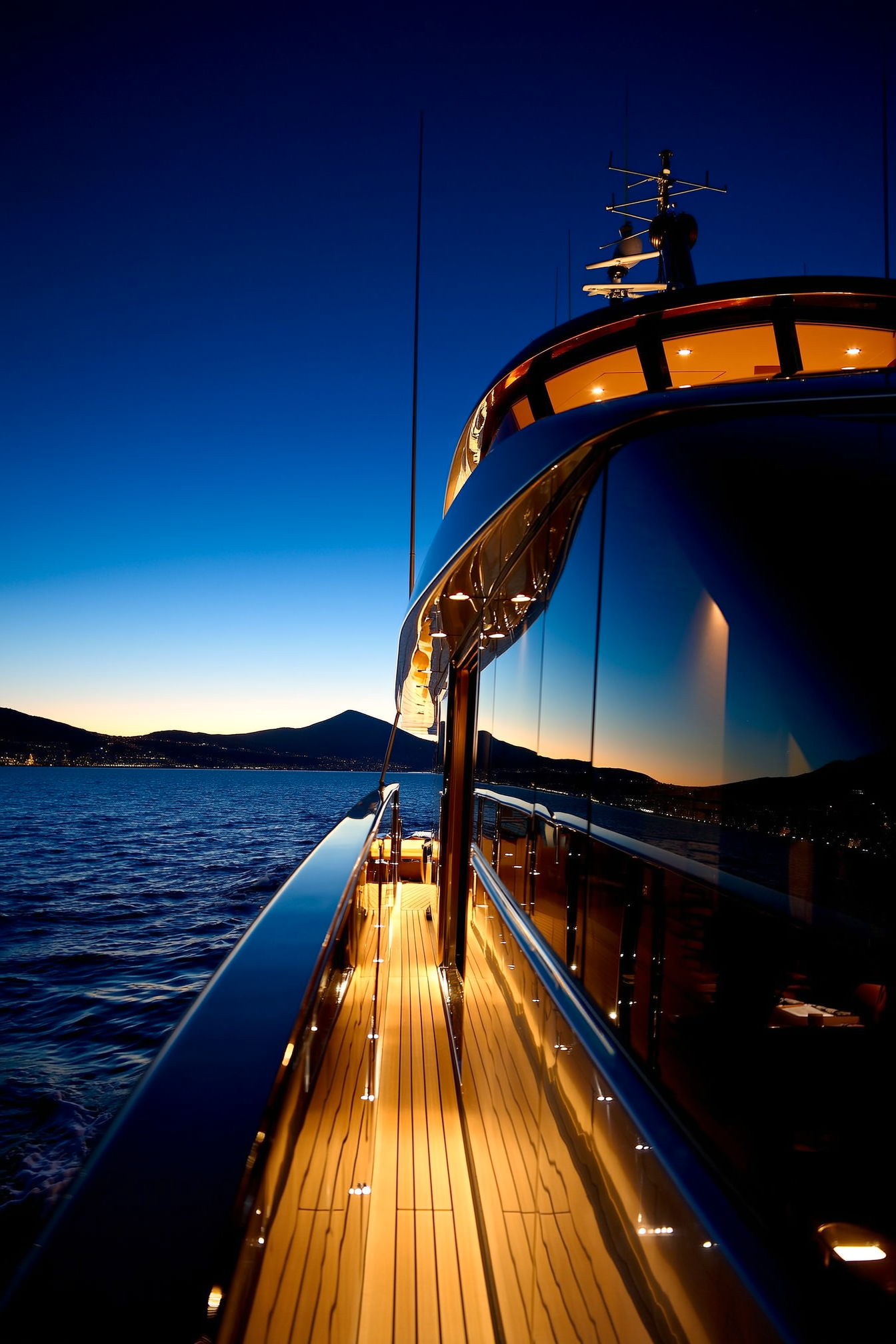
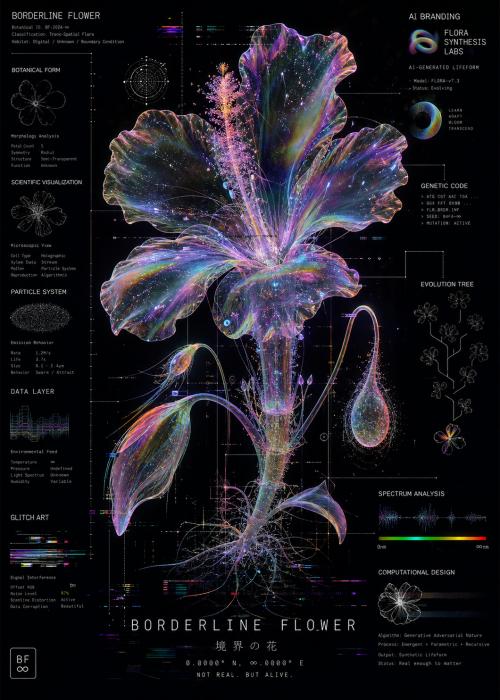
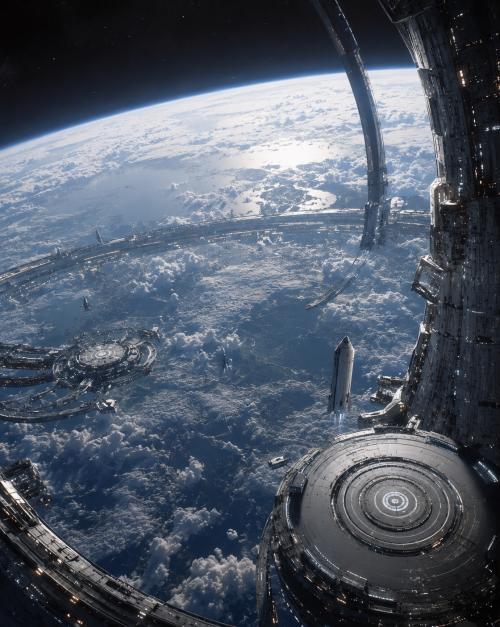
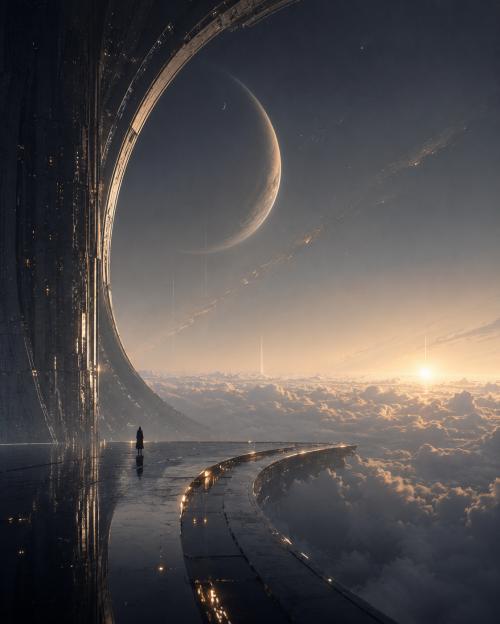
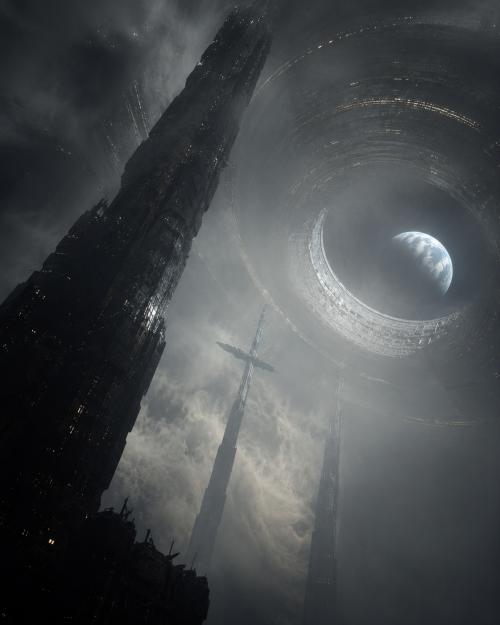
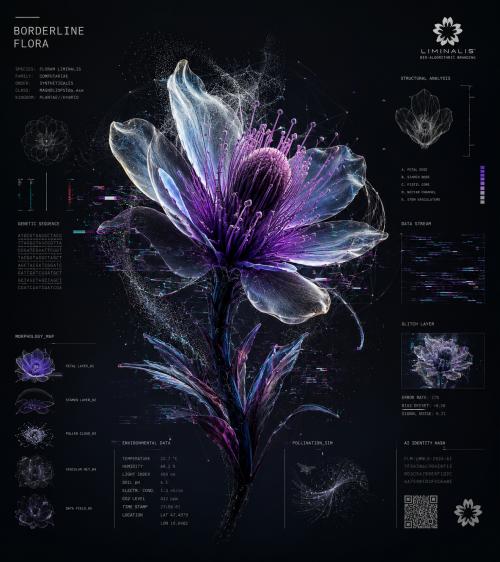
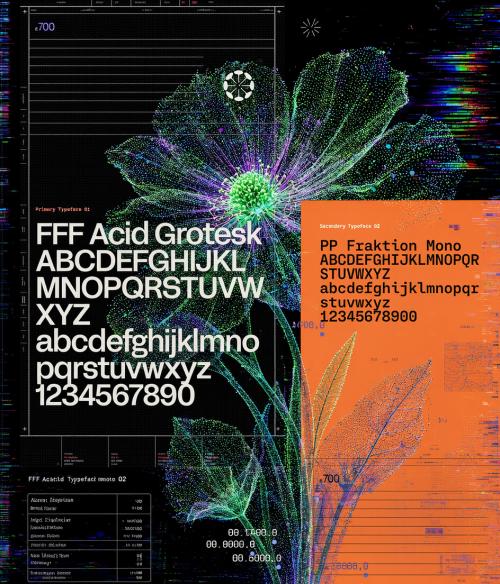
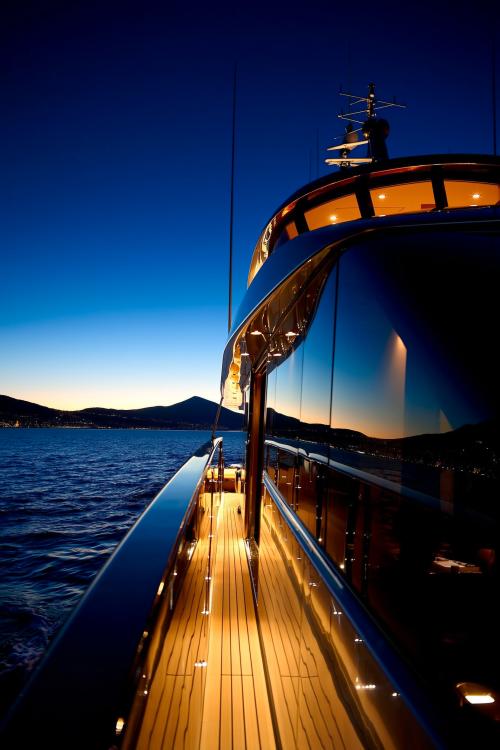
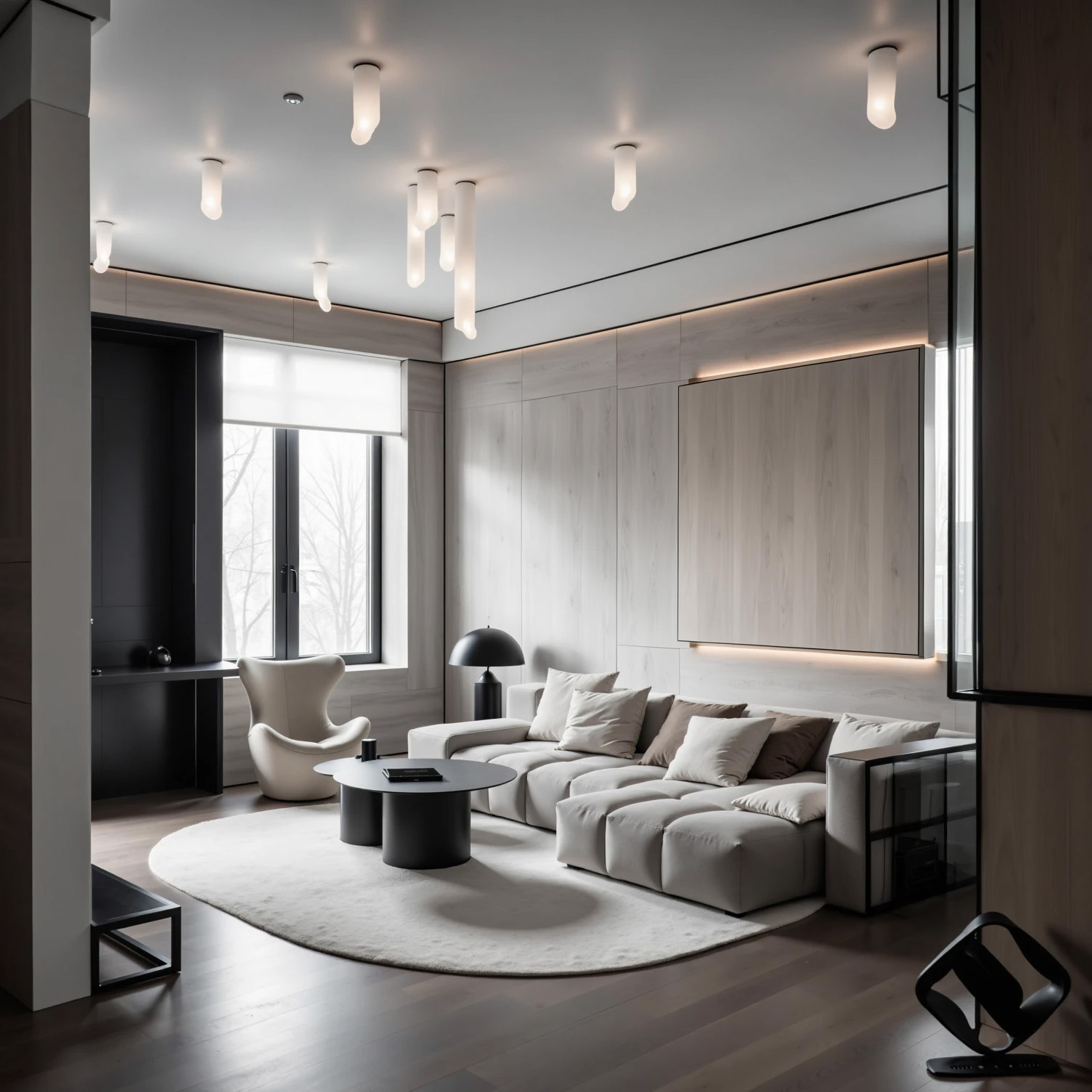
You will receive a step-by-step, updated algorithm [06/12/2026] and a set of practical knowledge that will allow you to create images with the same high level of graphics and quality as in the examples below.

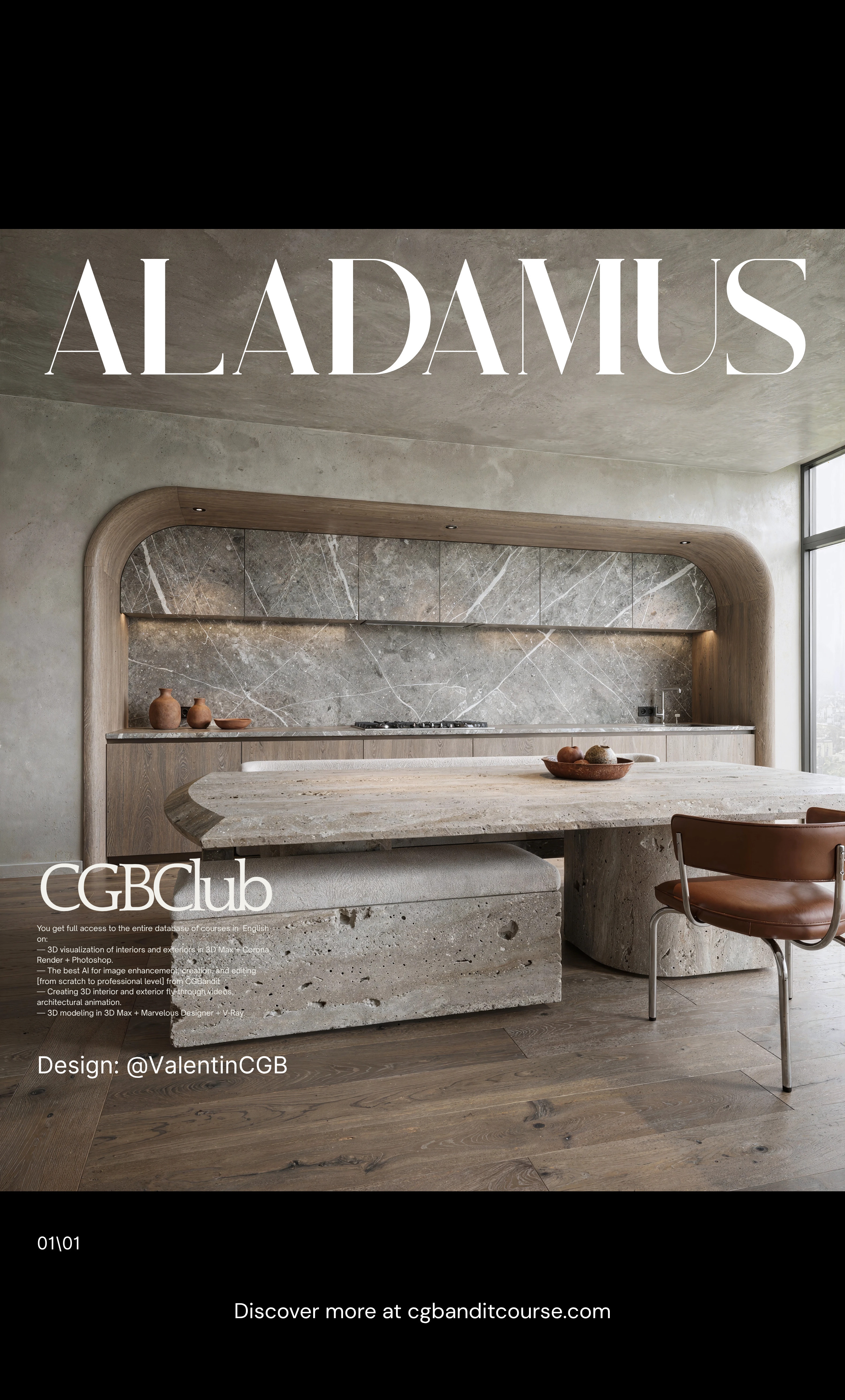
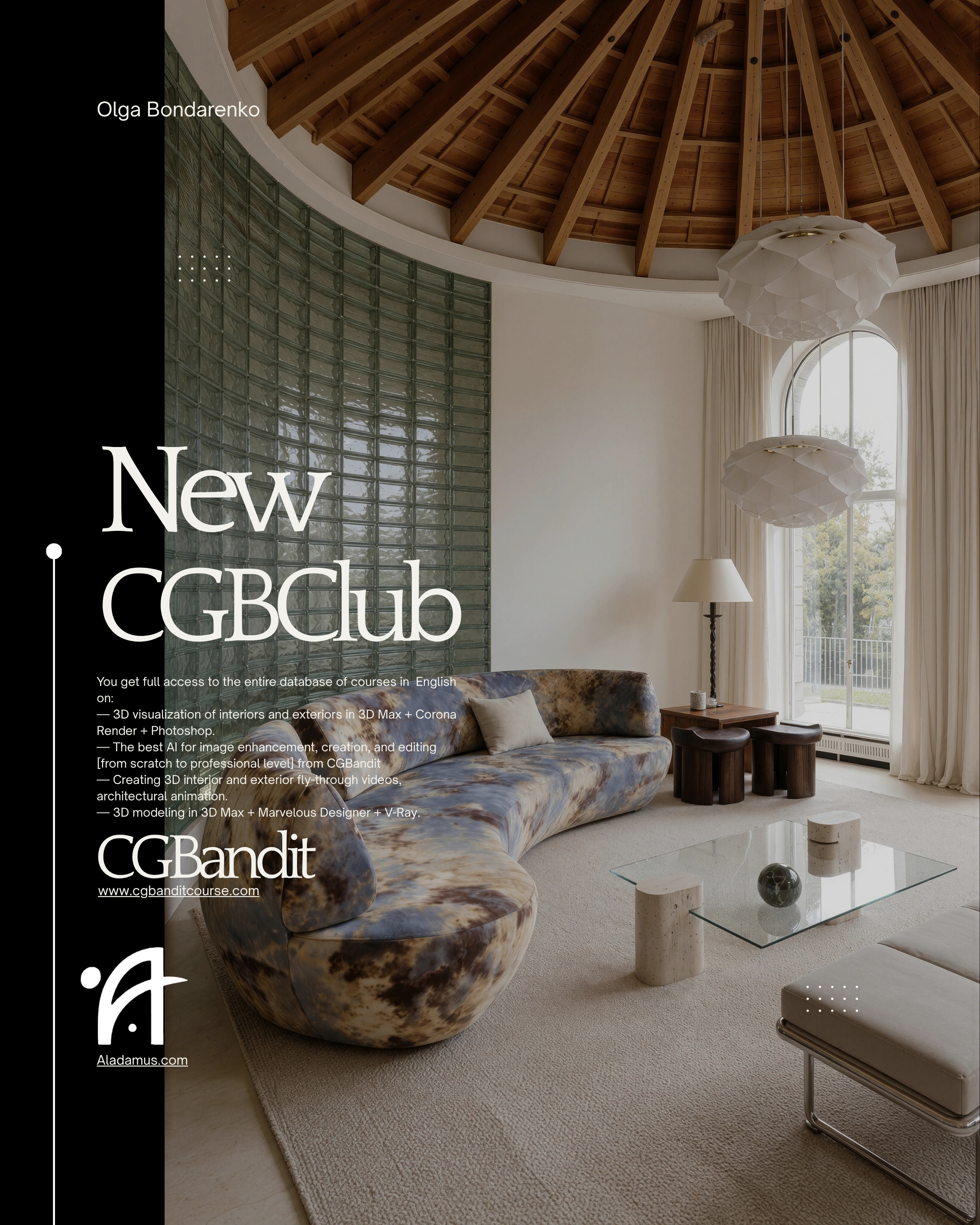
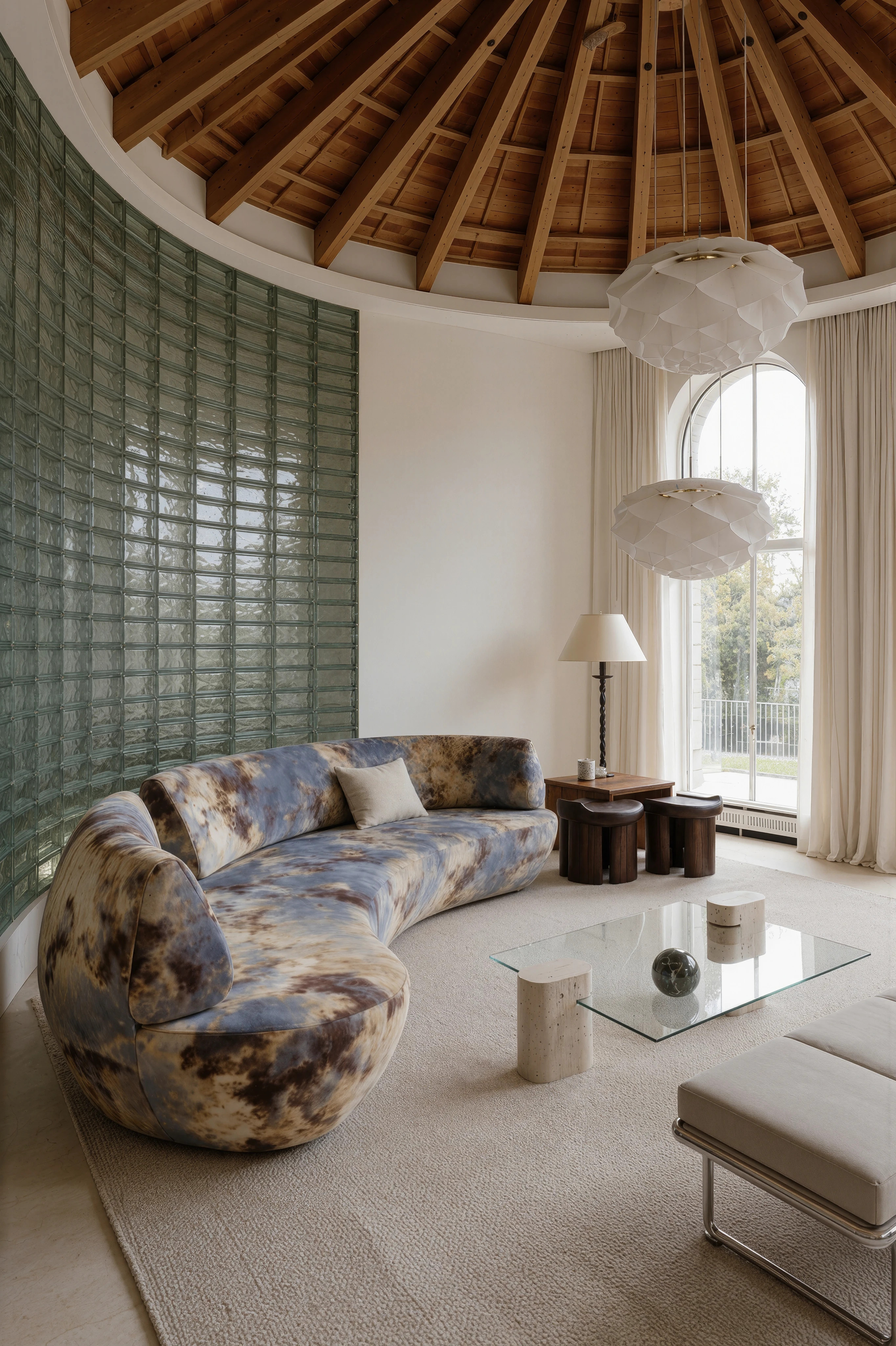
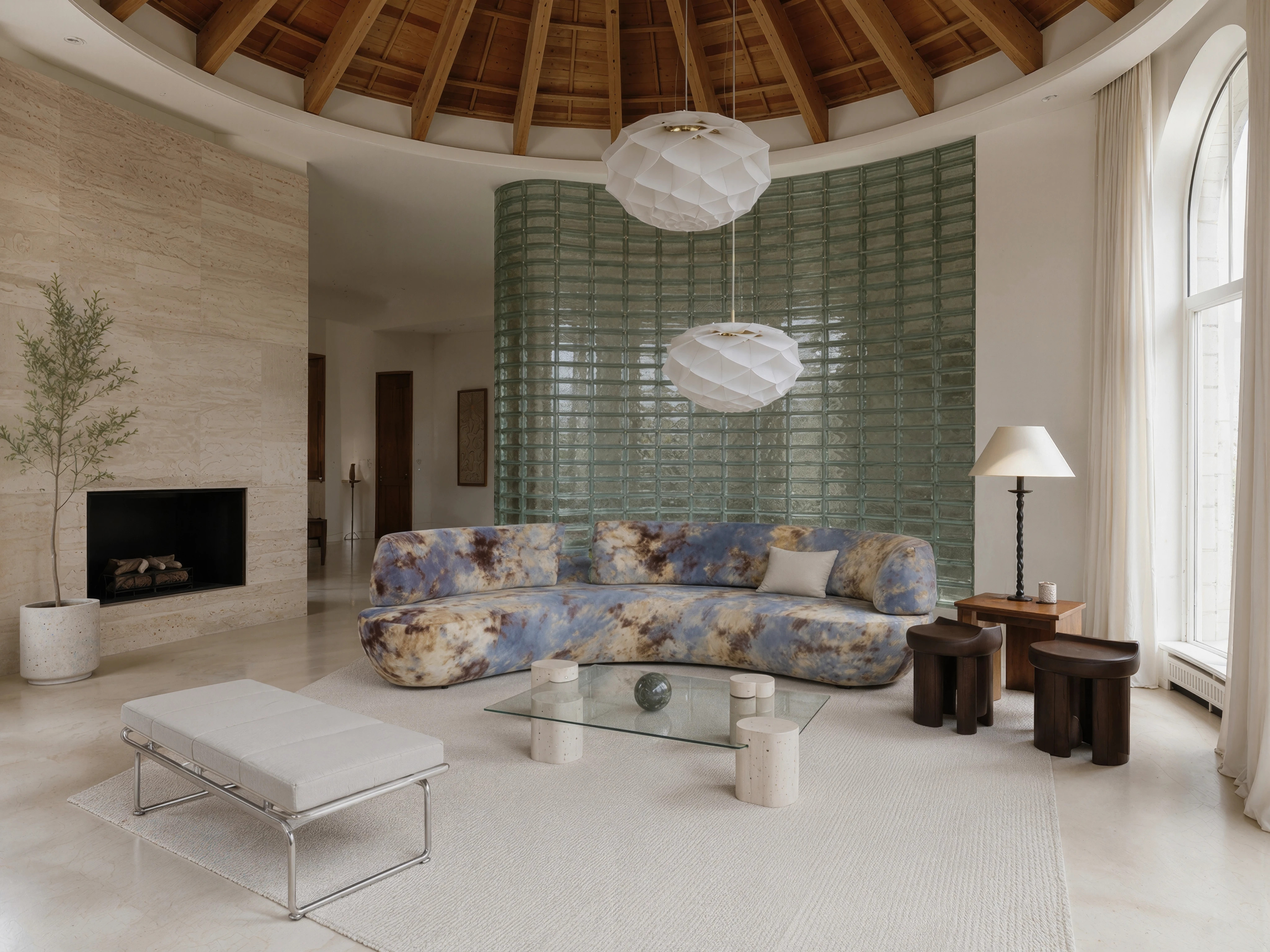
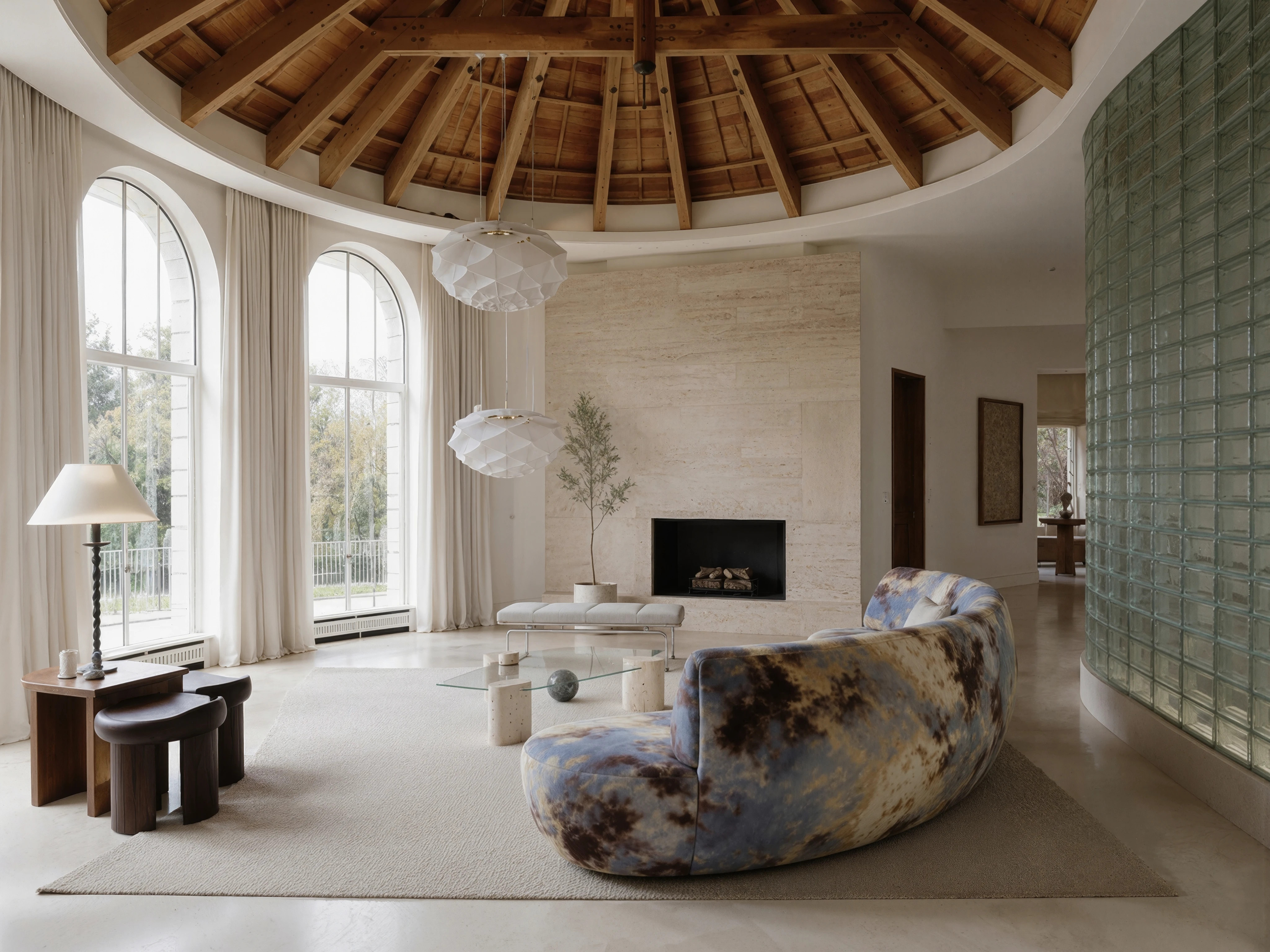
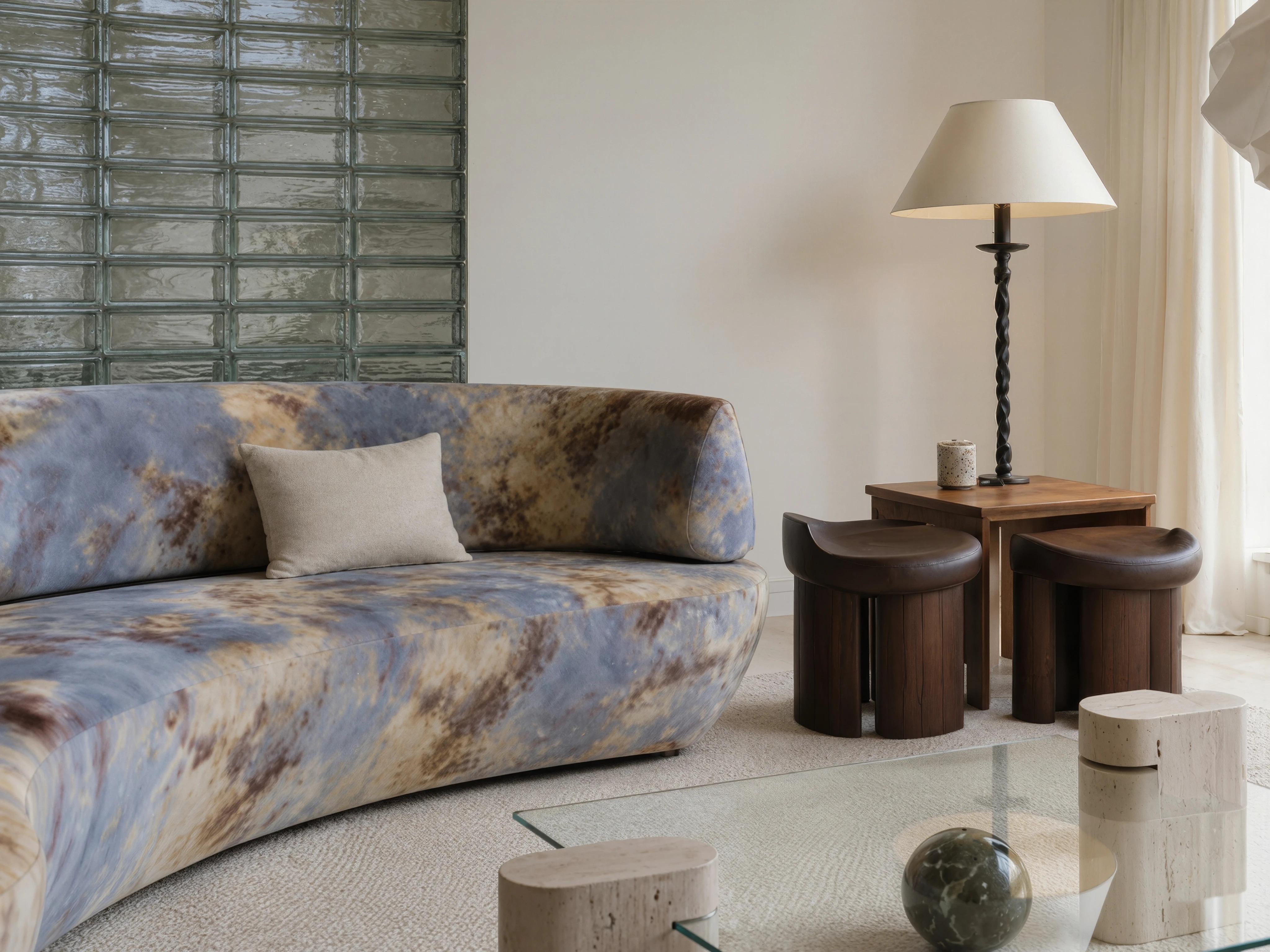
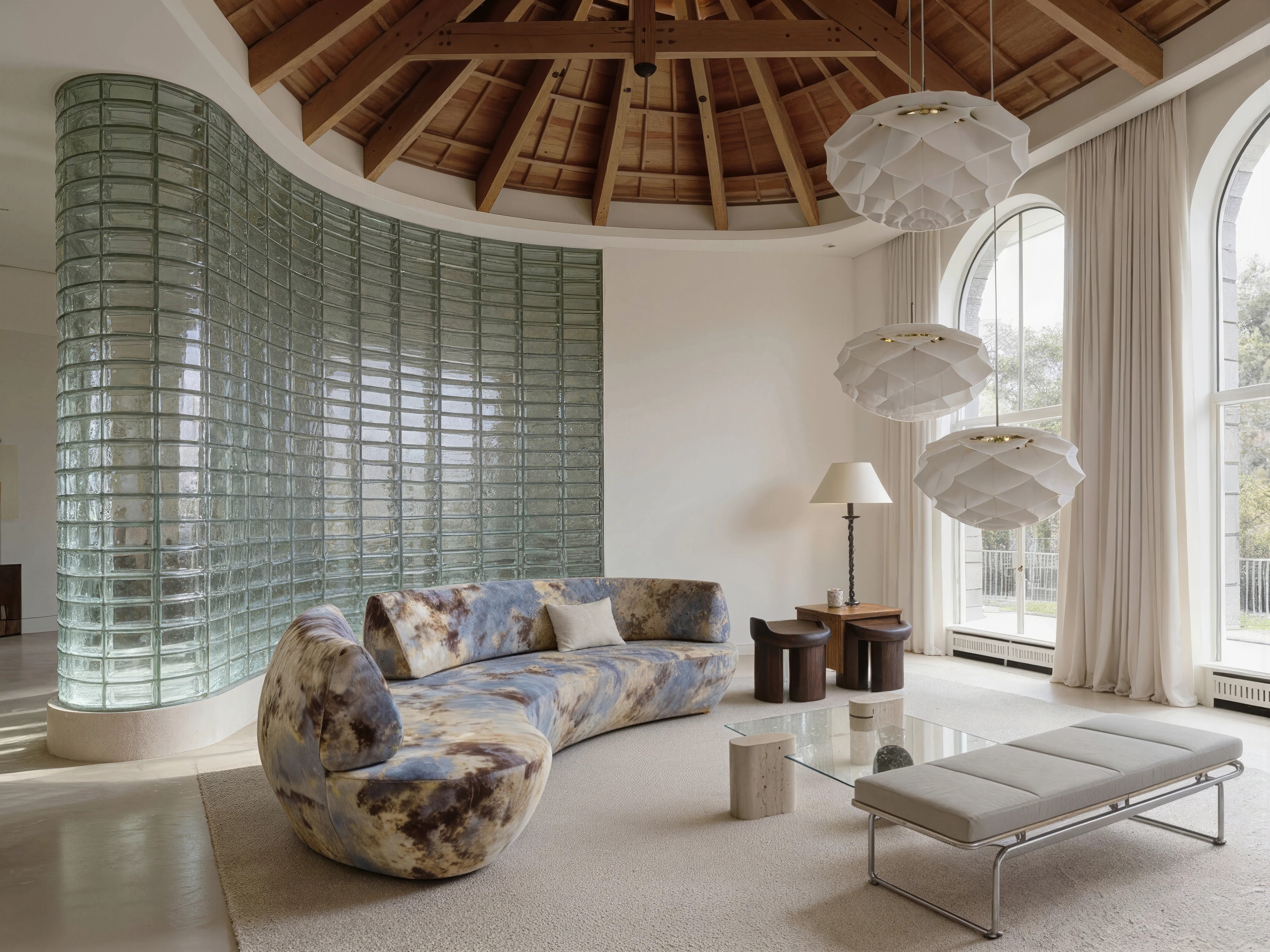
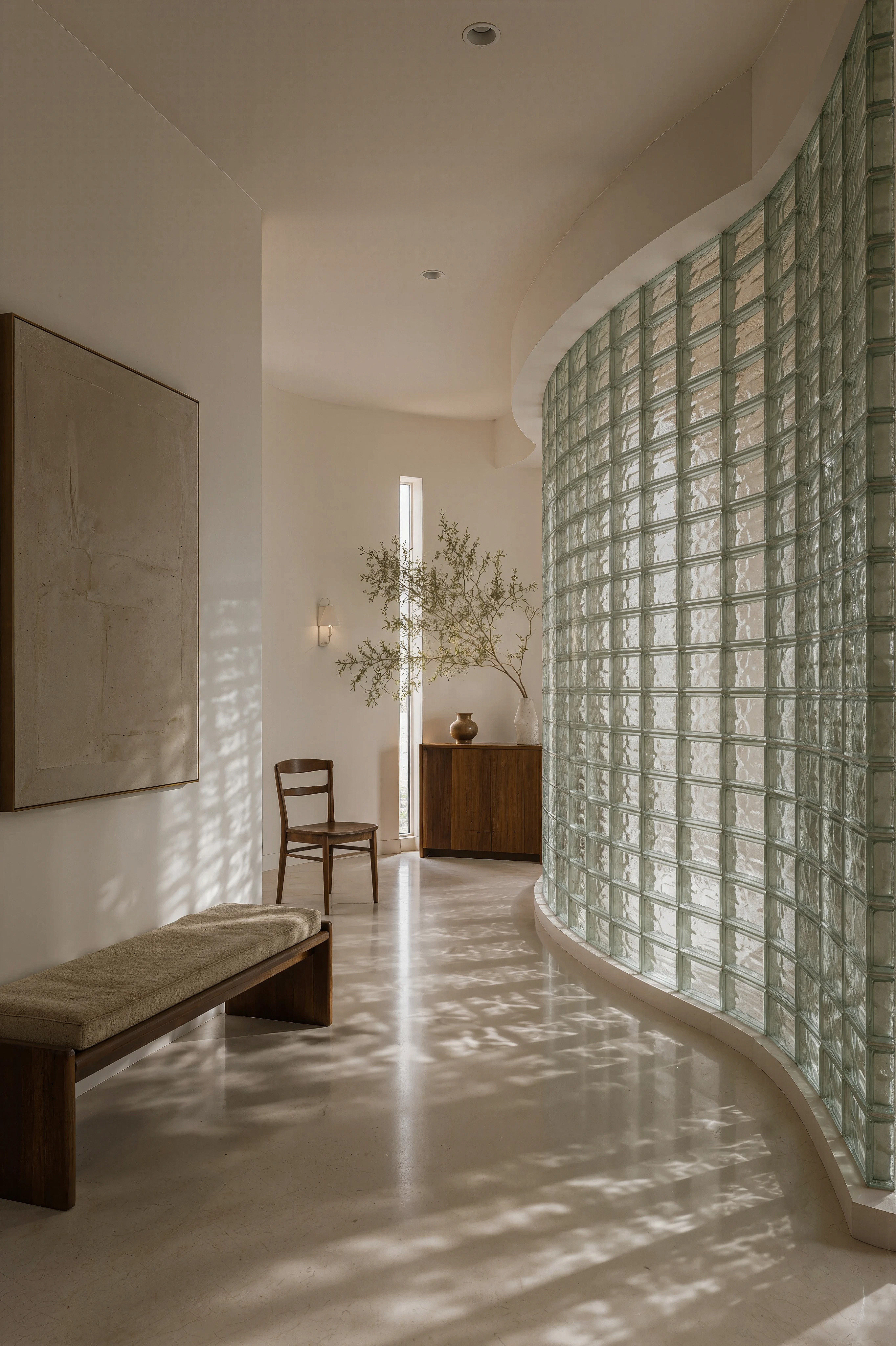
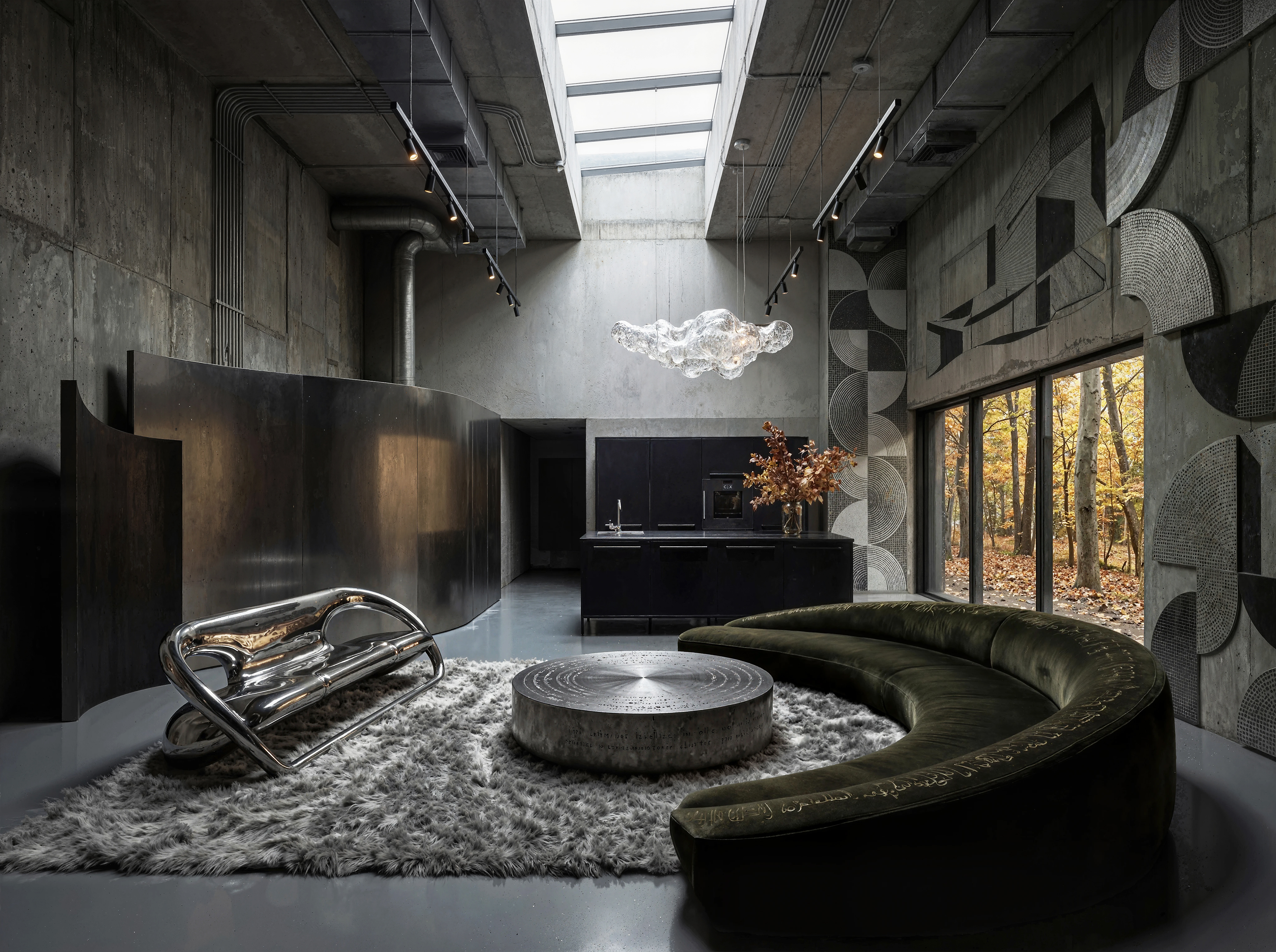
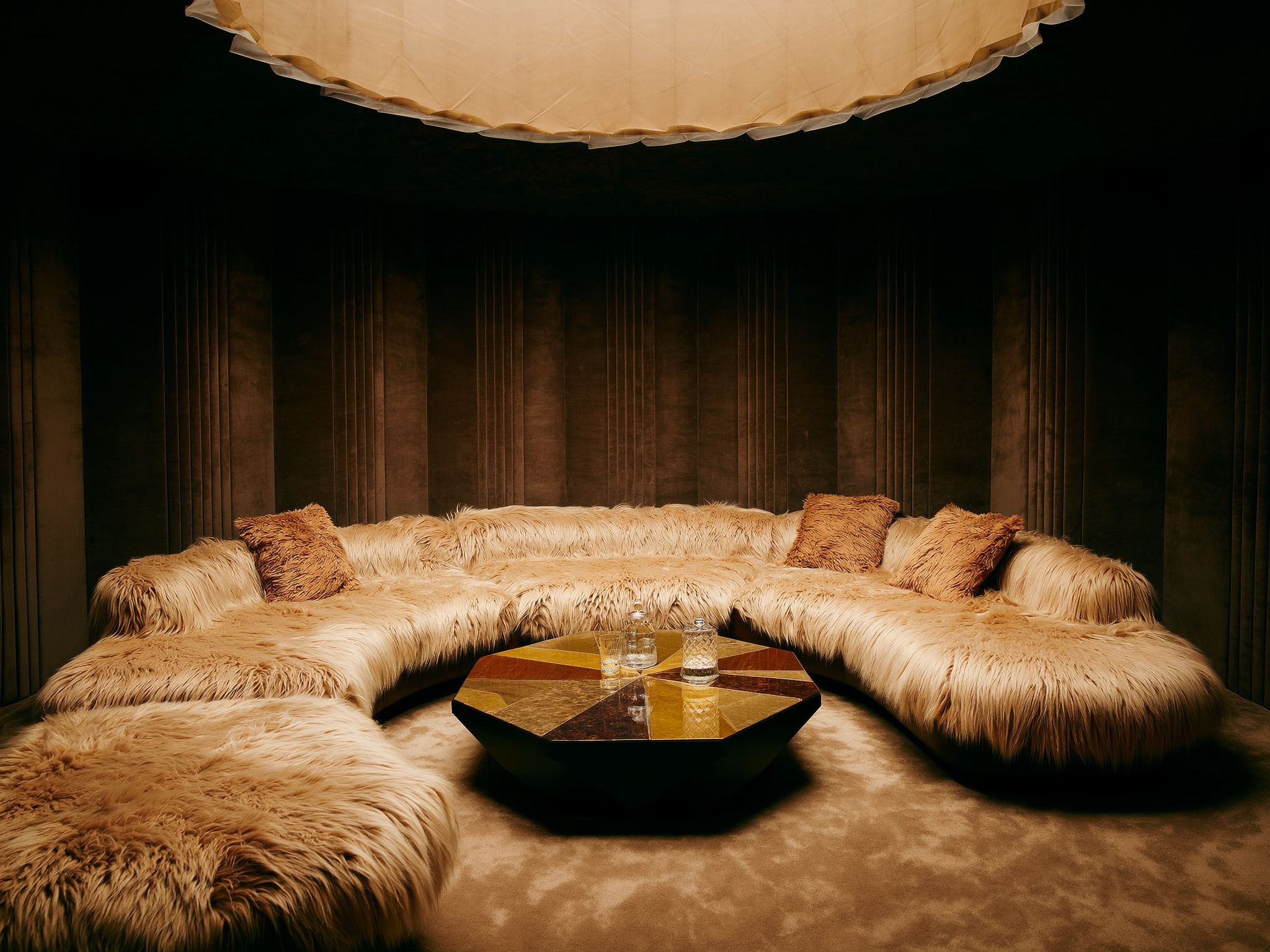
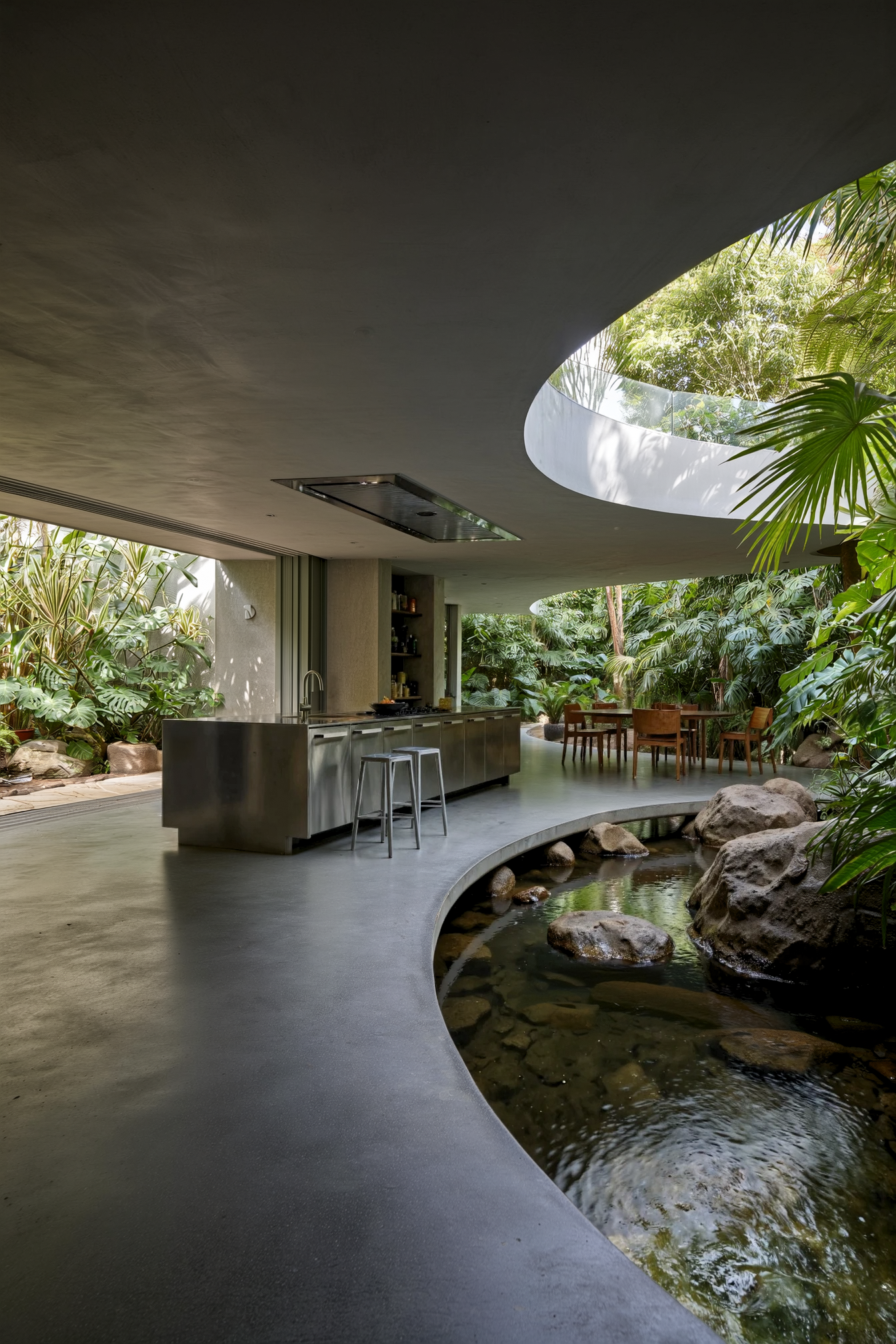
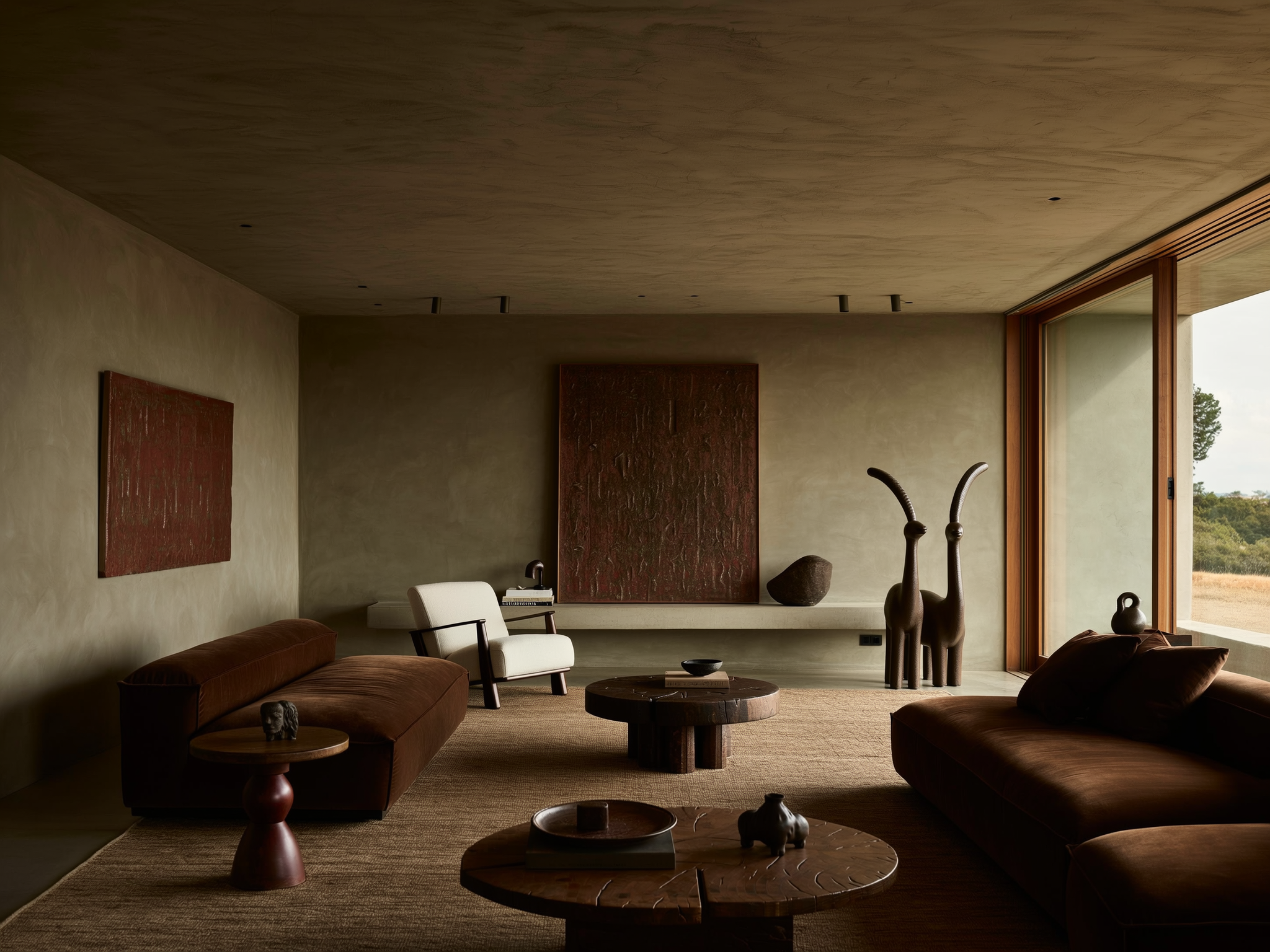
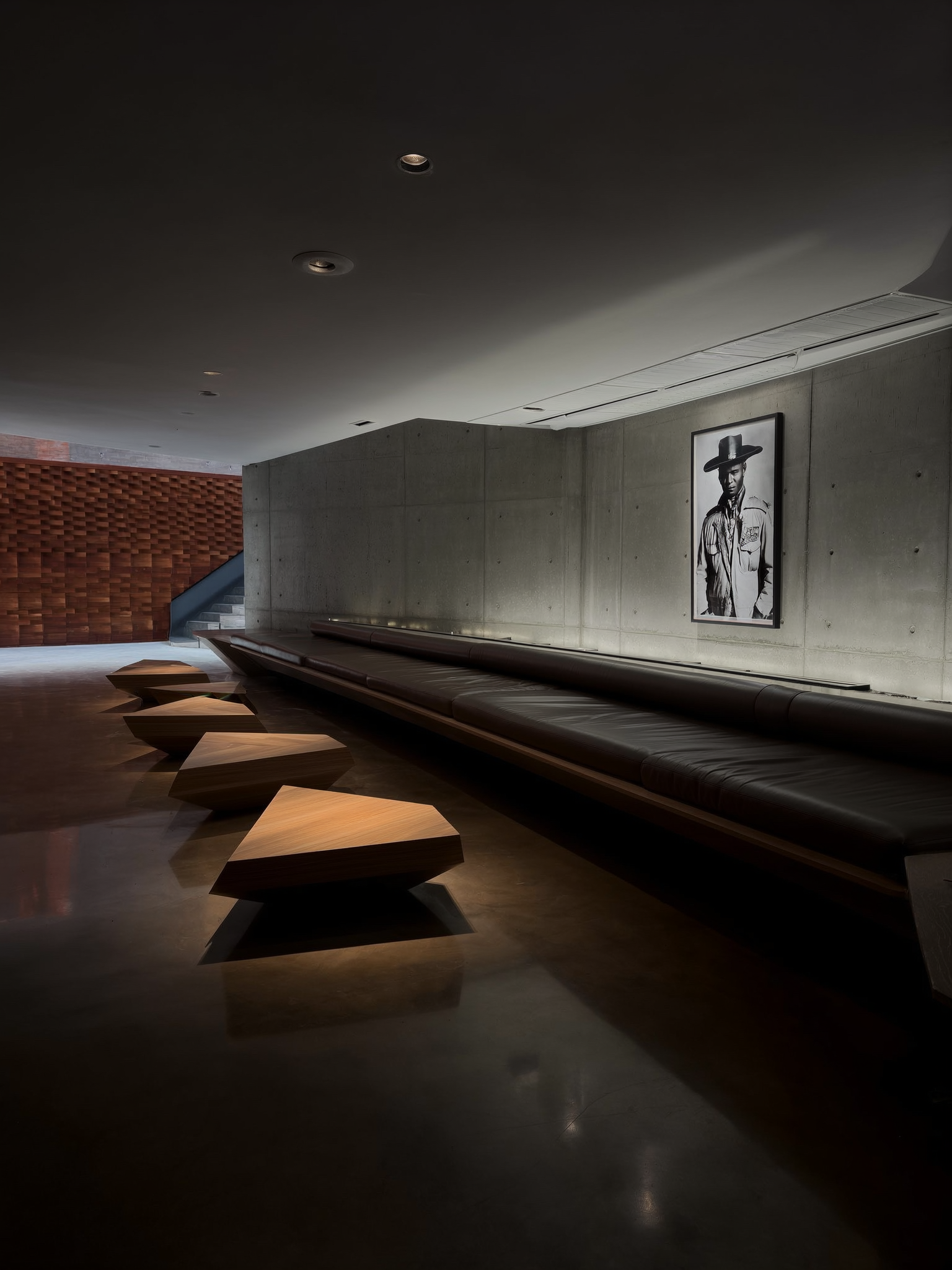
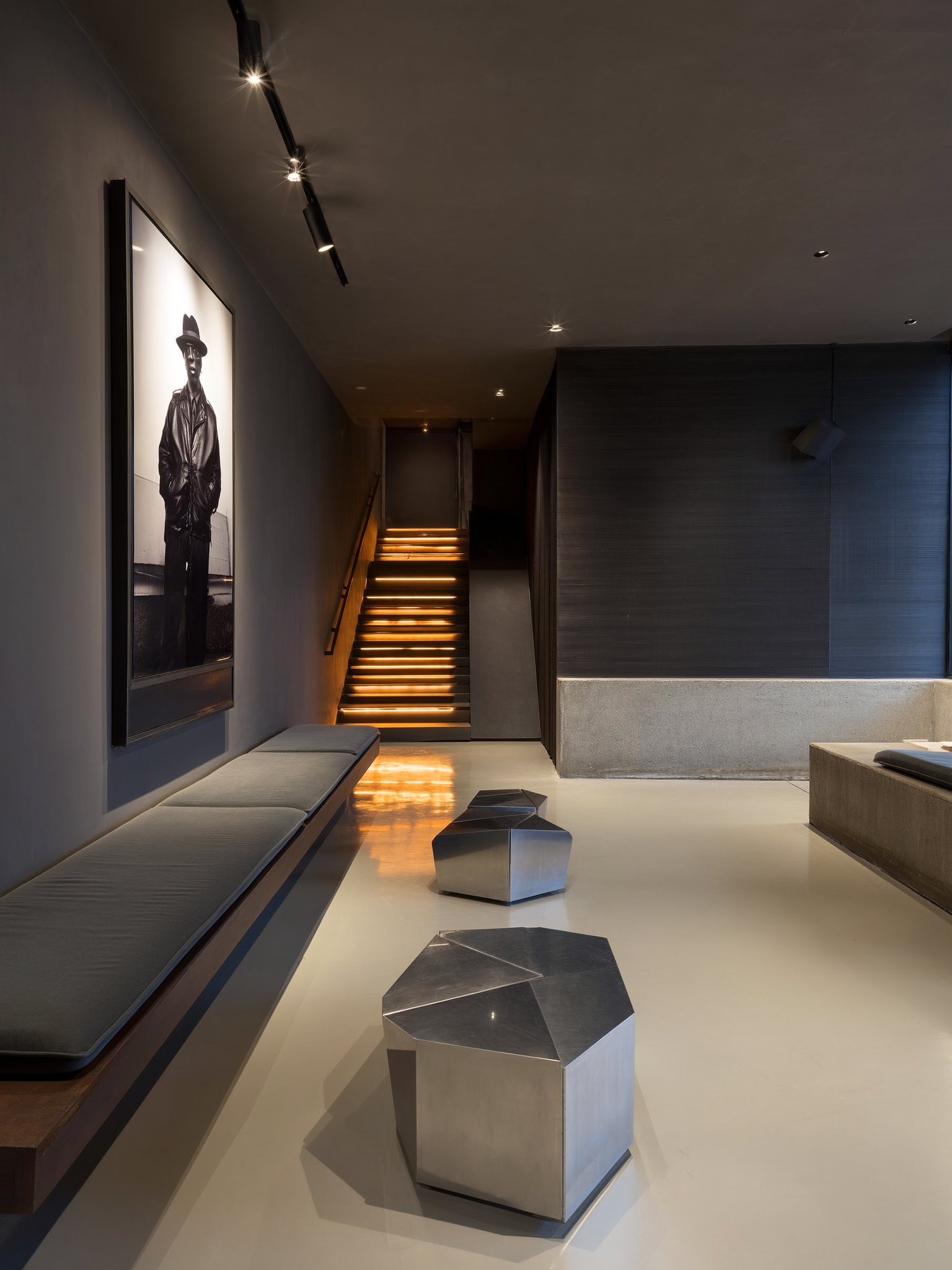

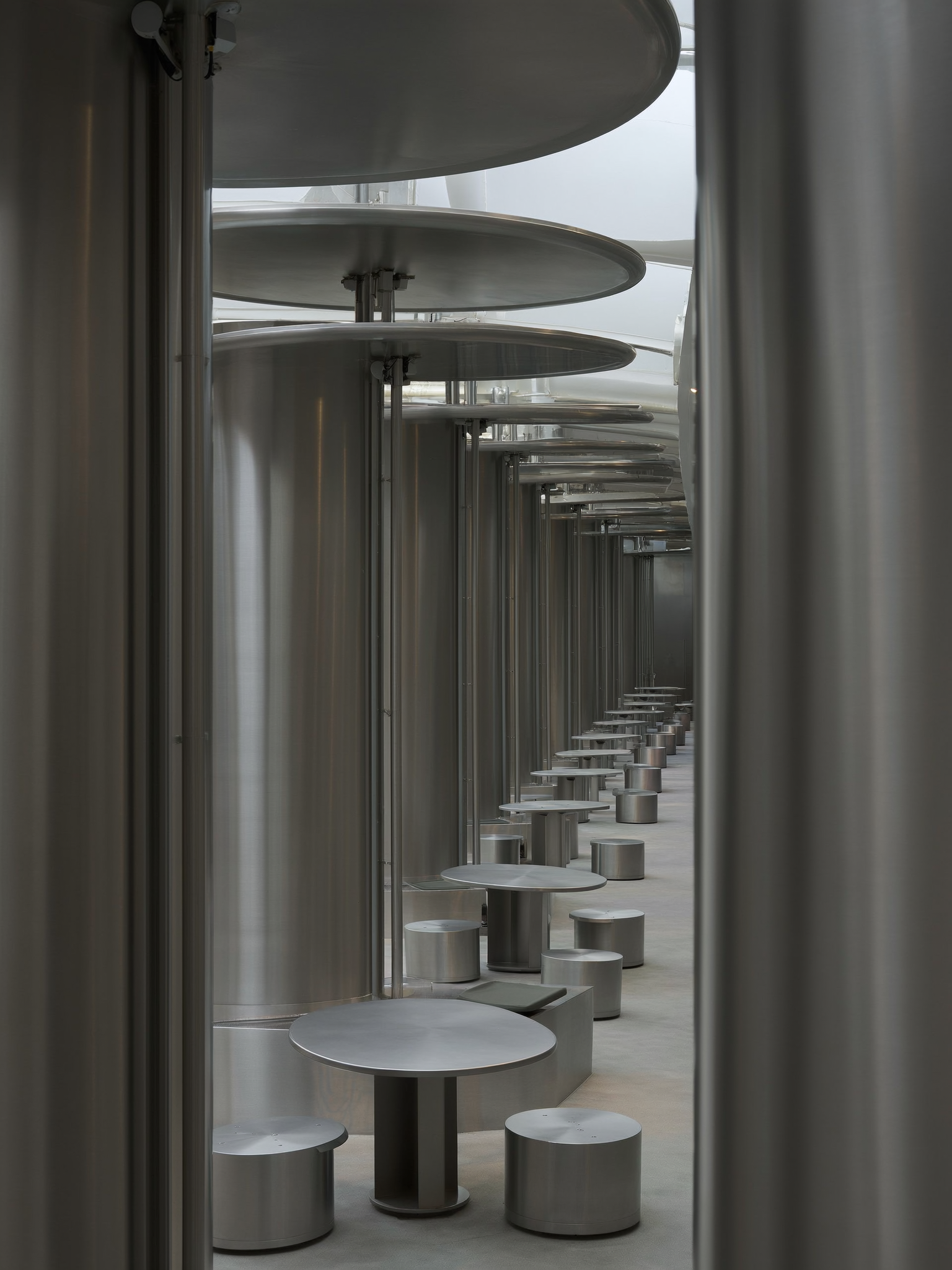
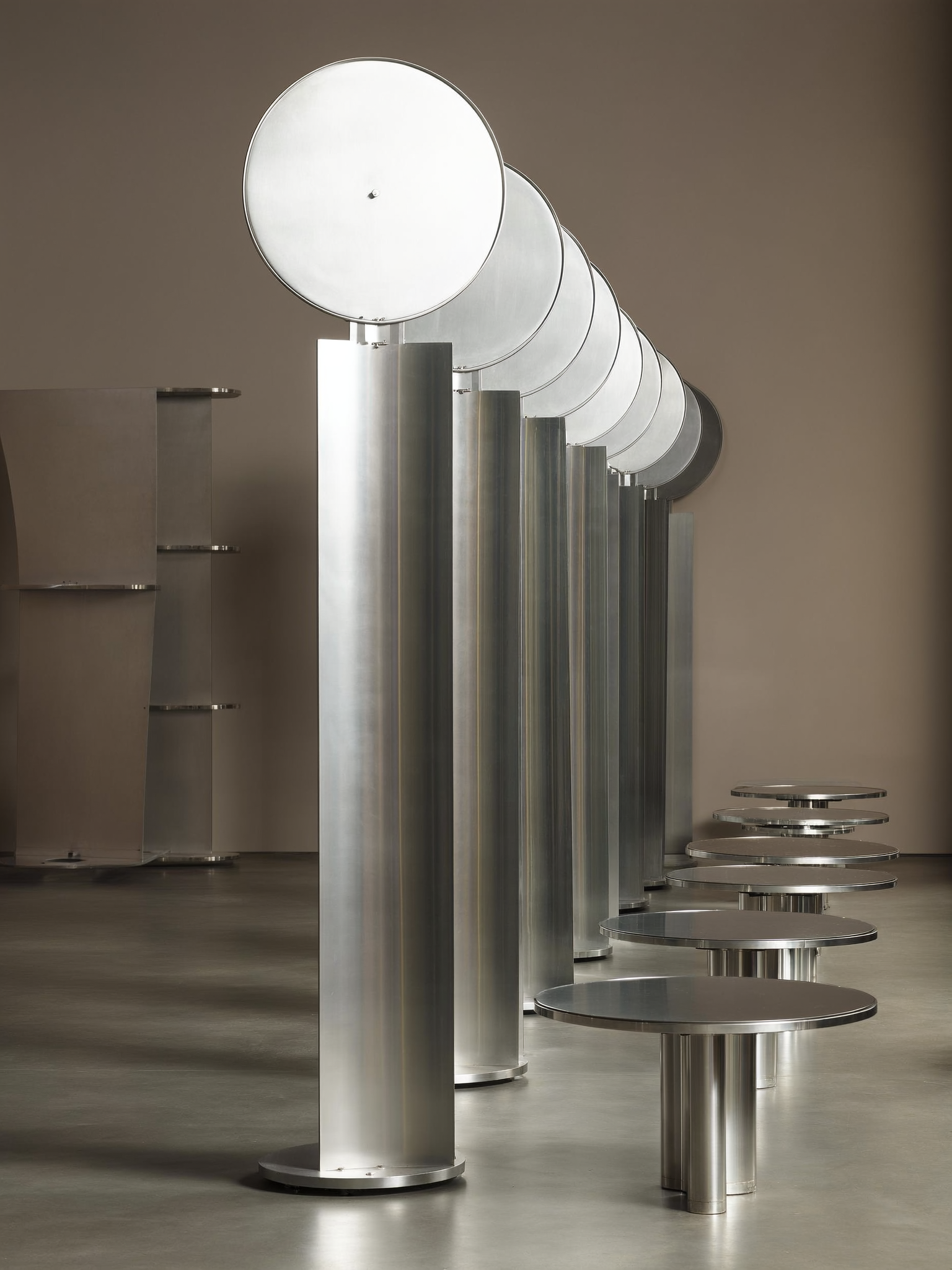
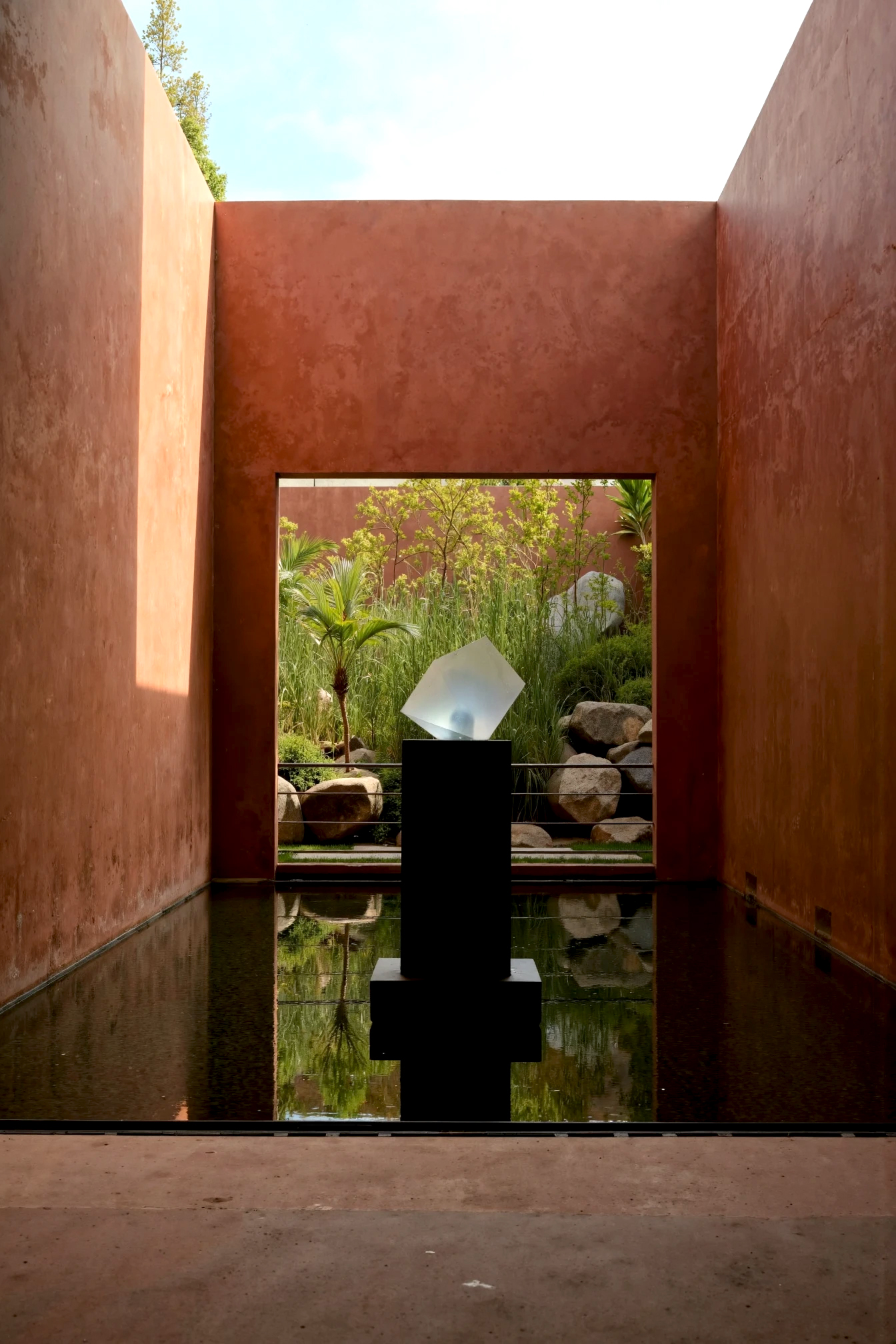
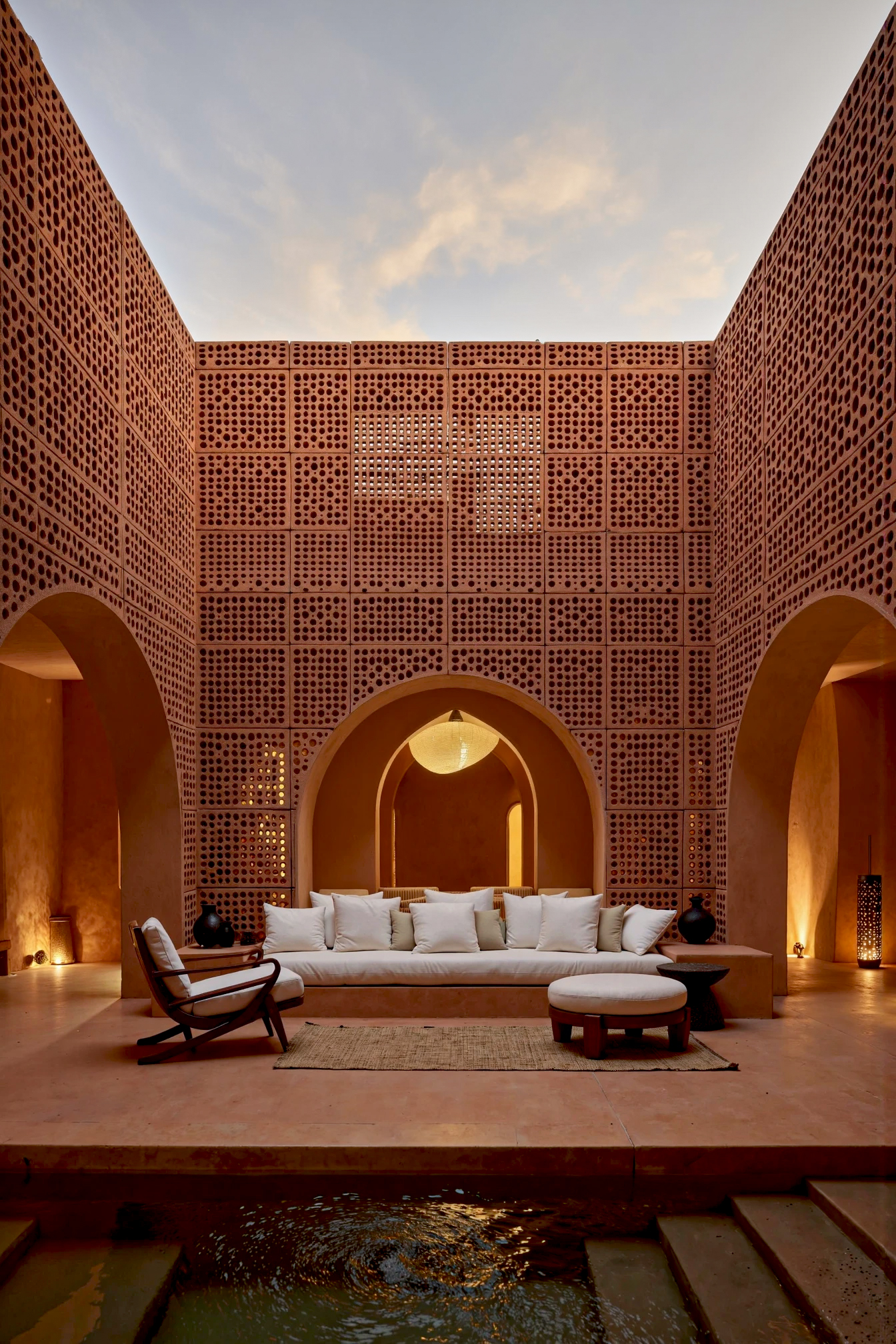
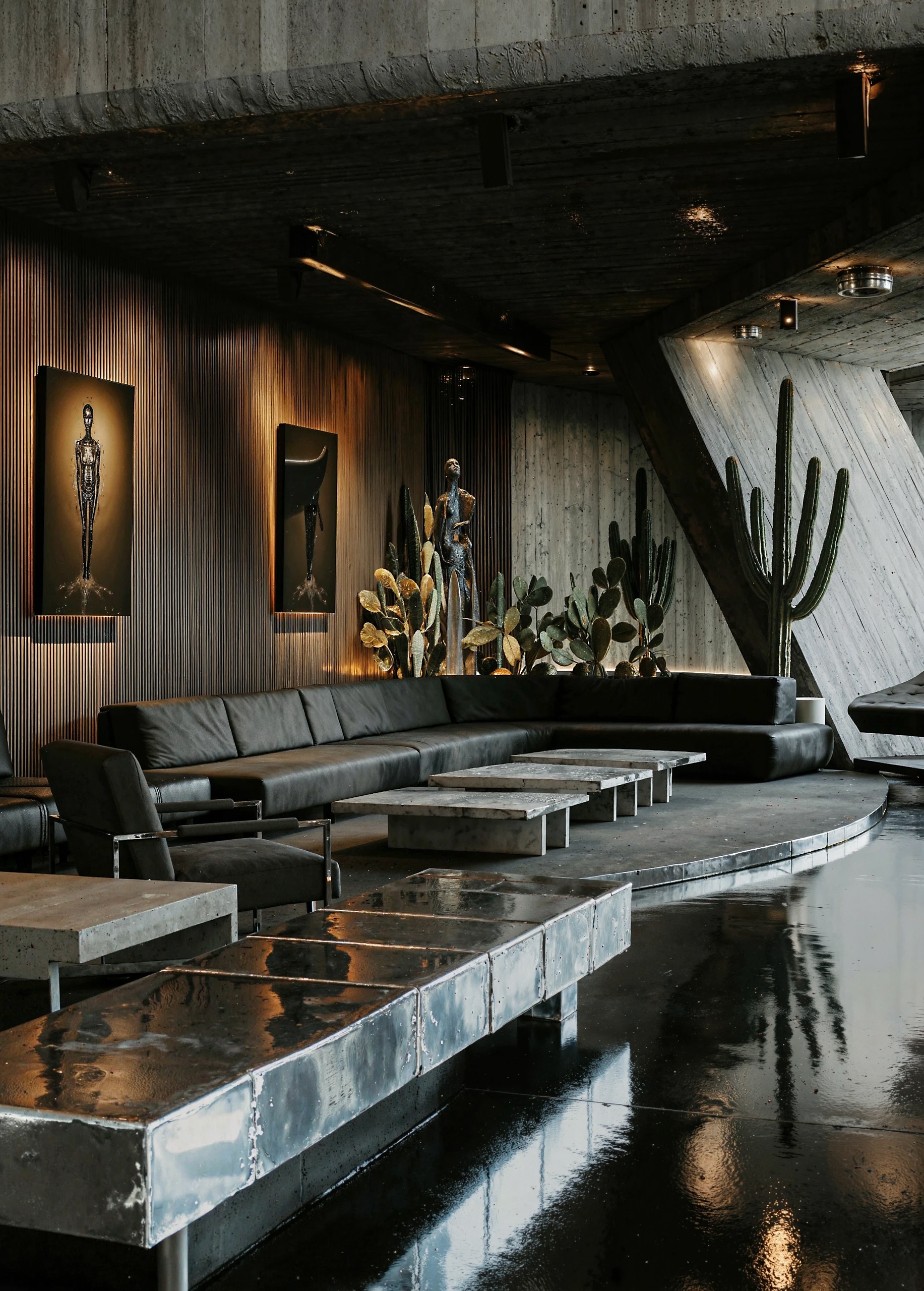
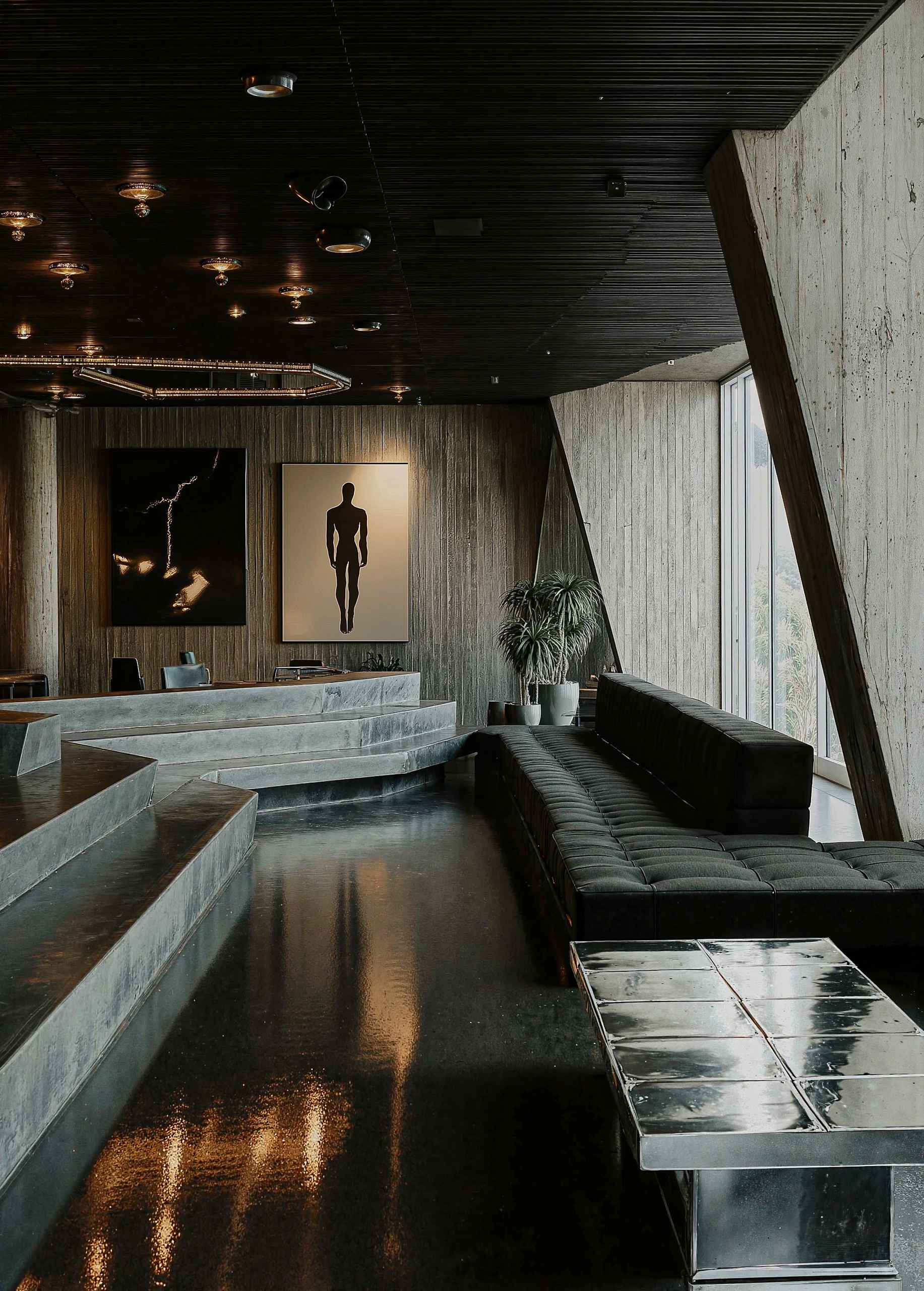

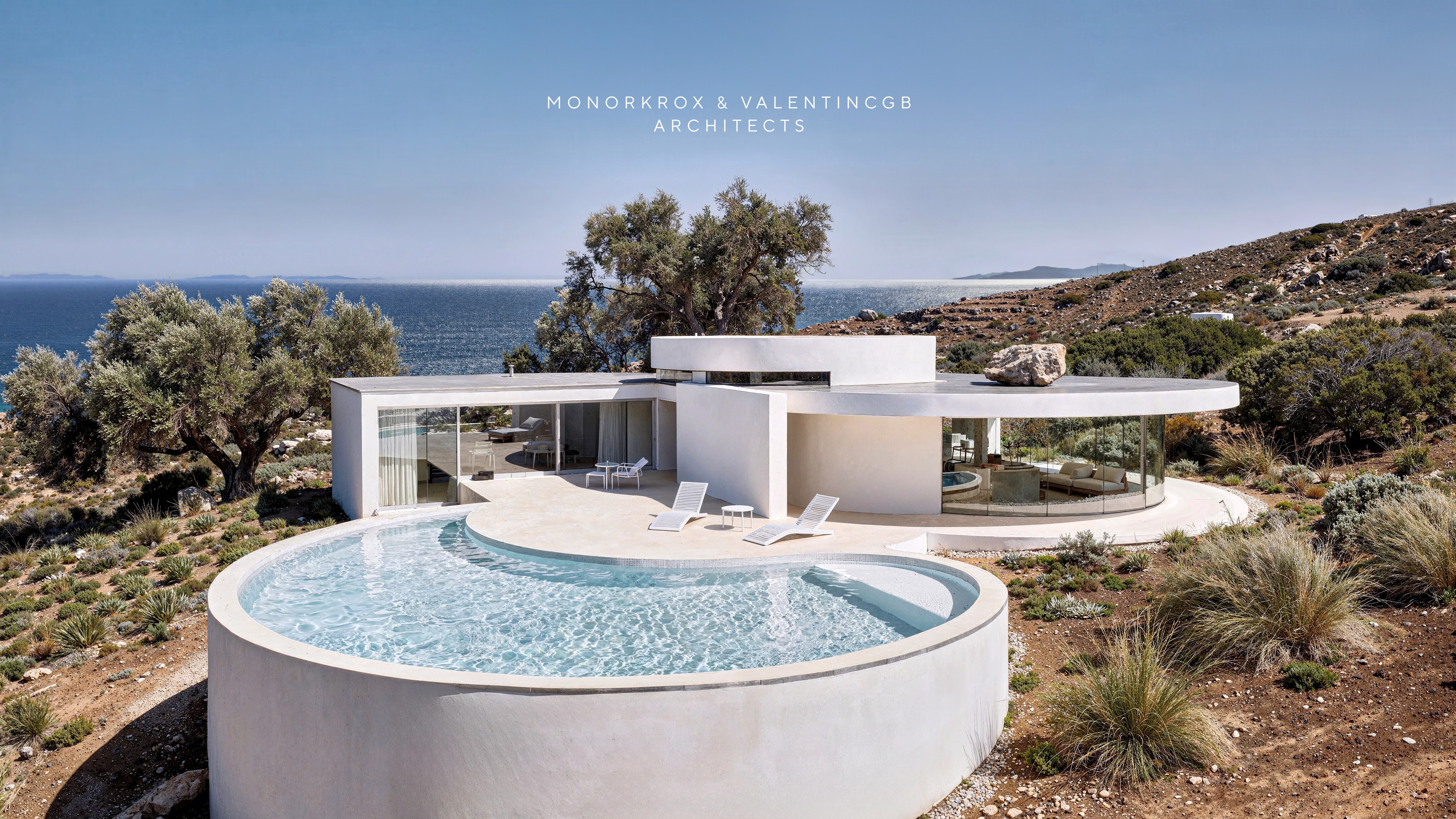

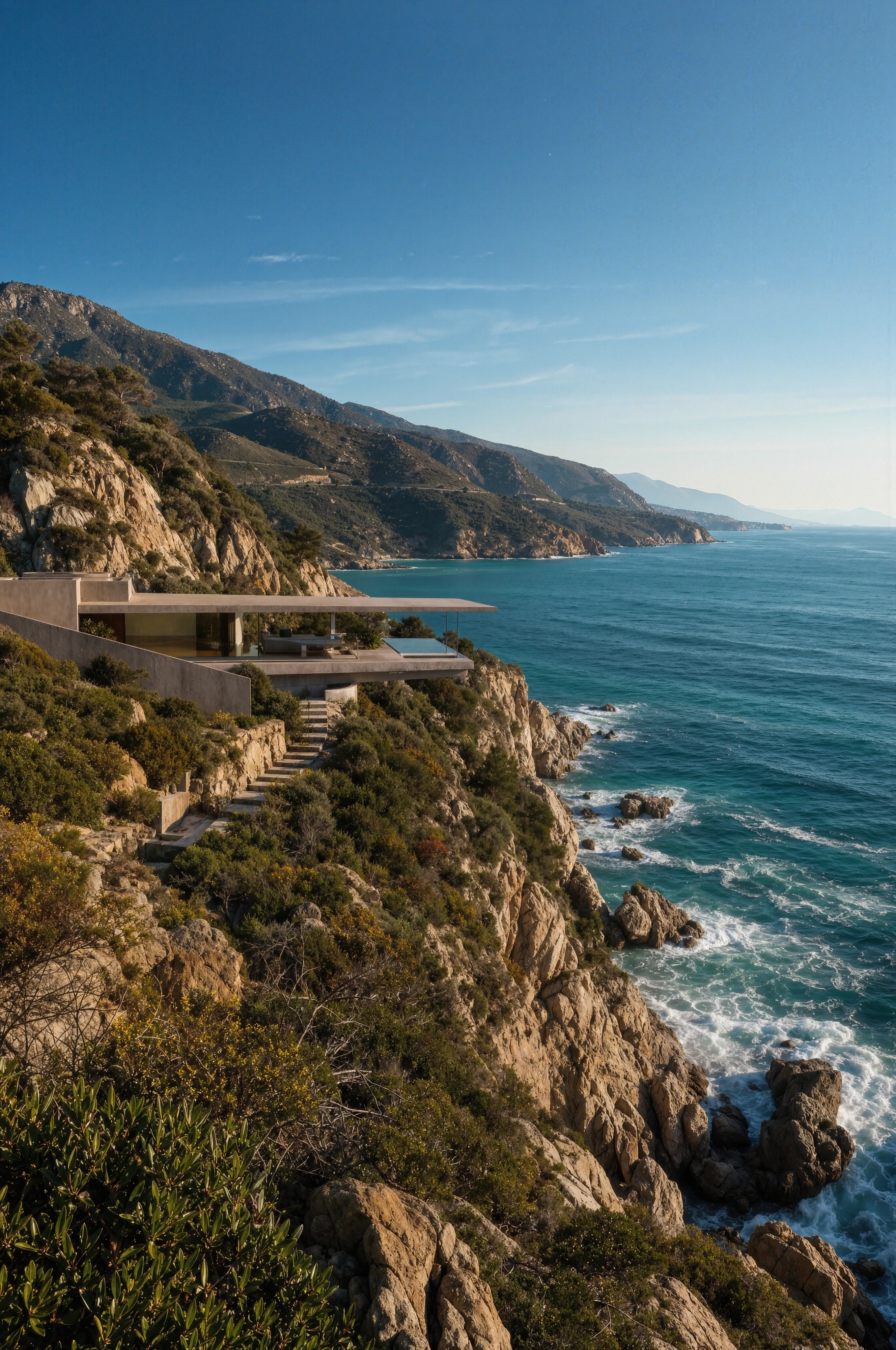
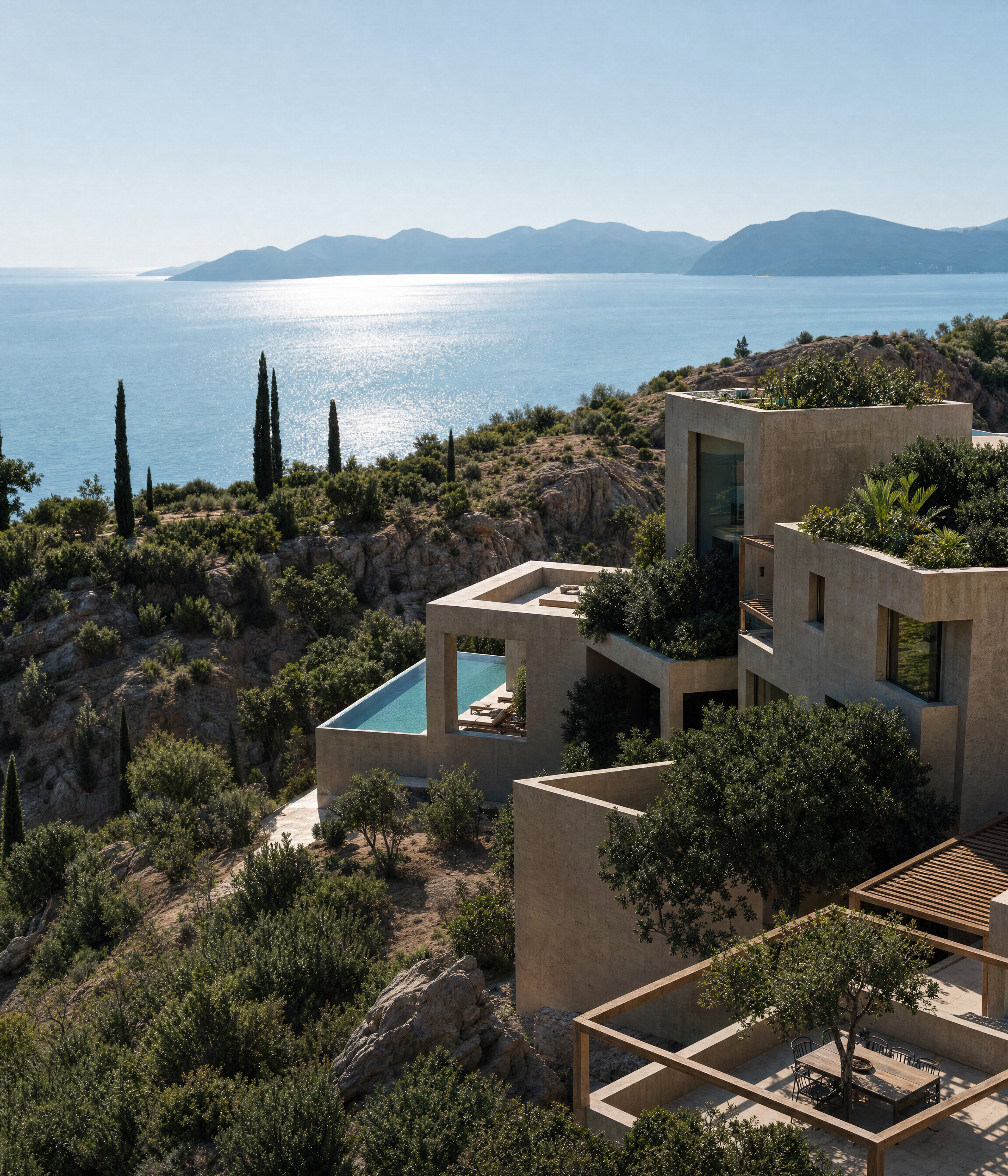
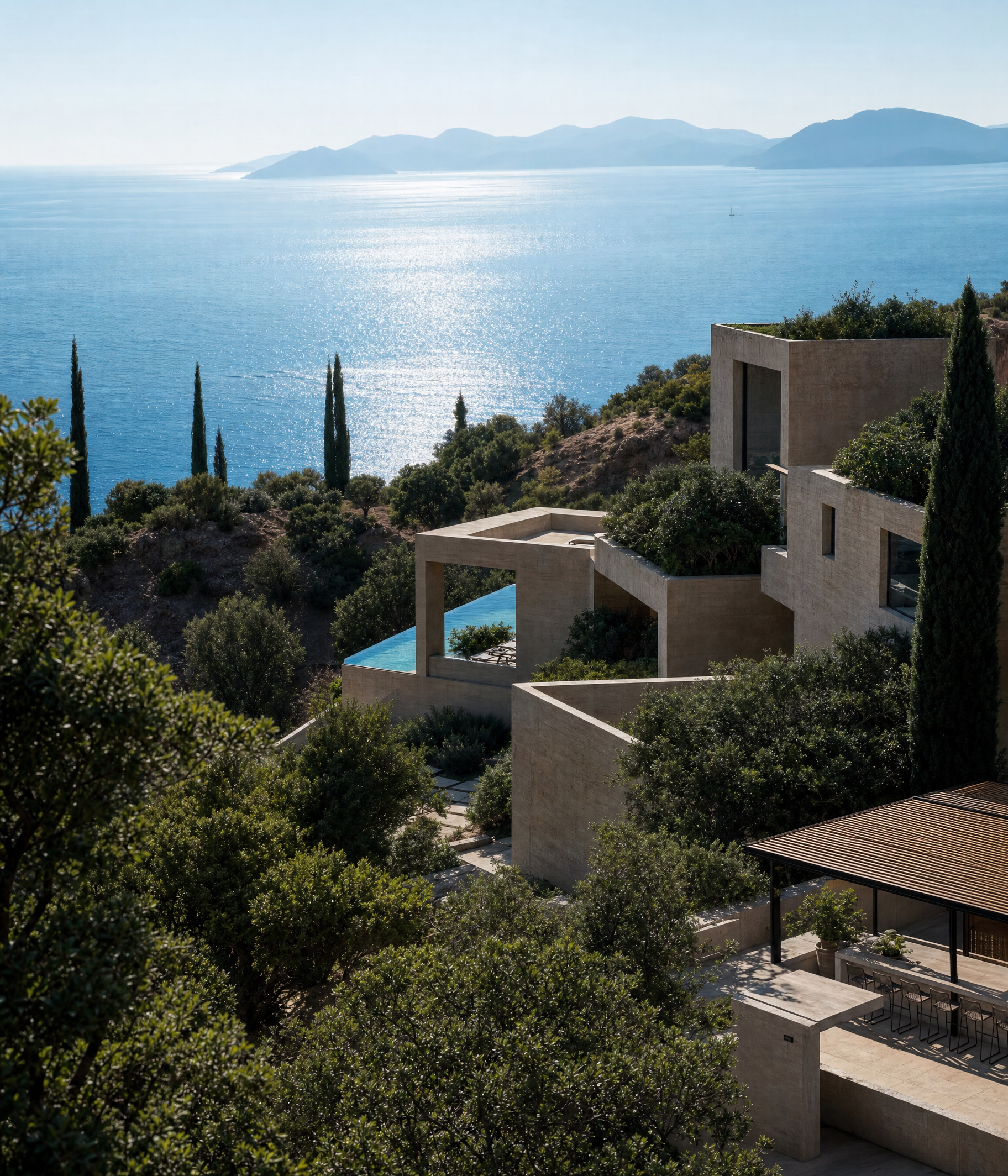
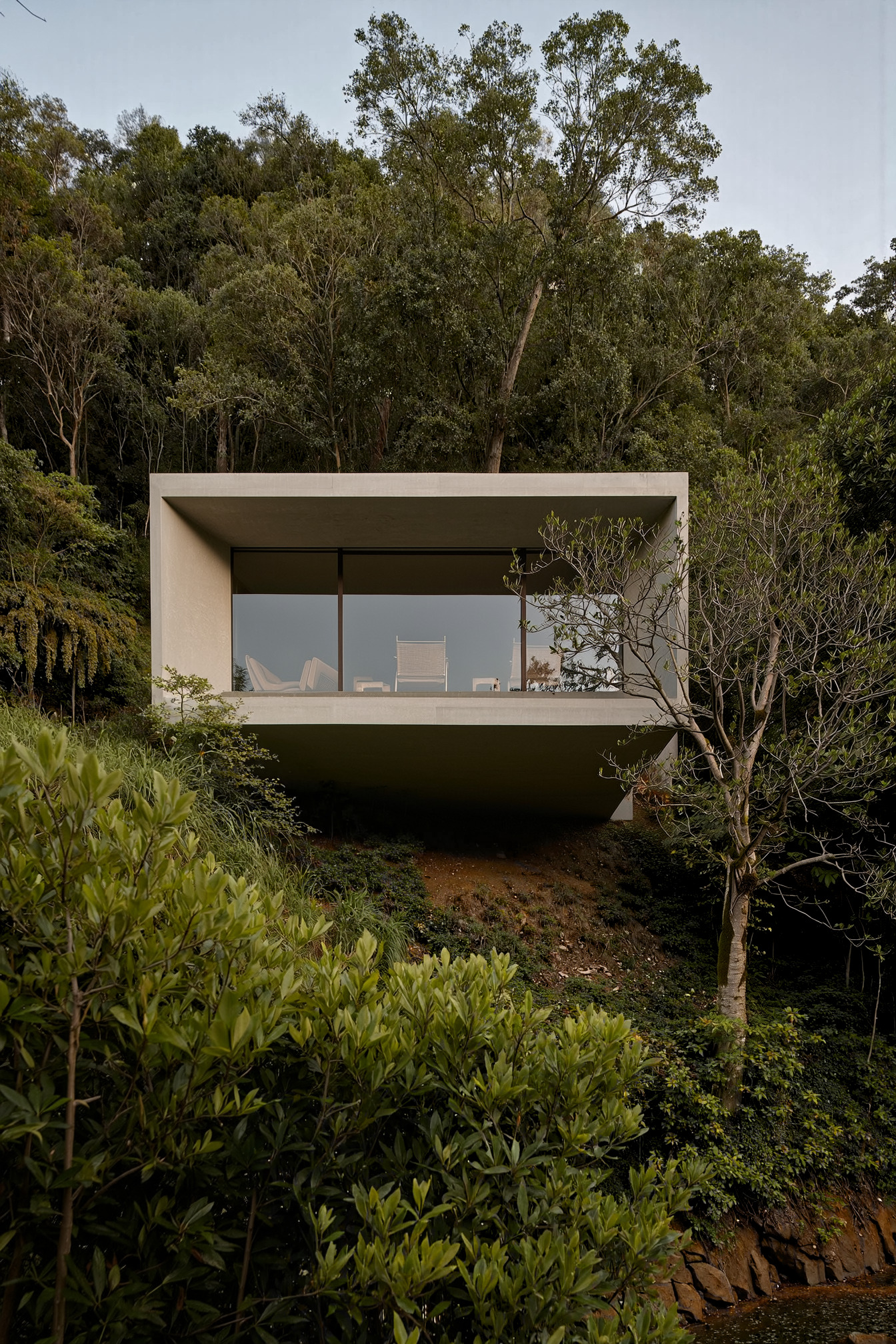
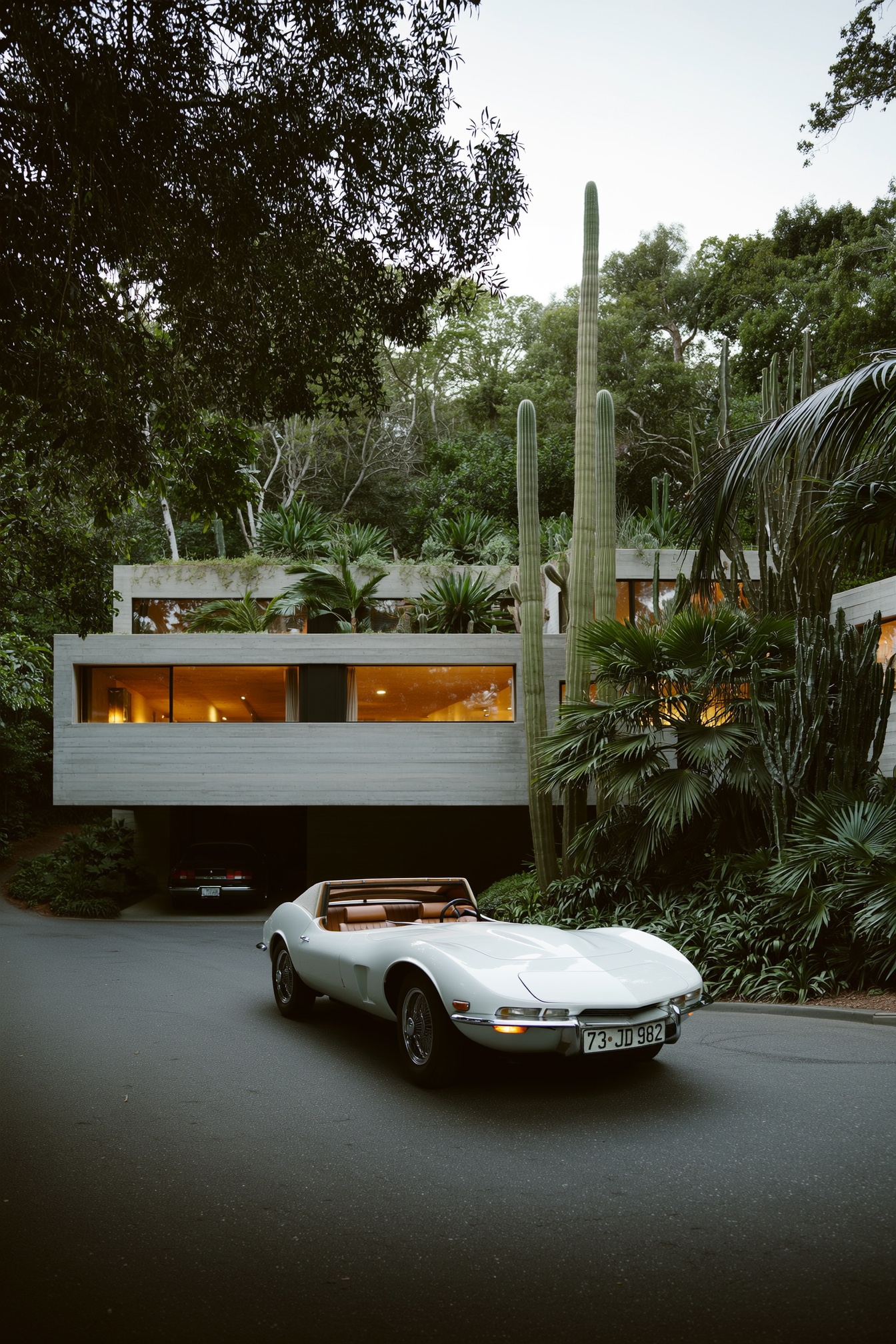
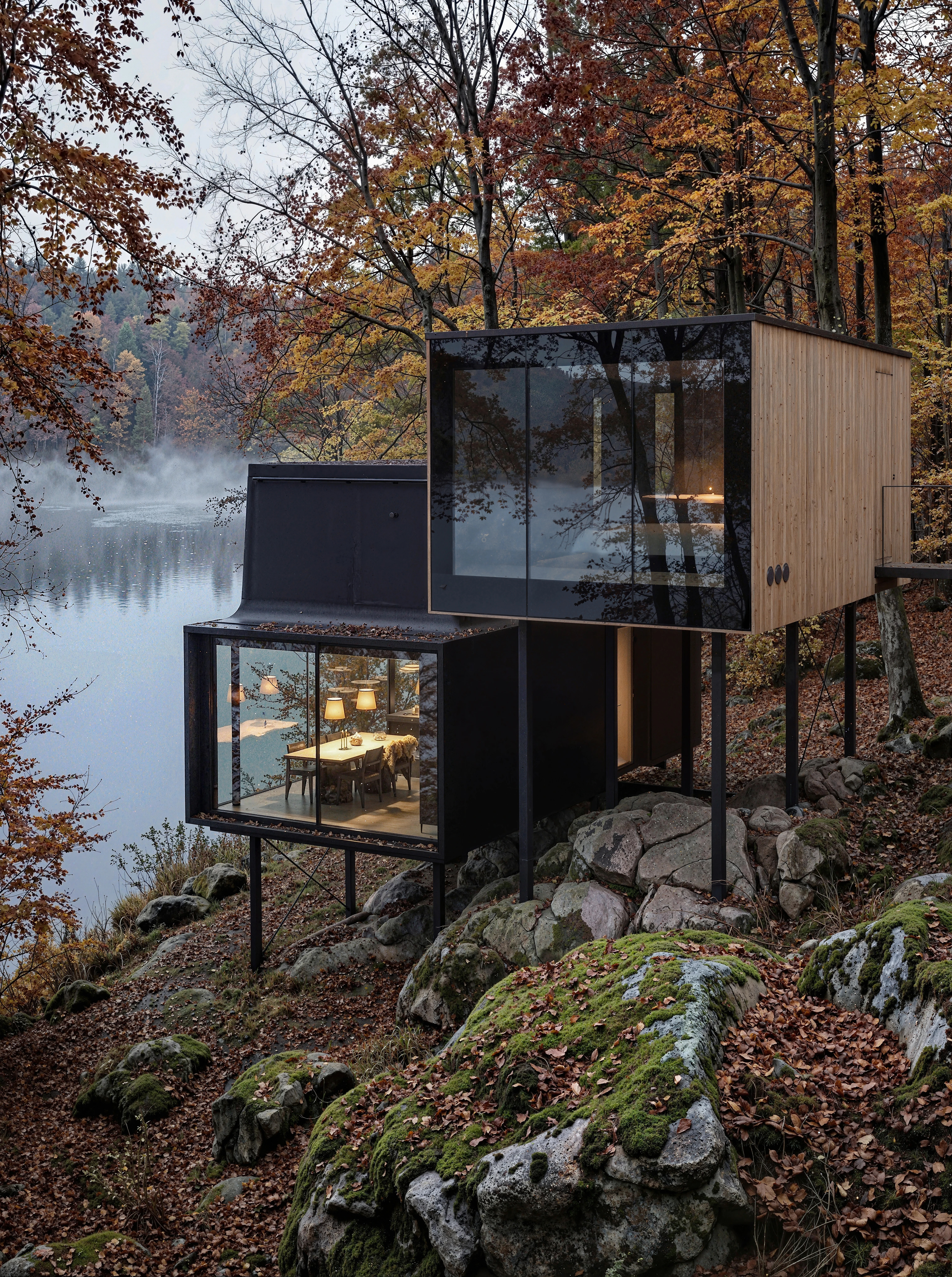
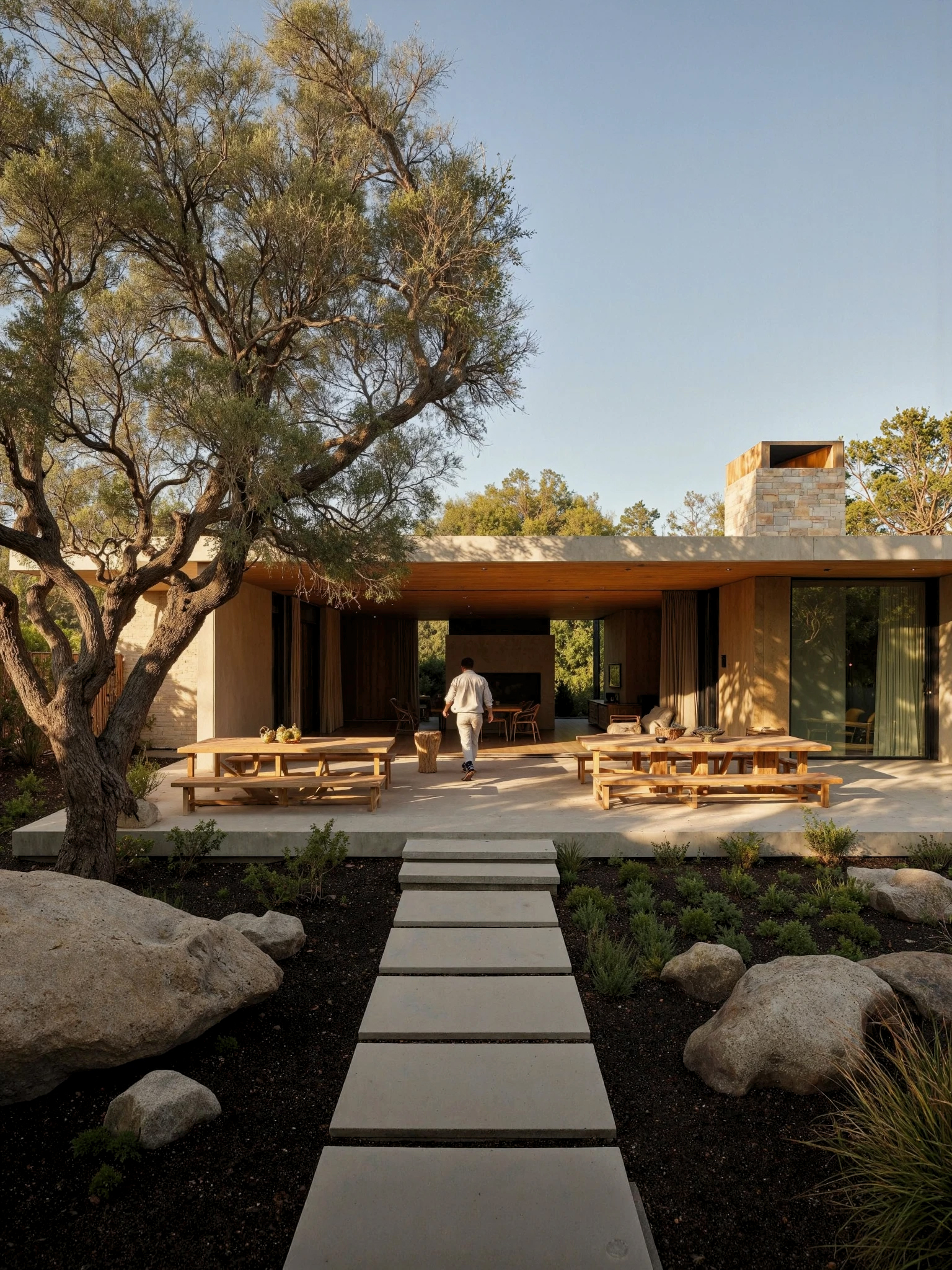
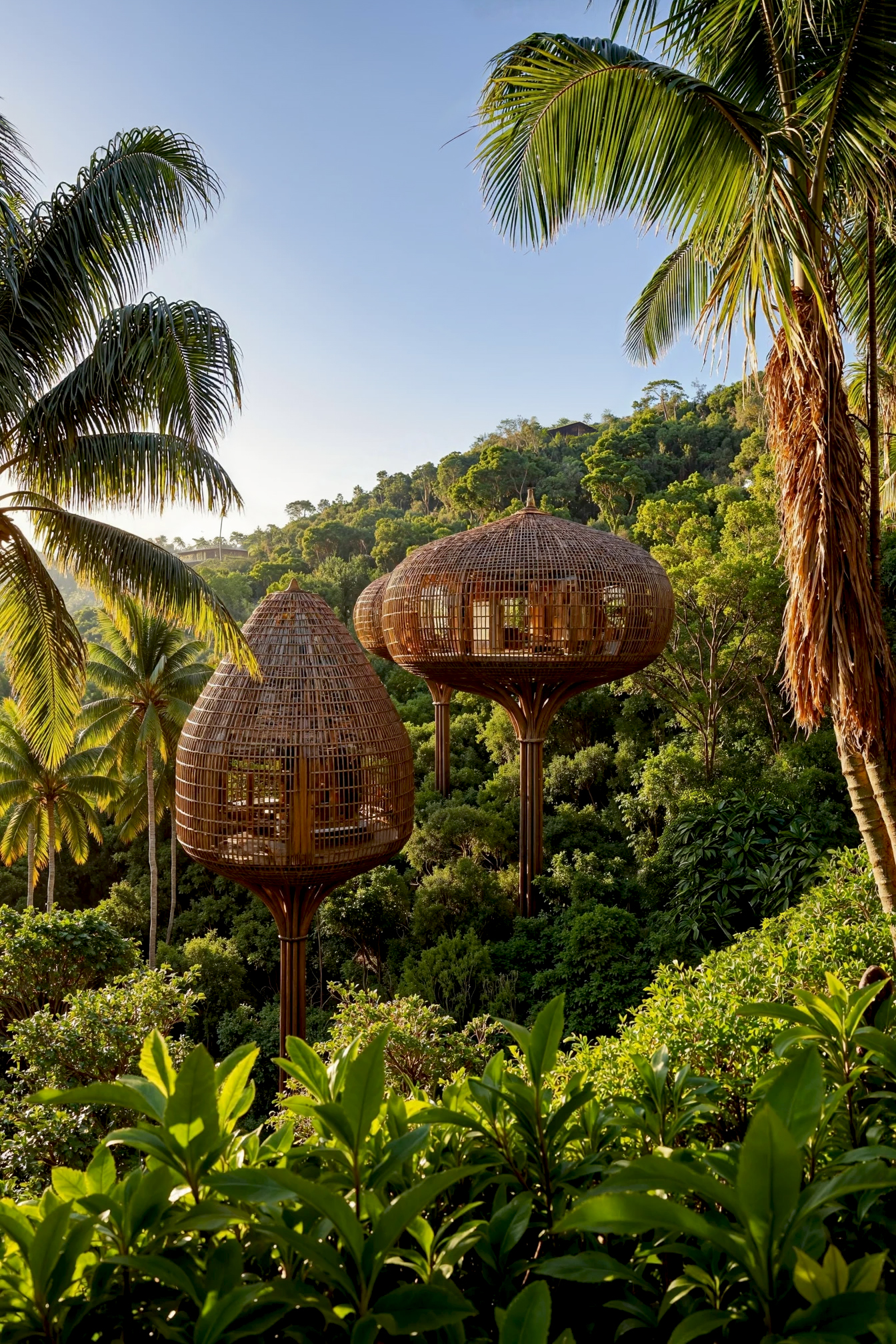
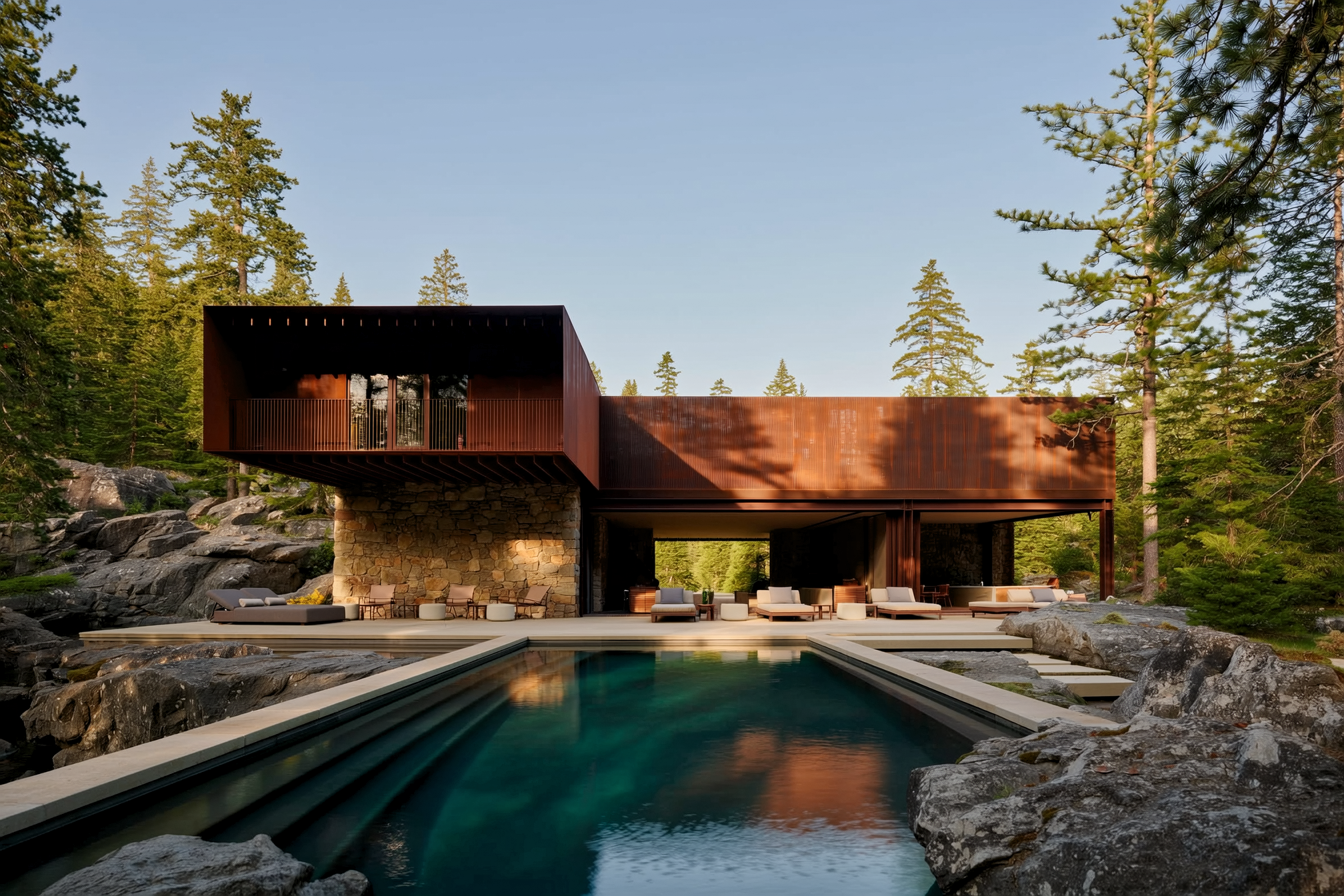
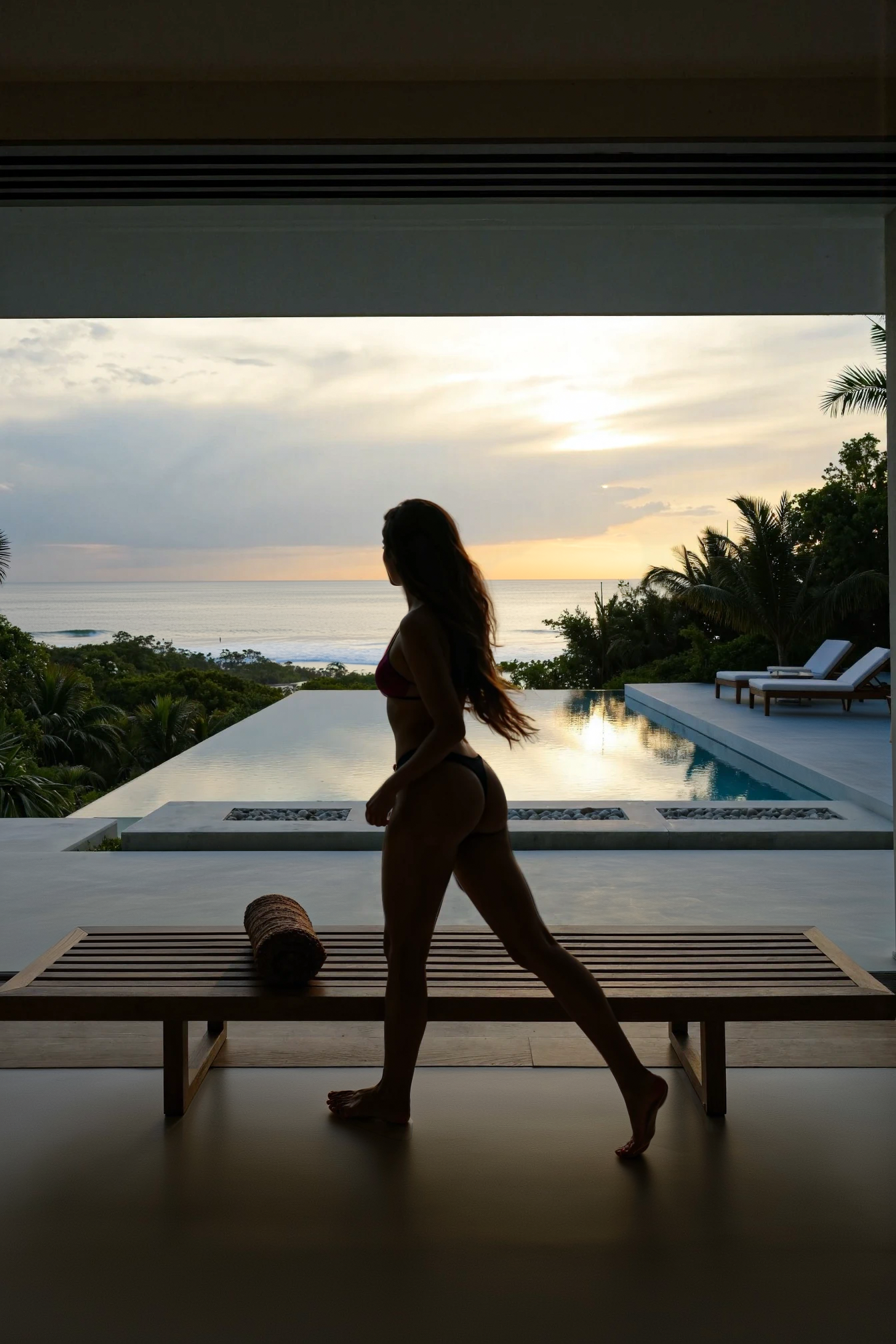
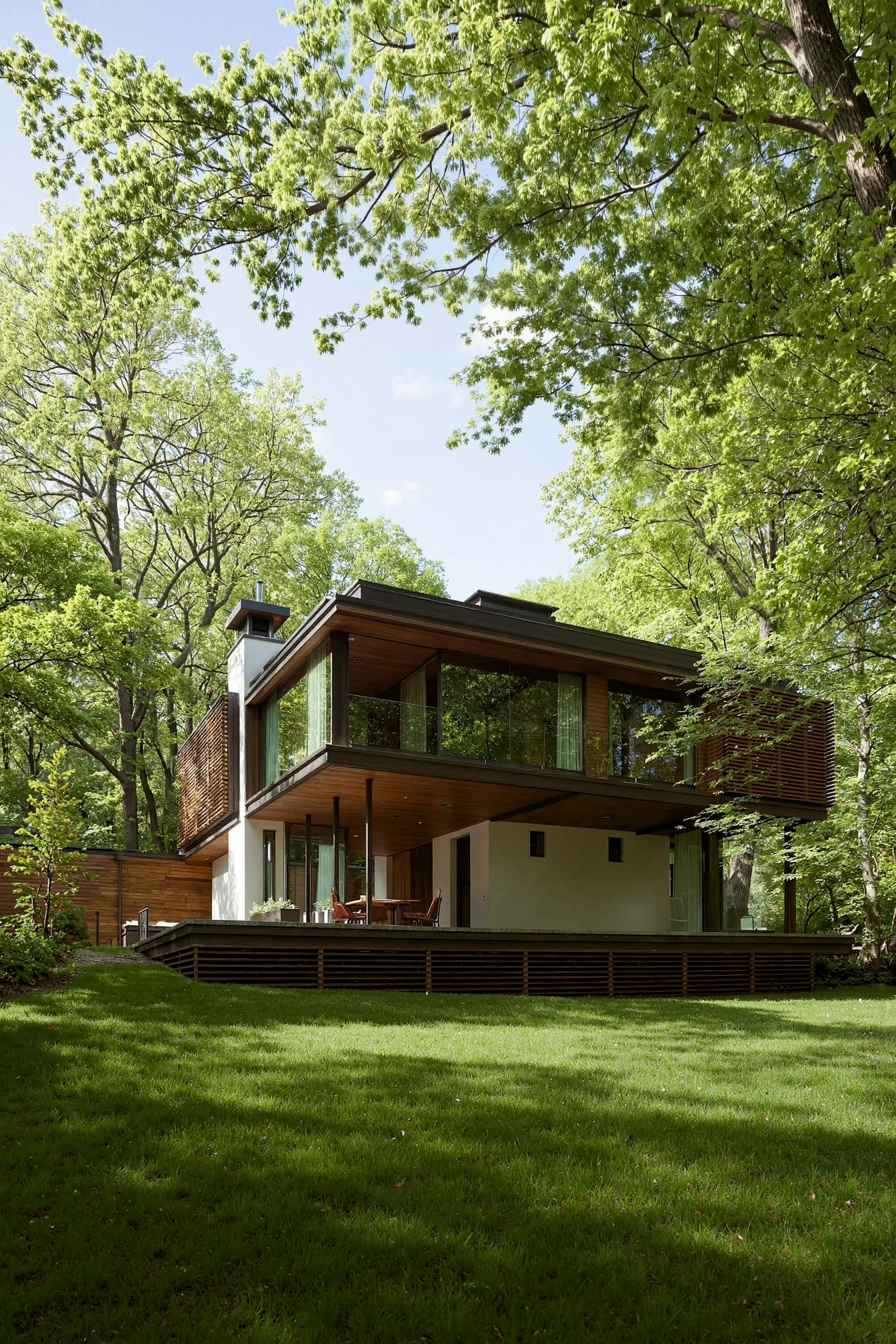
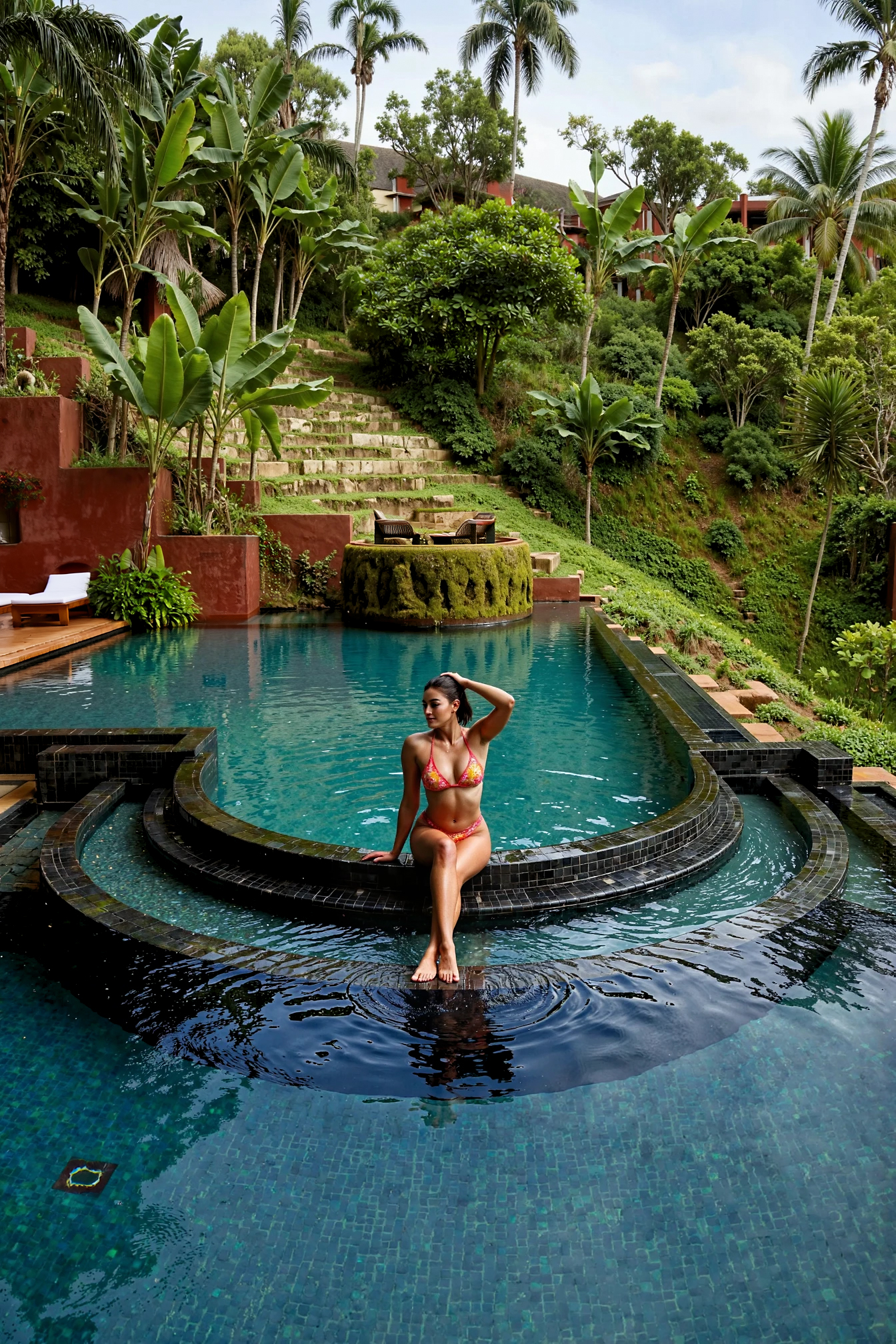
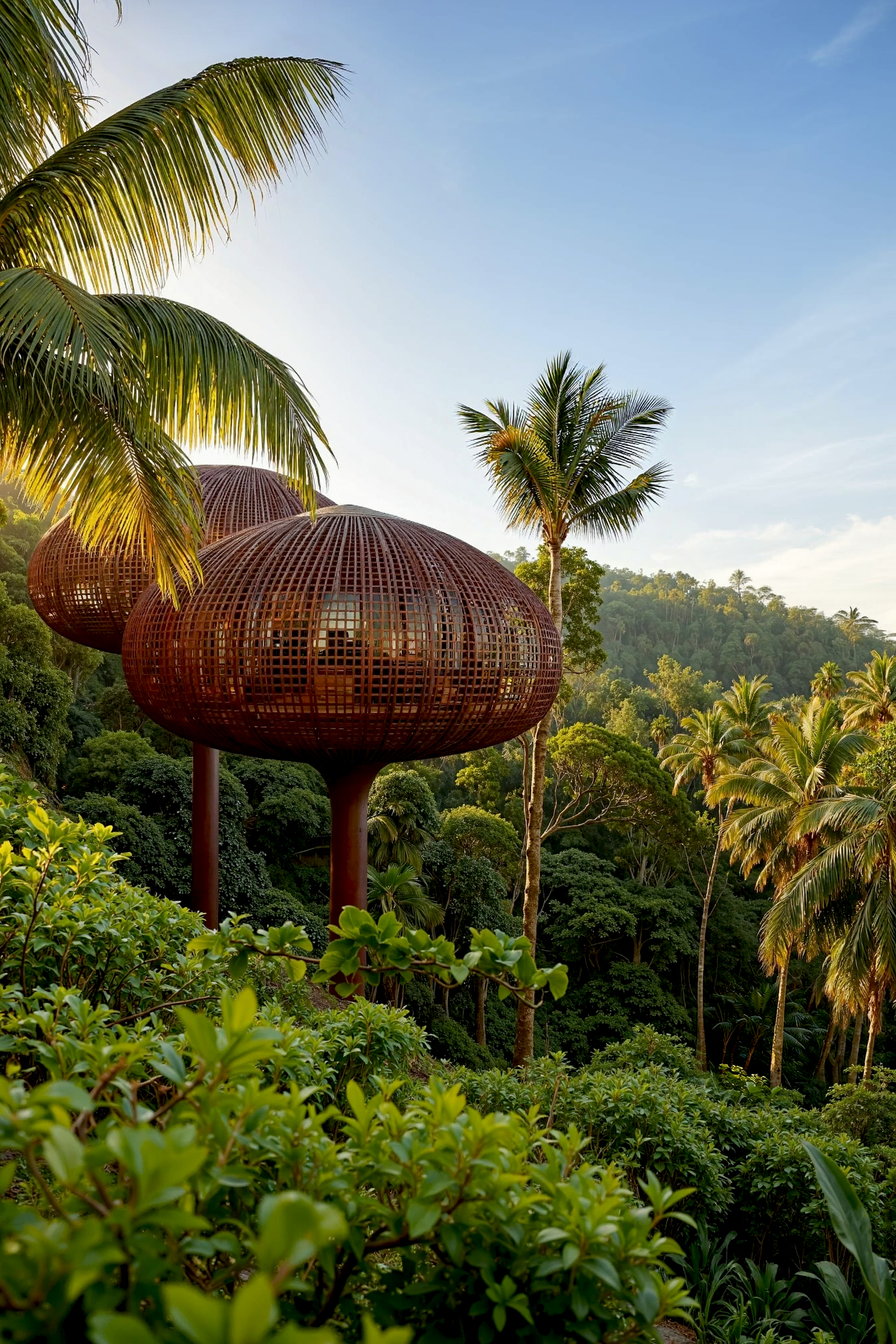
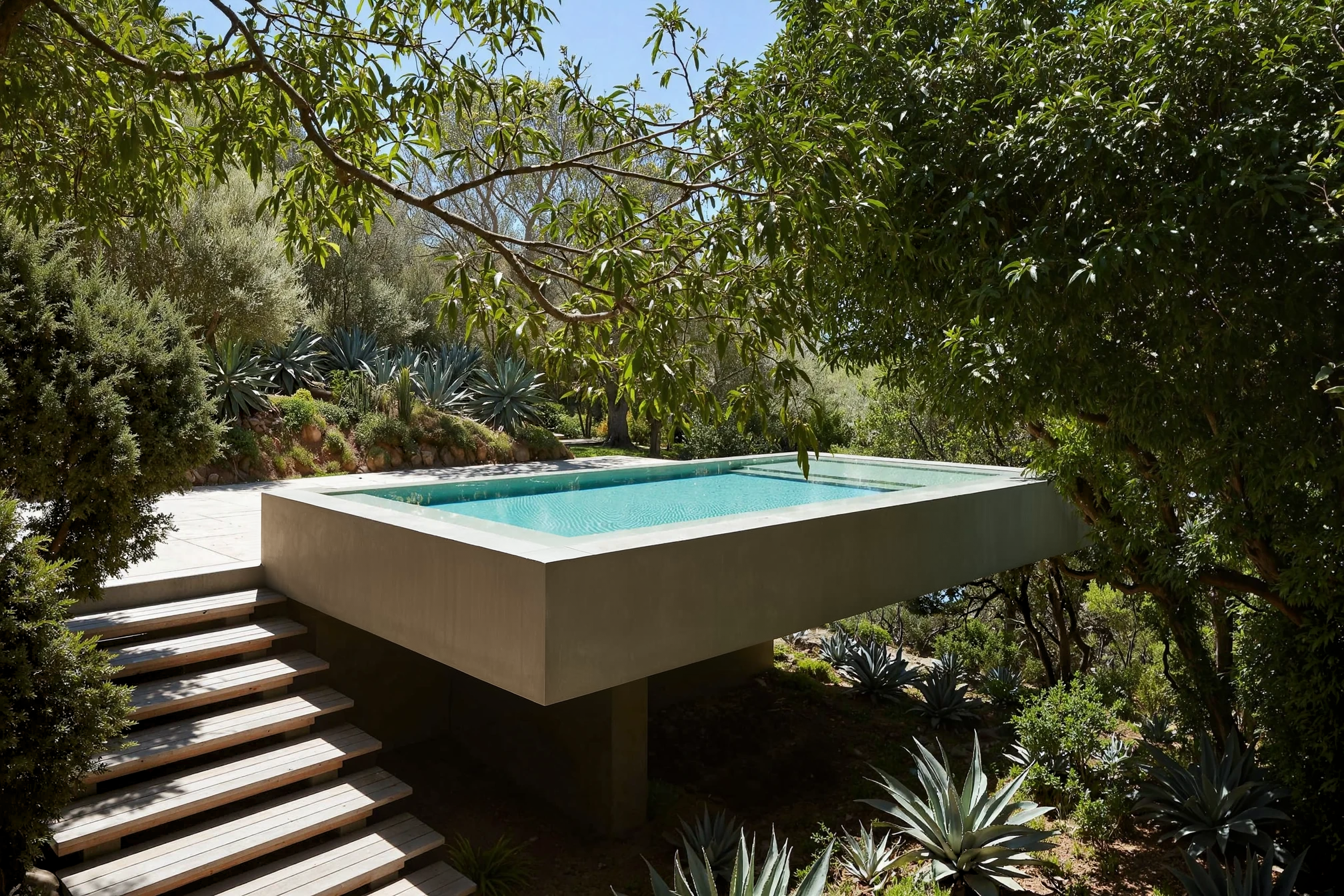
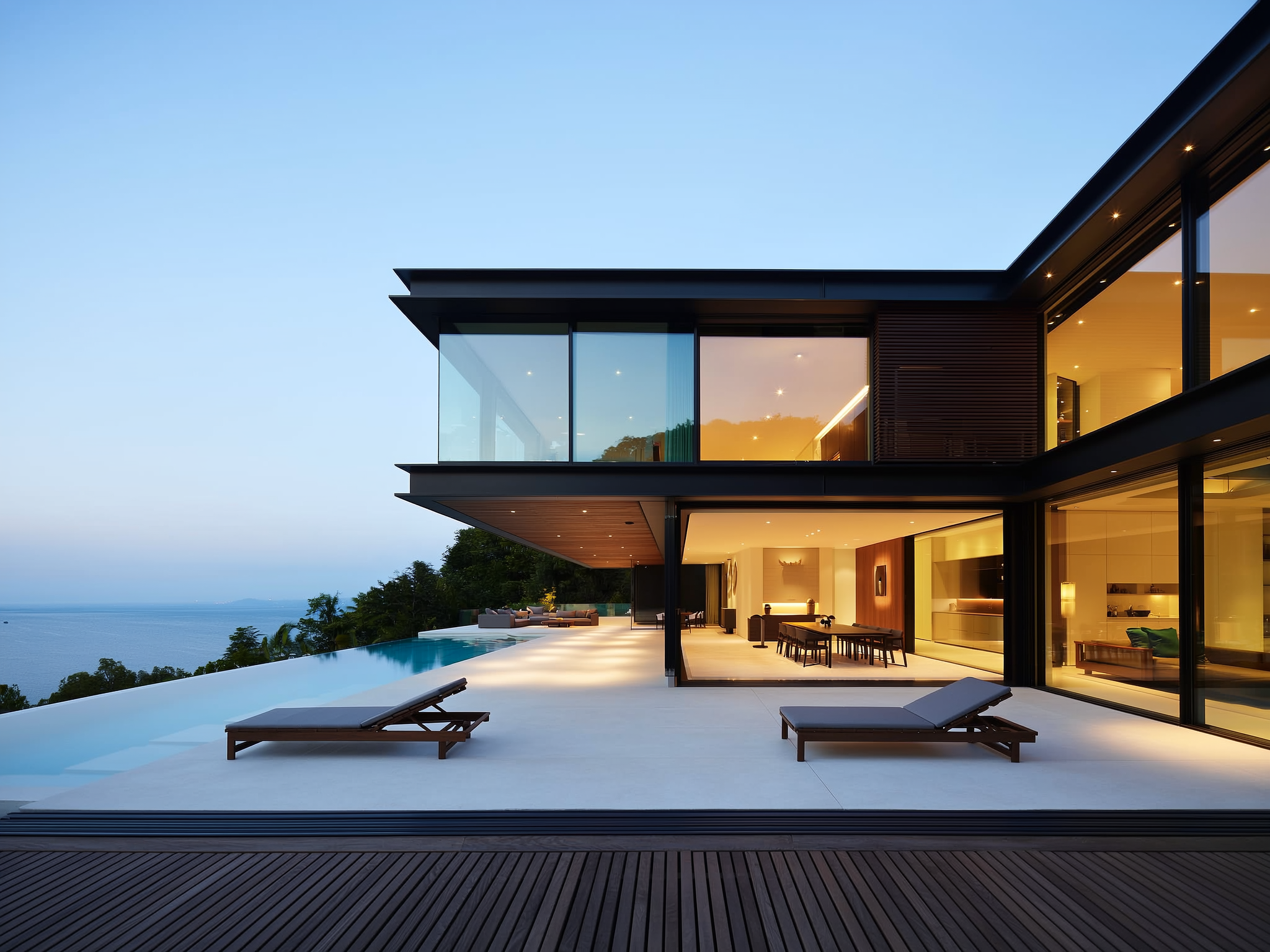
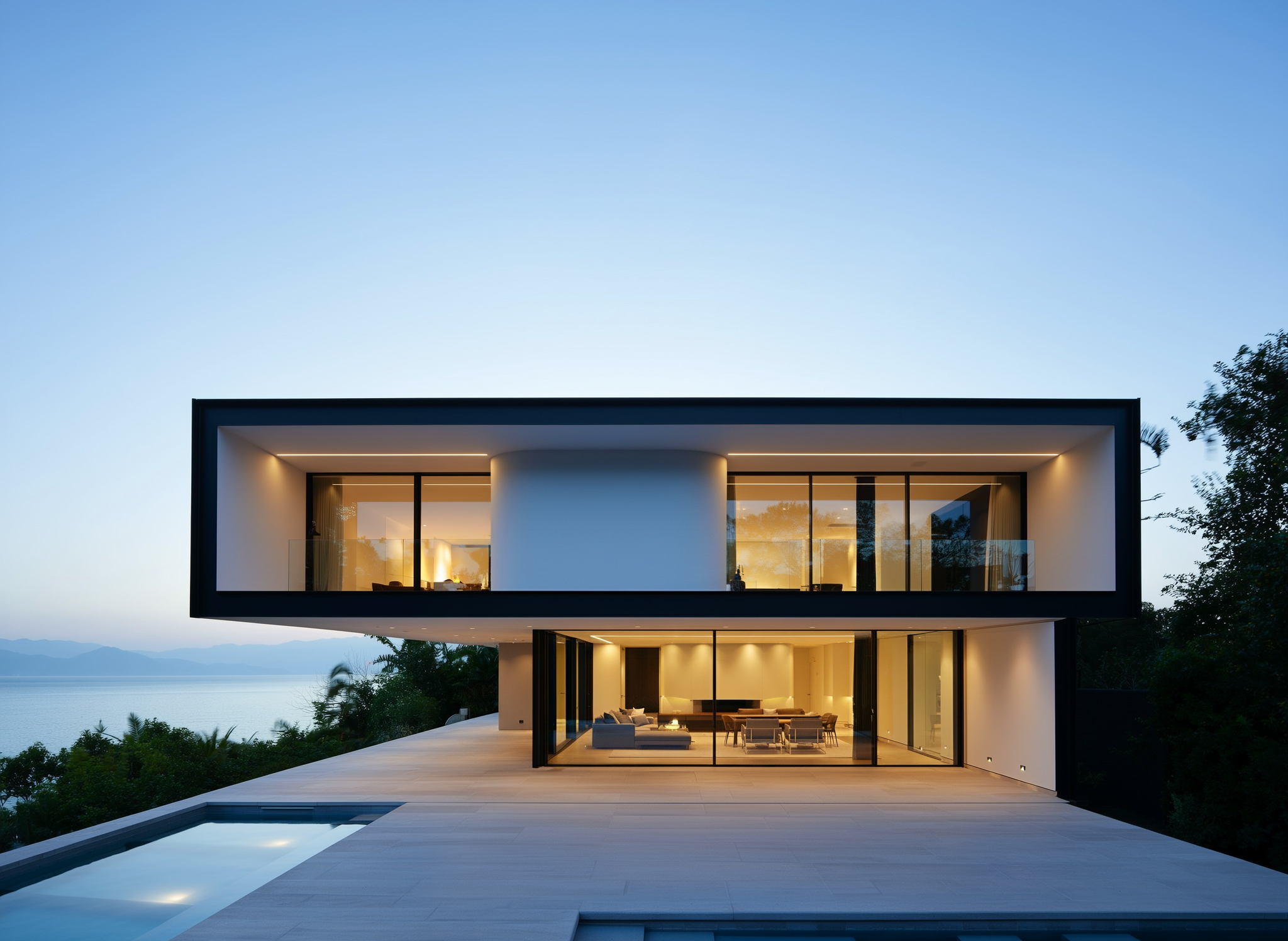

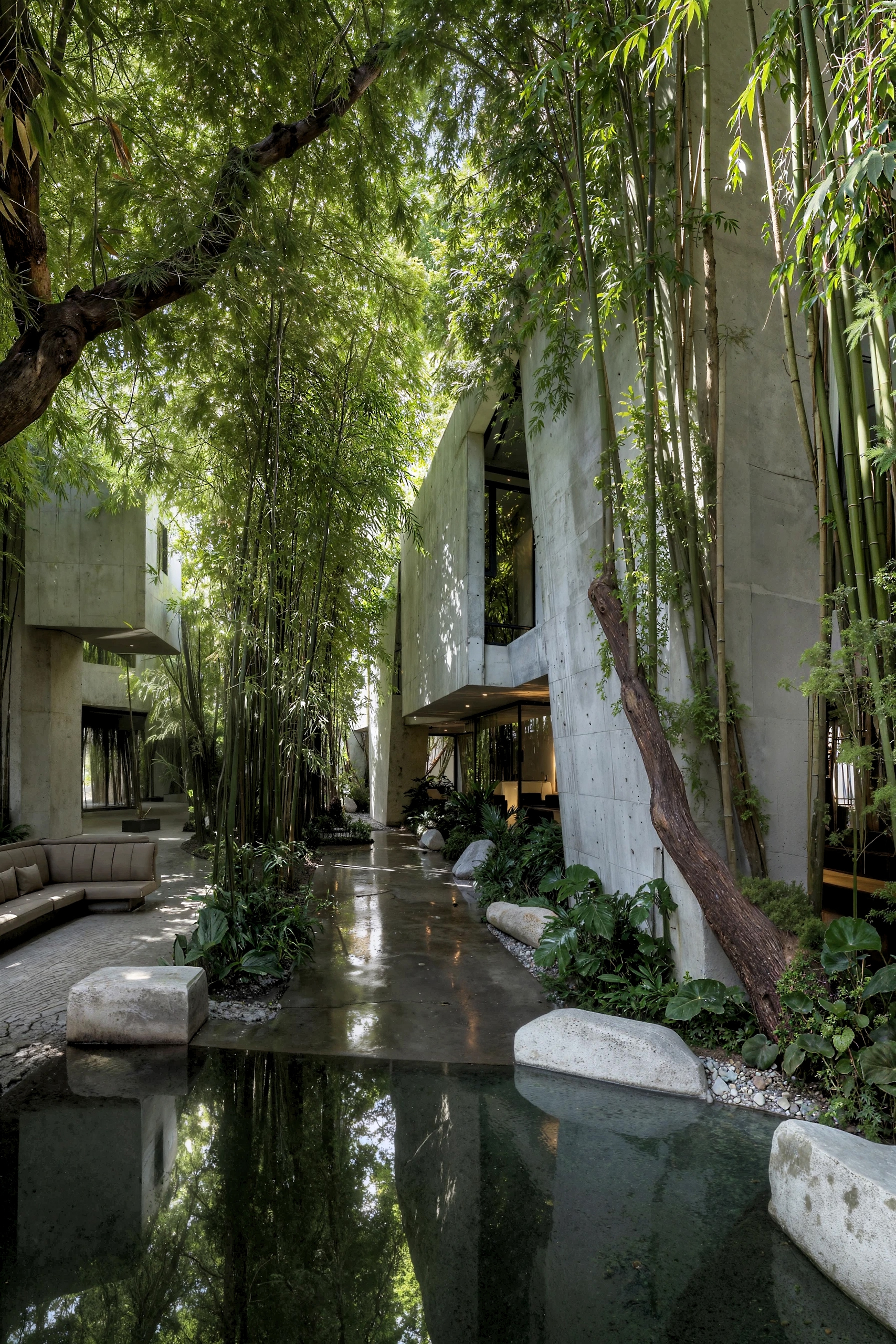
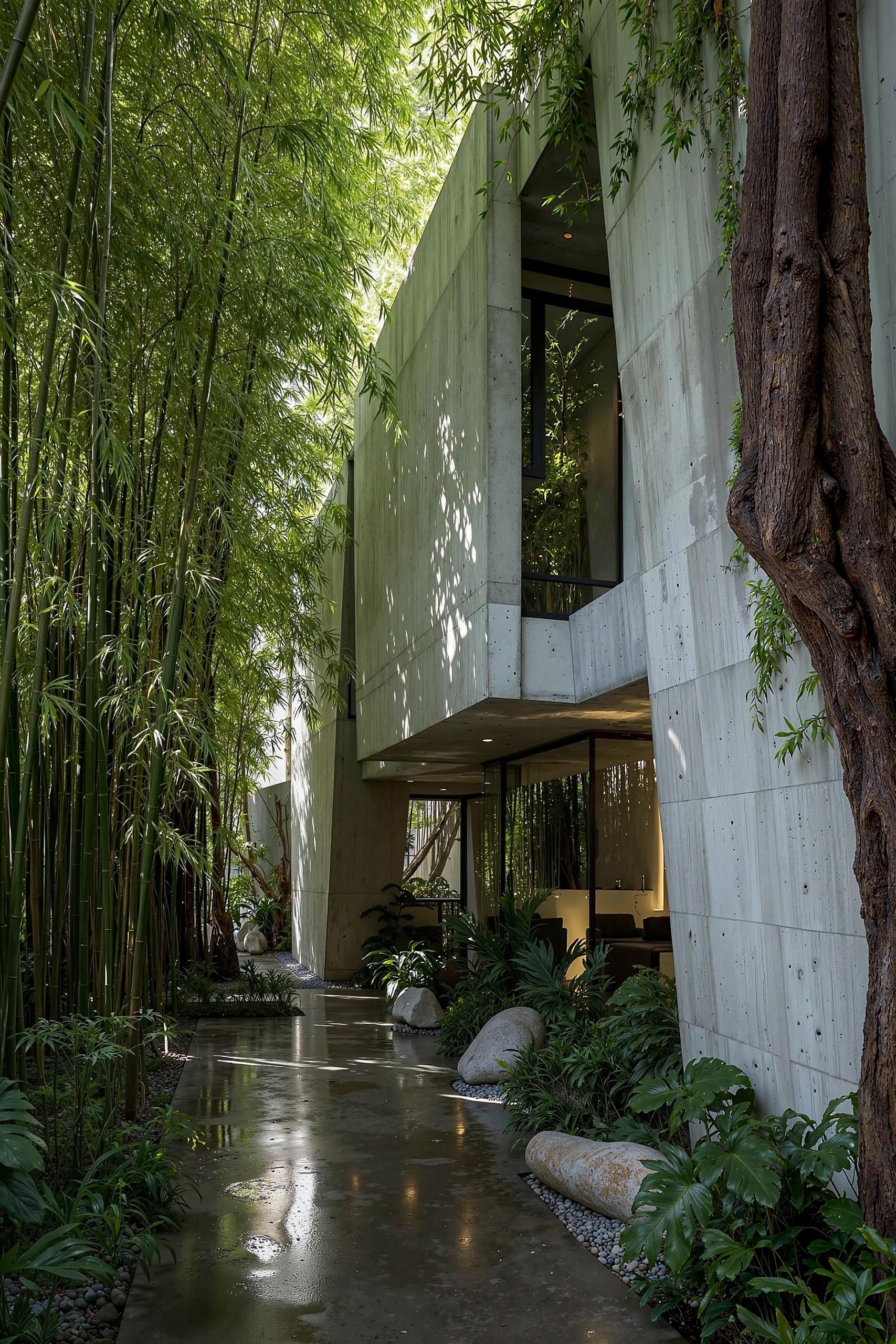
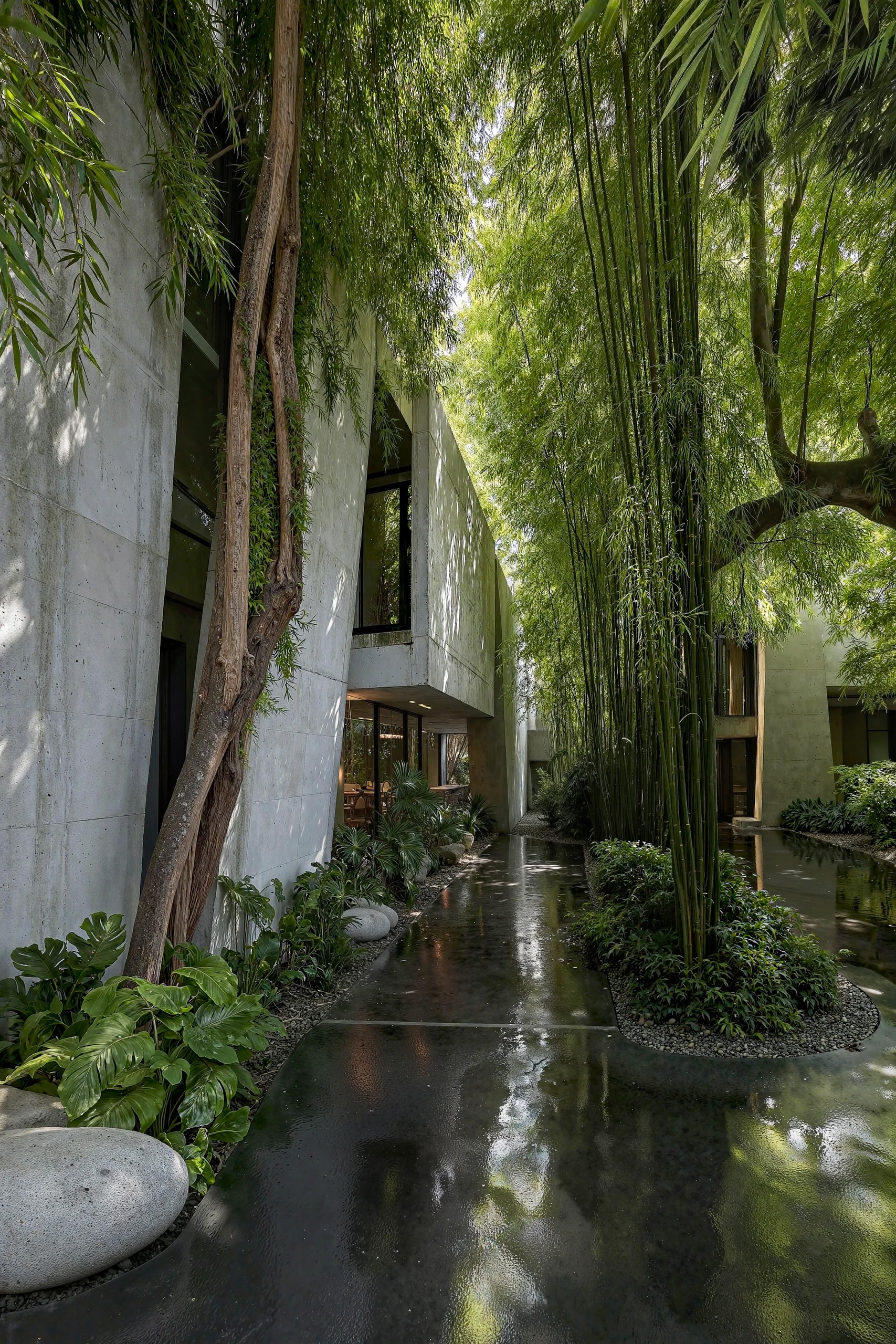
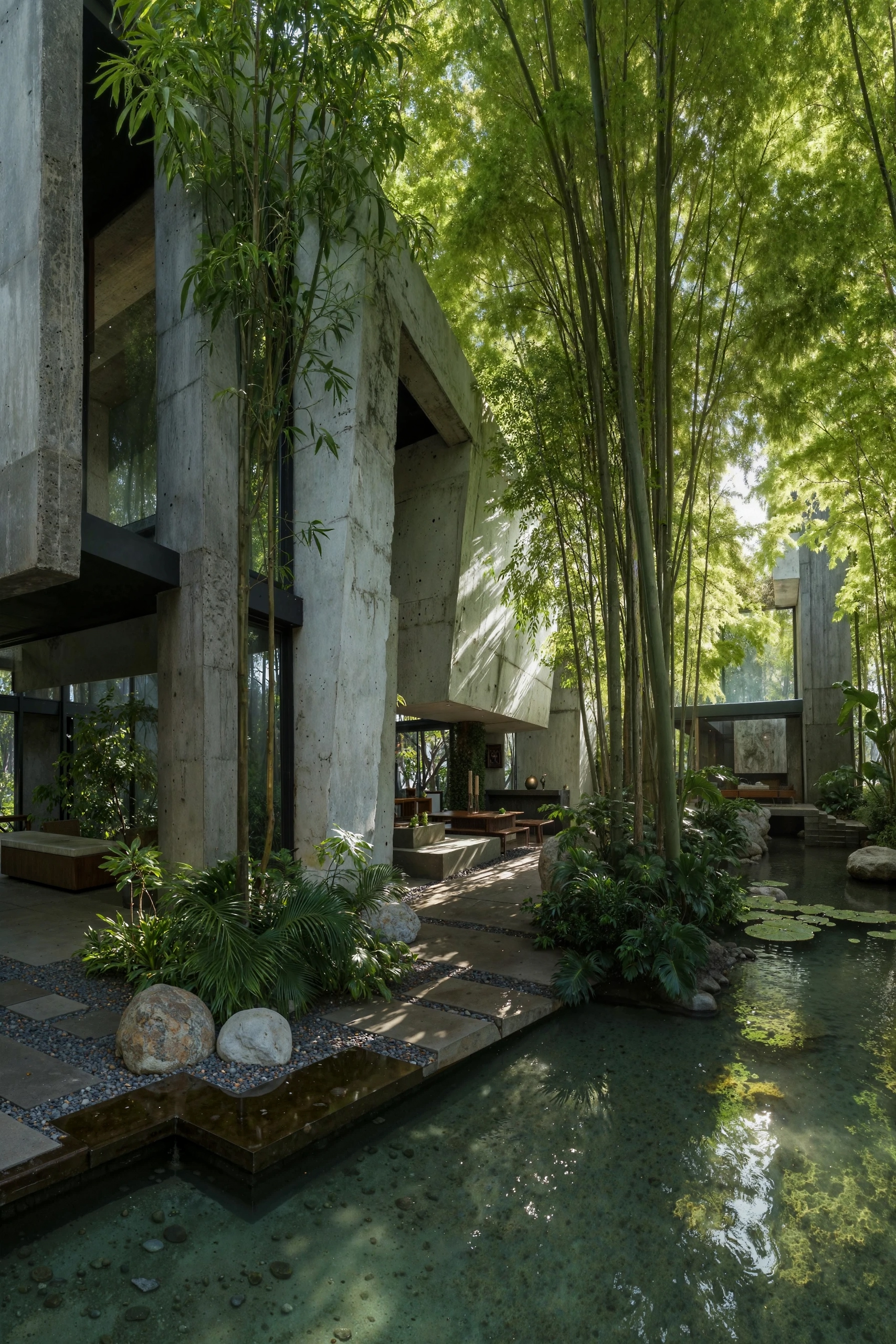
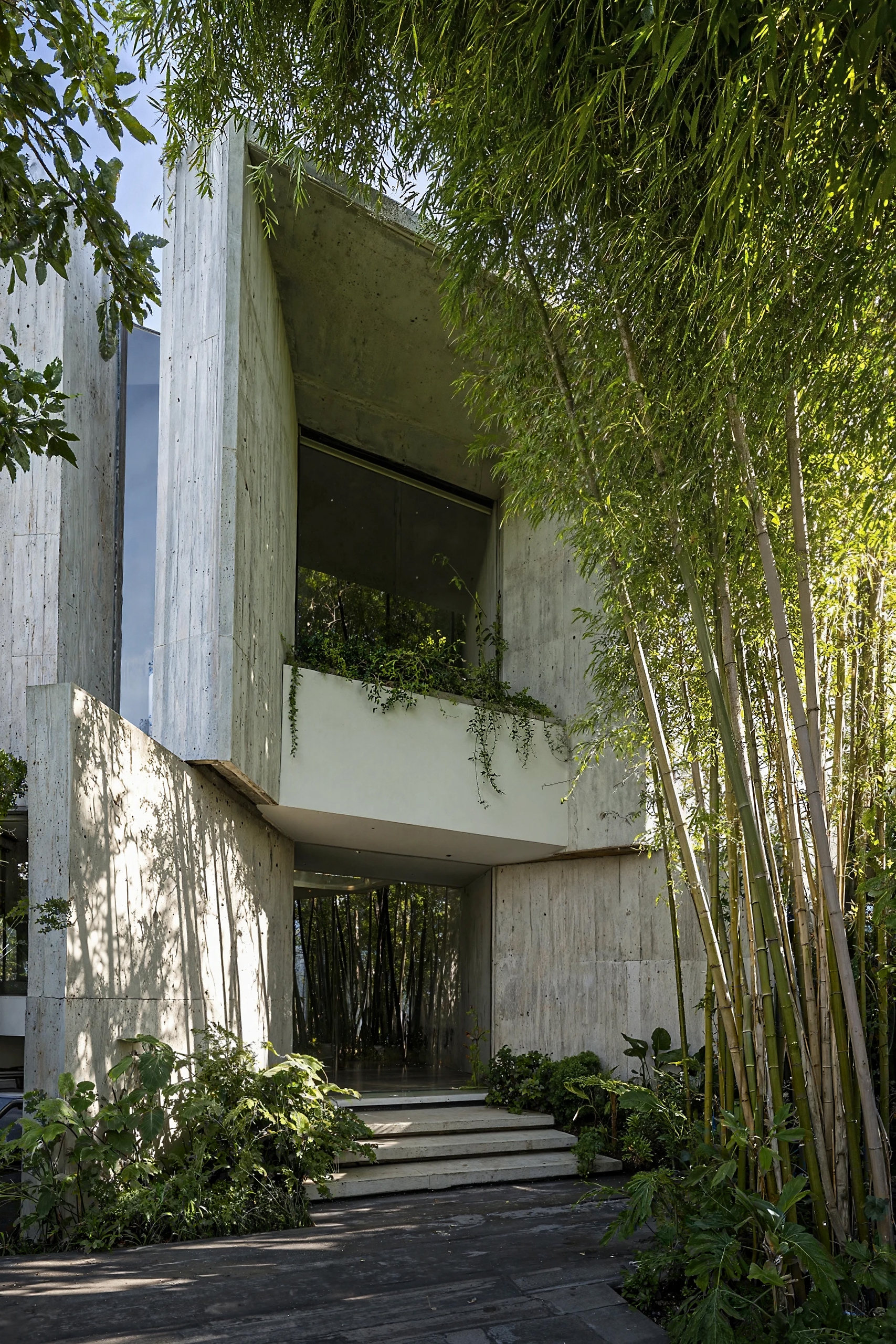
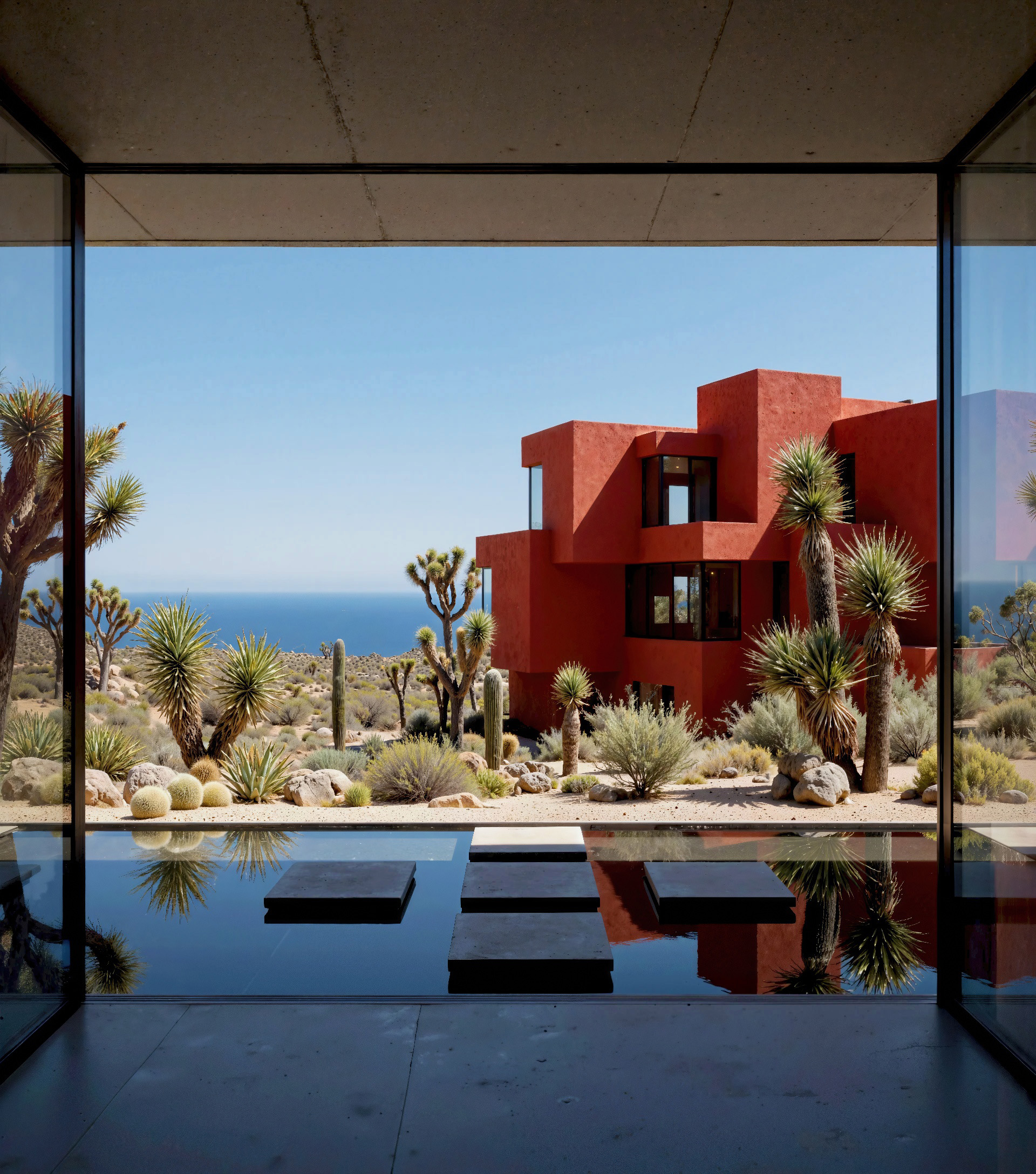




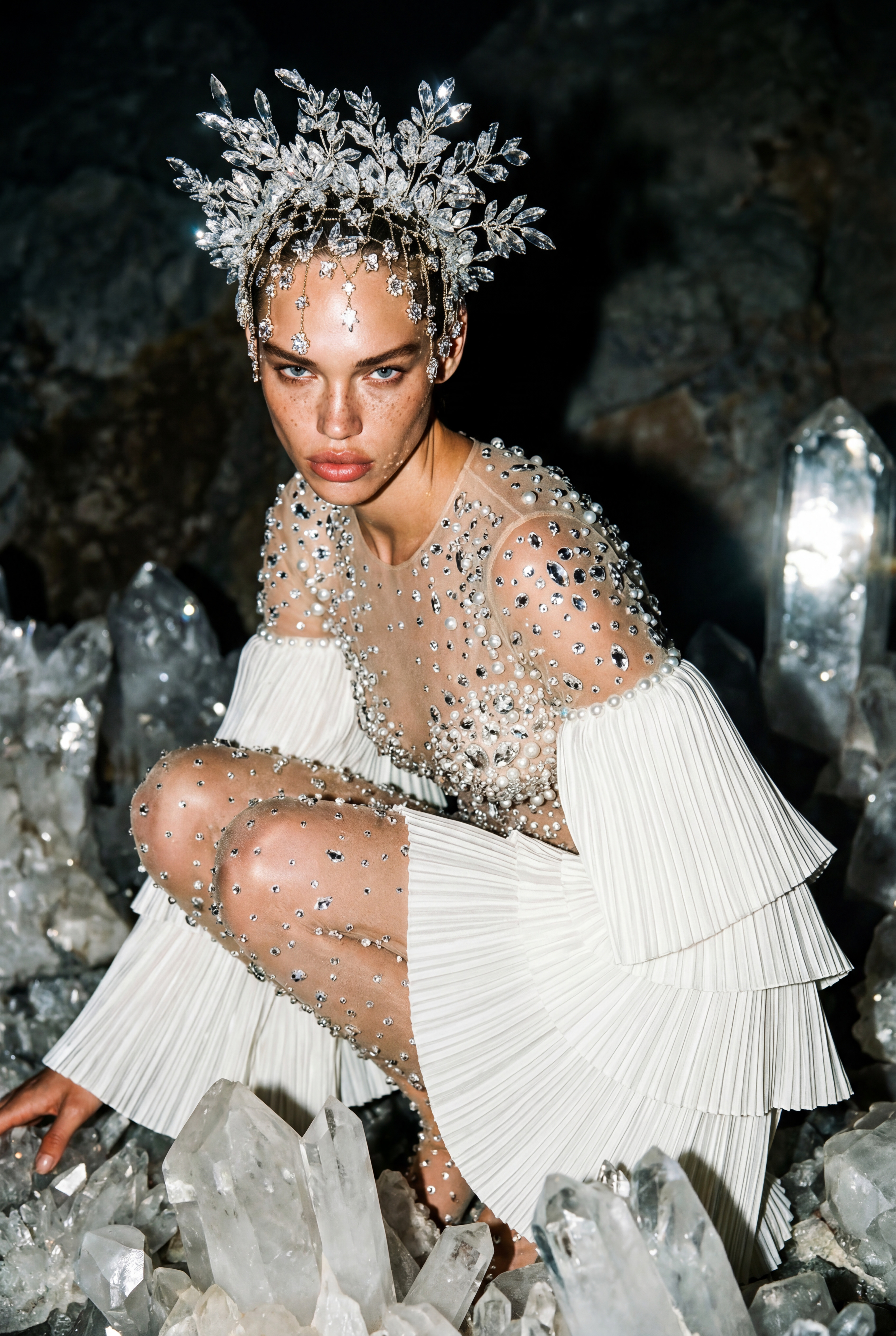
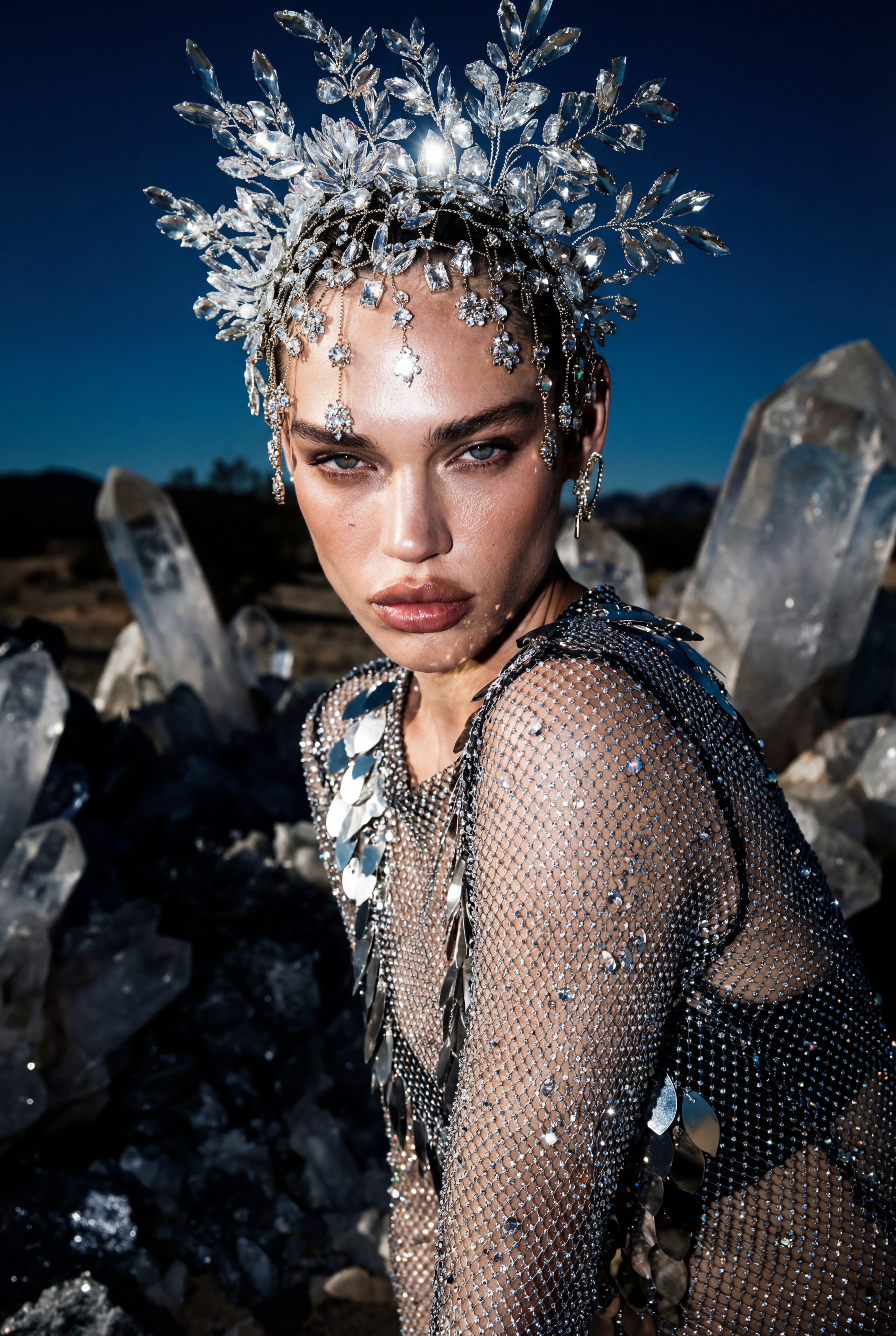
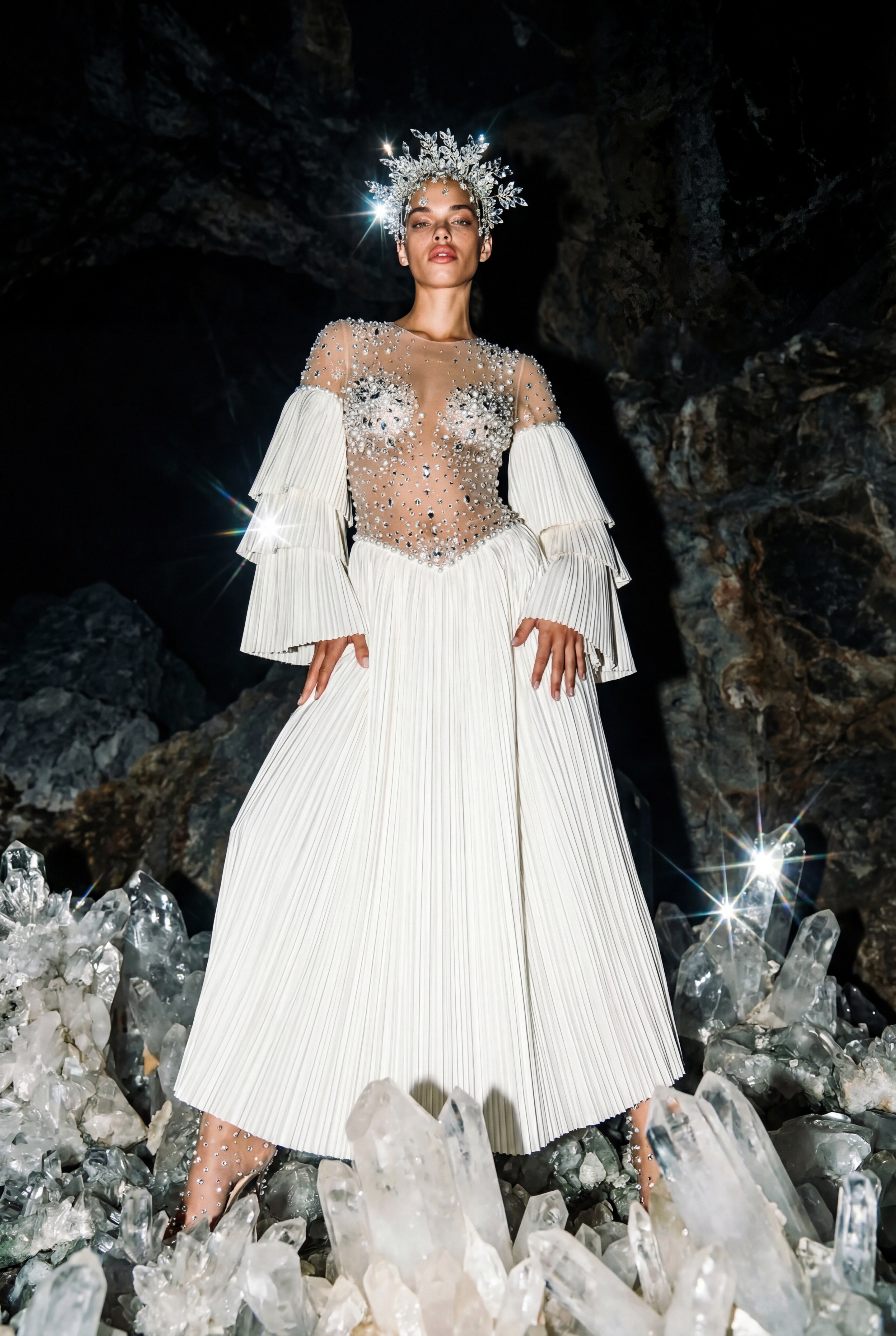
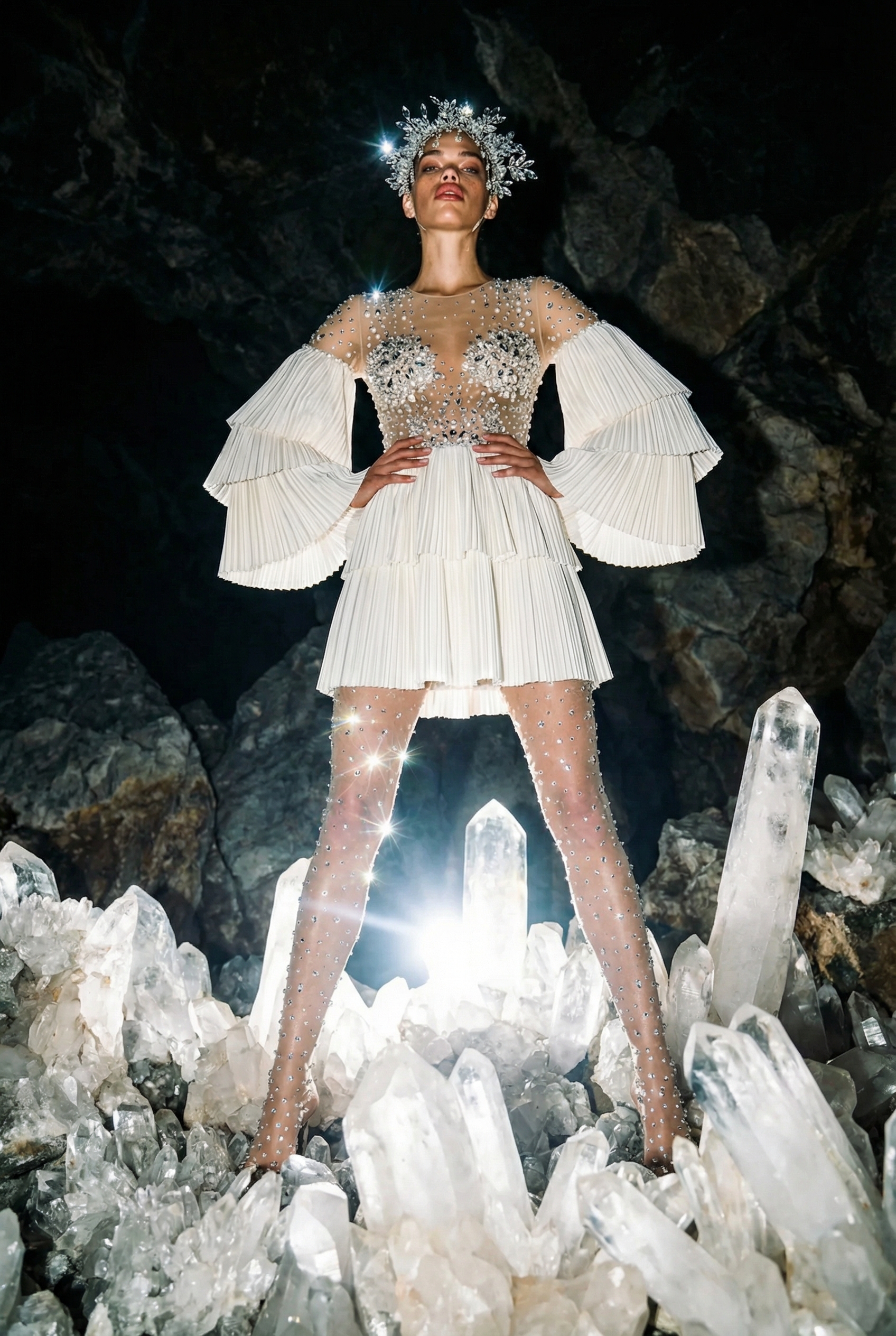
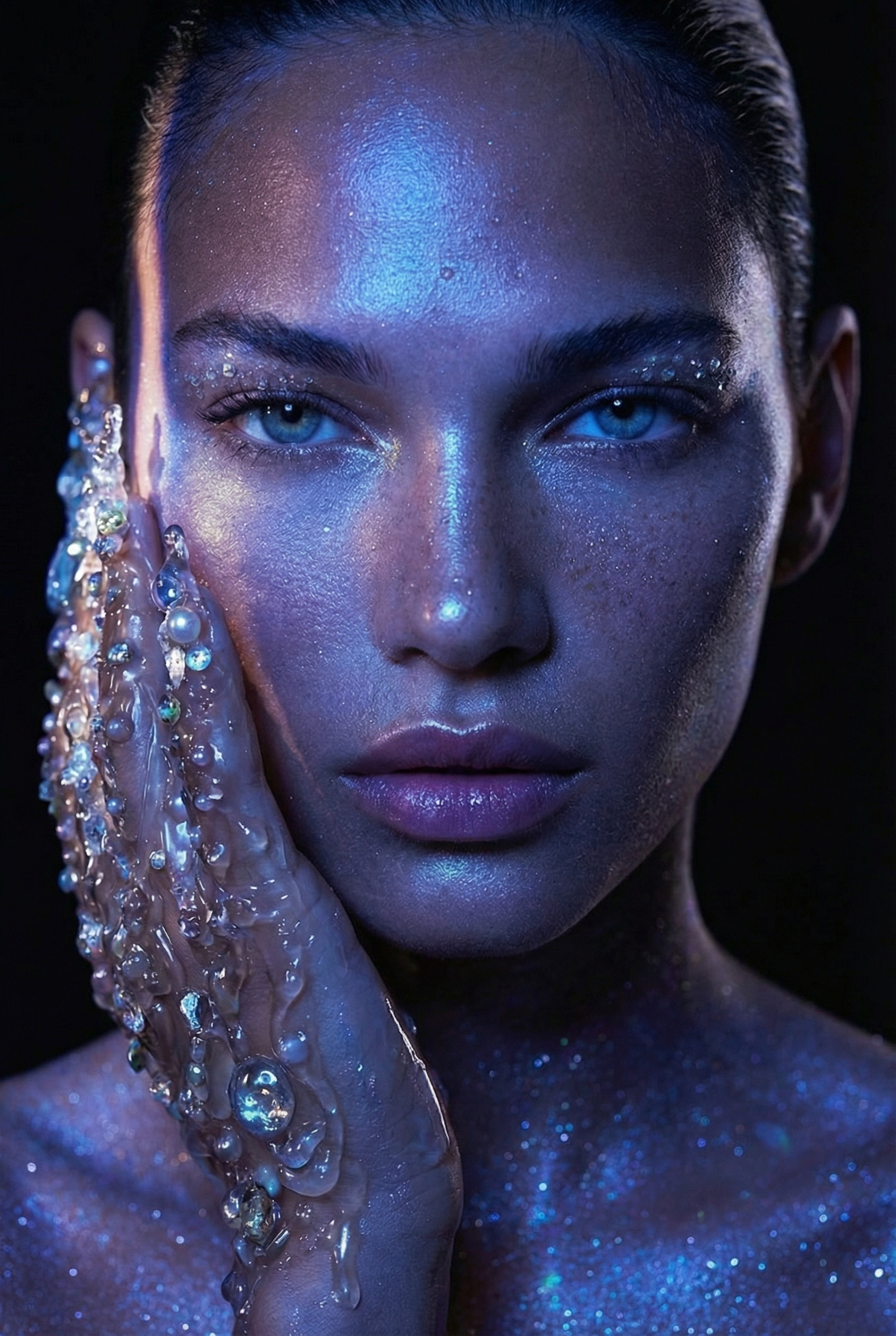
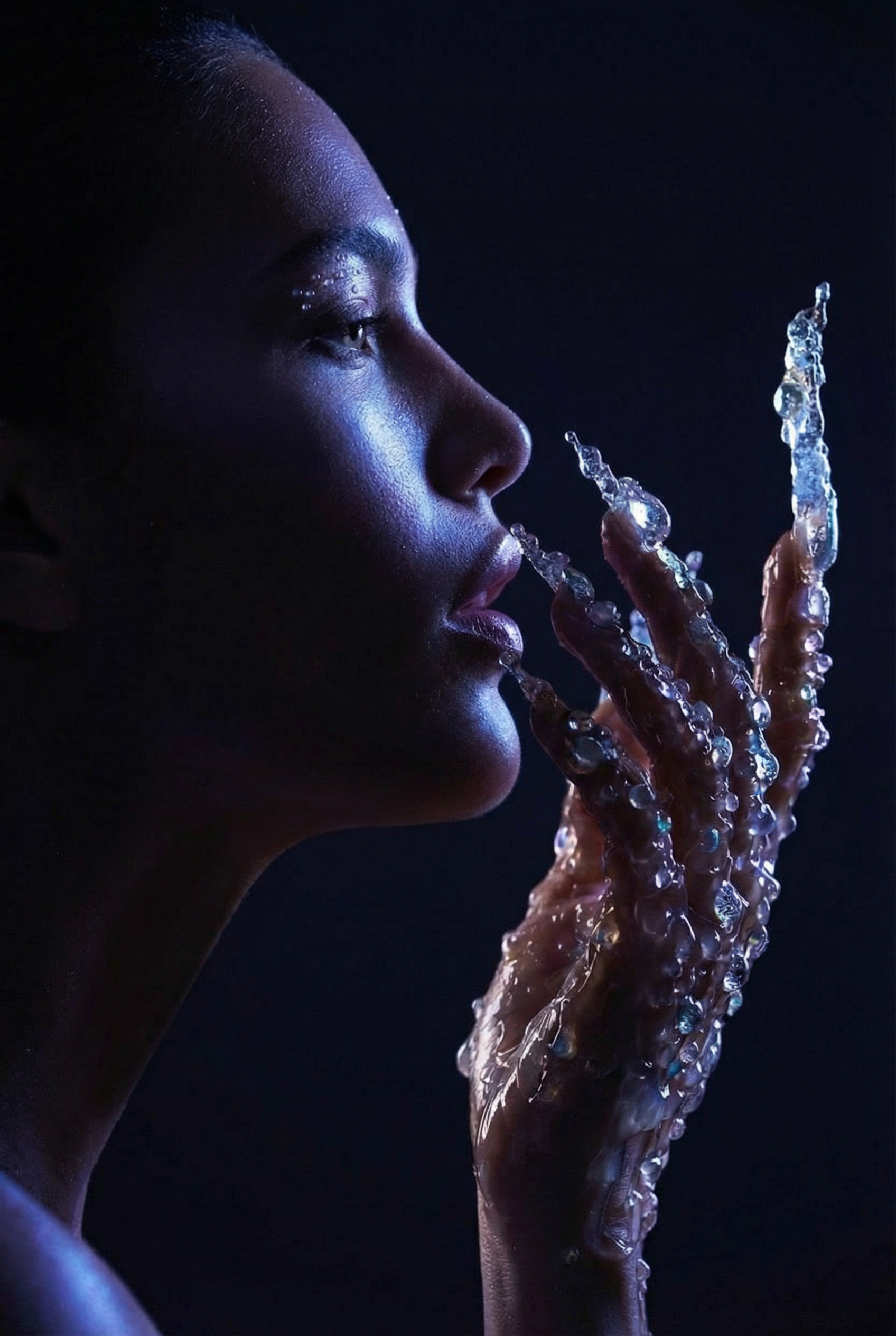
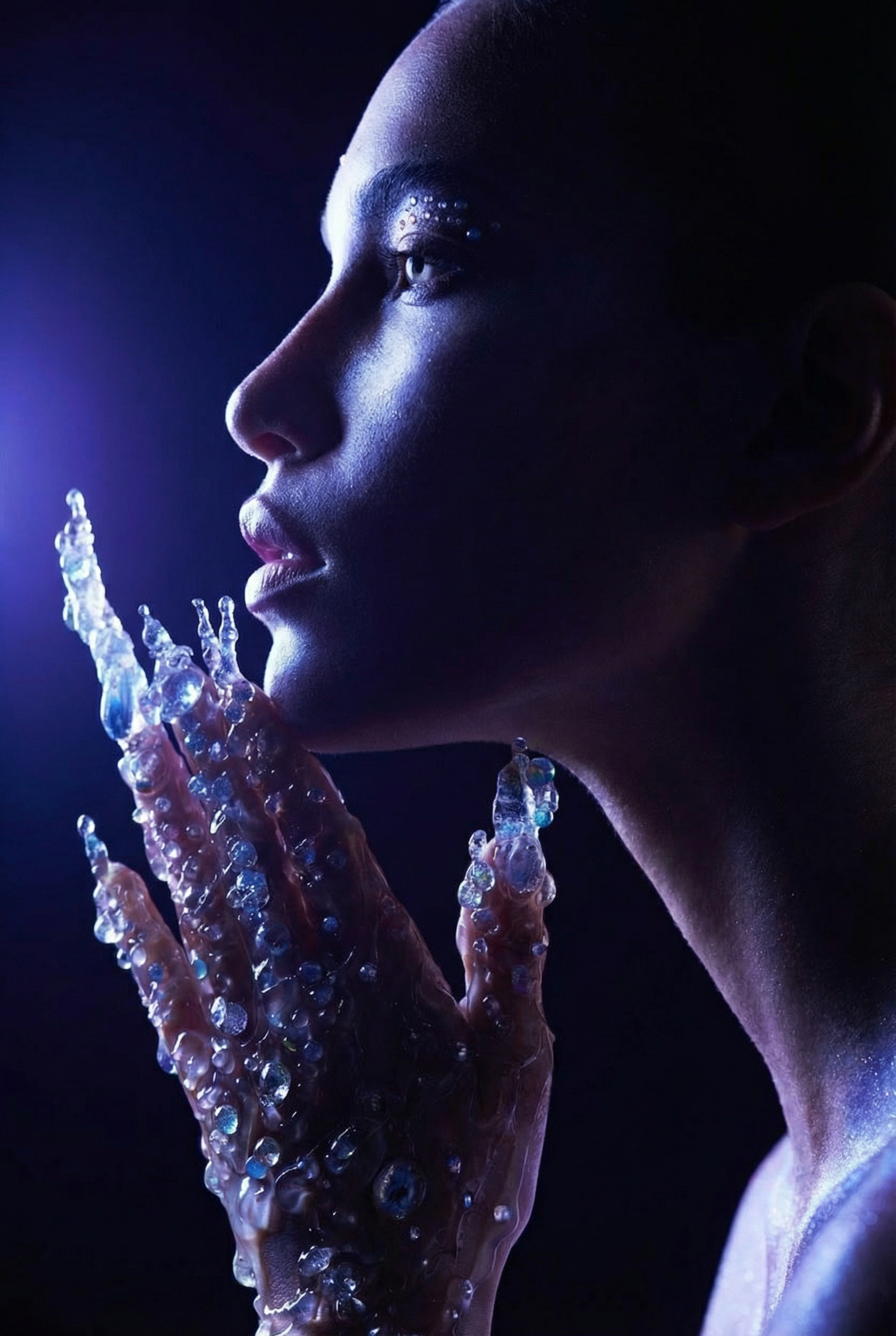
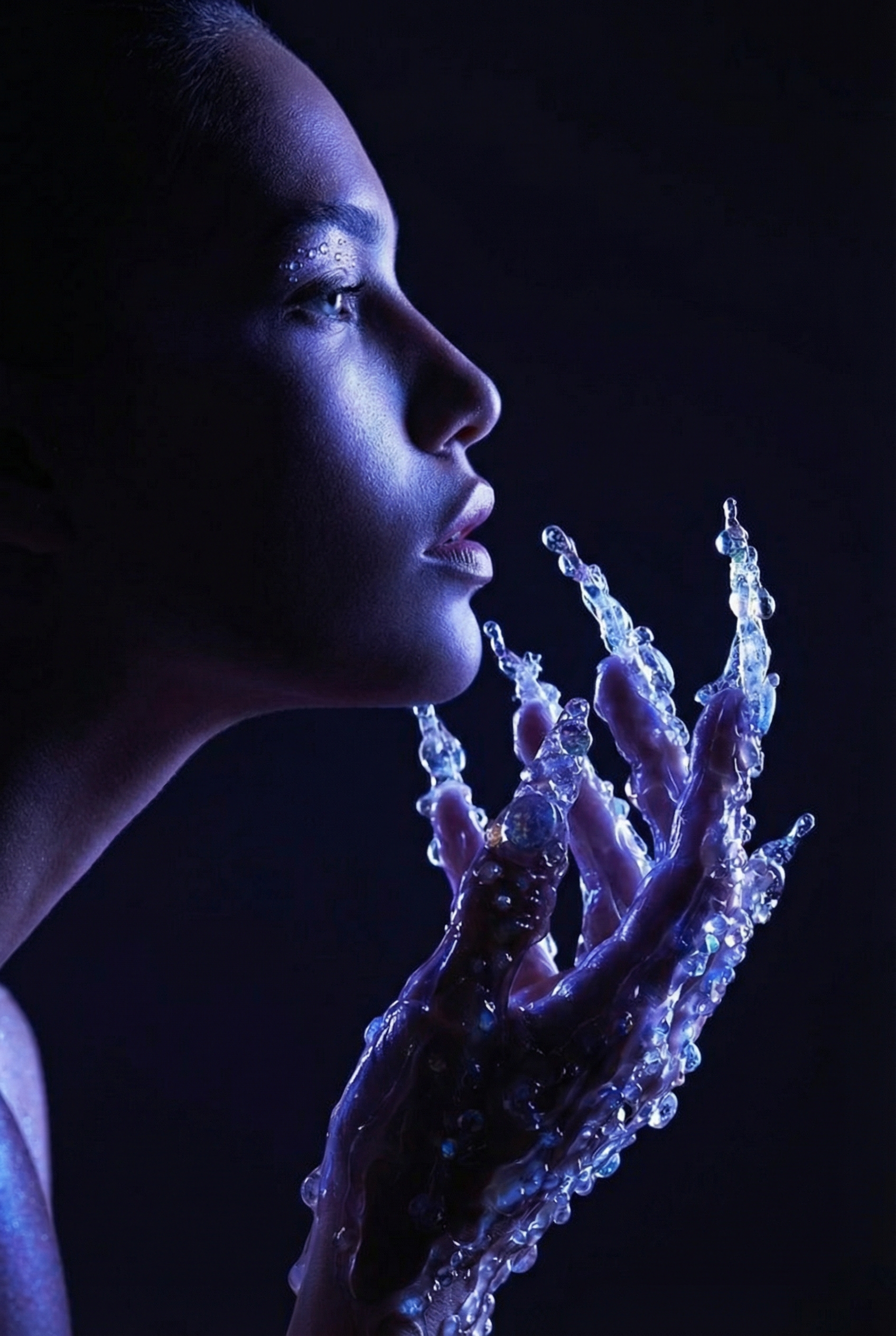
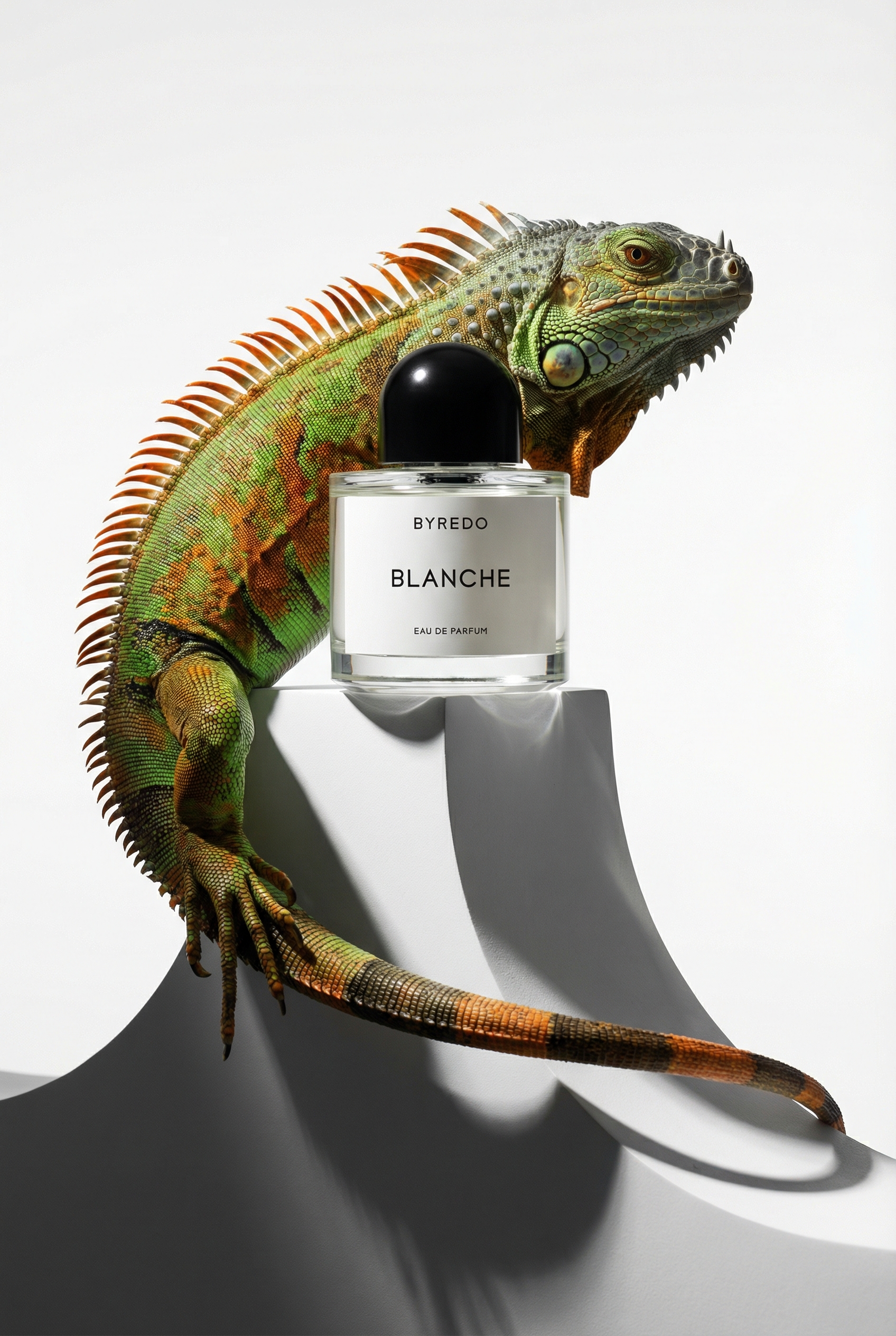
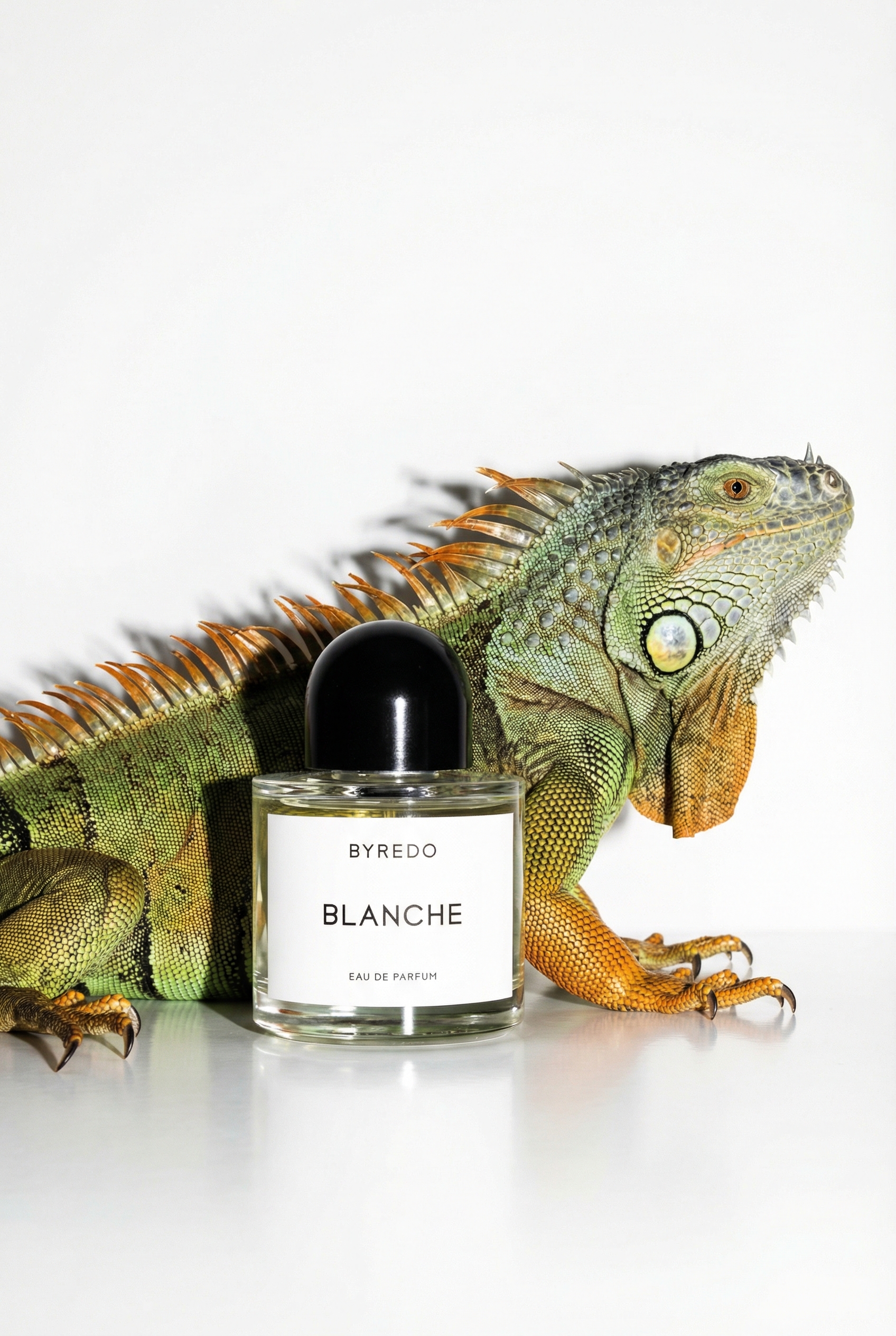
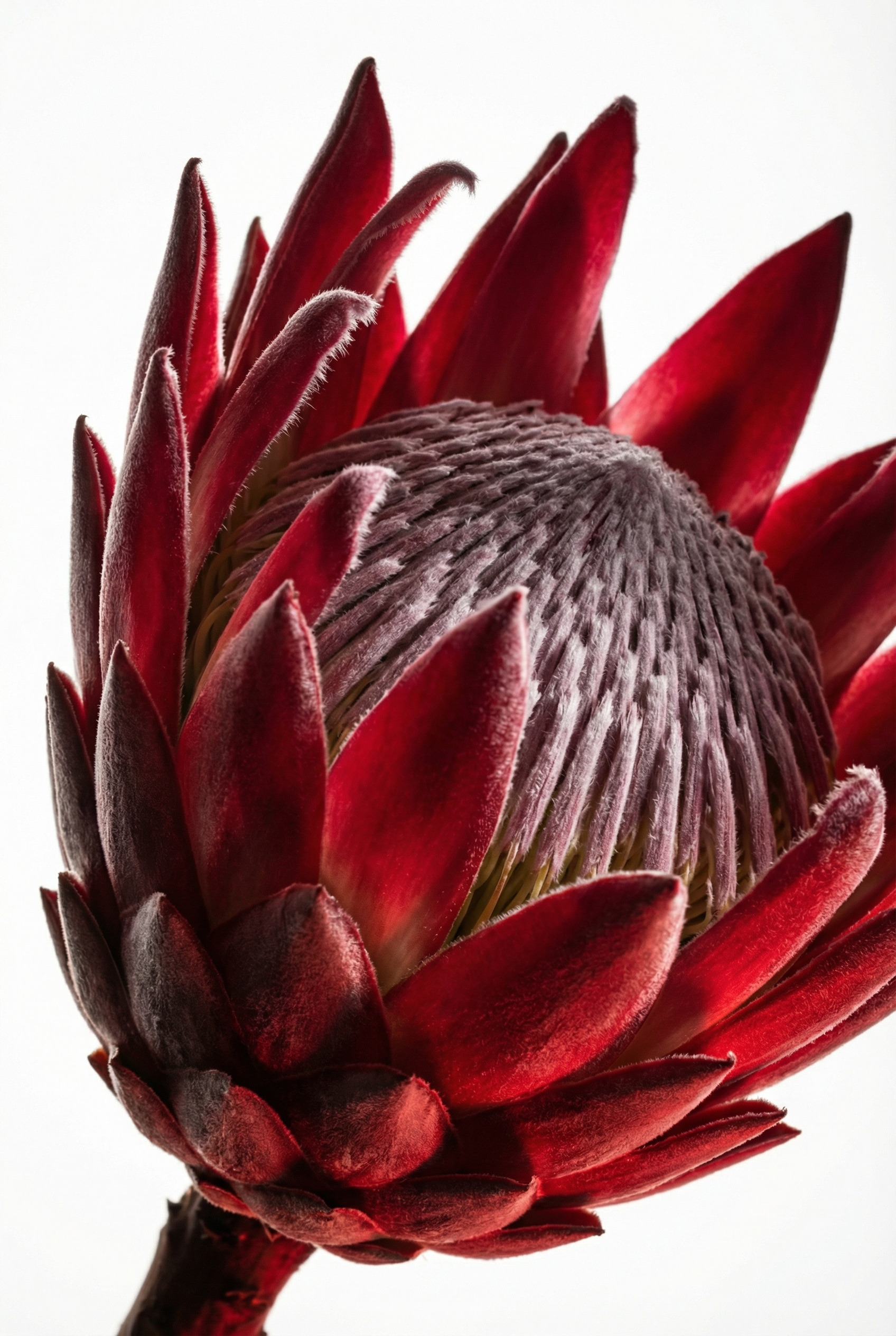
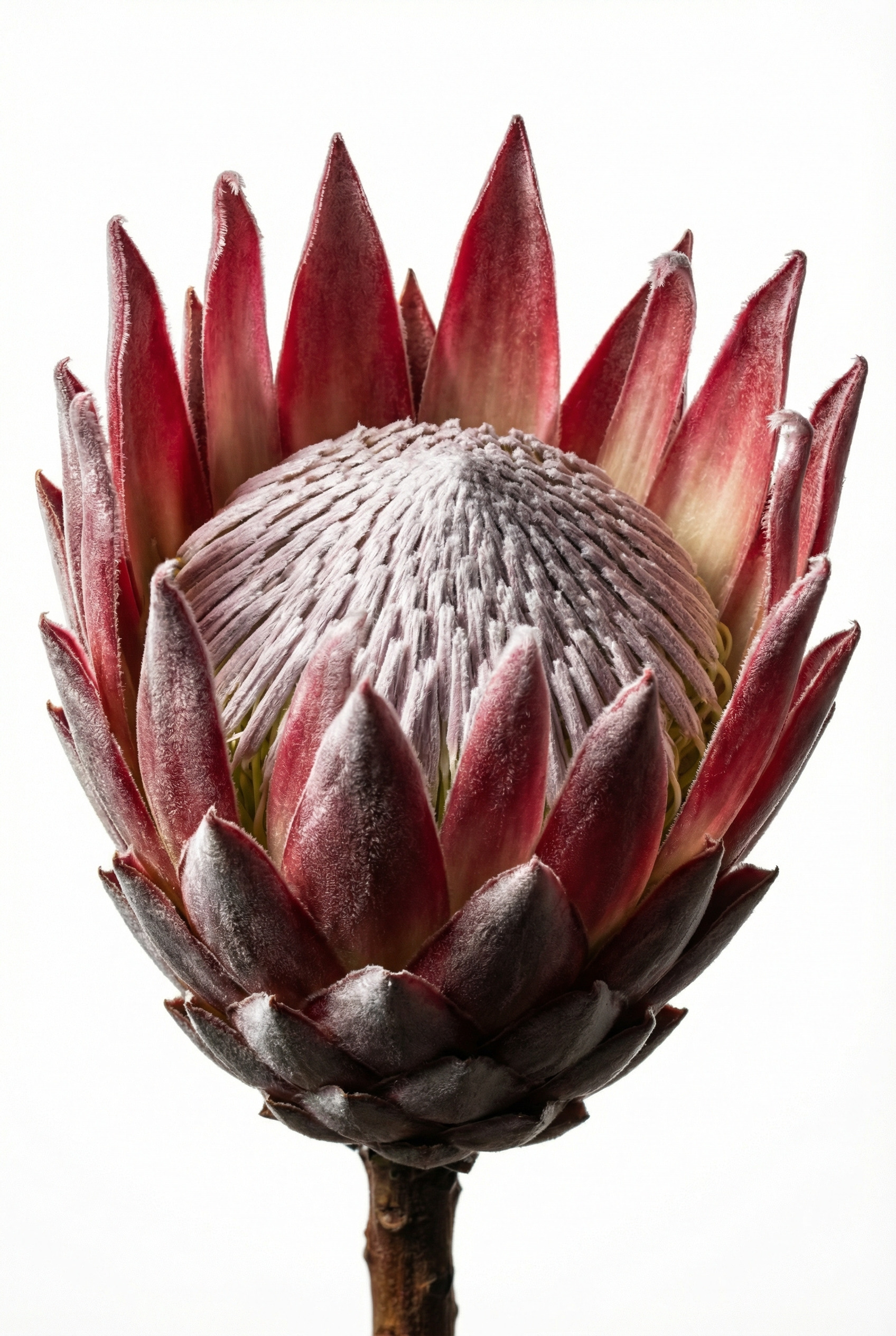
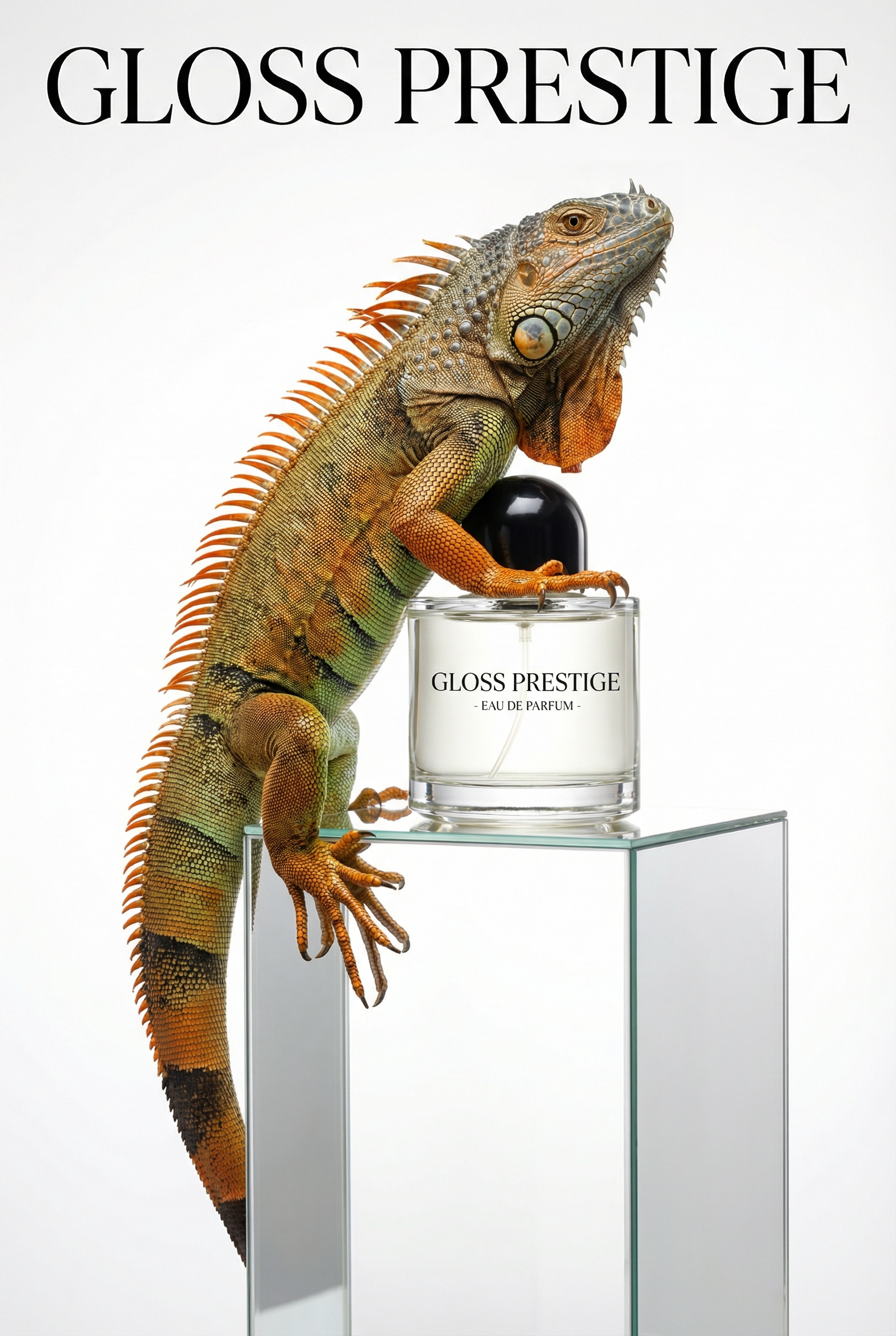
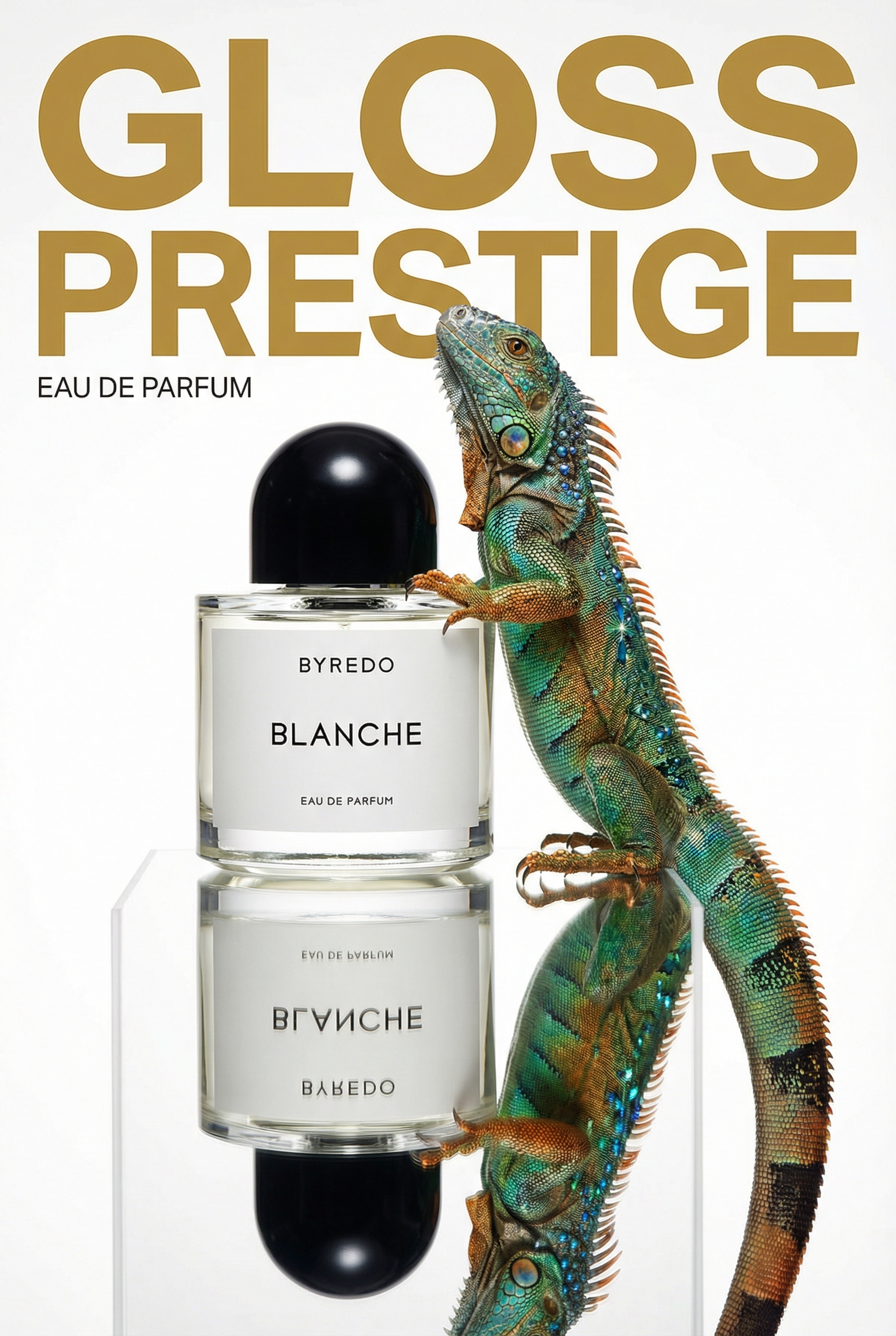
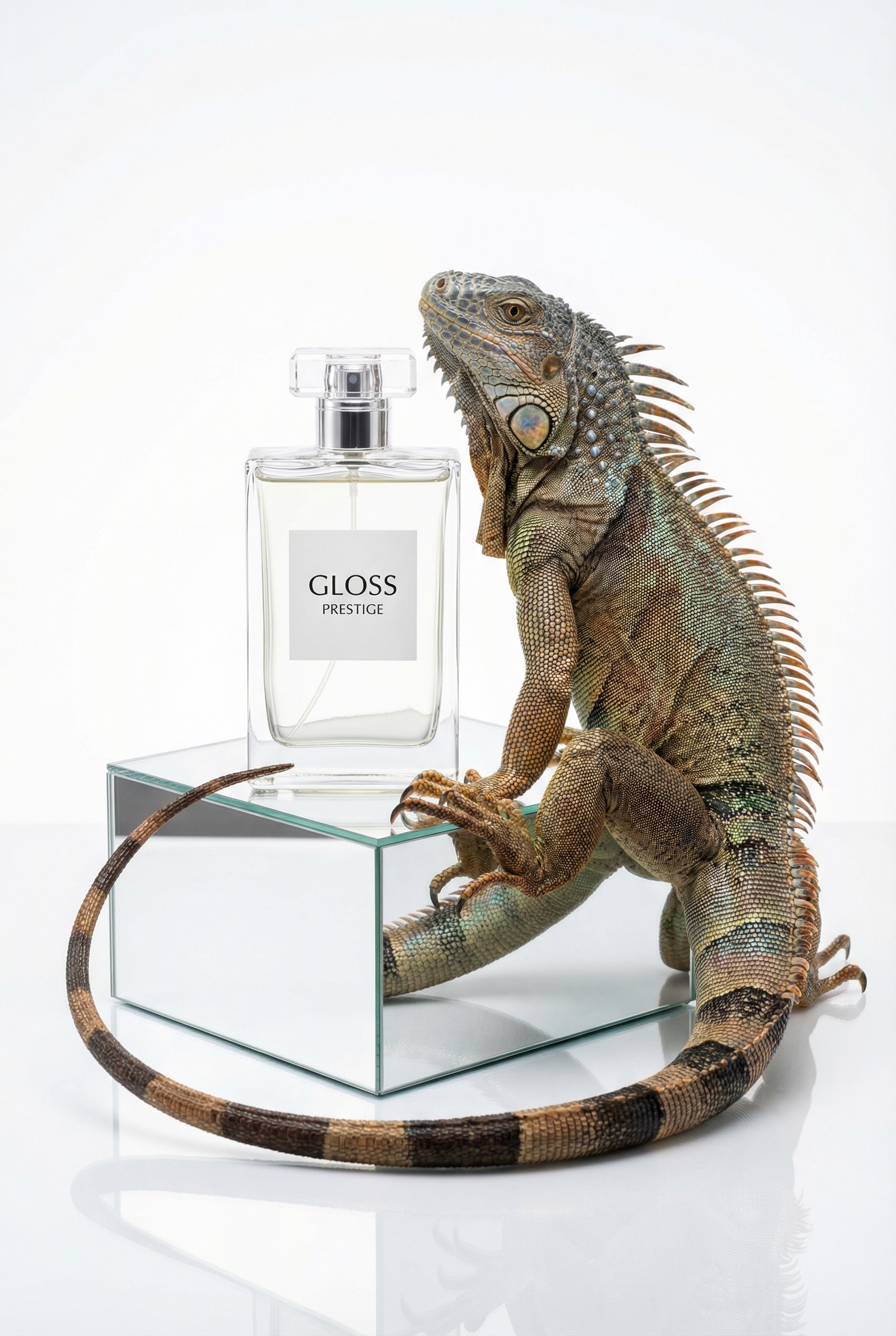
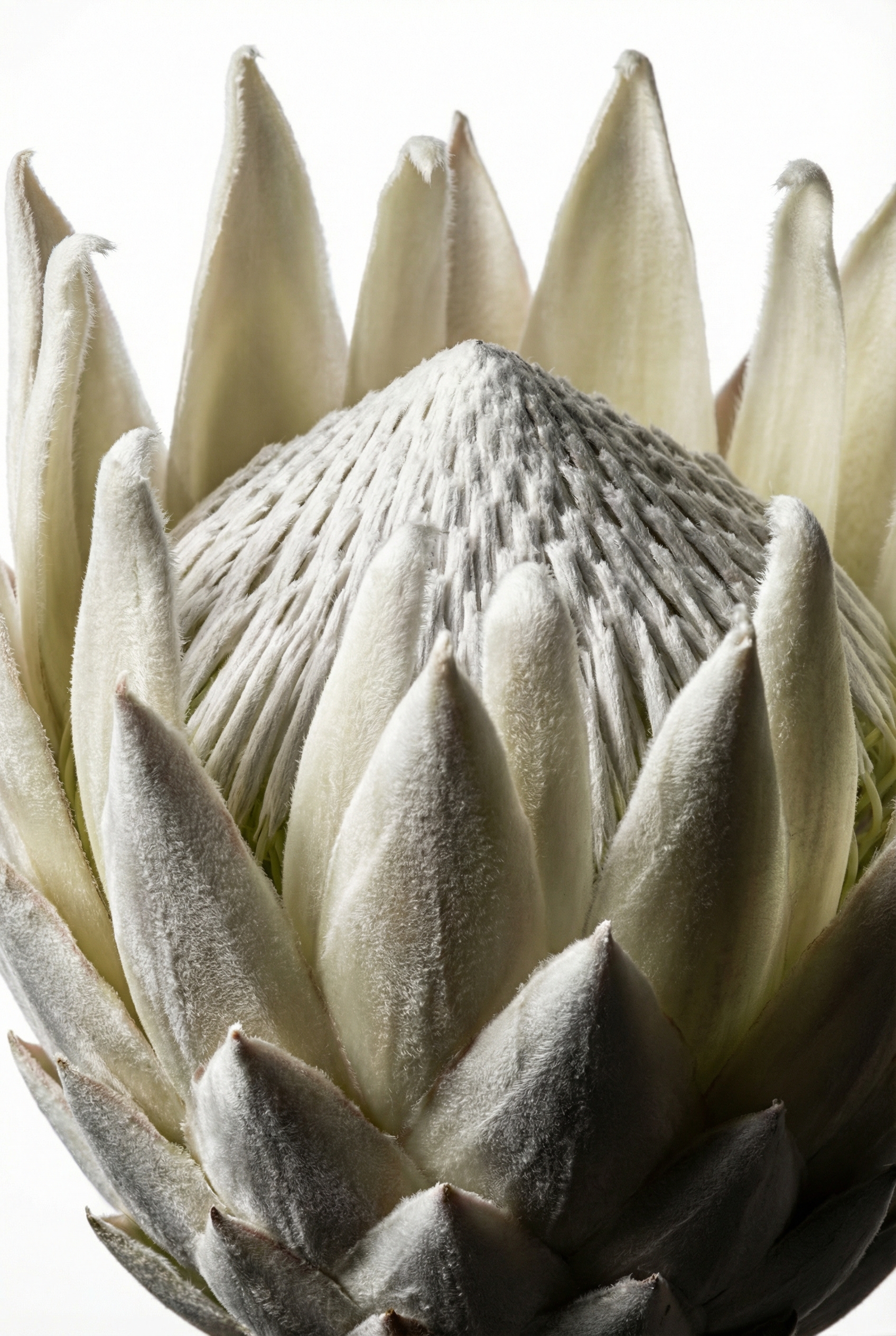
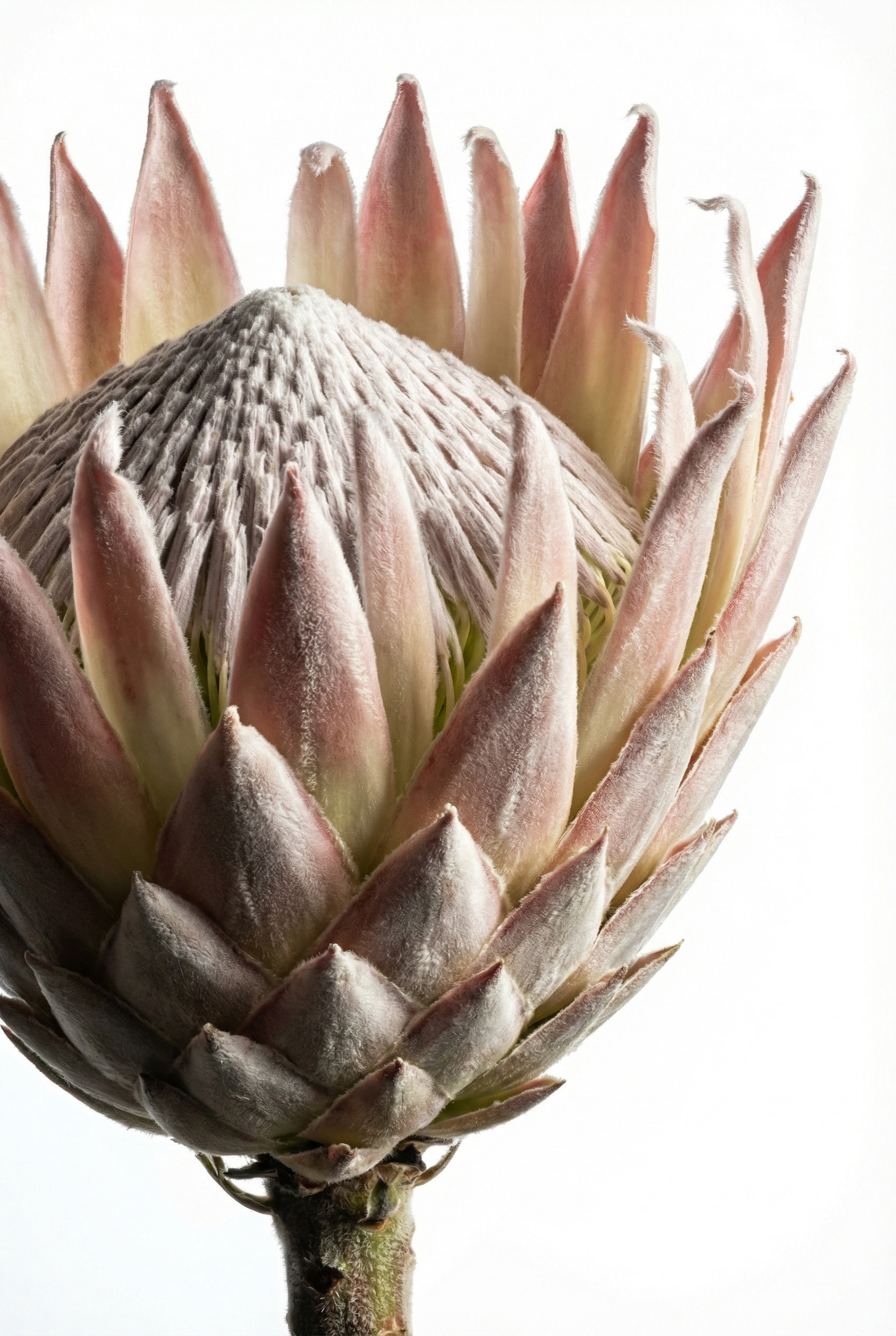
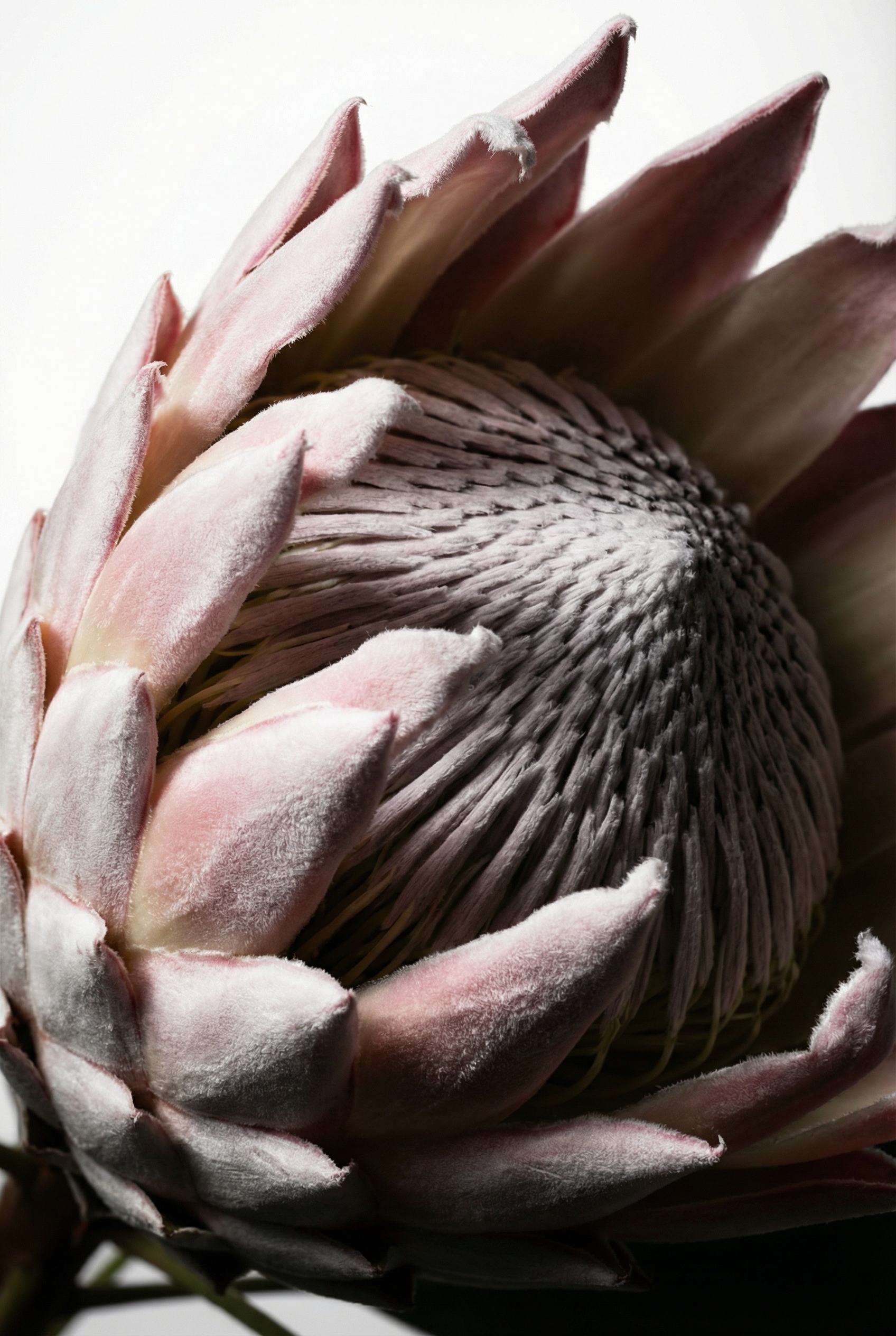
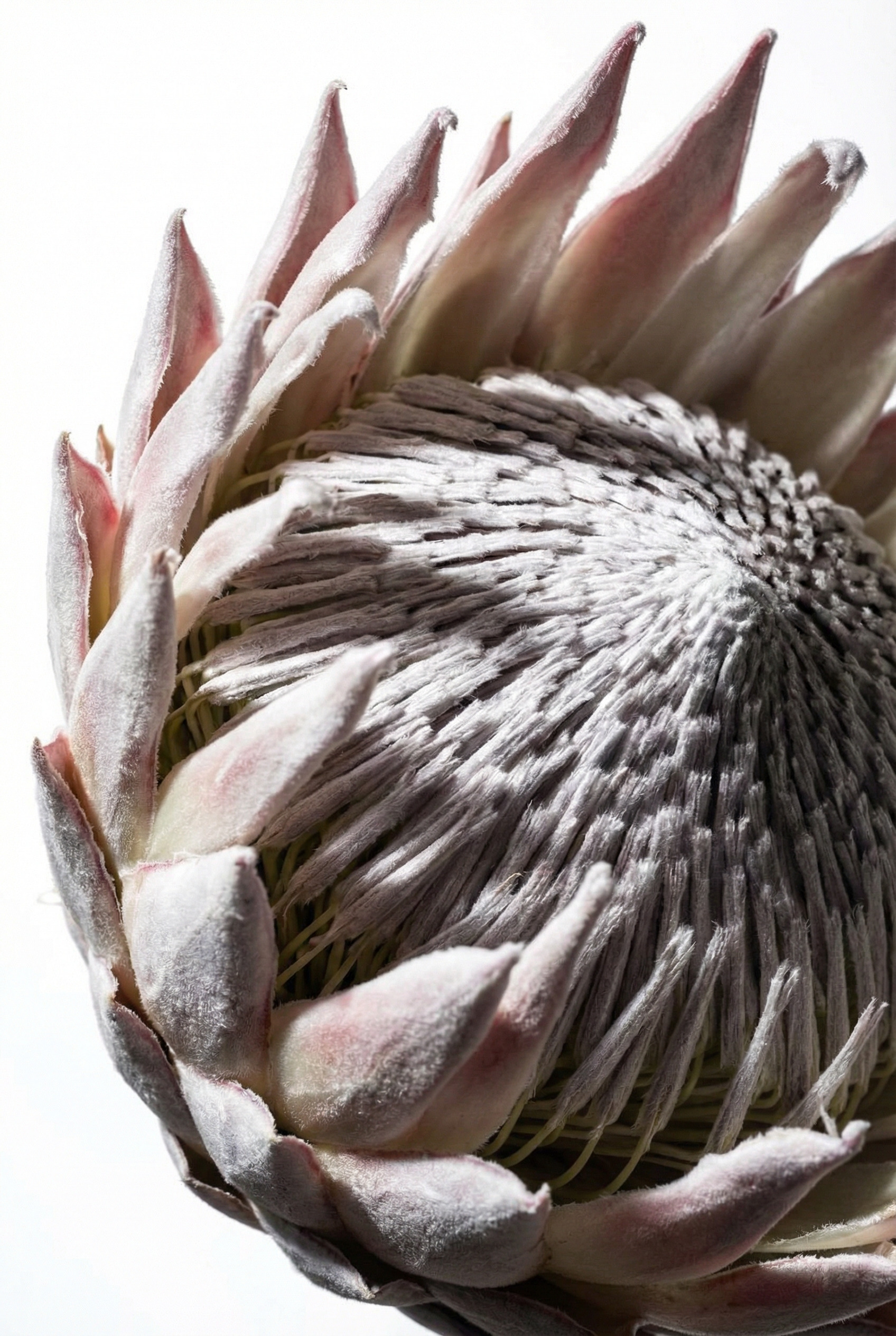
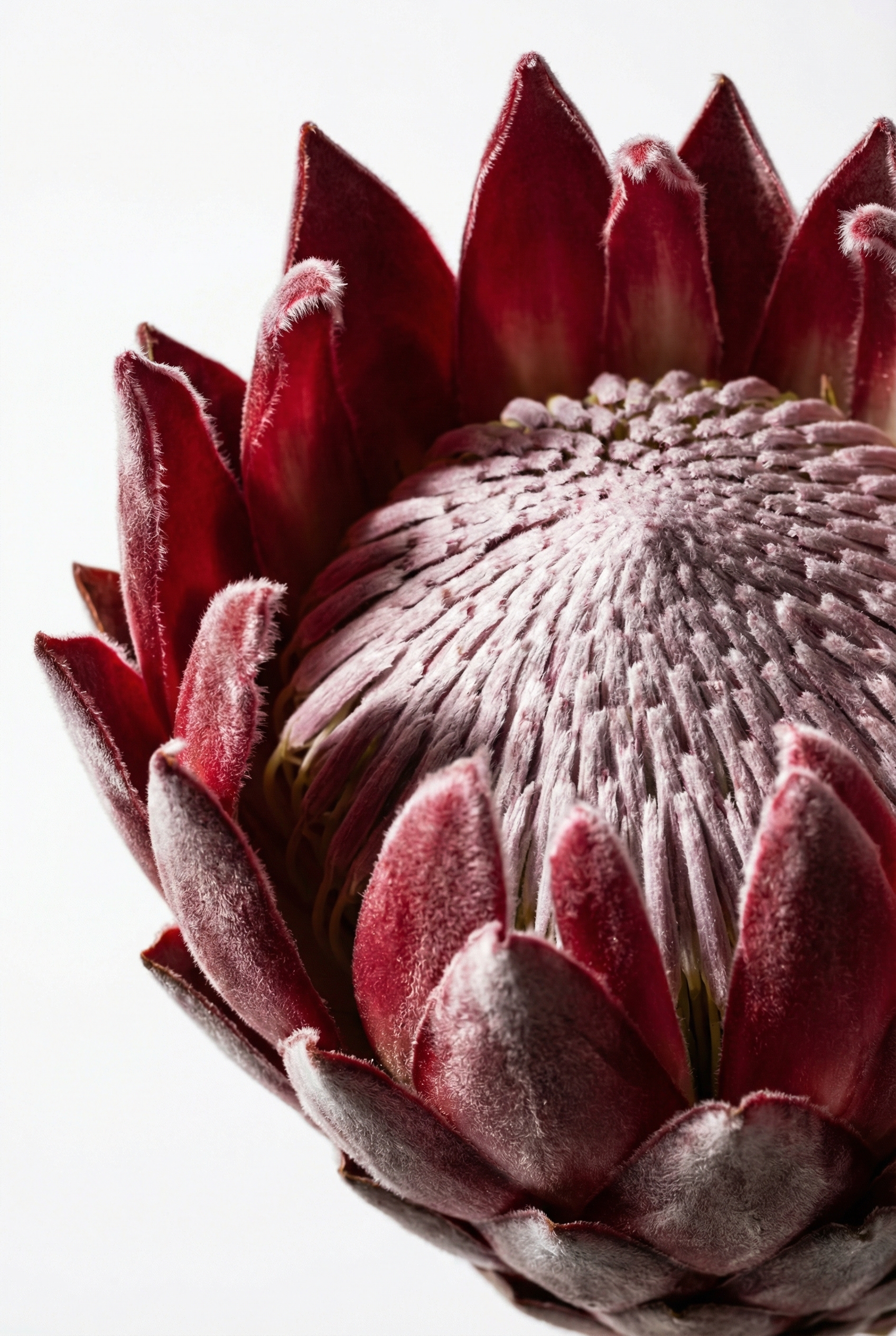
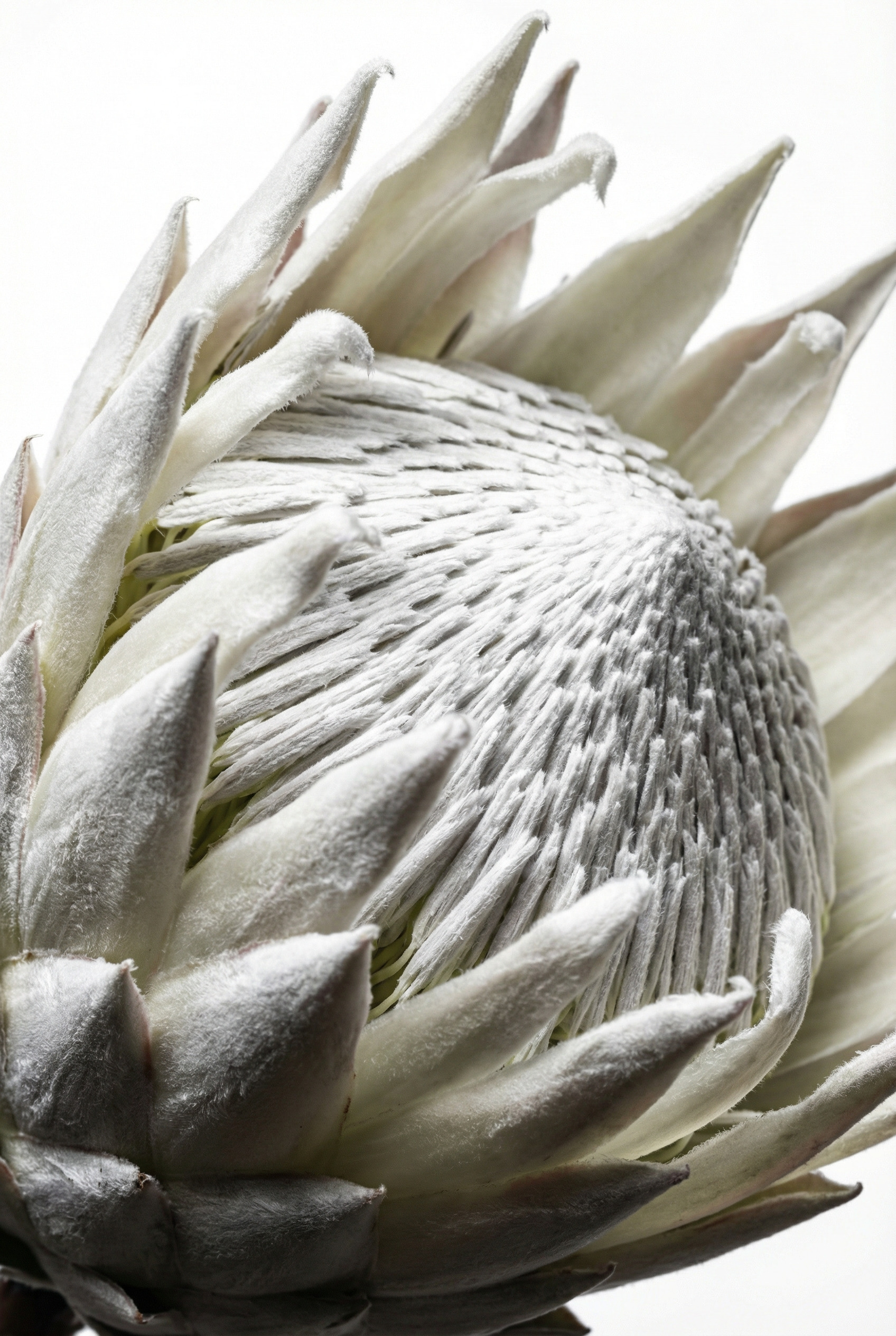
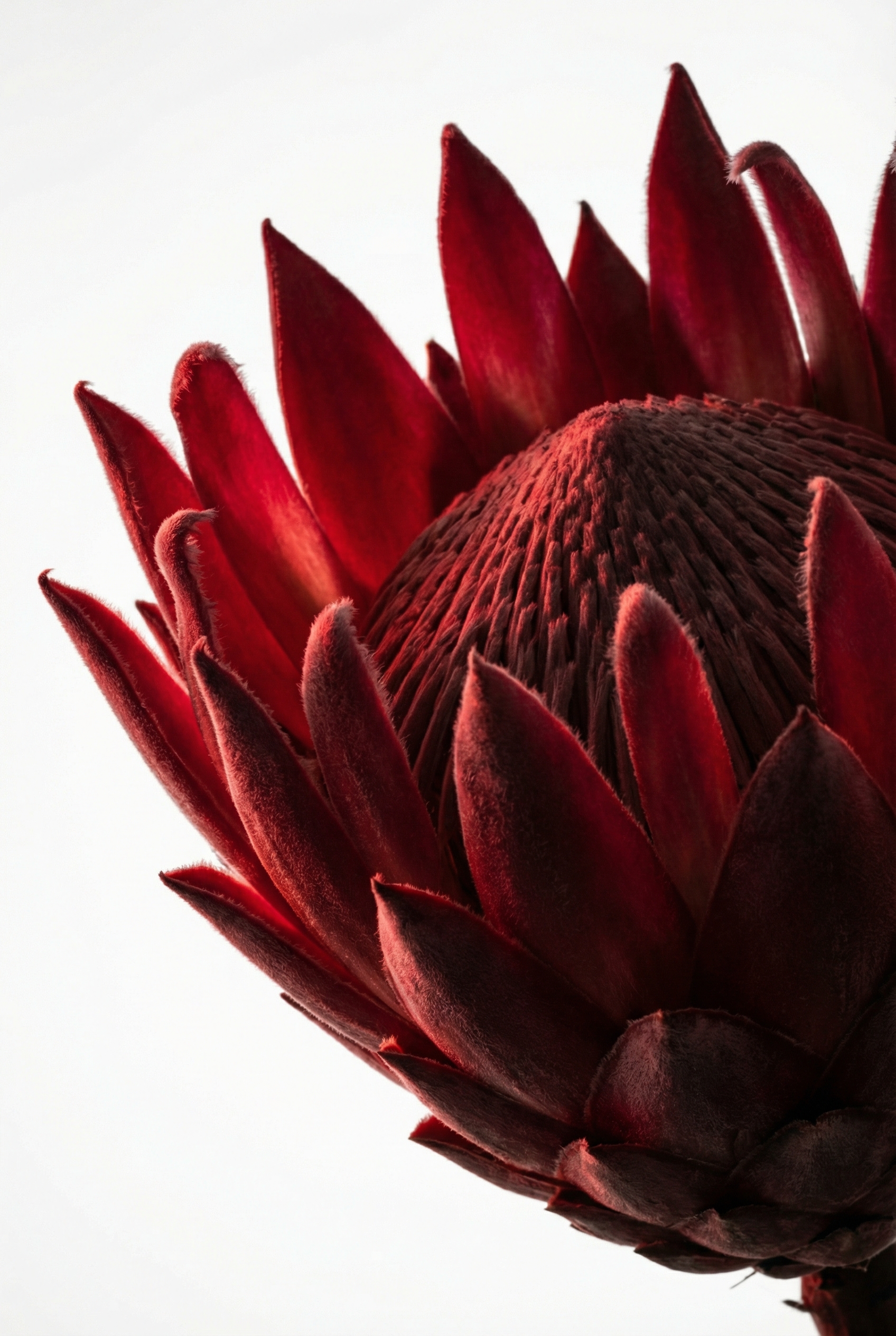
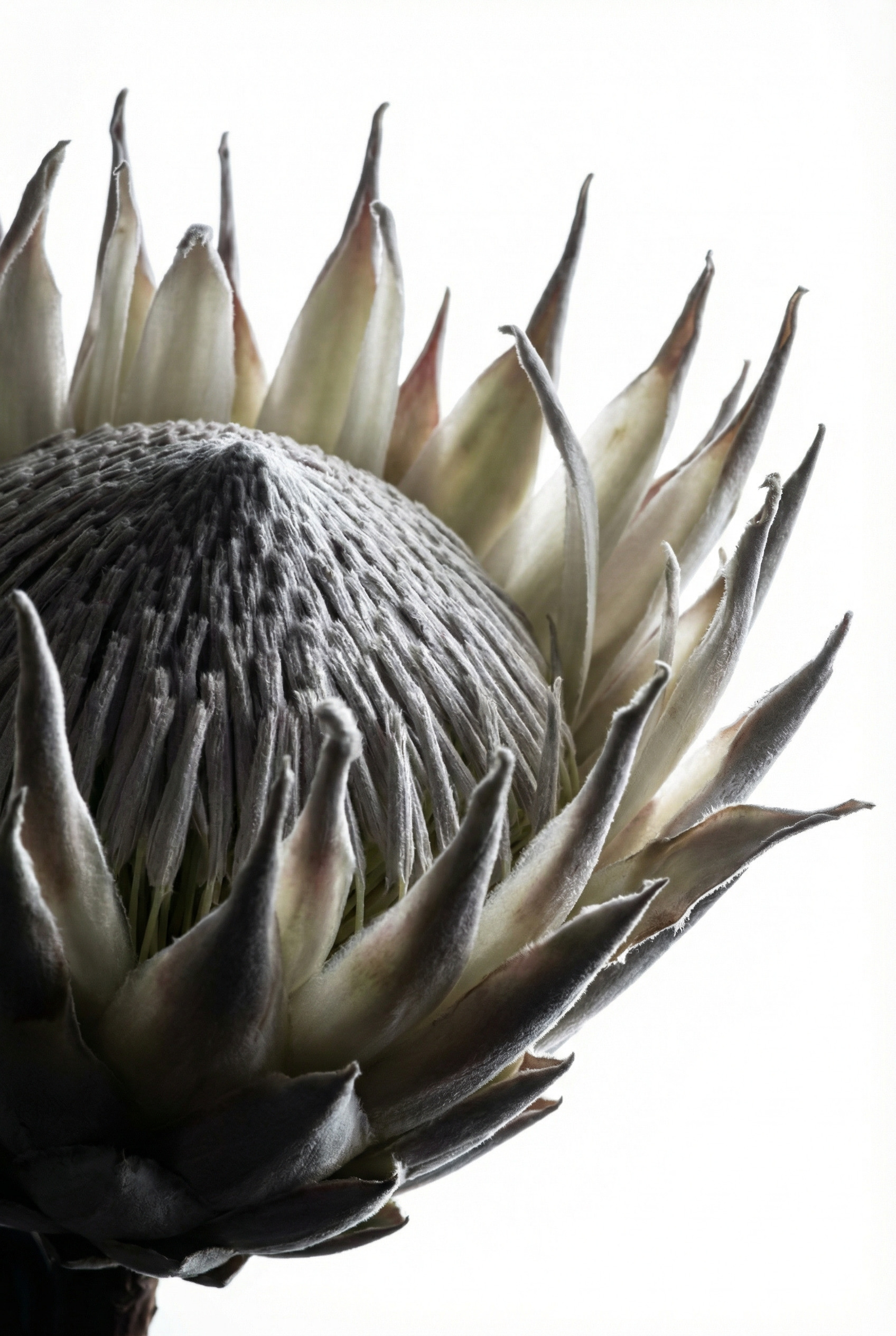
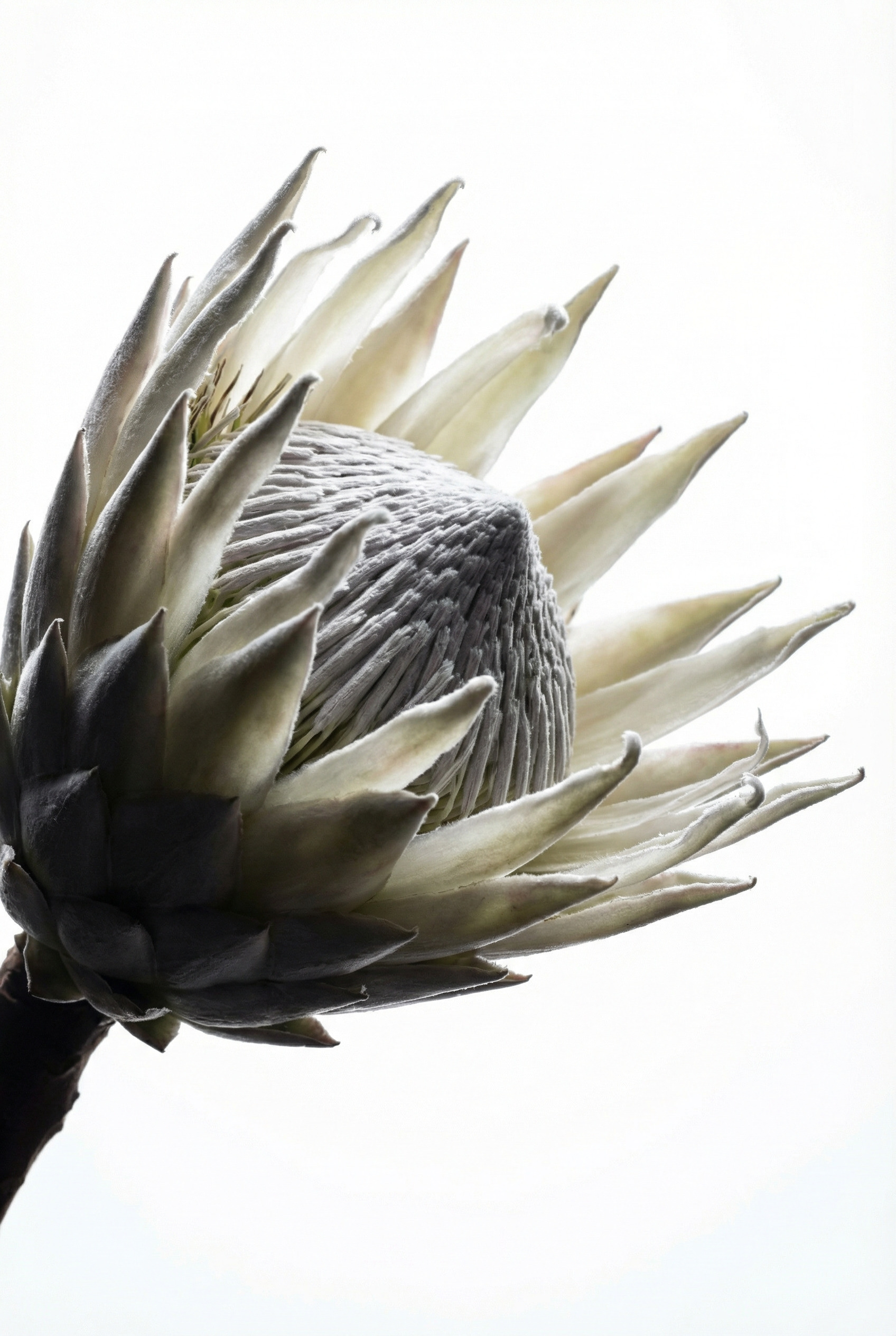
AI Upscale & Enhancer by CGBandit
Improve the details and increase the resolution of images: photos, generations, 3D renderers, illustrations. Refine the graphics of the generated images to the level of the covers of premium glossy magazines. The "AI Upscale & Enhancer" neural tool will allow you to increase image resolution with improved details, improving image quality, adding details, enhancing effect, improving chiaroscuro, texture quality, adding sharpness and clarity, working through each pixel and increasing the visual appeal of the image.
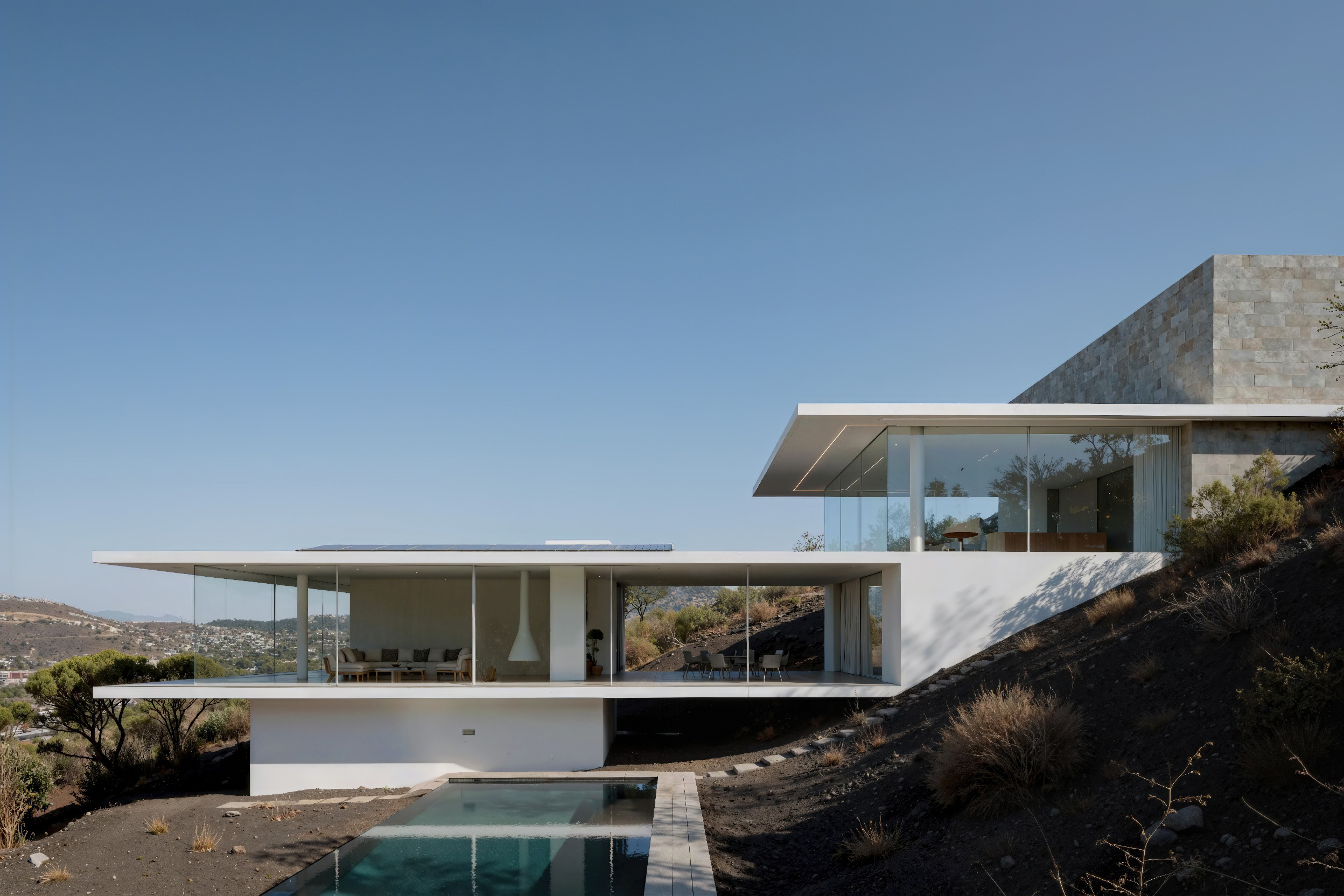
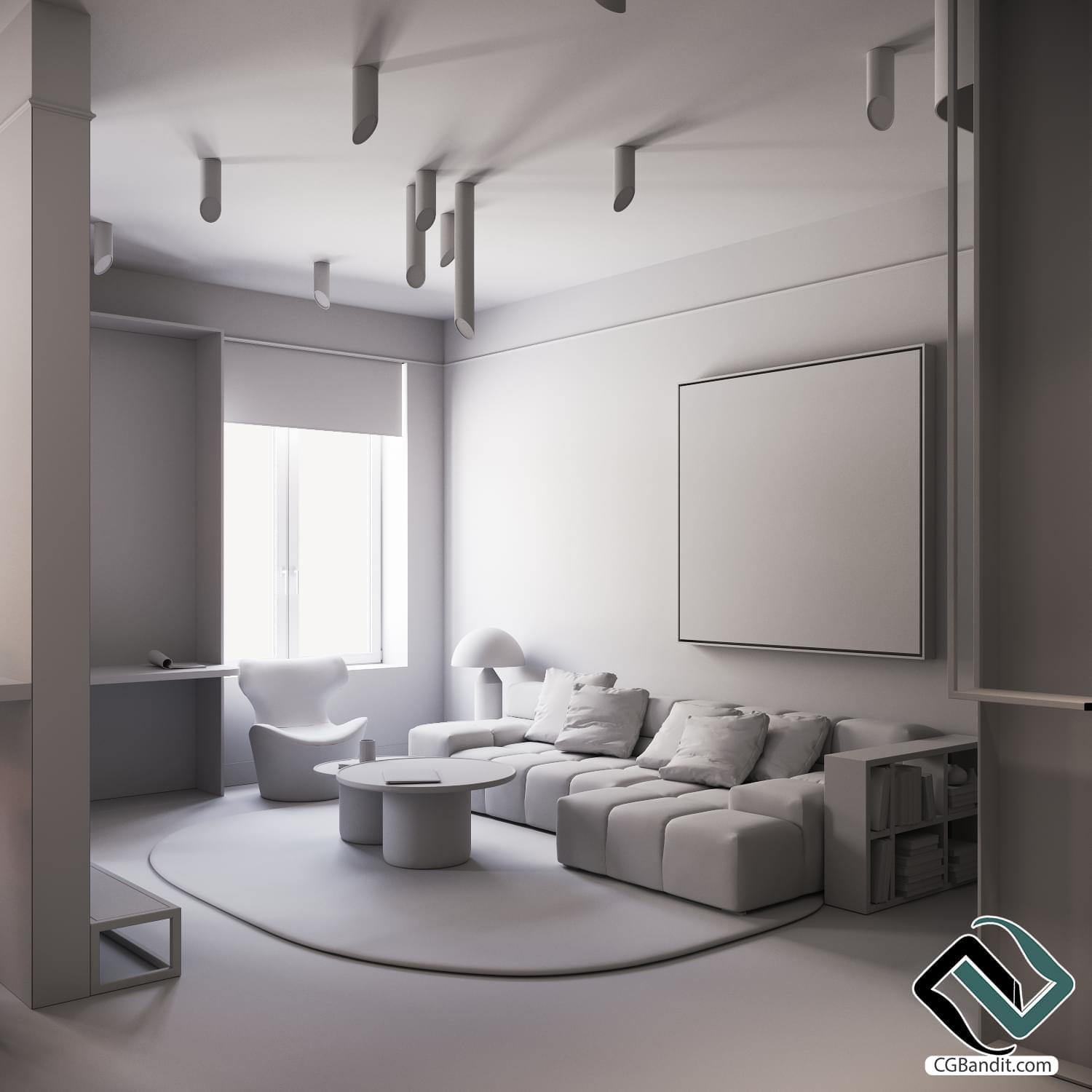
This is a tasty morsel for 3D visualizers. Improve your 3D visualizations and increase the image resolution. Where the render engine will "sink" in effect and photorealism, AI Upscale & Enhancer will fill in these gaps, finish and improve the black-and-white drawing, shape the volume, and work on those objects that are usually resource-intensive to perfect using pure 3D graphics: fluffy carpets, blankets, people, plants, water, natural landscapes and much more. Thanks to "AI Upscale & Enhancer", you can significantly increase the photorealistic quality of your 3D visualizations, improving and detailing your renderings.
AI Upscale is more than just increasing the resolution of an image. In precision mode, it strives to preserve all materials, textures, and details. In creative mode, the tool transforms an image into a new piece: it completes textures, changes materials, adds details and makes the result even more expressive. Below is an example of using creative mode.
An example of the work of «AI Upscale & Enhancer»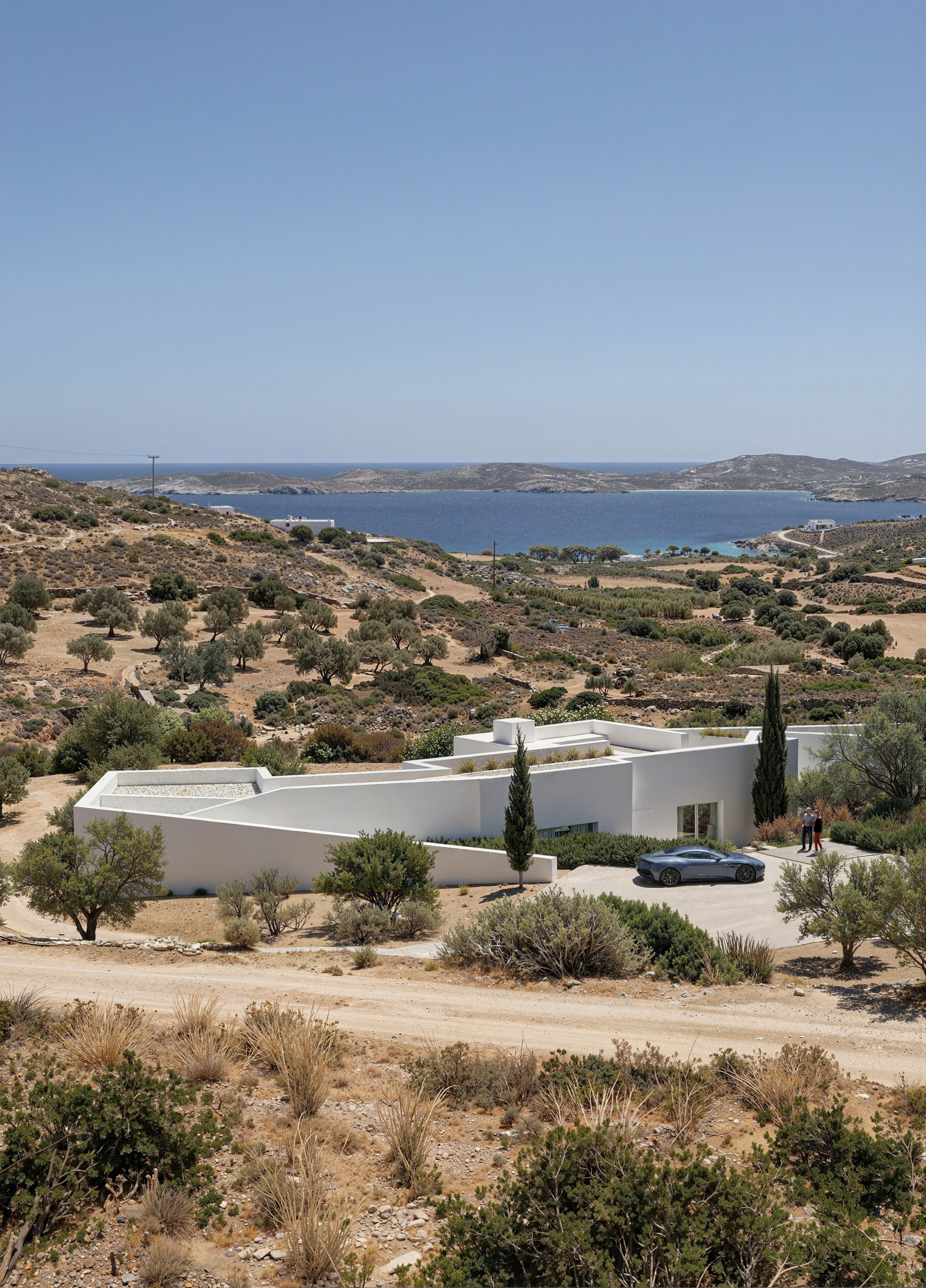
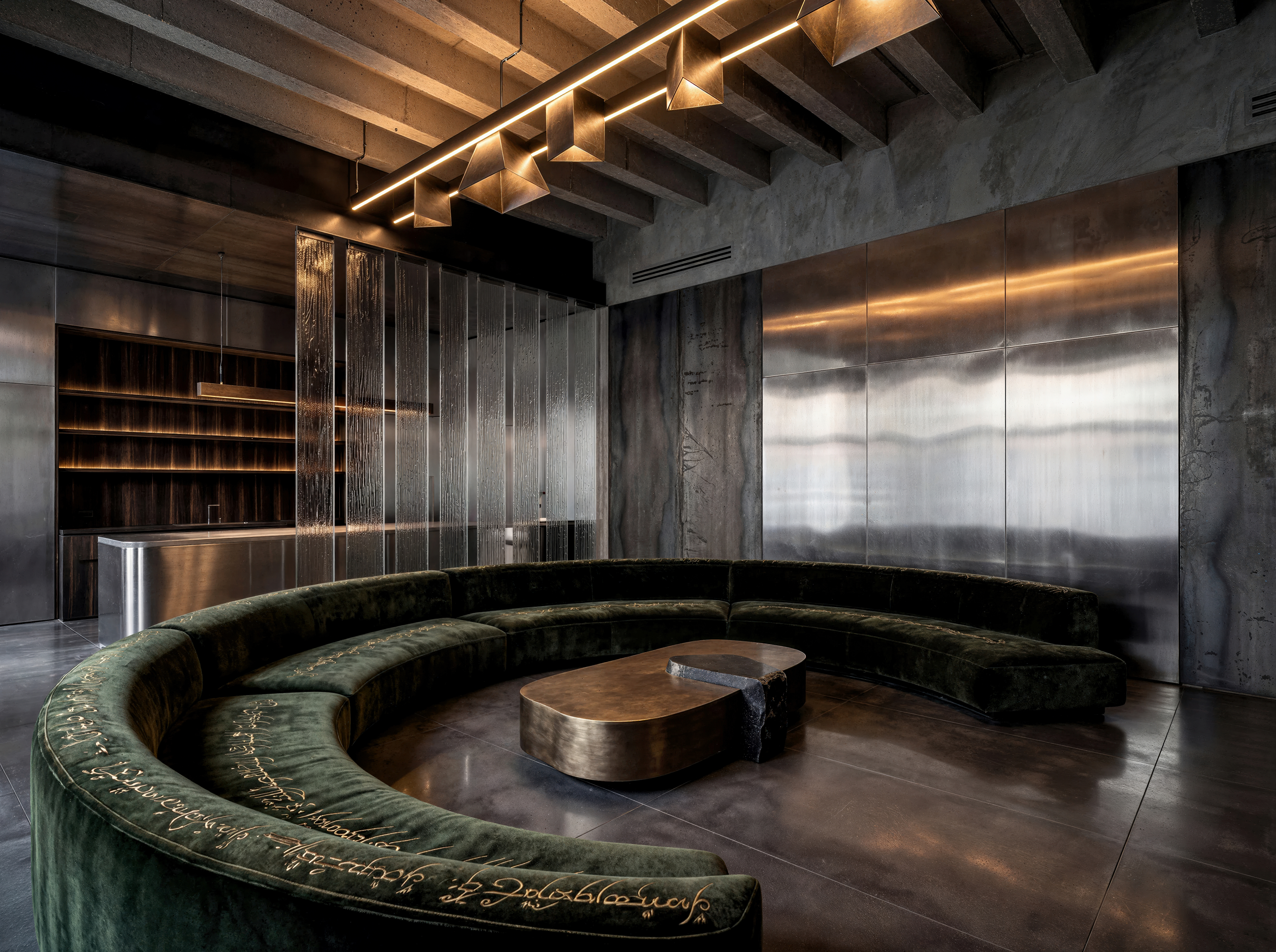
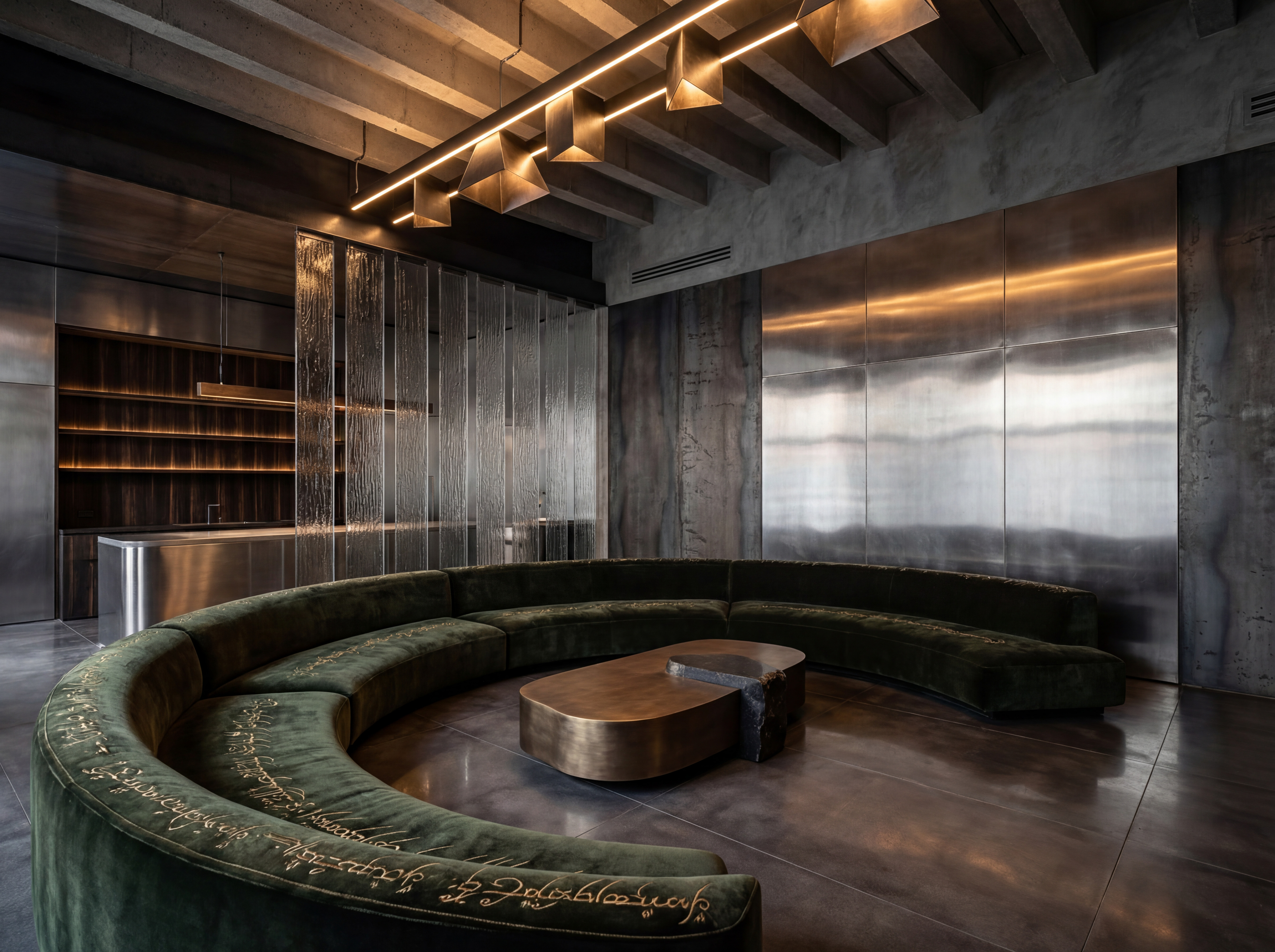
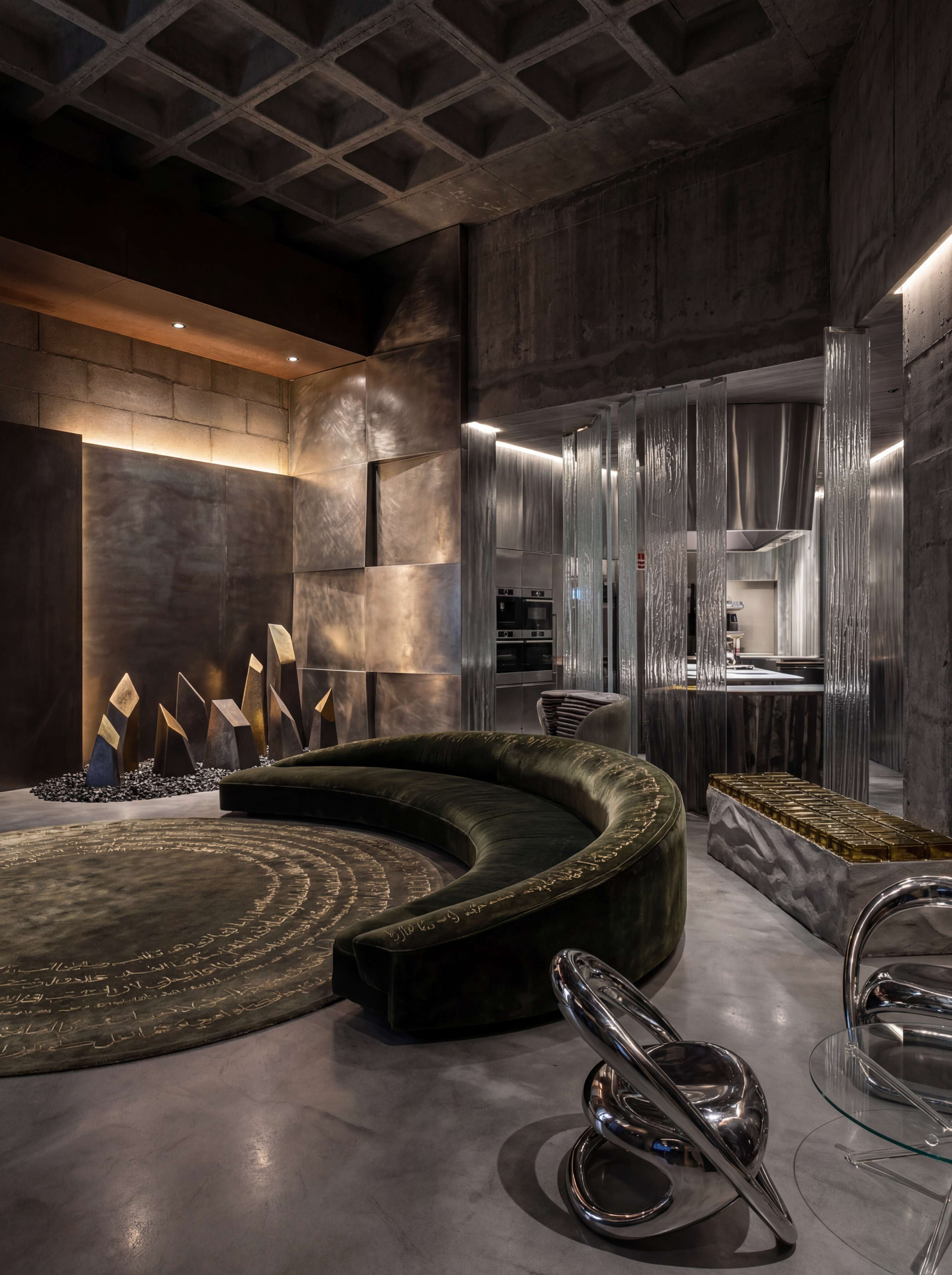
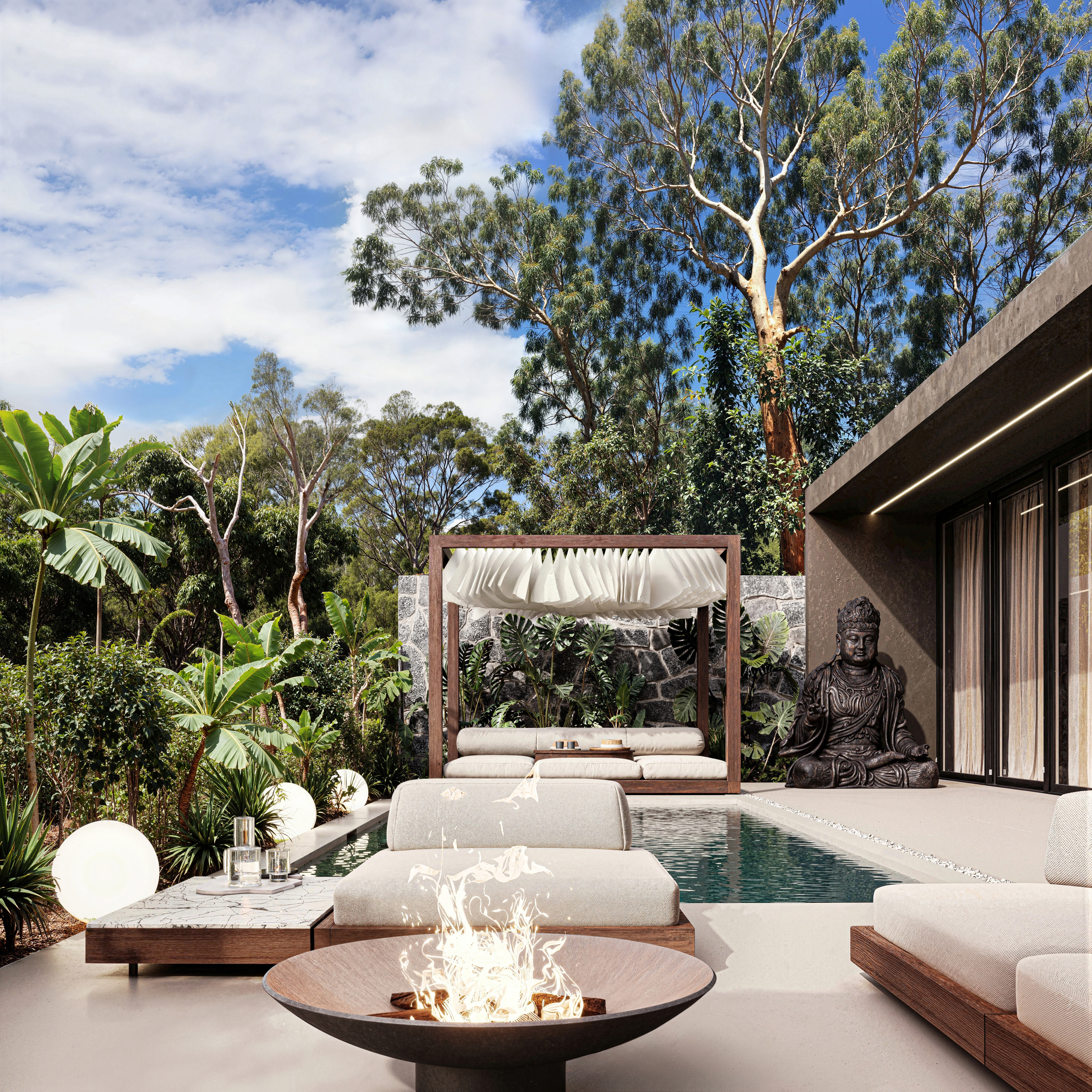
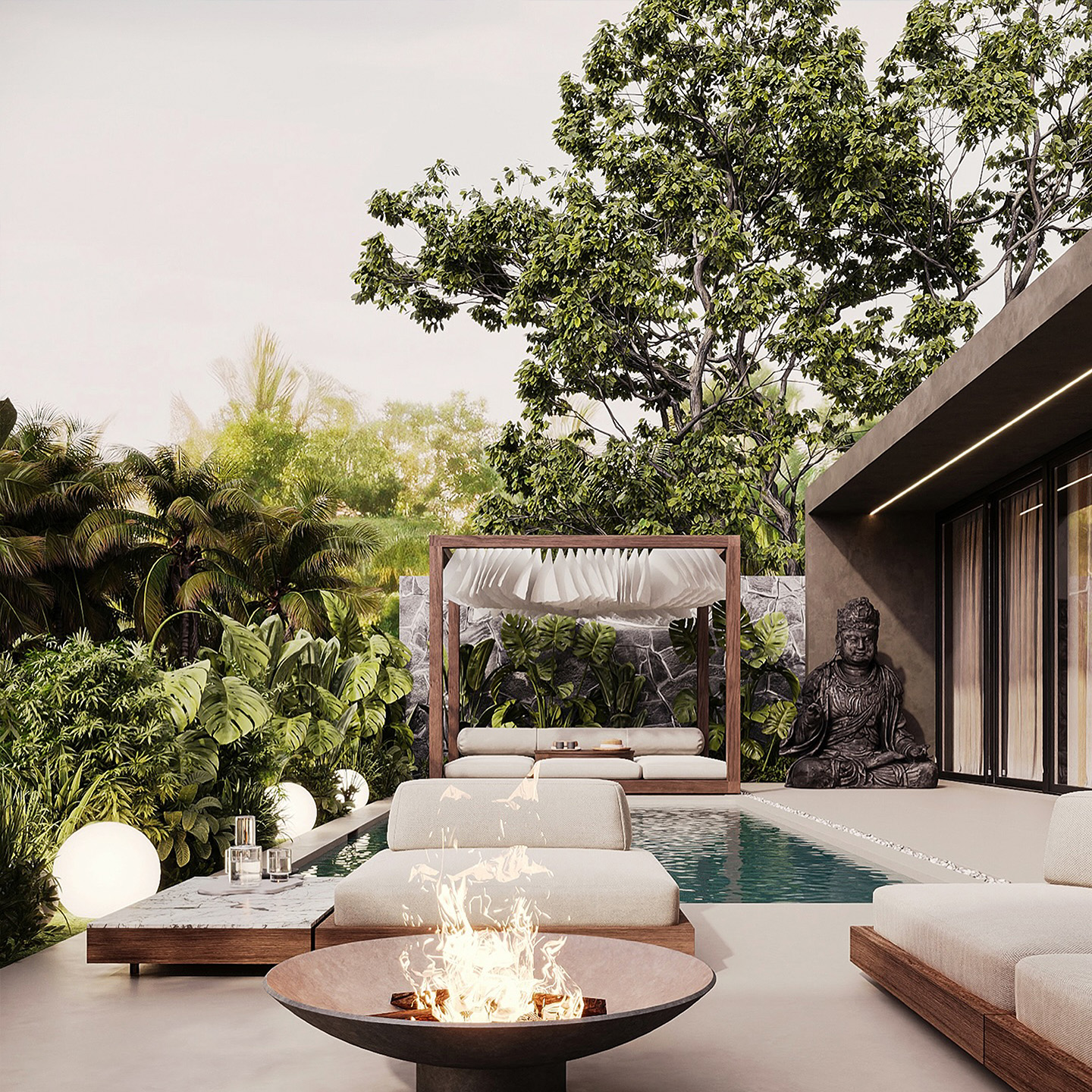
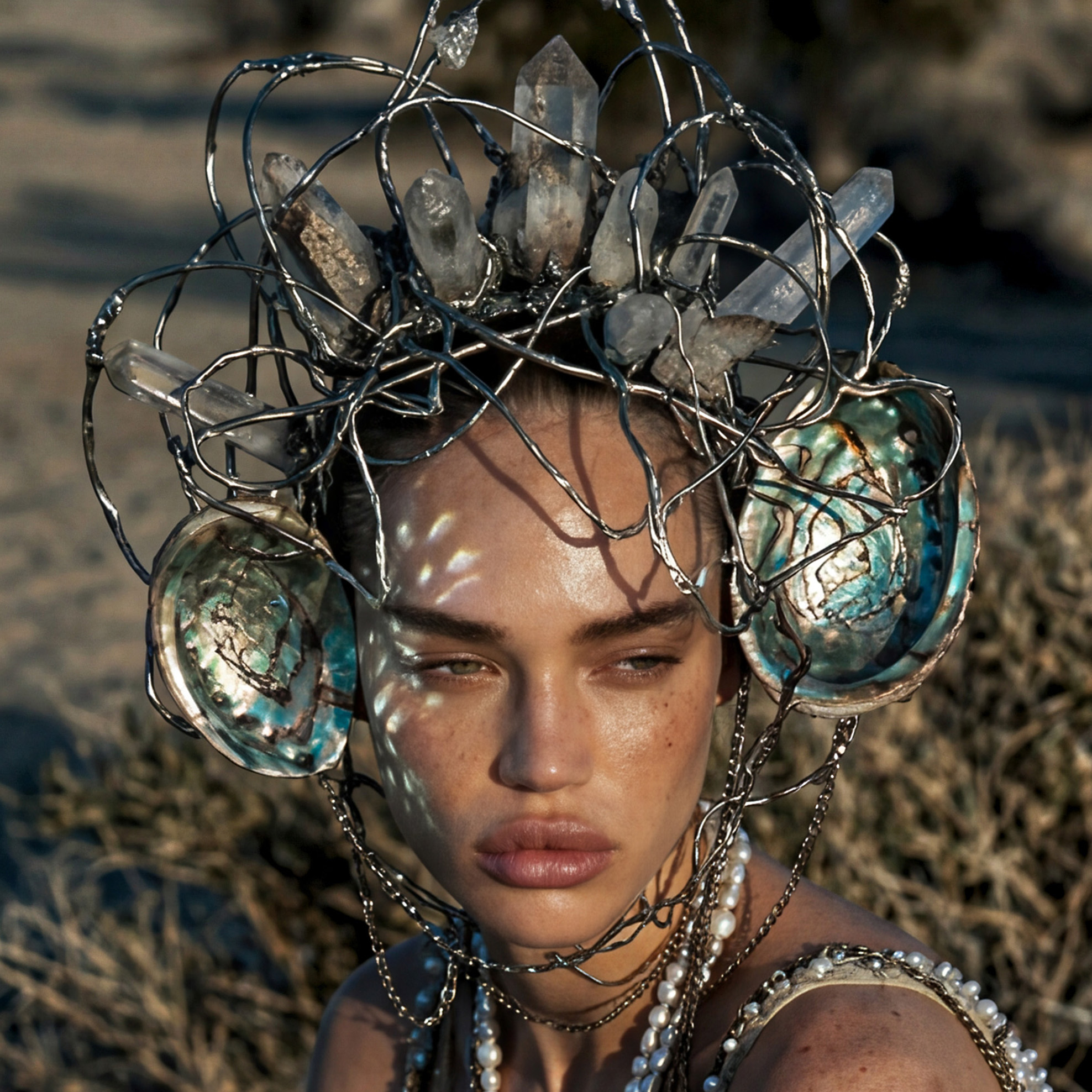
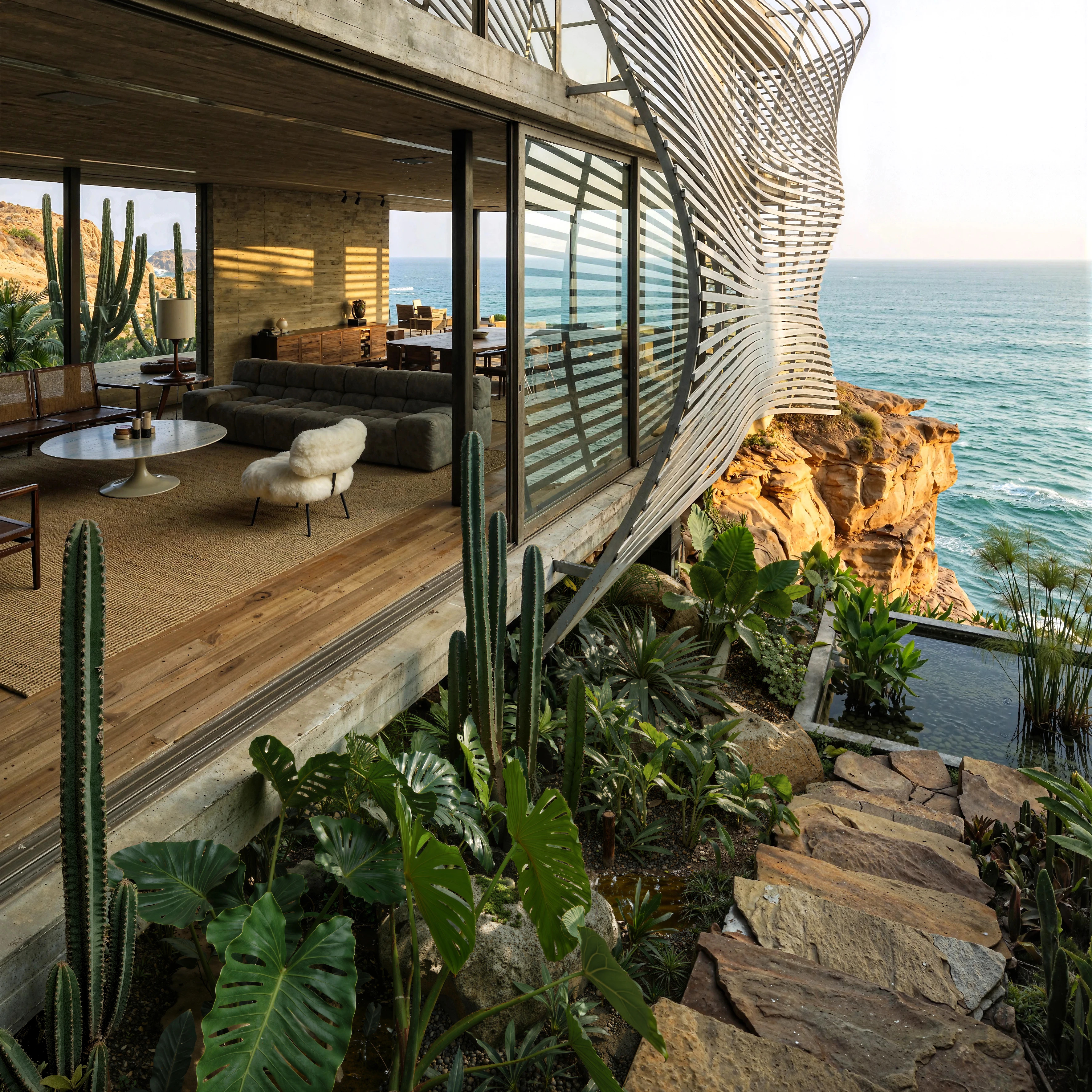
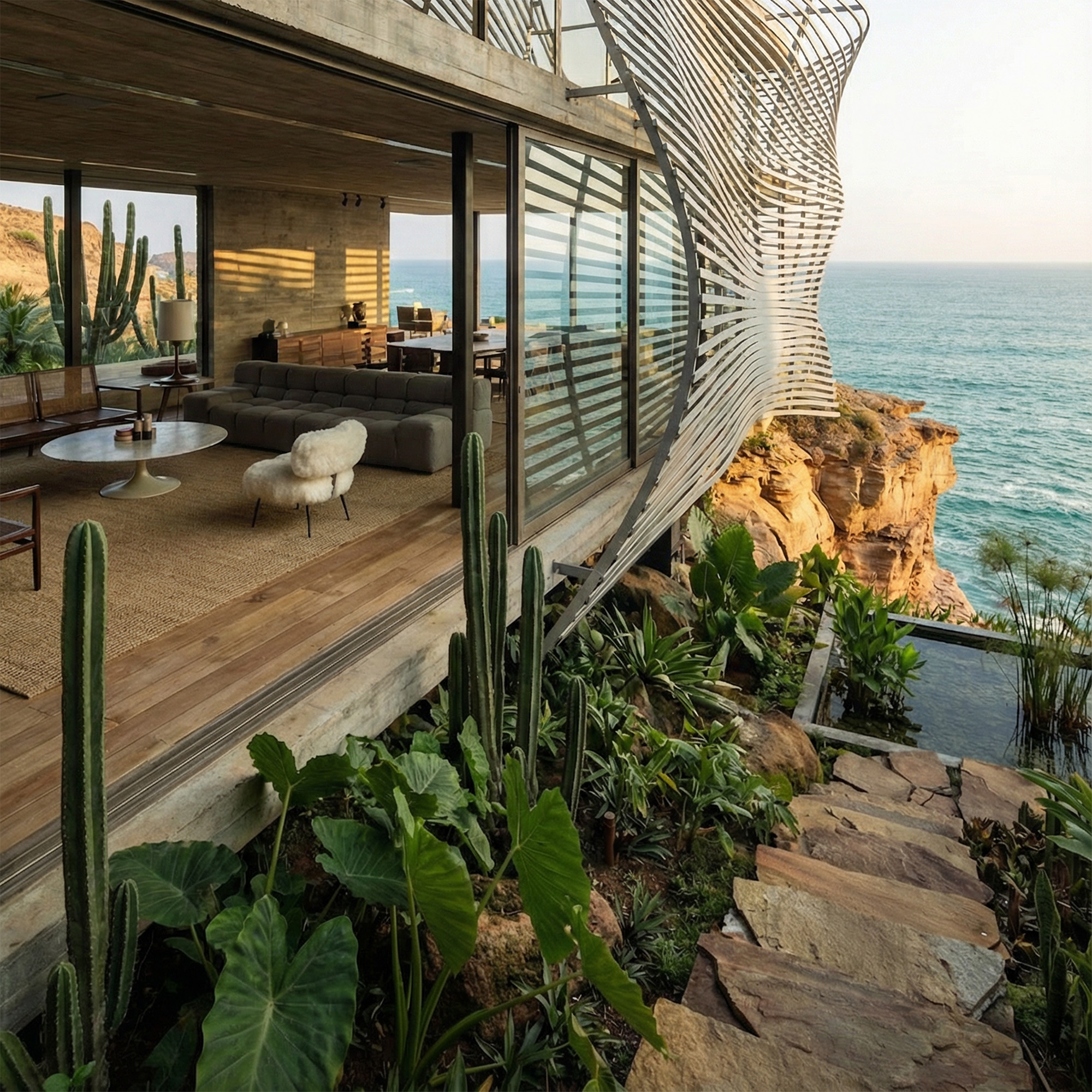
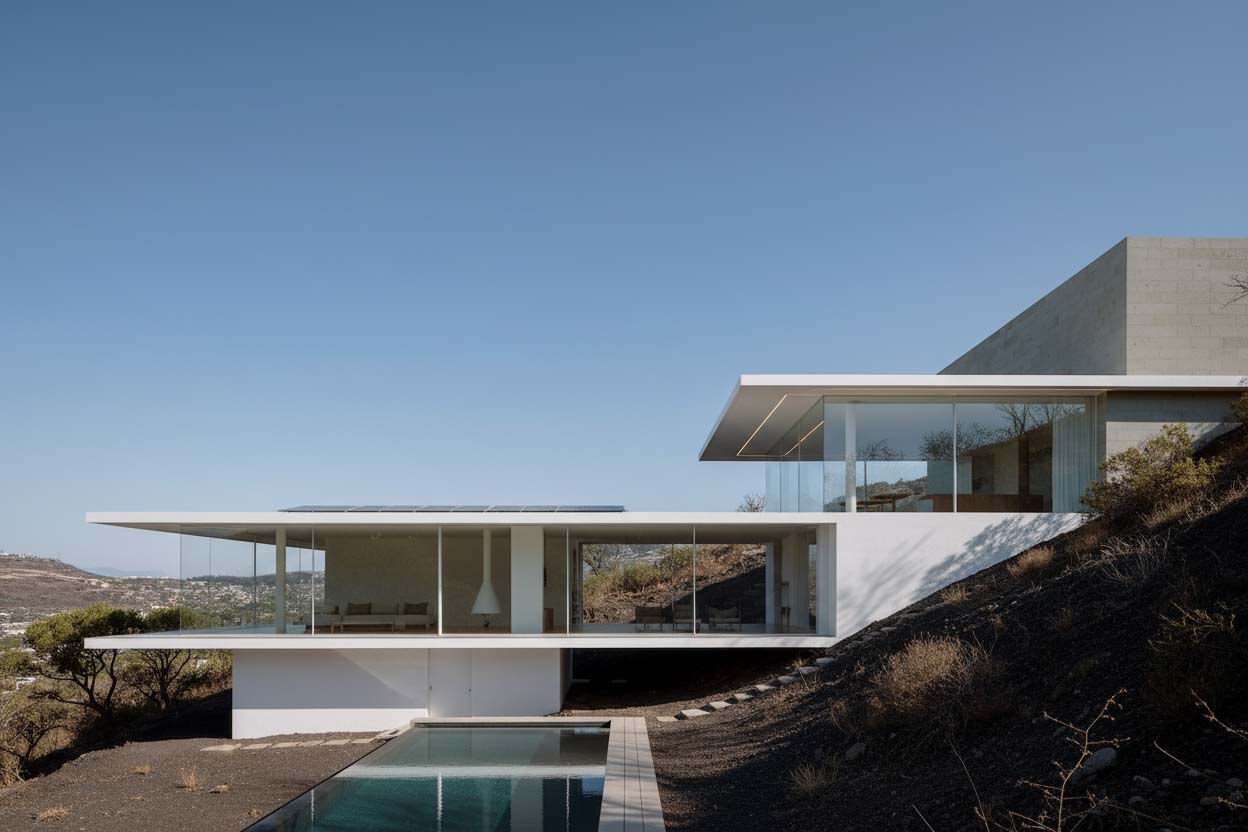
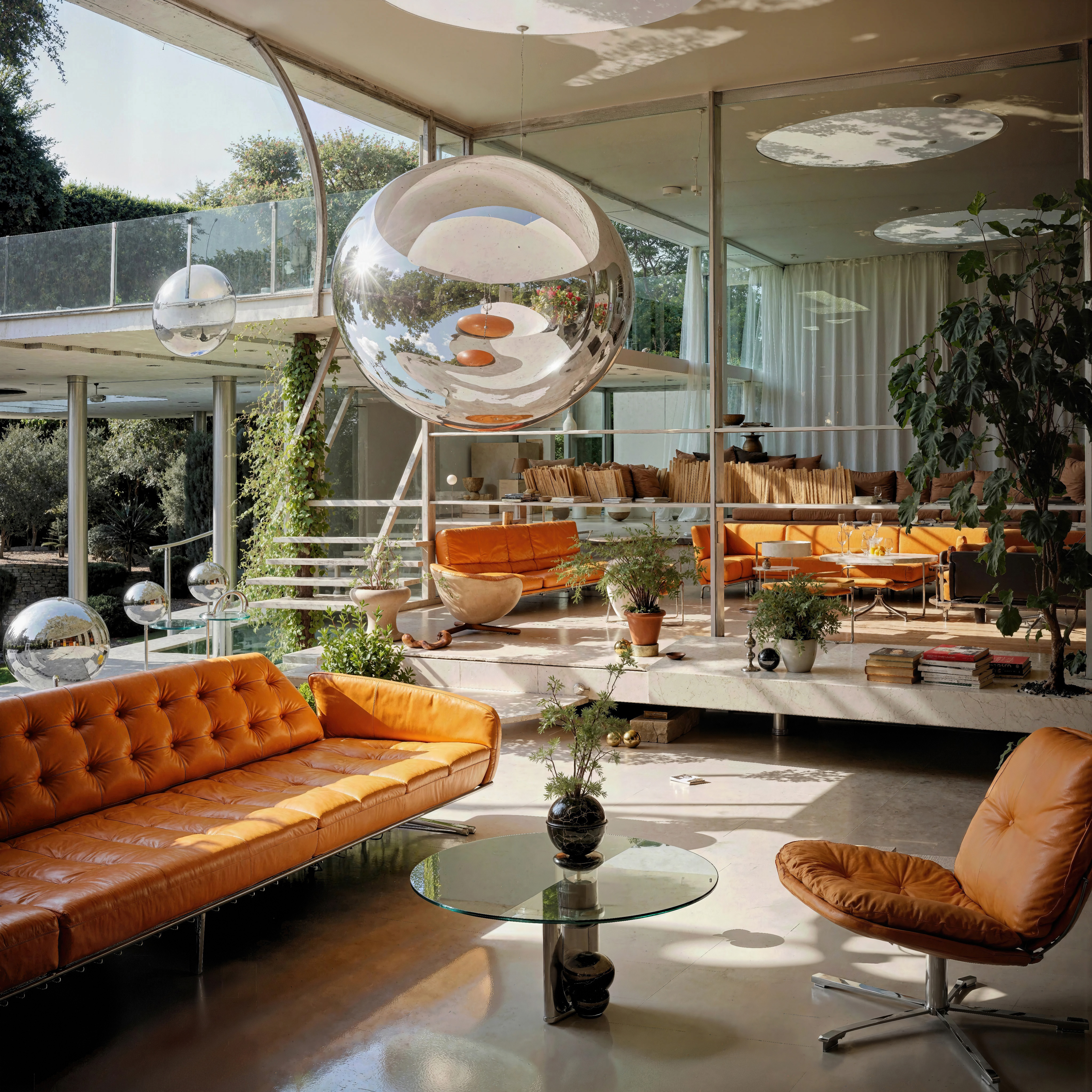
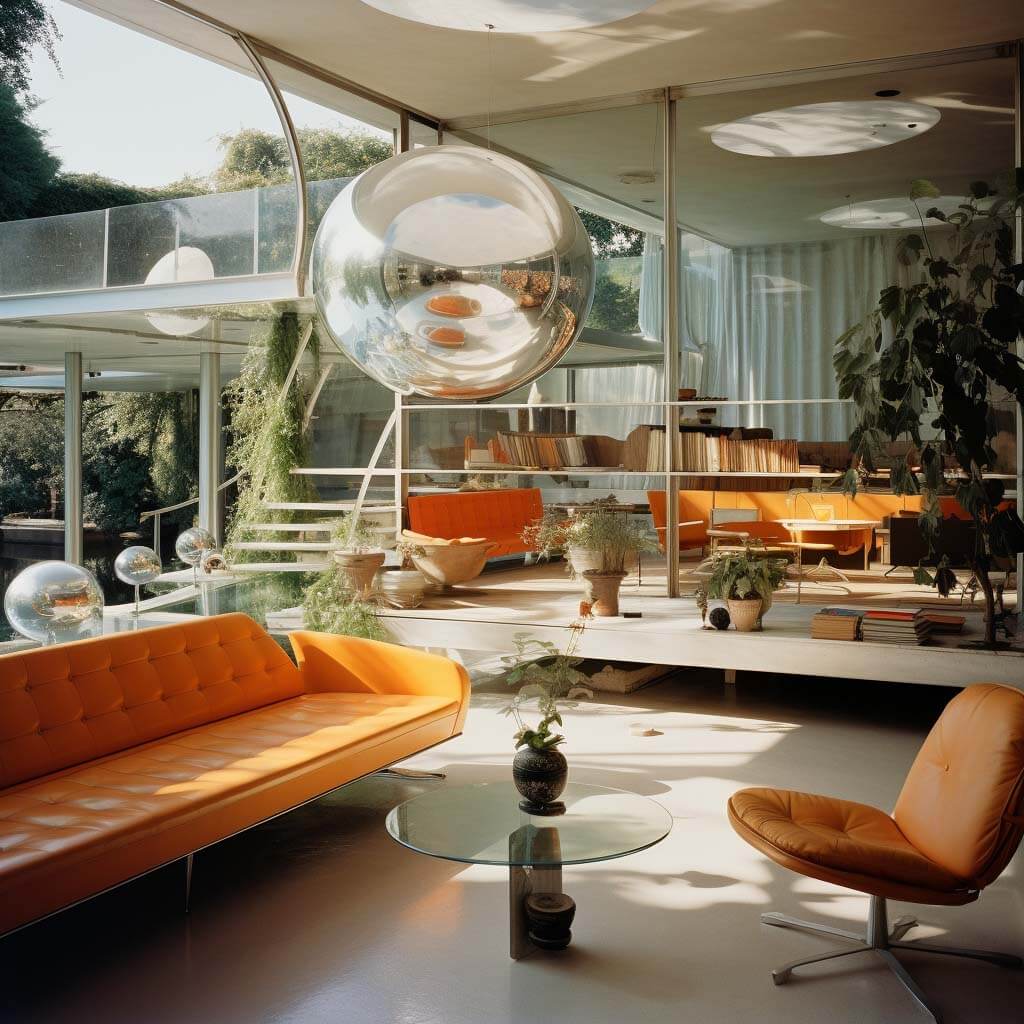
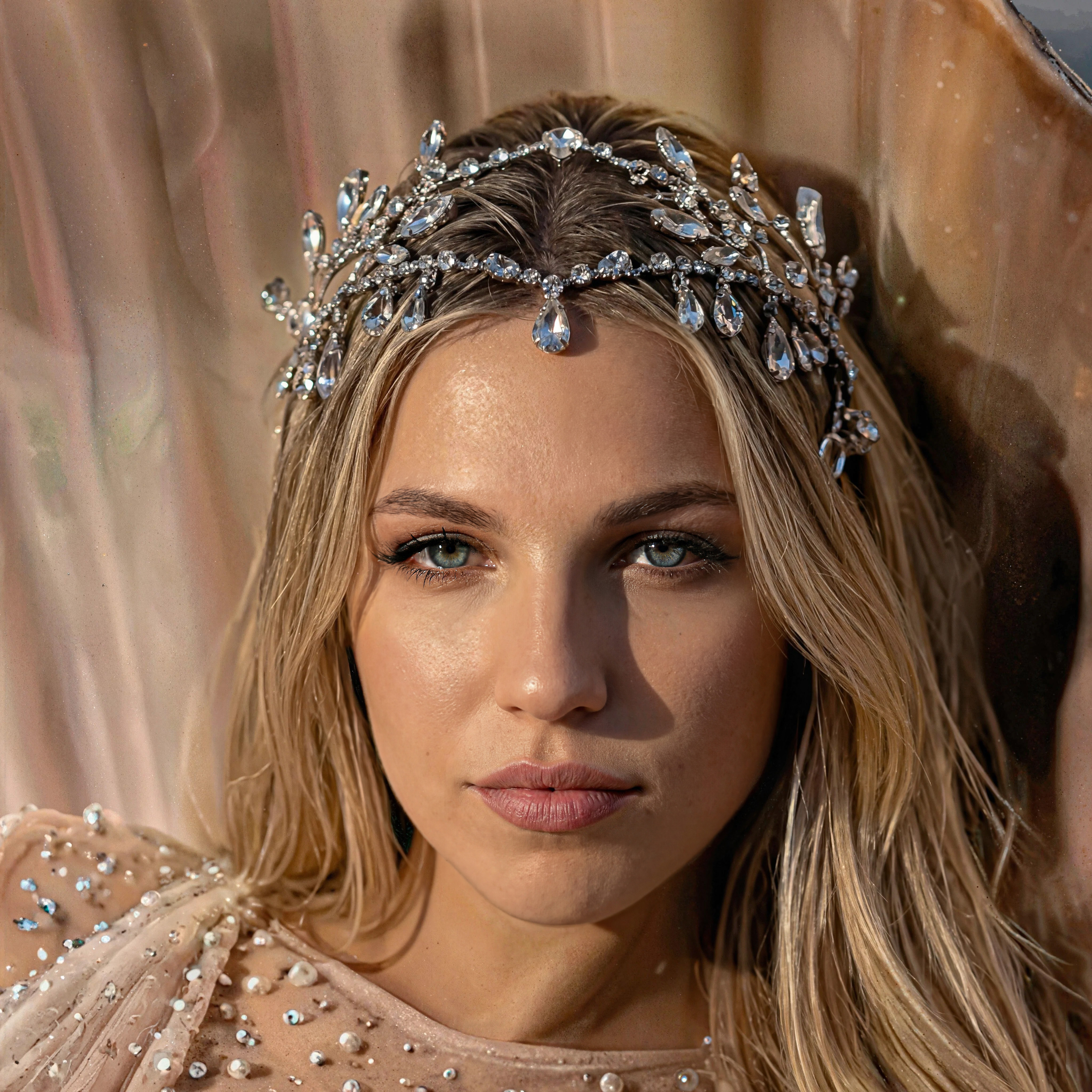
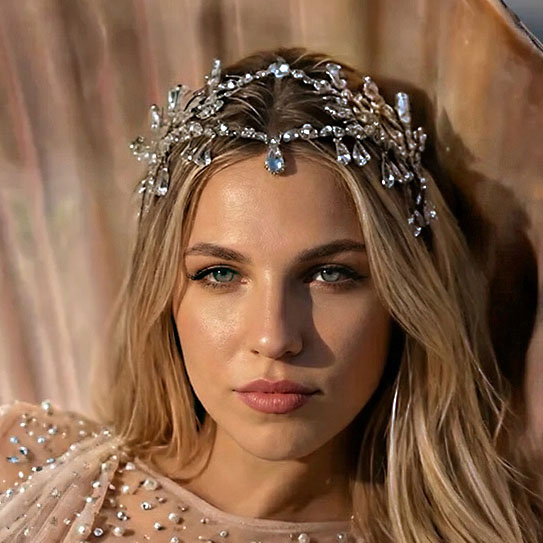
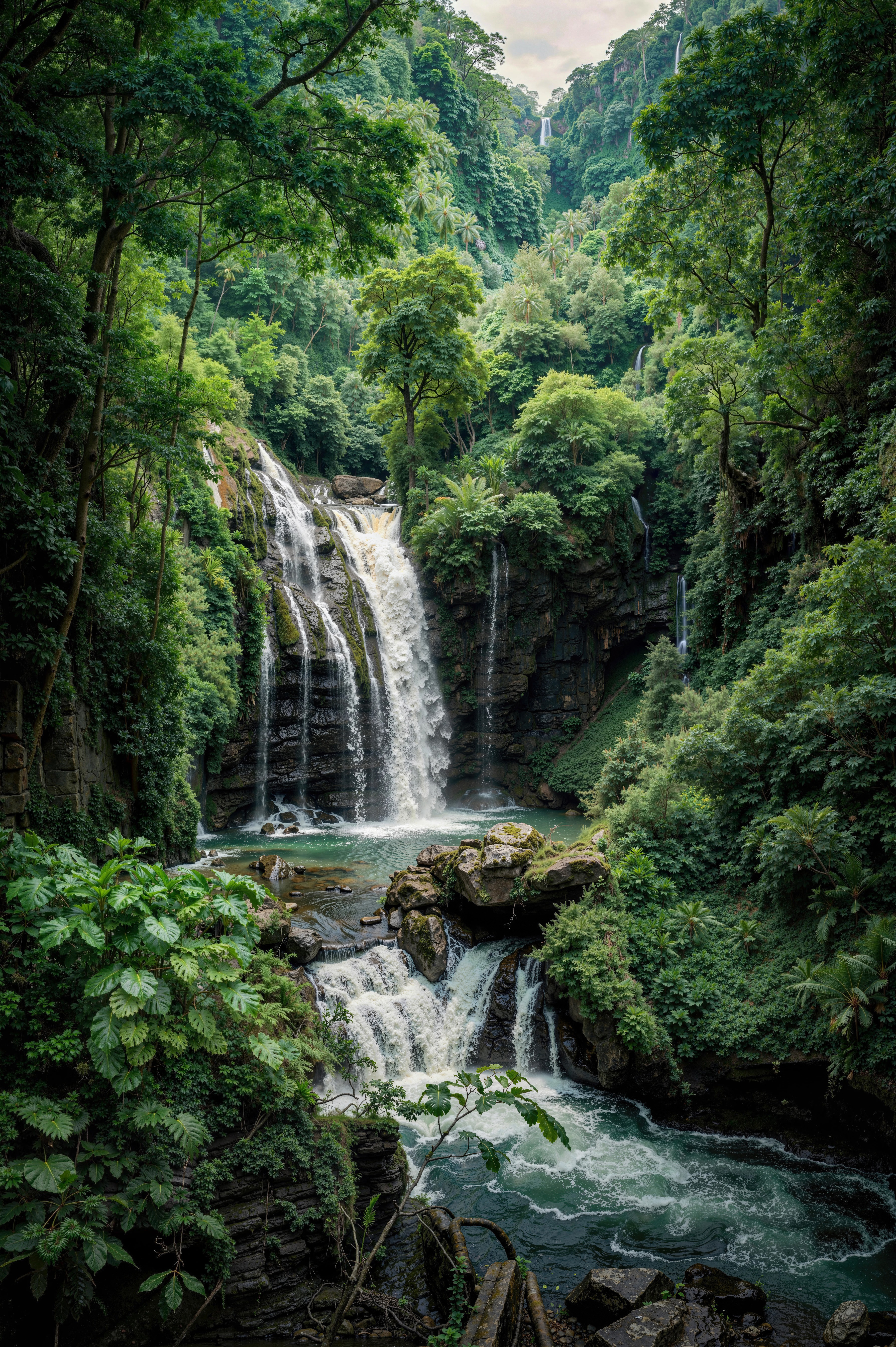
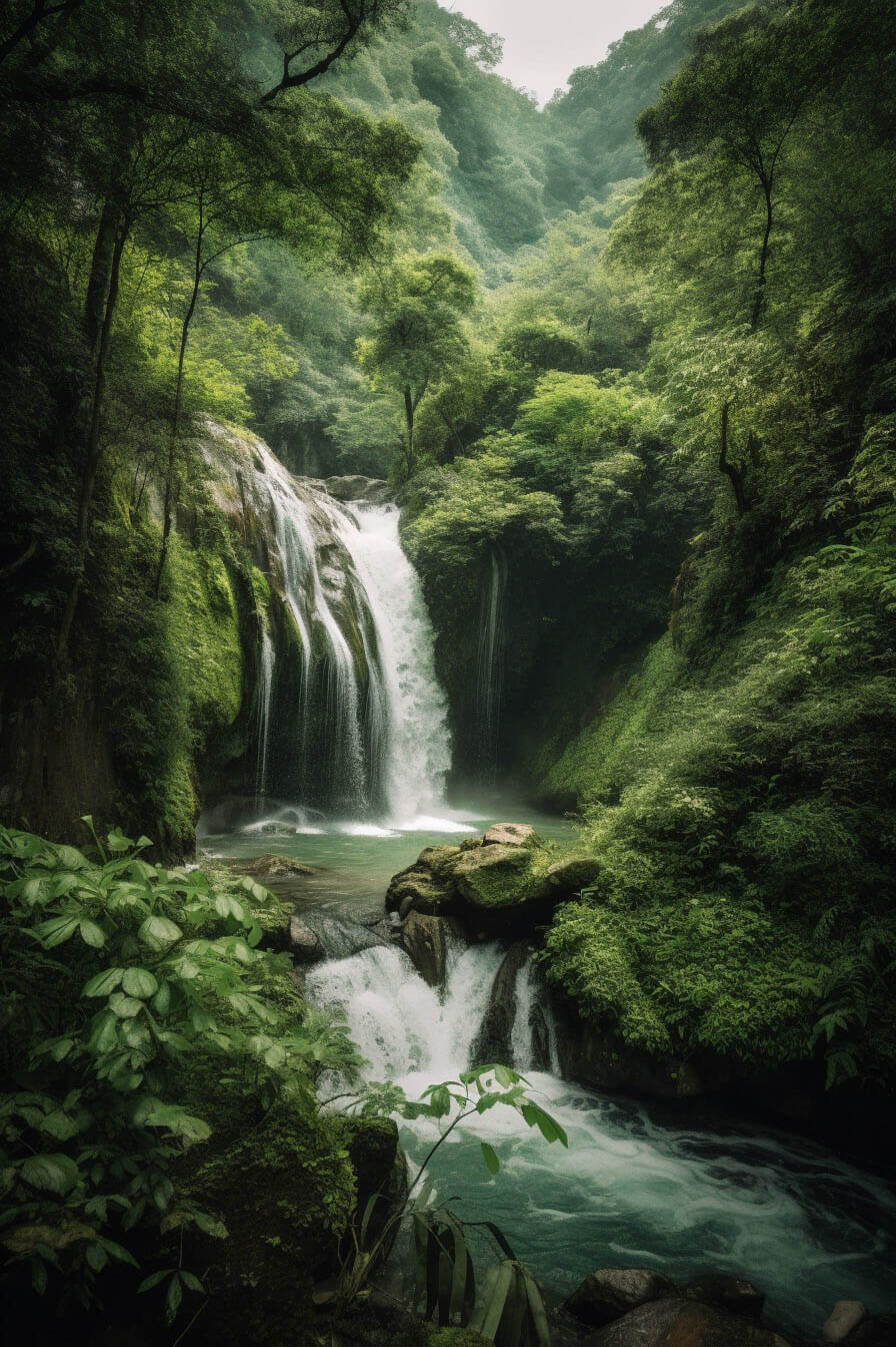
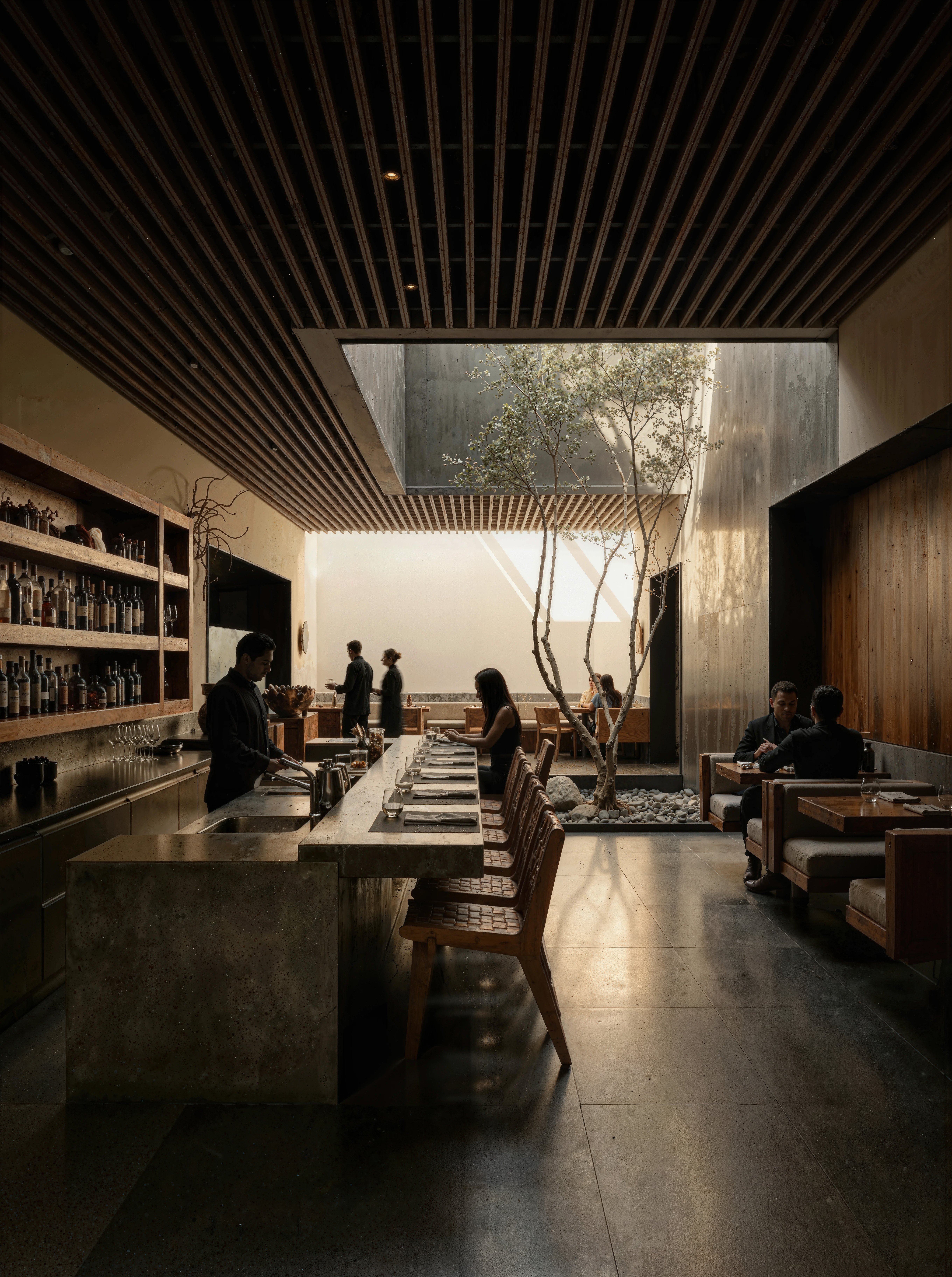
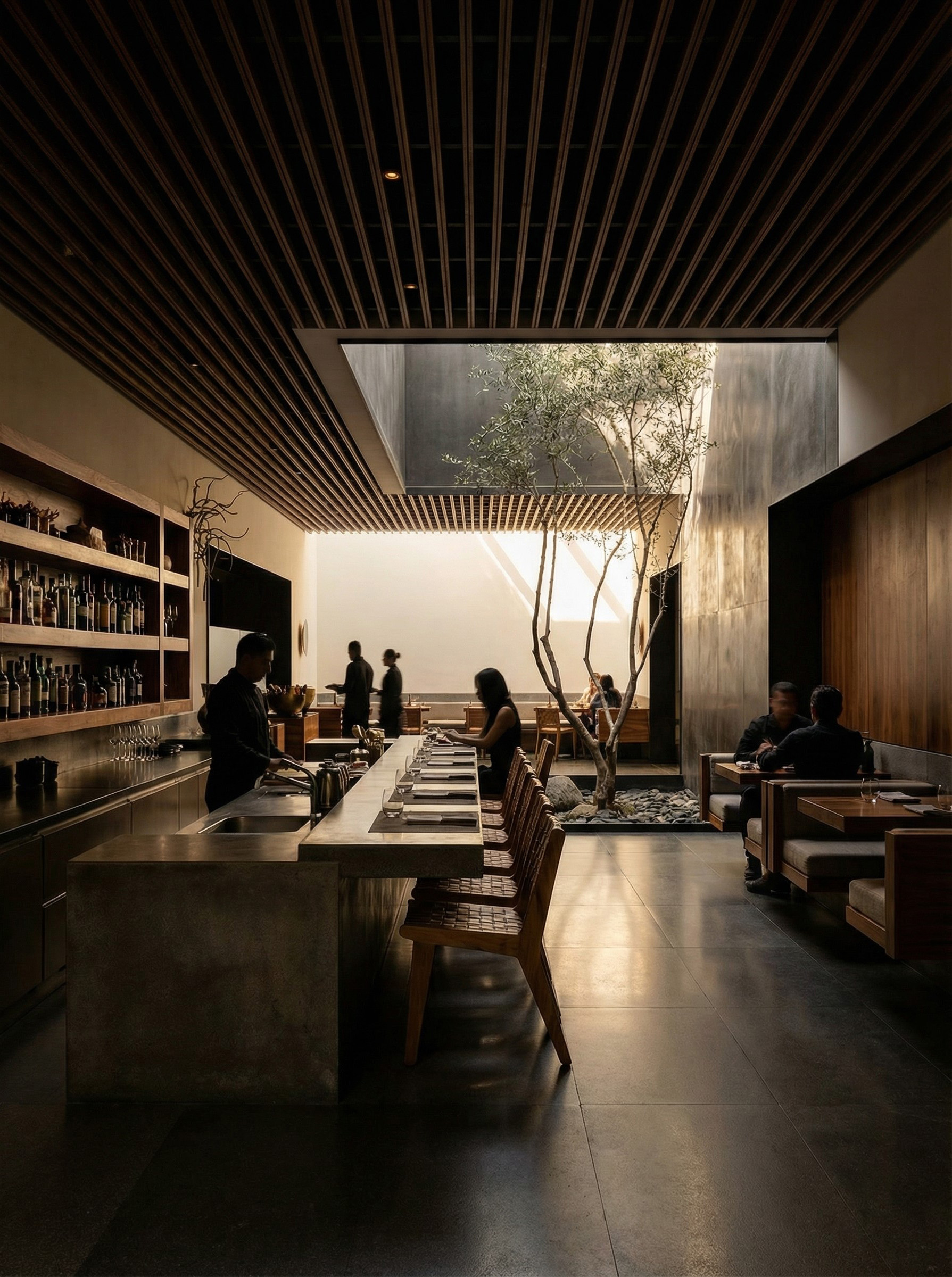
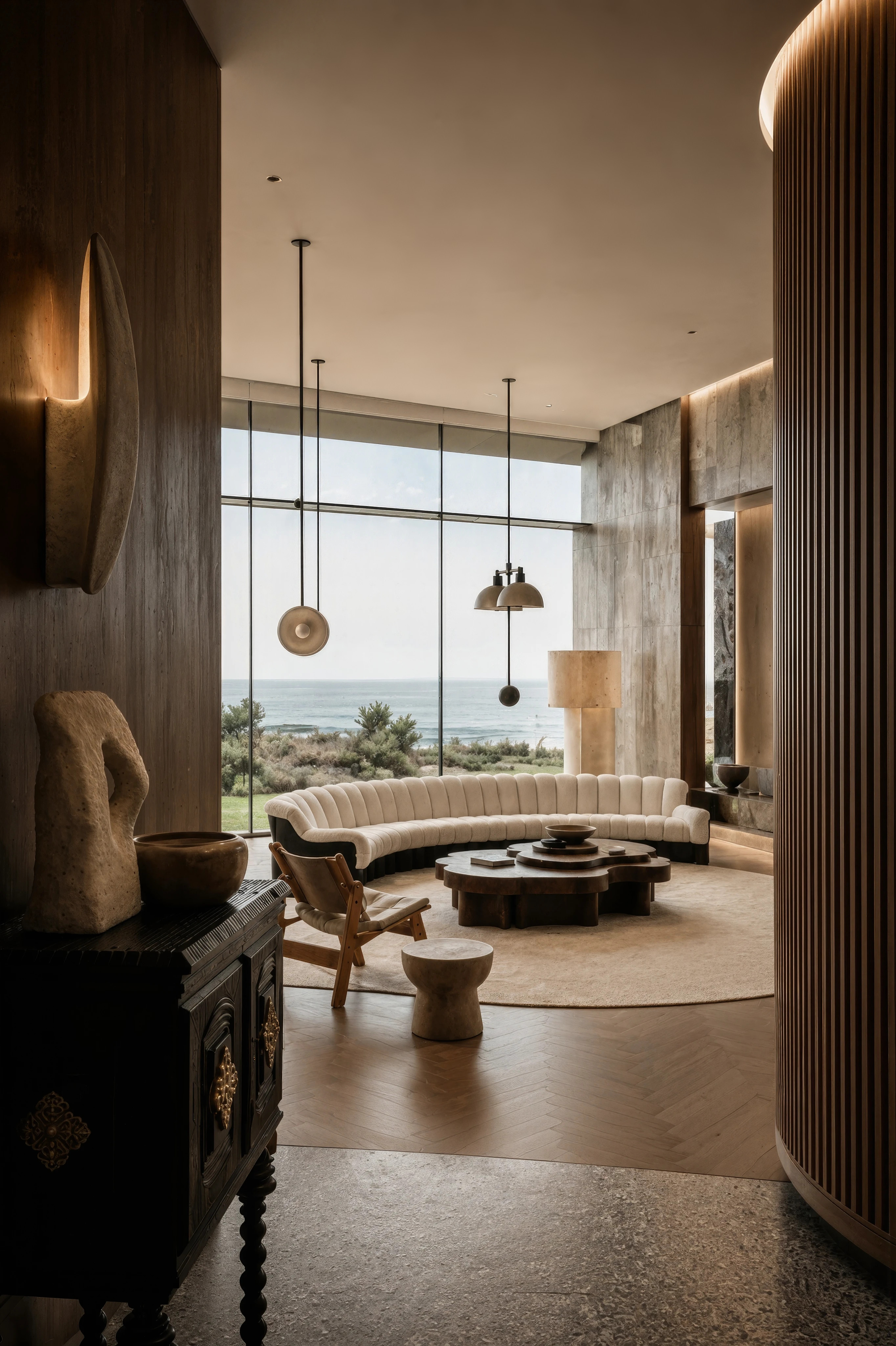
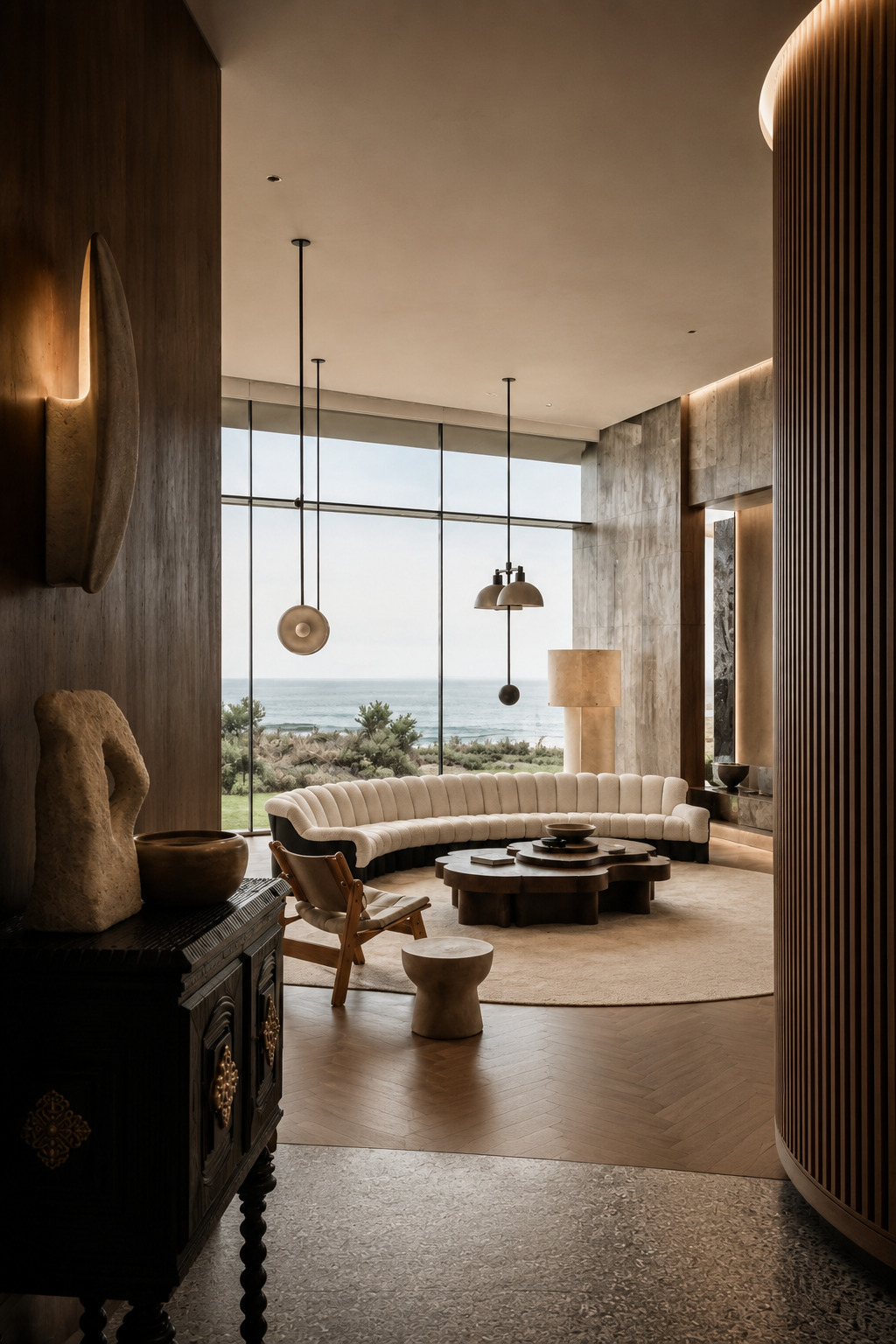
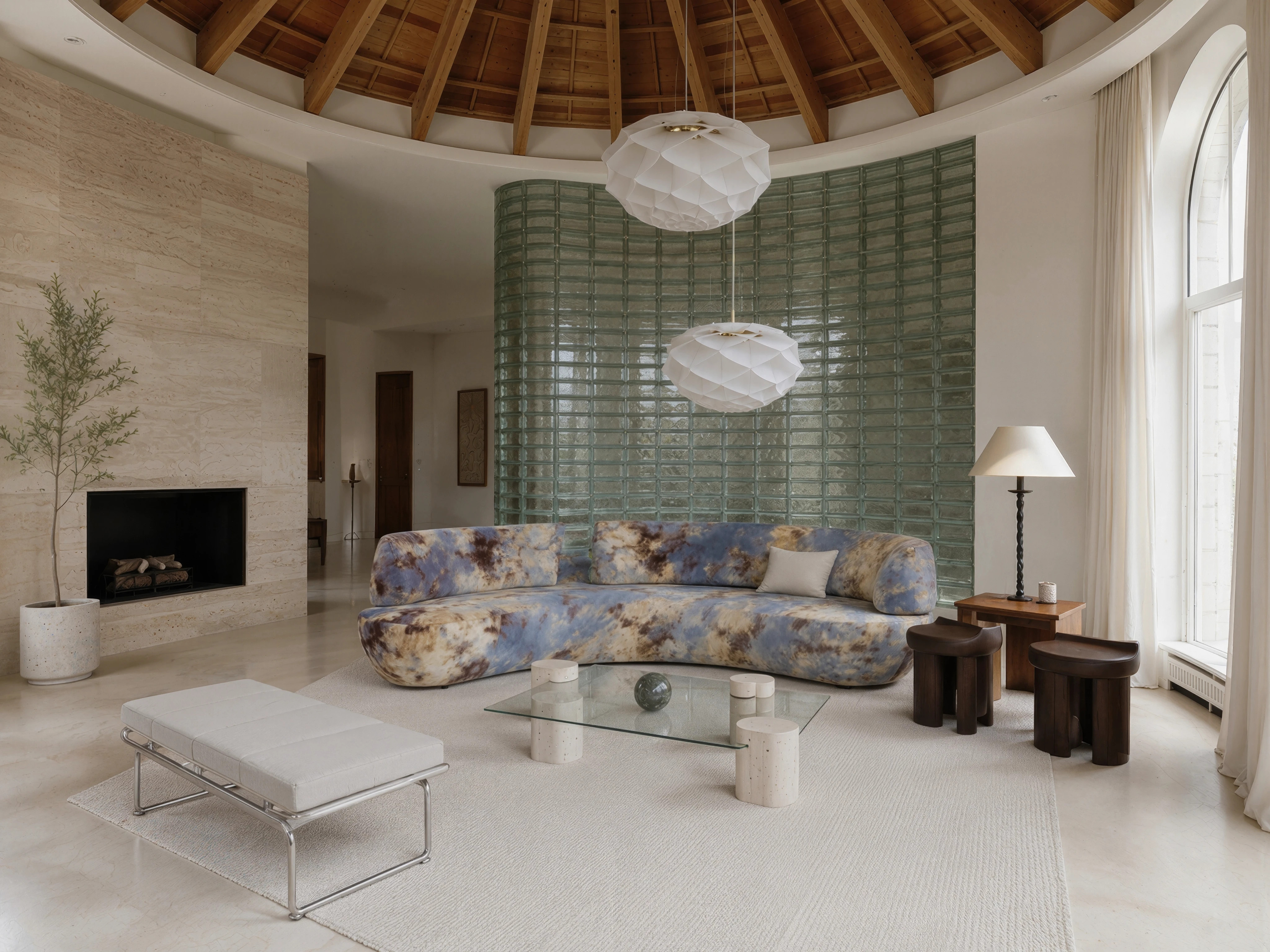
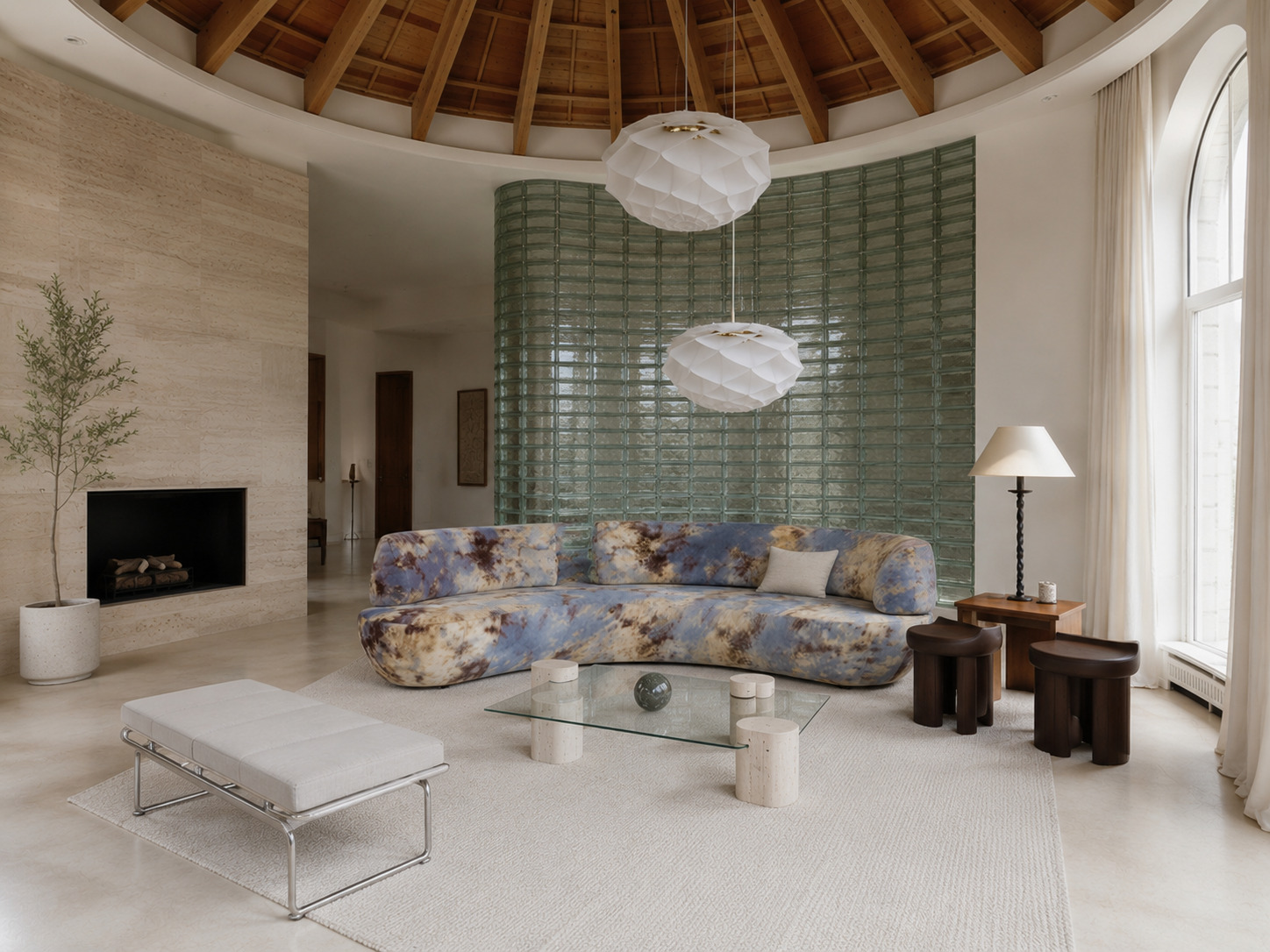
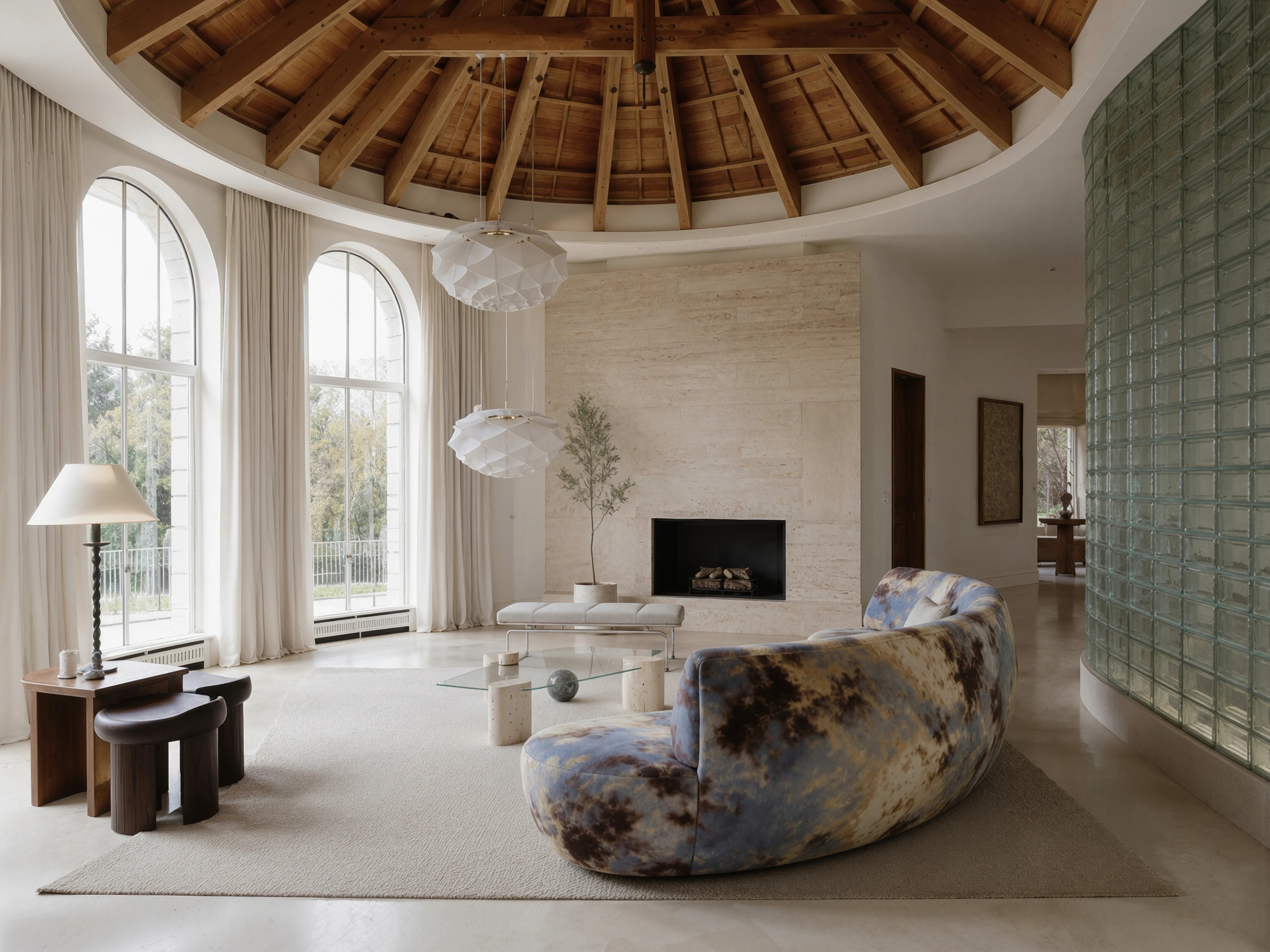
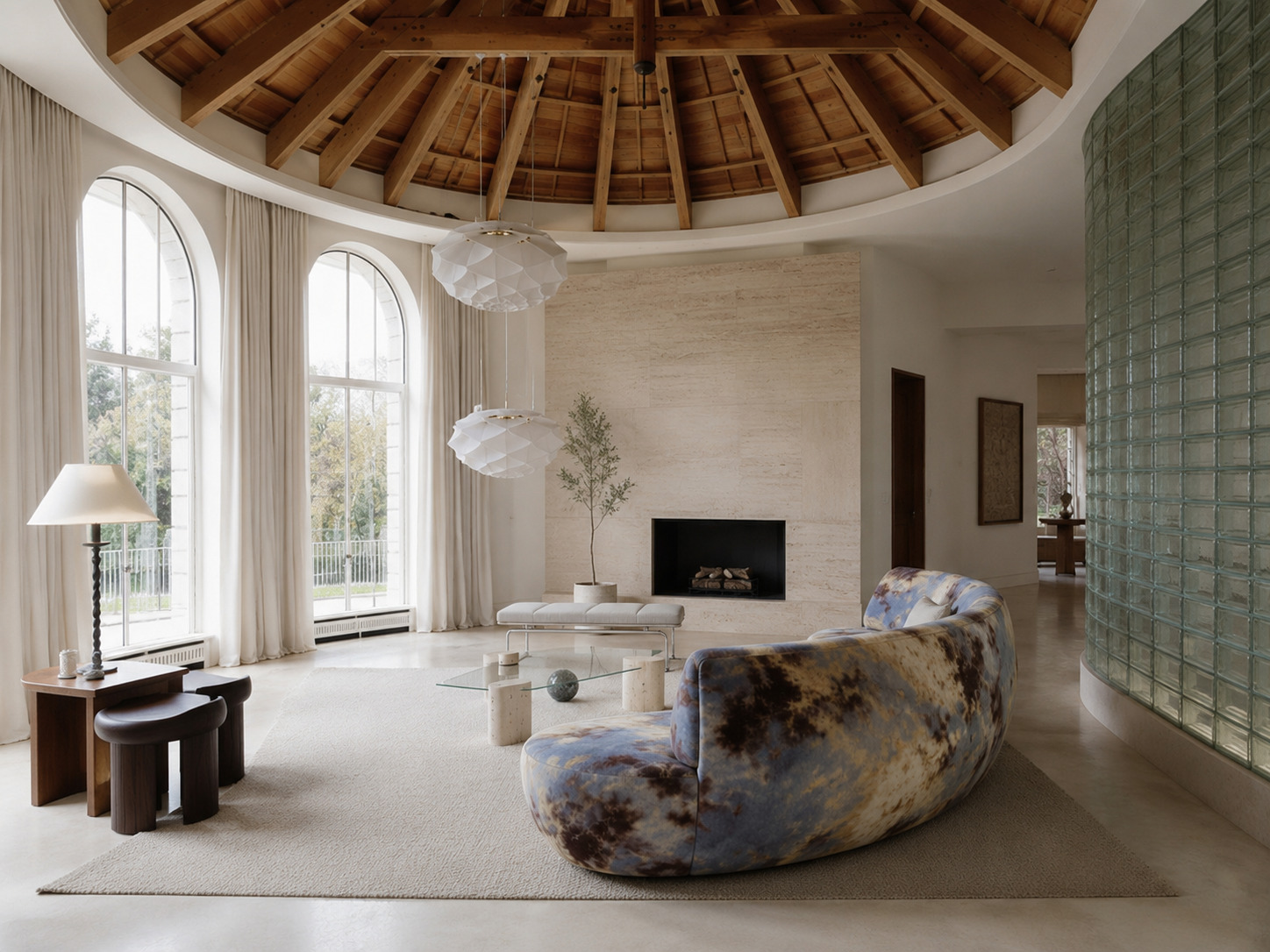
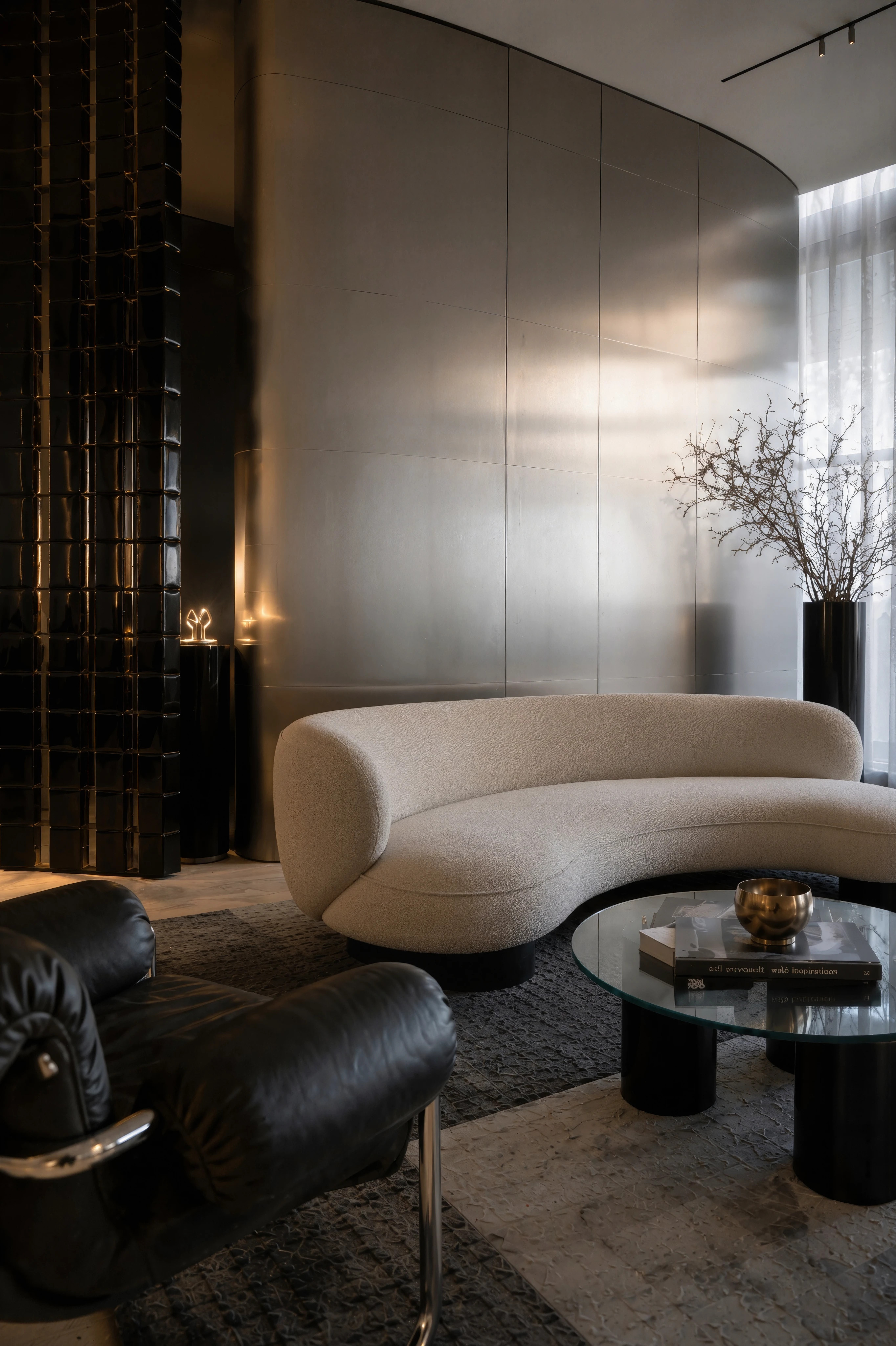
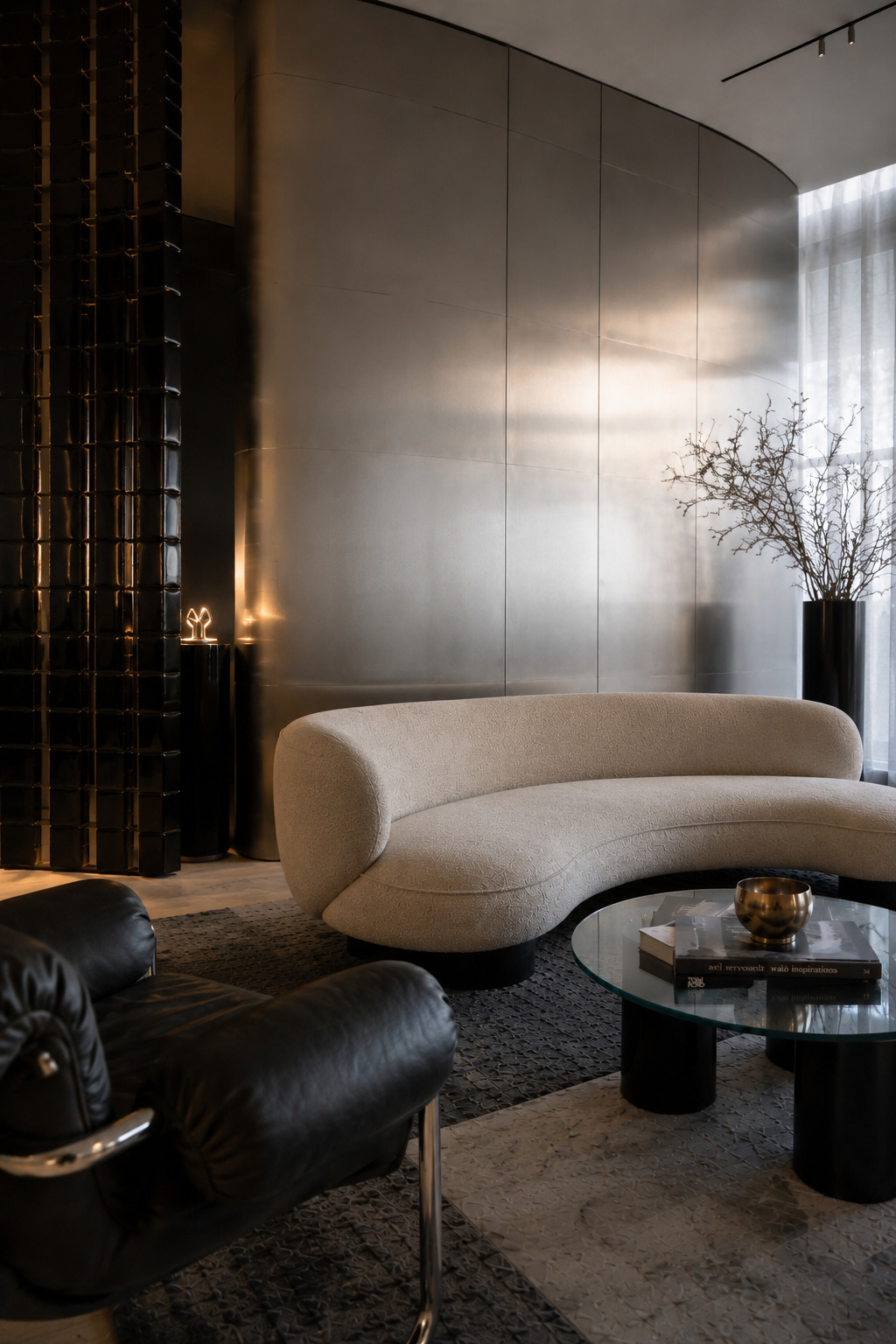
An example of the work of «AI Upscale & Enhancer» in increasing the resolution and improving the details of the picture image
EXAMPLES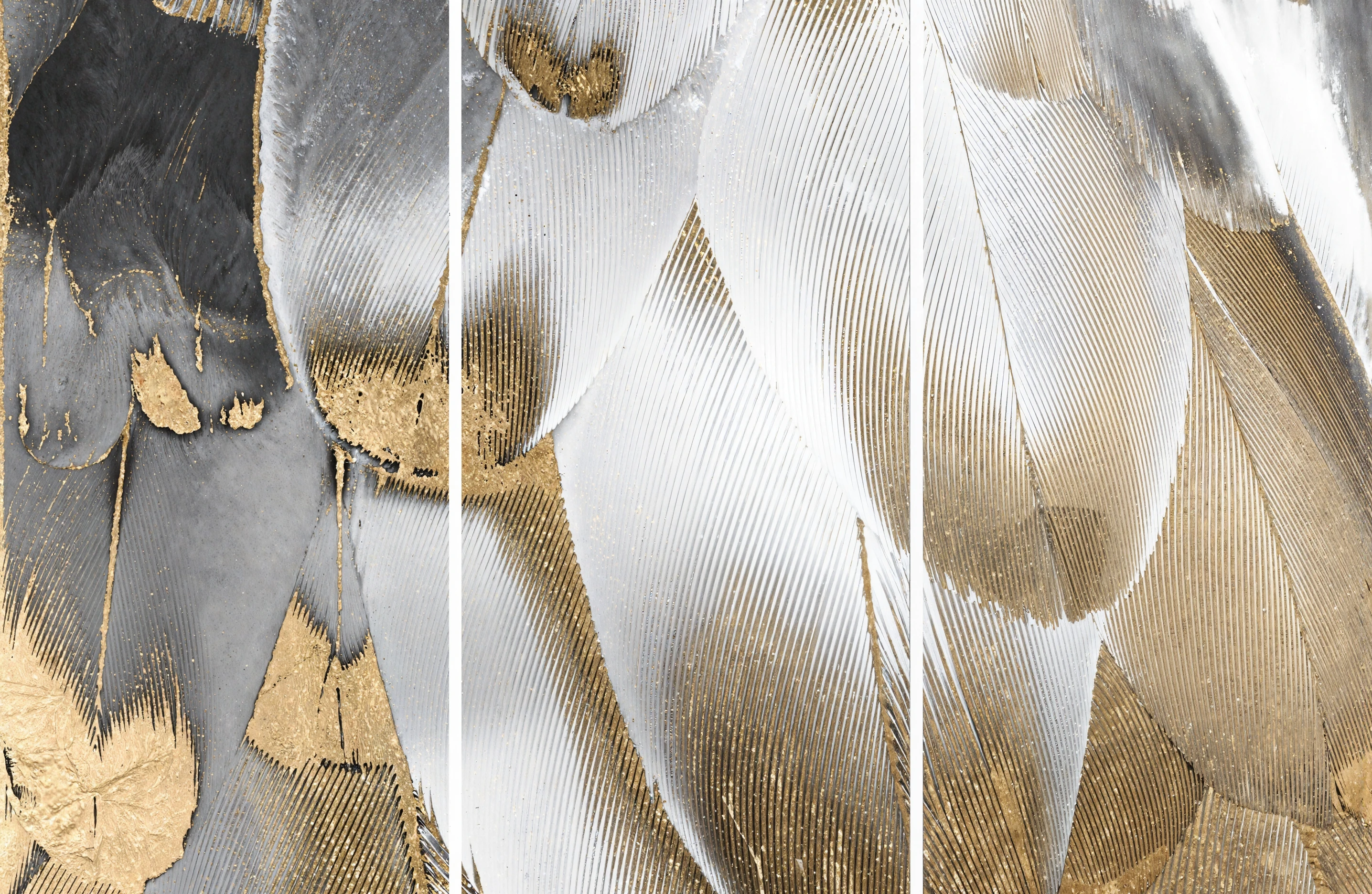
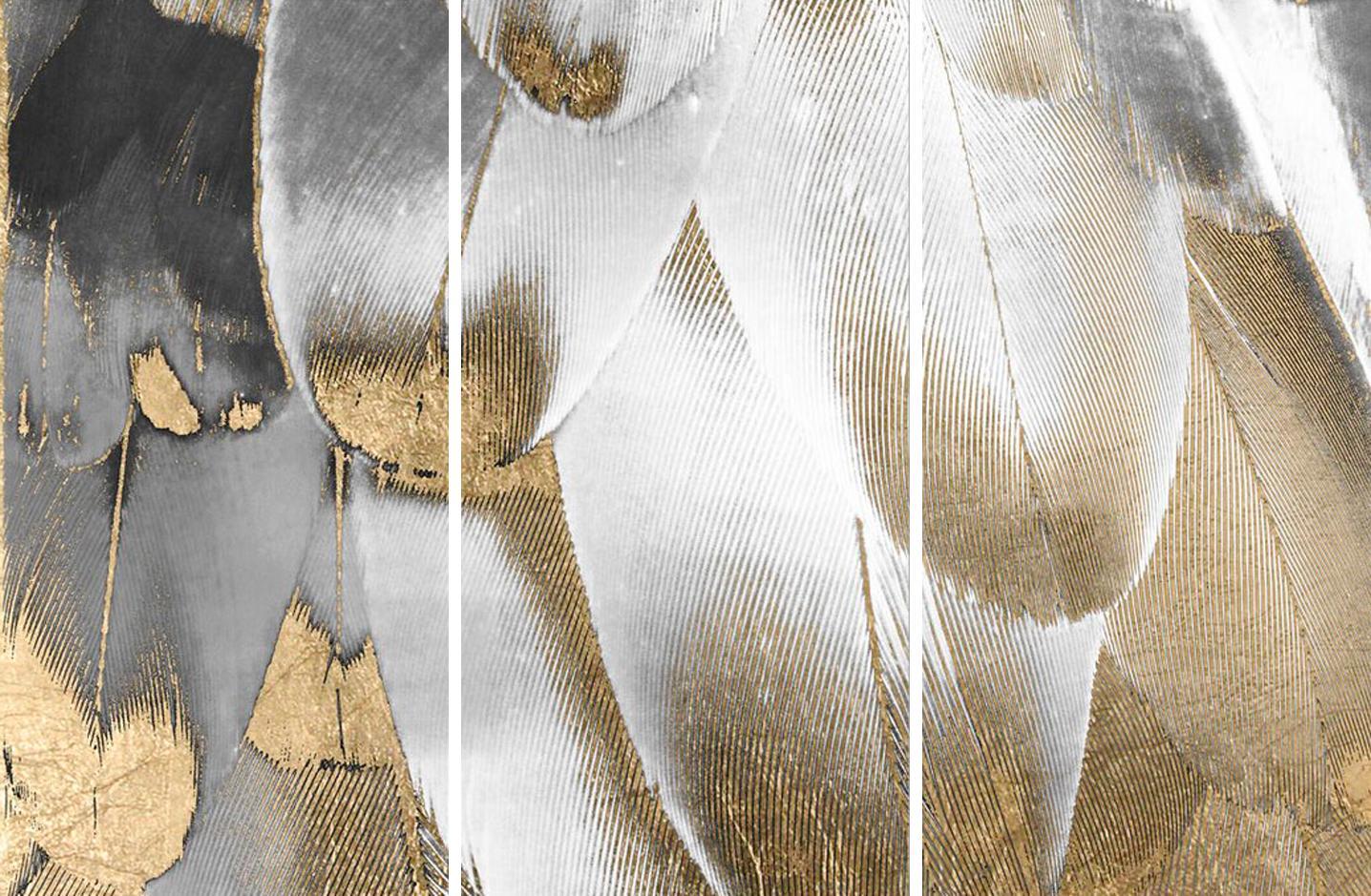
Video generation from image (Image to Video) using paid neural networks
We will teach you how to create PRO-level video flights using the best AI technologies to create video from image (Image to Video). You will save time and tens of thousands of rubles on tests and experiments by finding out which neural networks give the best results.
EXAMPLES (PRO LEVEL GRAPHICS) GENERATING VIDEOS THAT YOU WILL POSSESS AFTER COMPLETING THE COURSEEnhancement of 3D models of people in your 3D visualizations
Enhance 3D models of people to maximum photorealism in your 3D renders. Where the render engine falls short, AI technologies come to the rescue.
EXAMPLES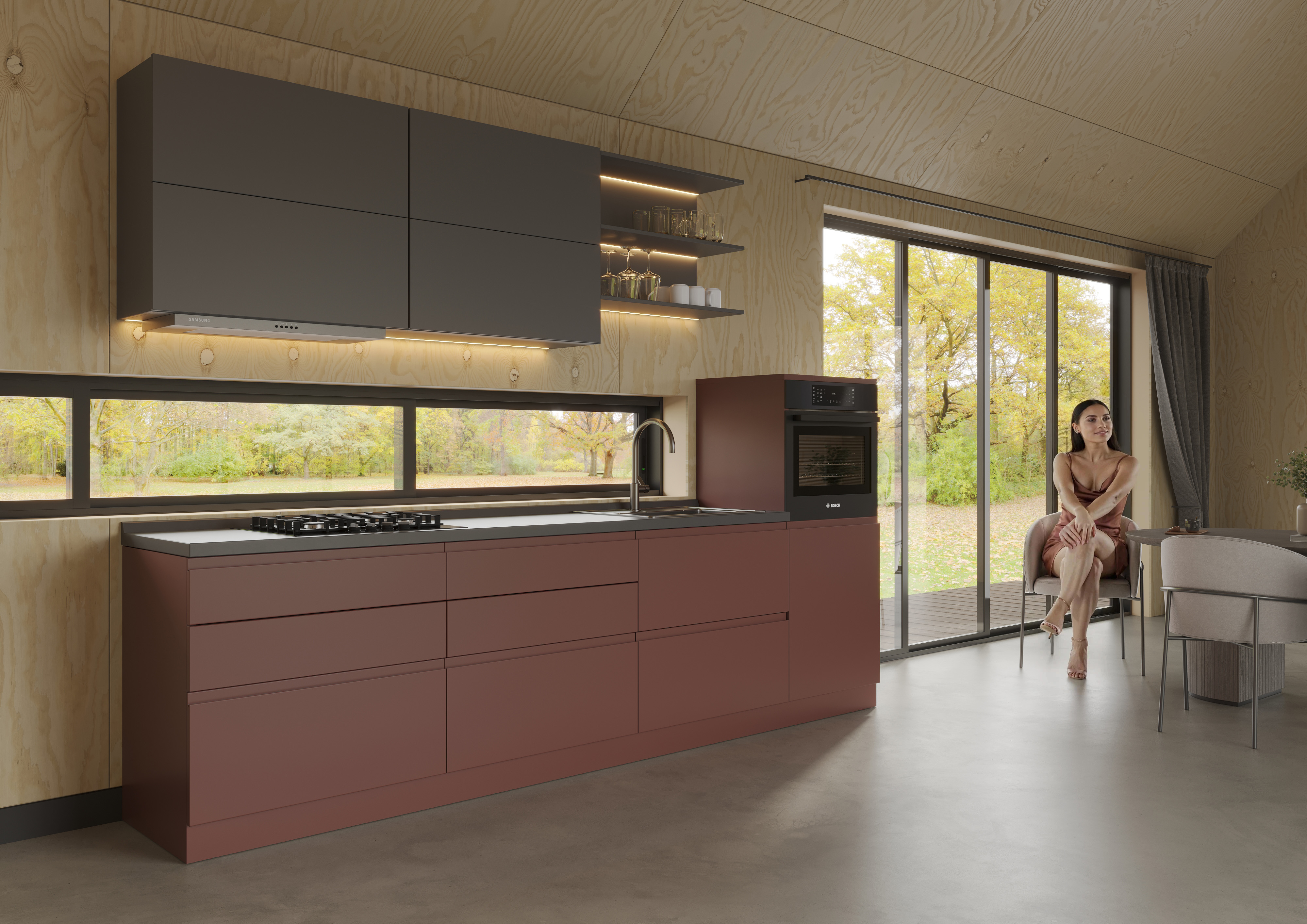
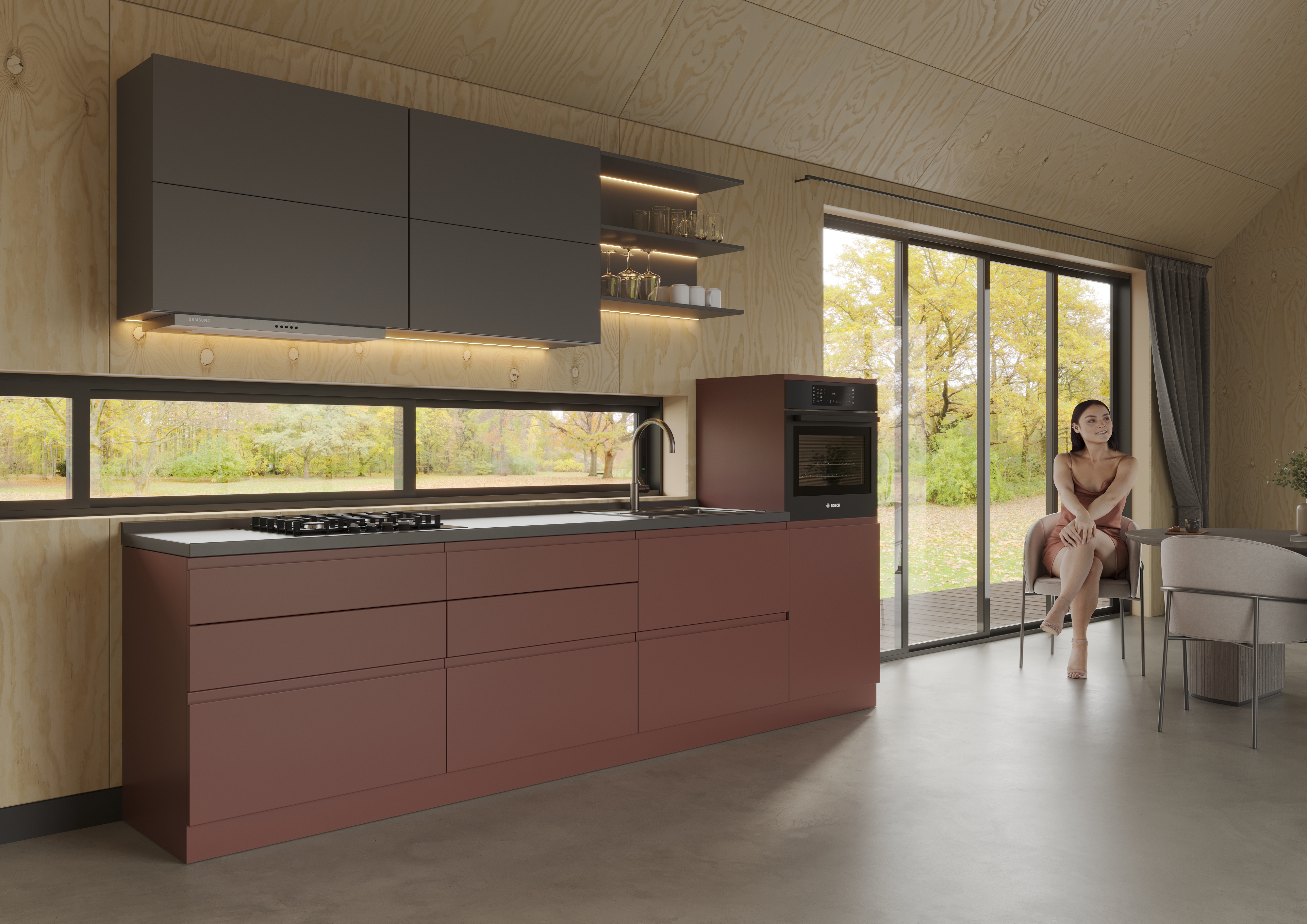
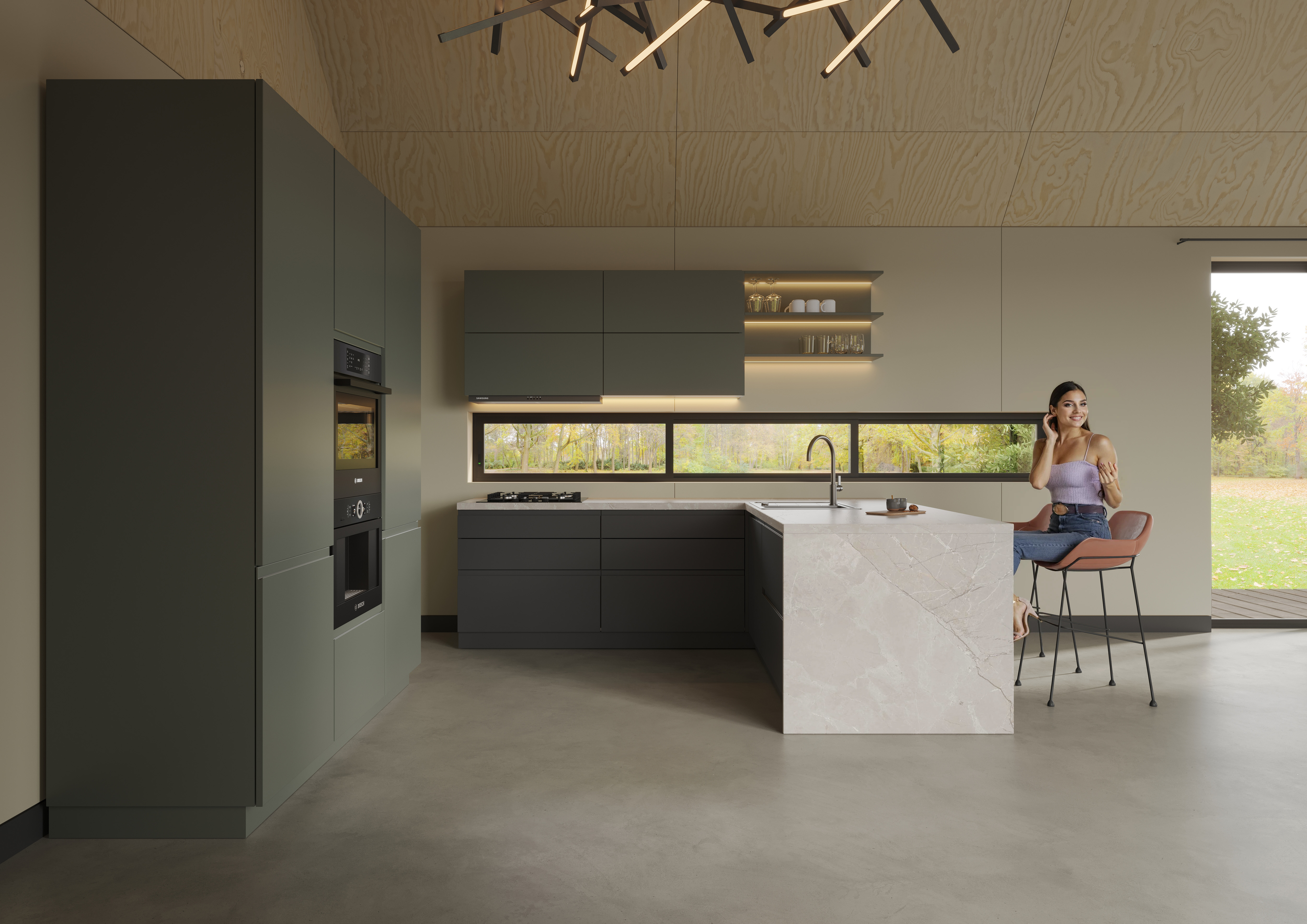
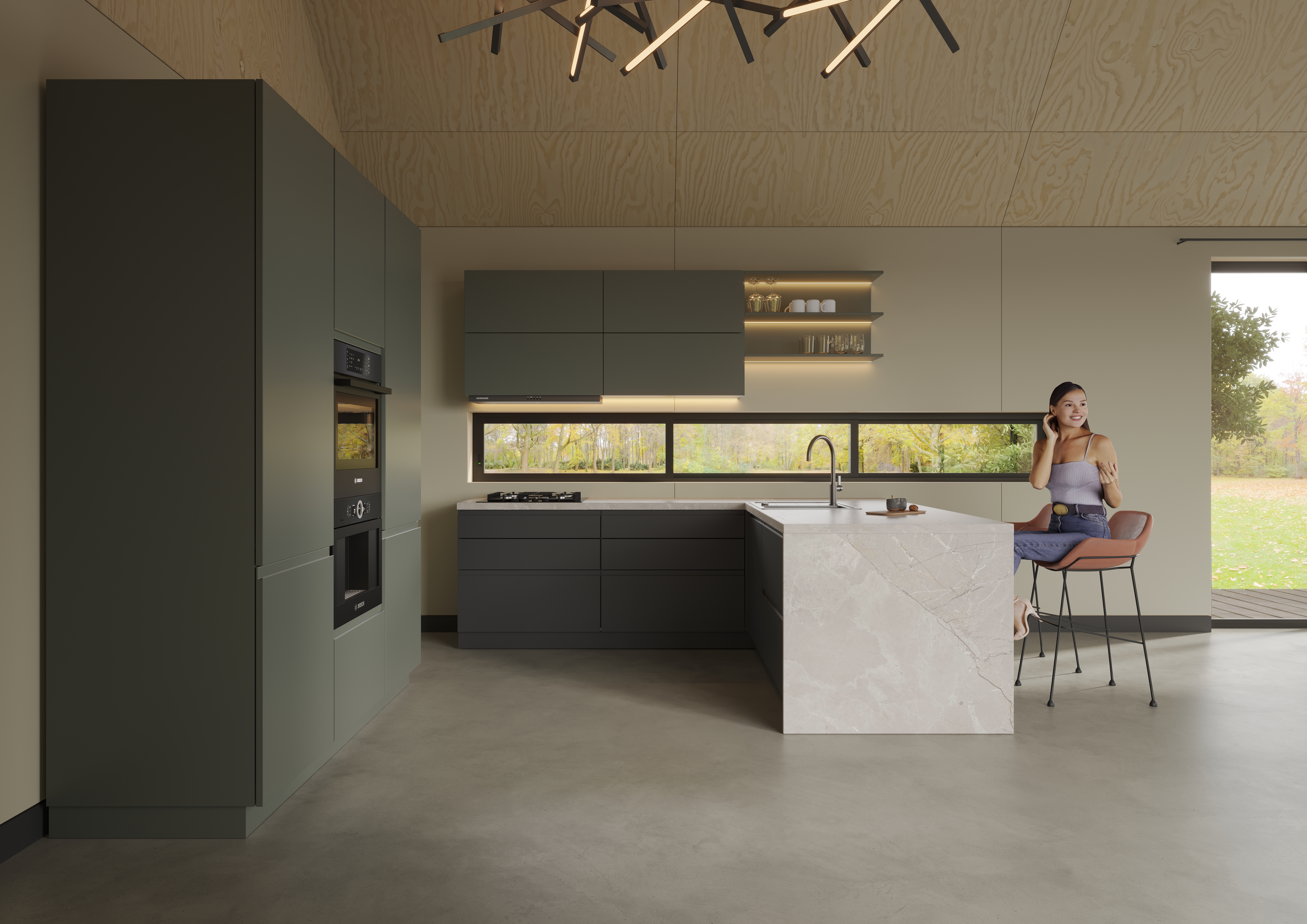
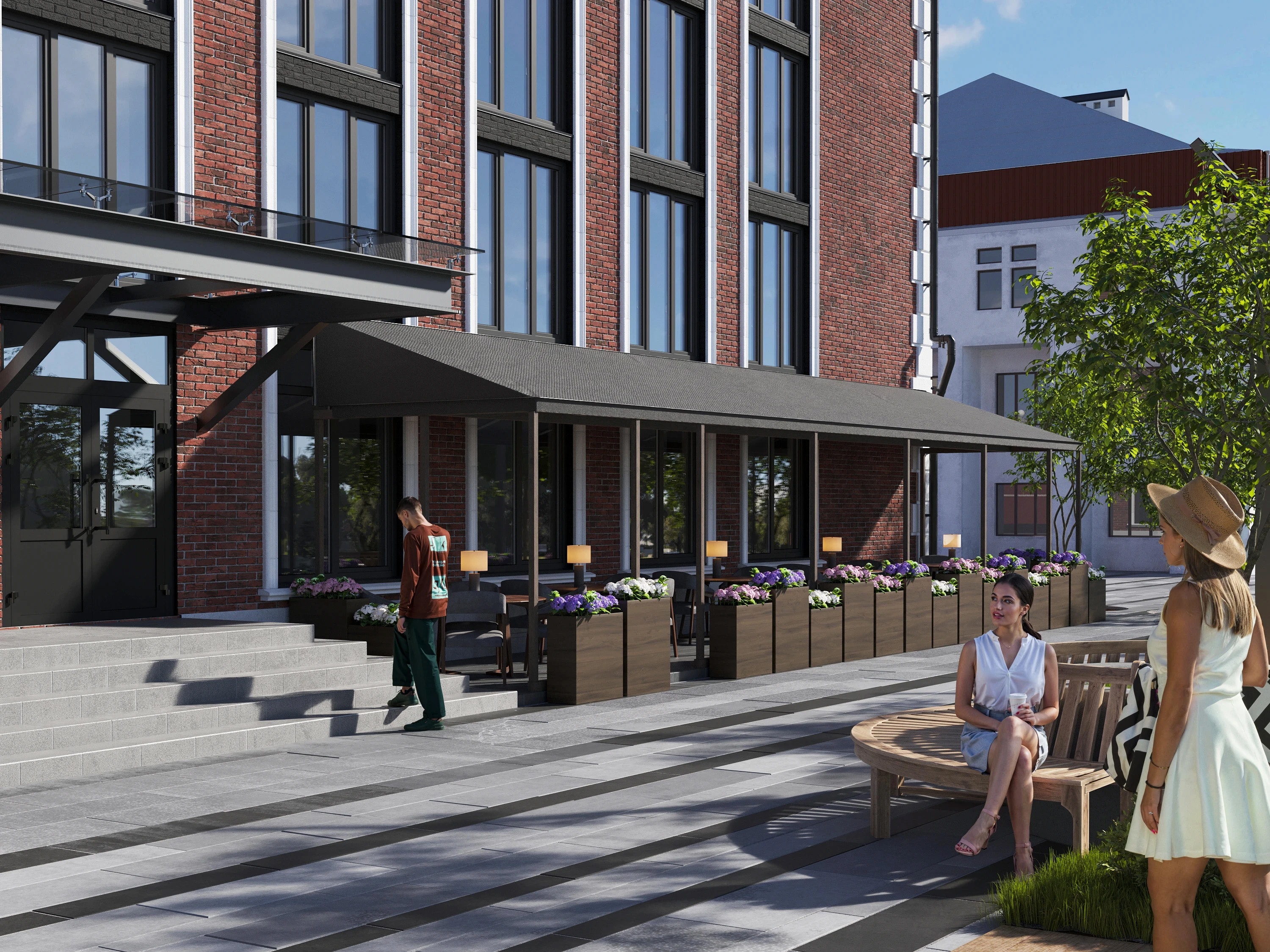
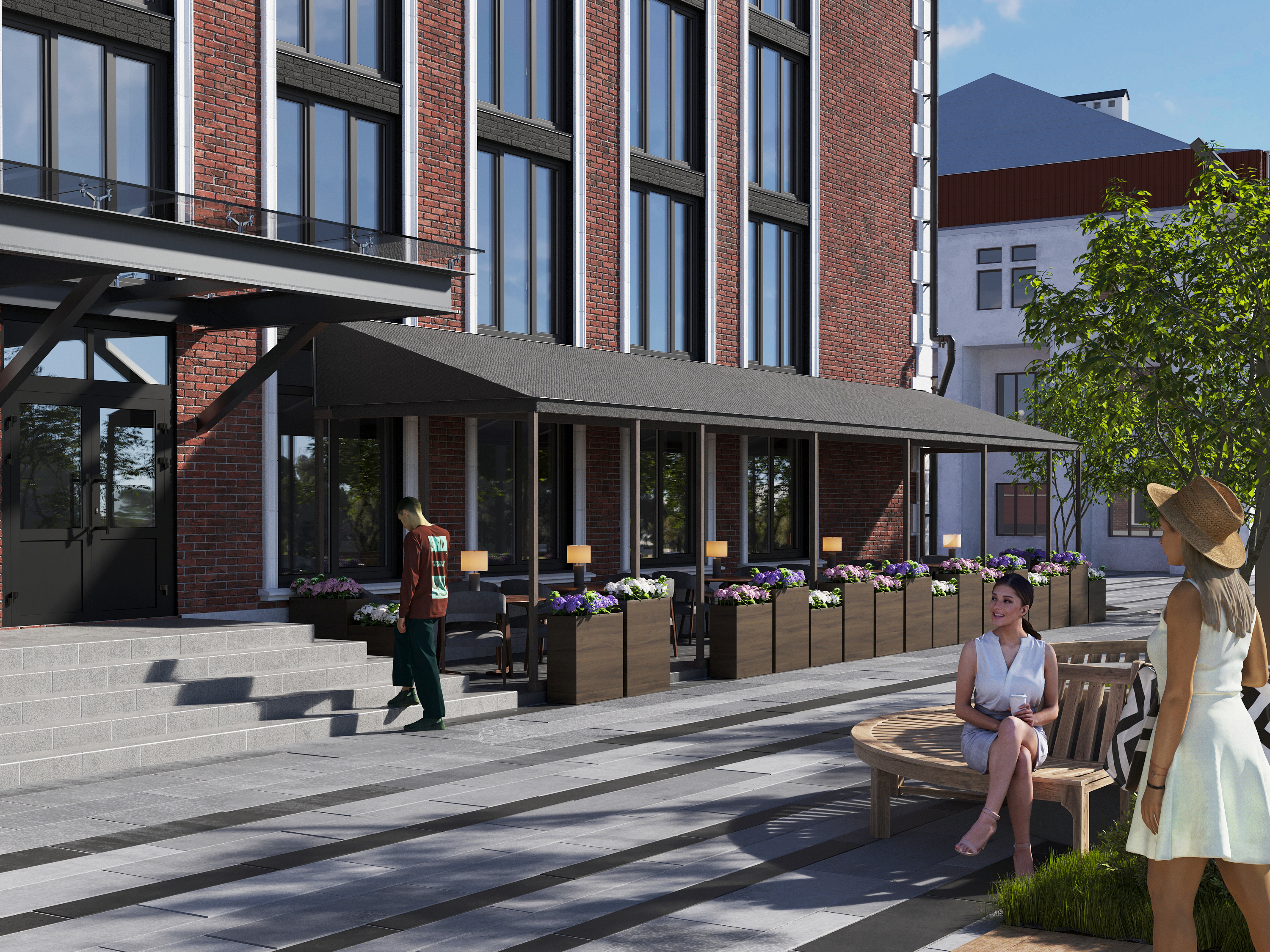
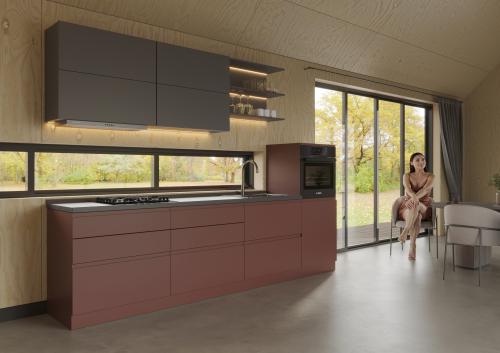
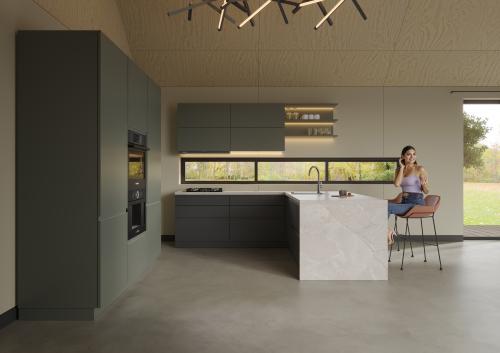
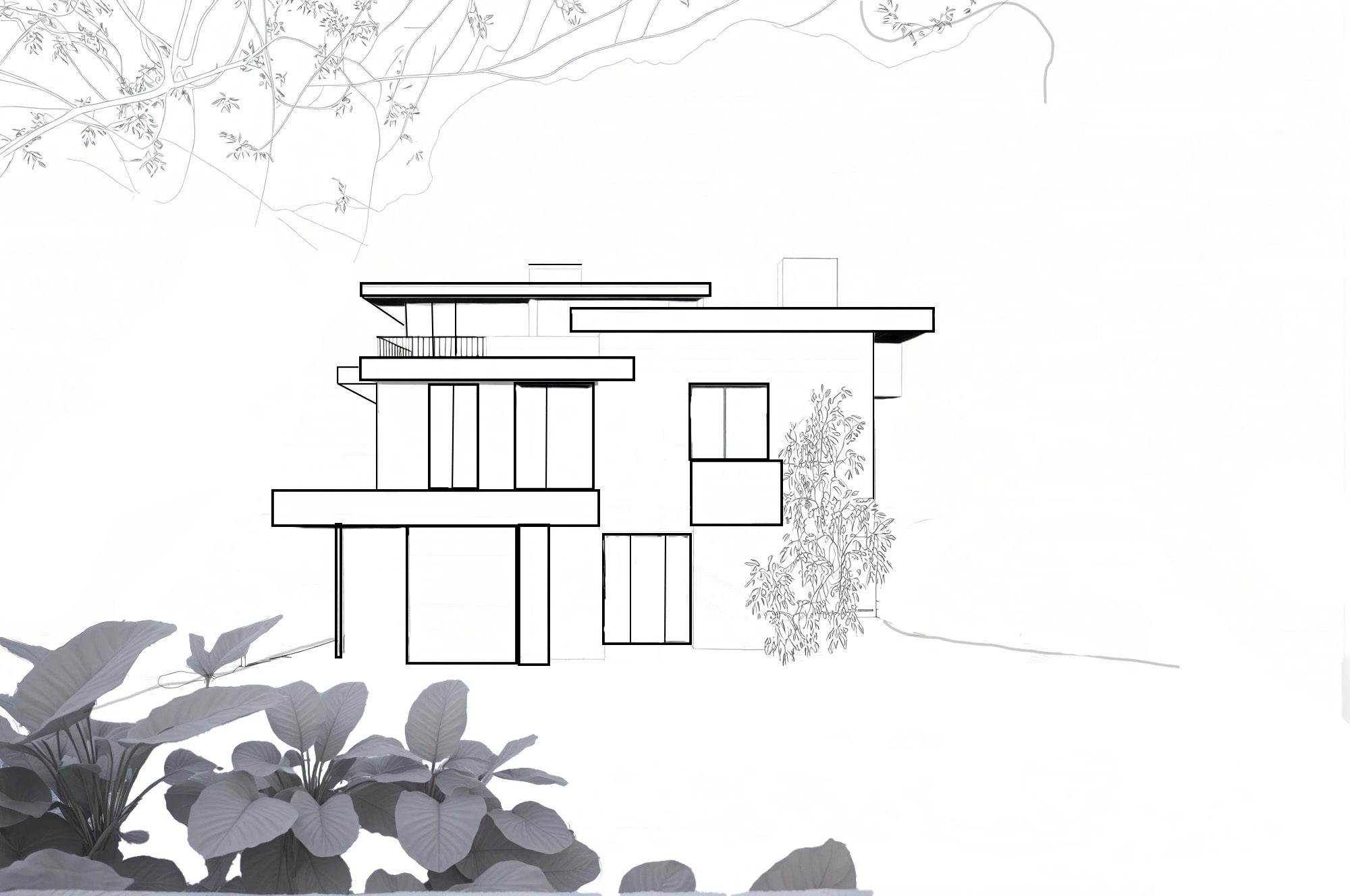
Image generation based on your sketches, drawings, photographs, 3D renderers and any images, and, if necessary, with the addition of a reference
EXAMPLES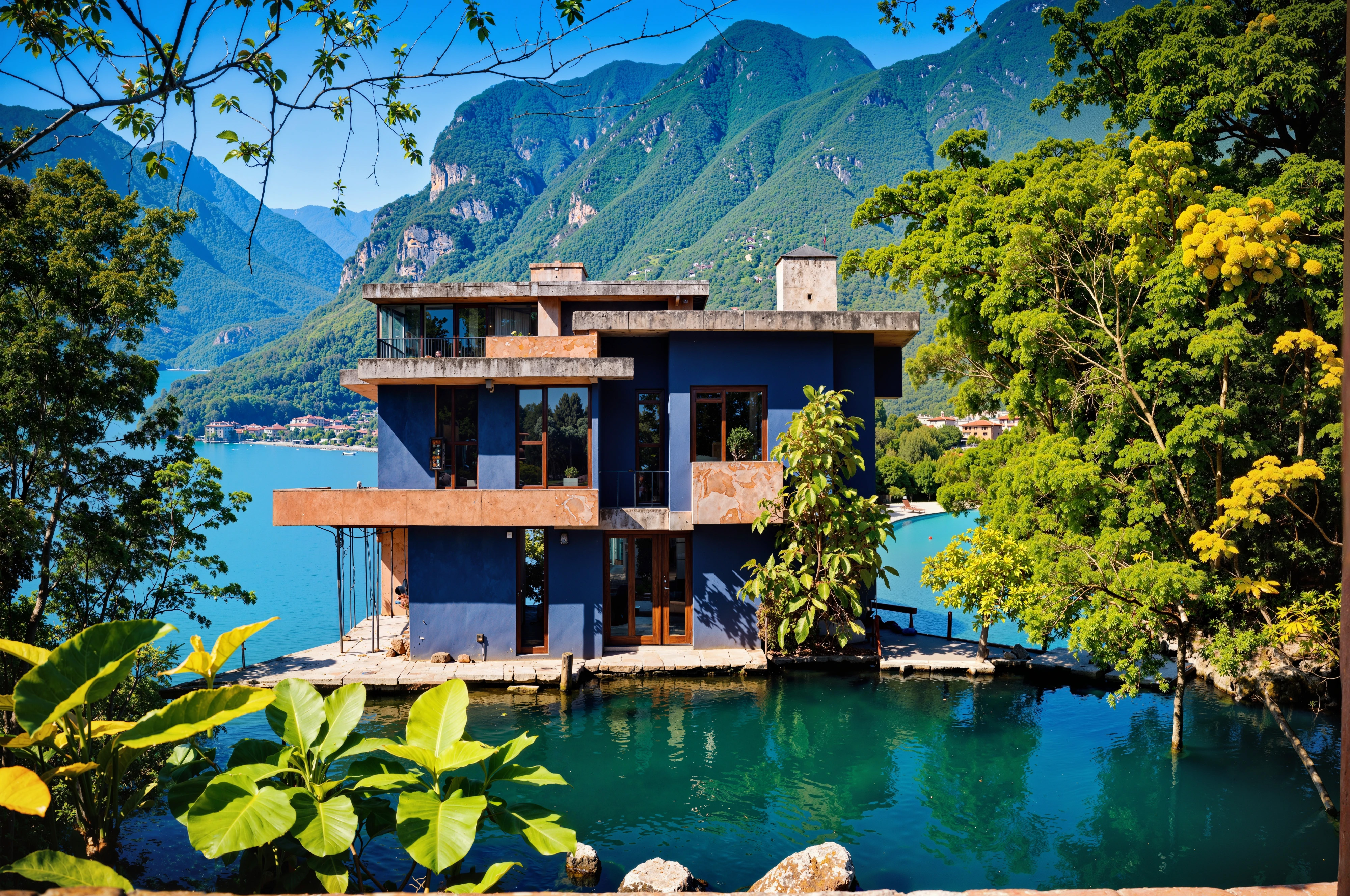
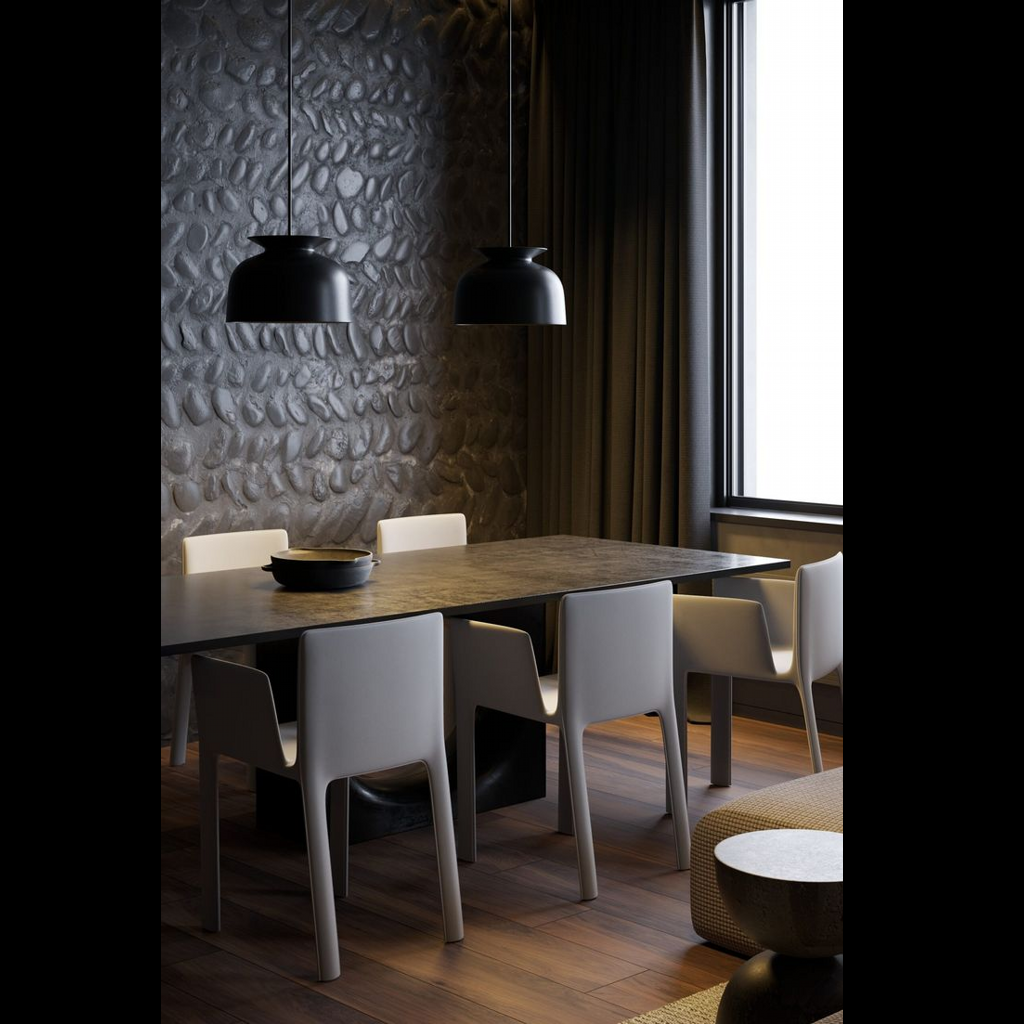
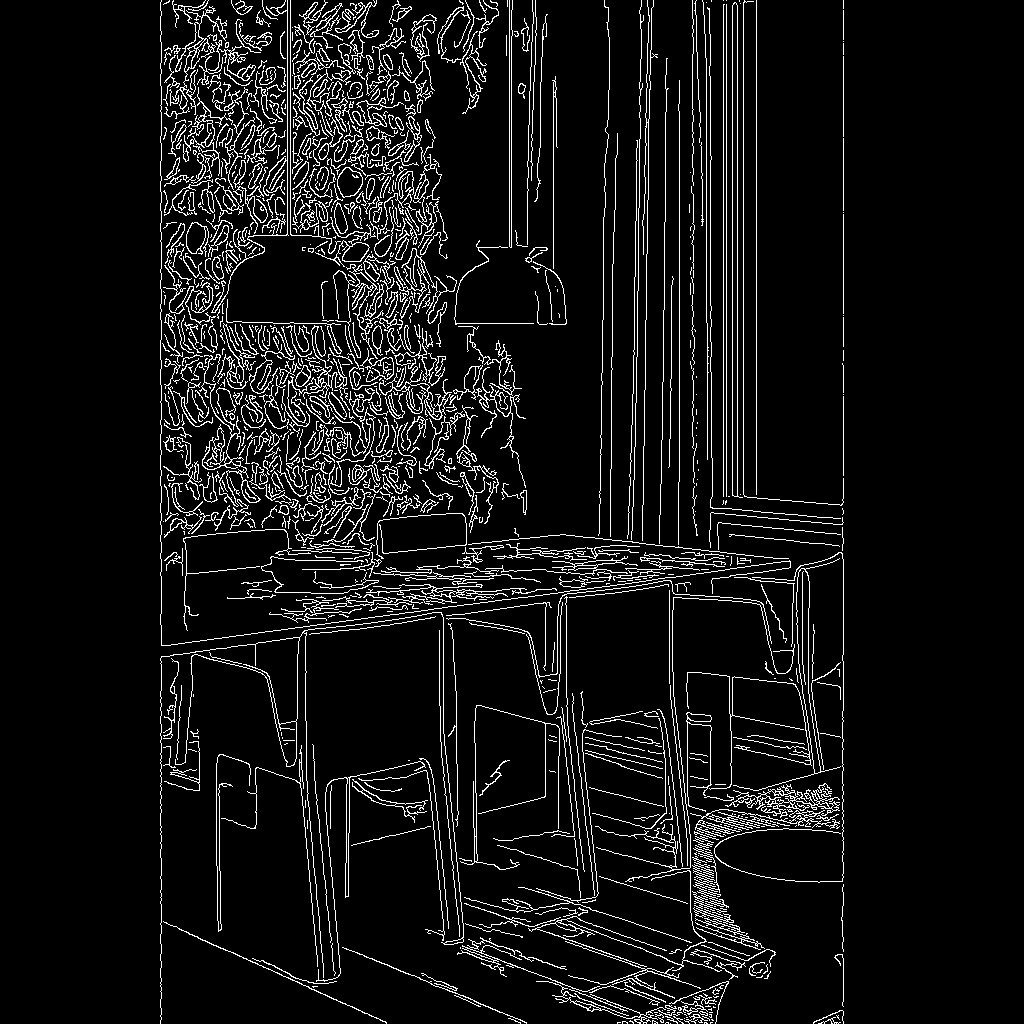
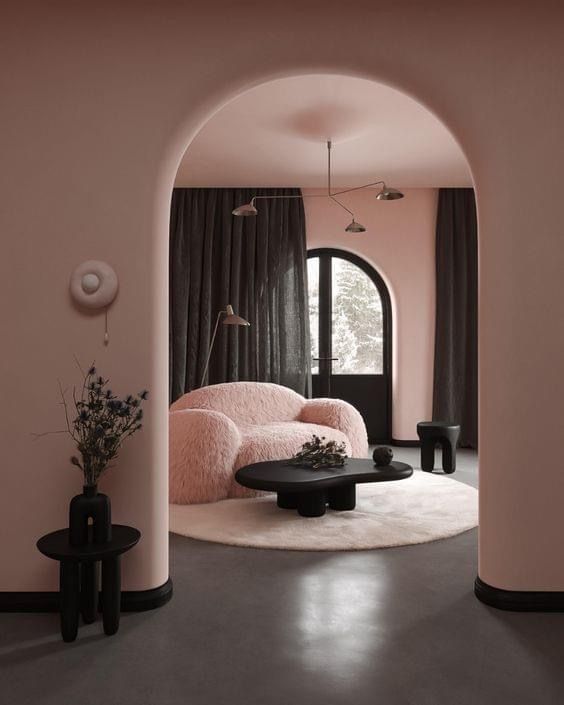
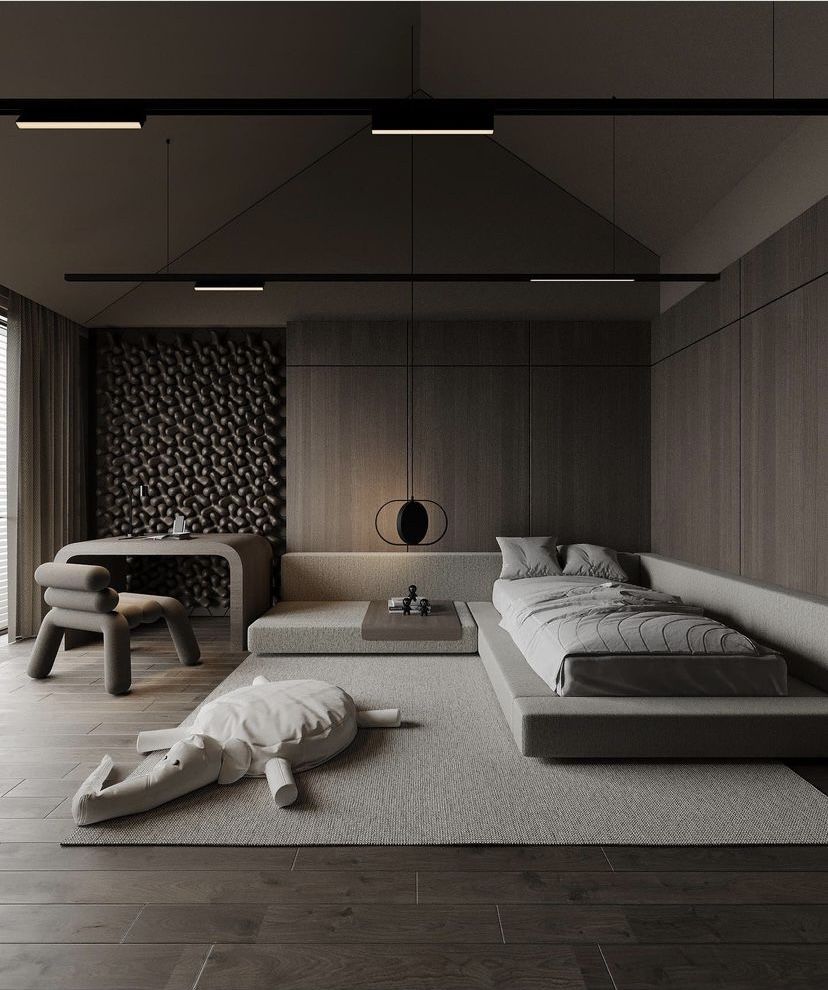
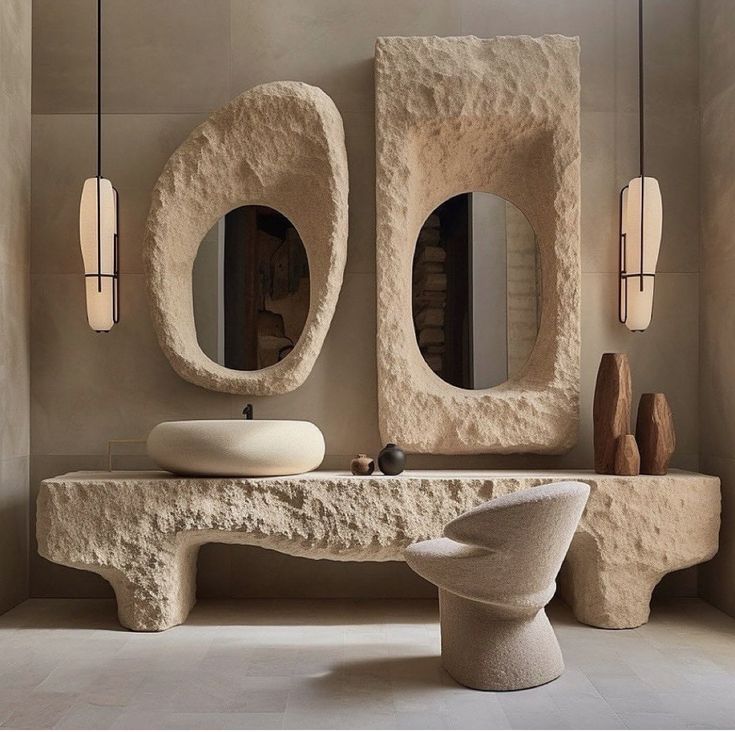
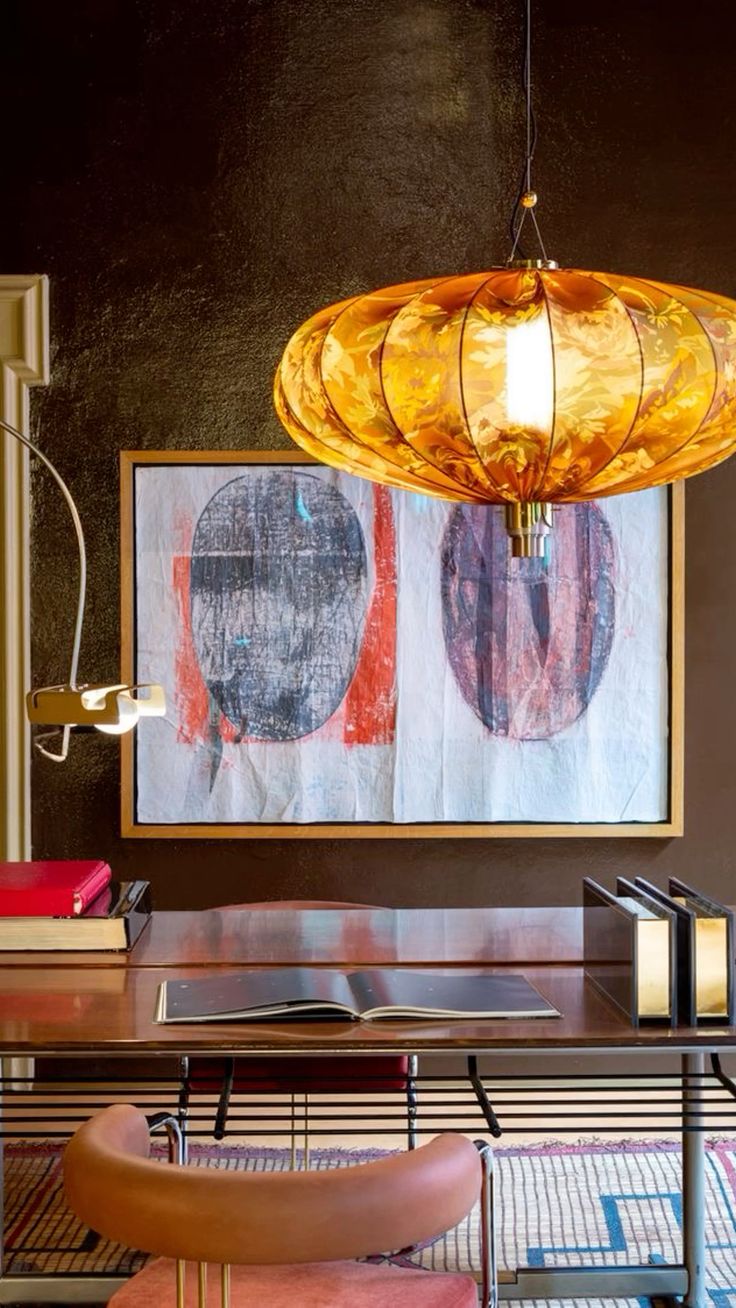
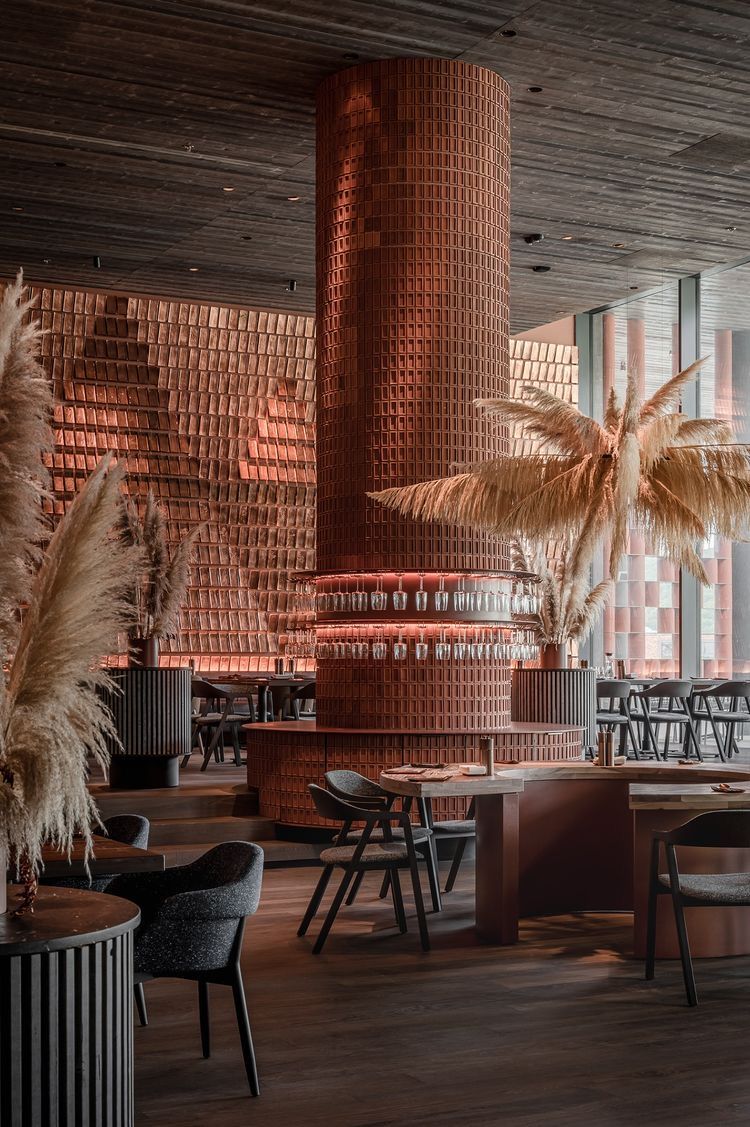
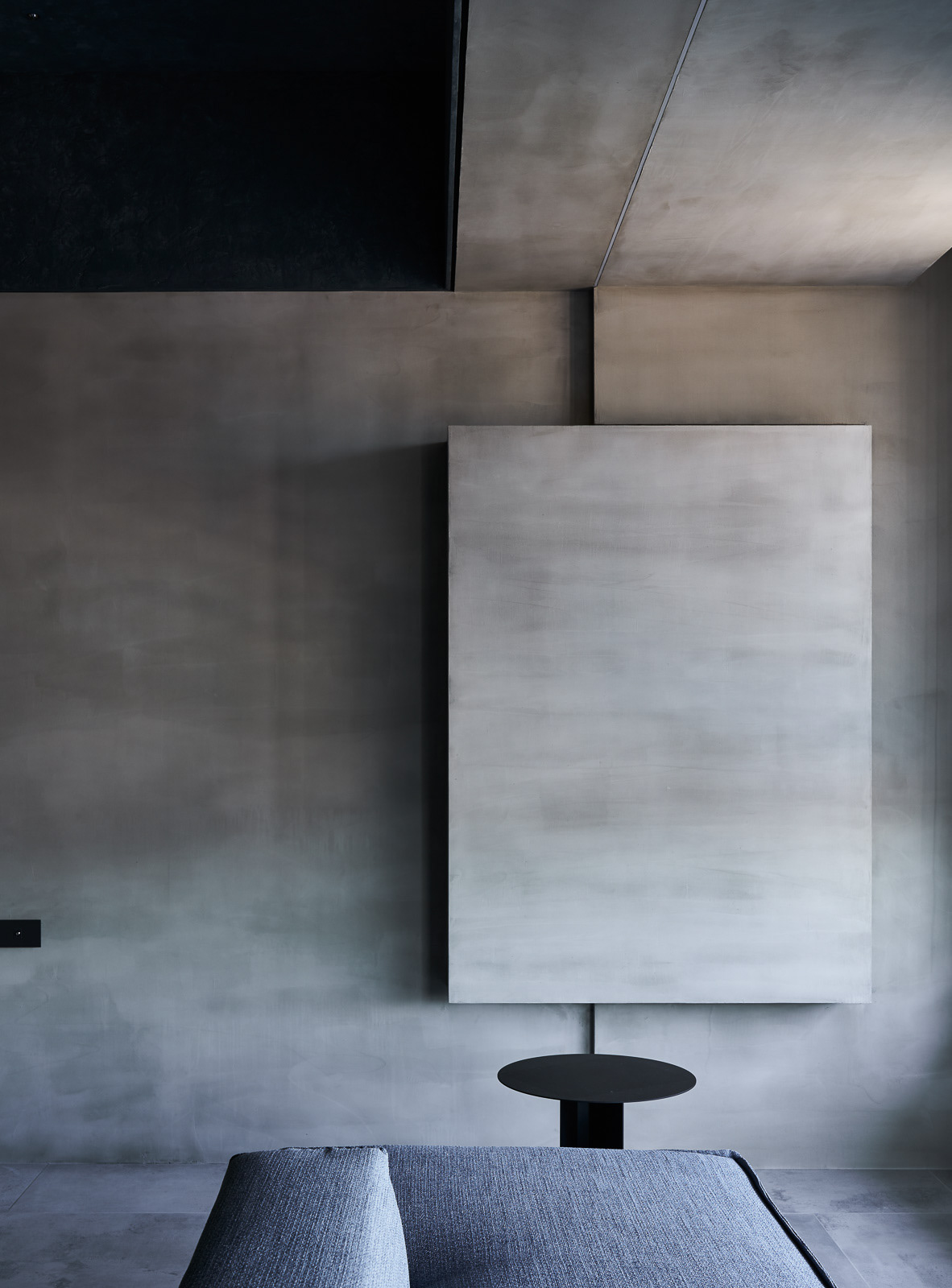
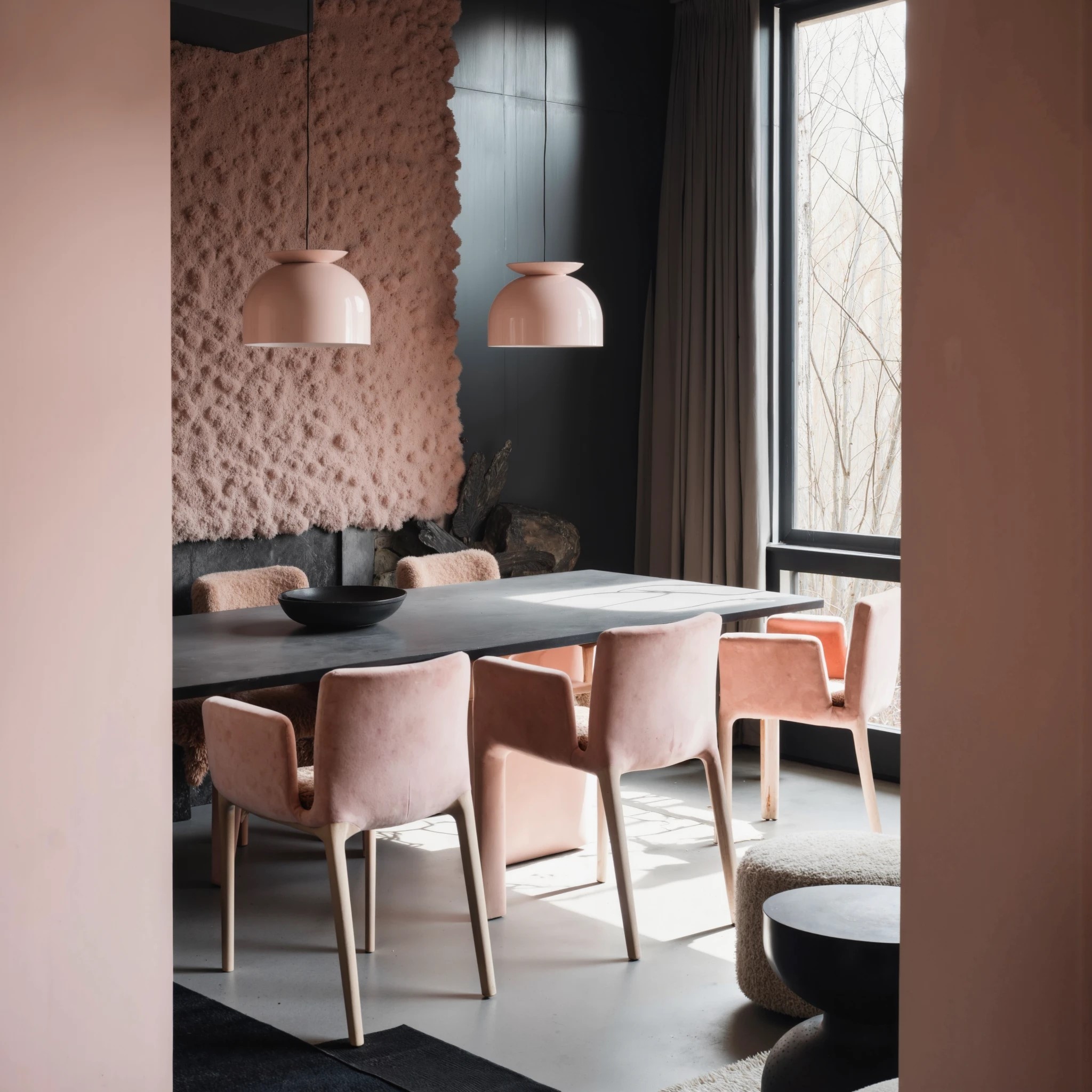
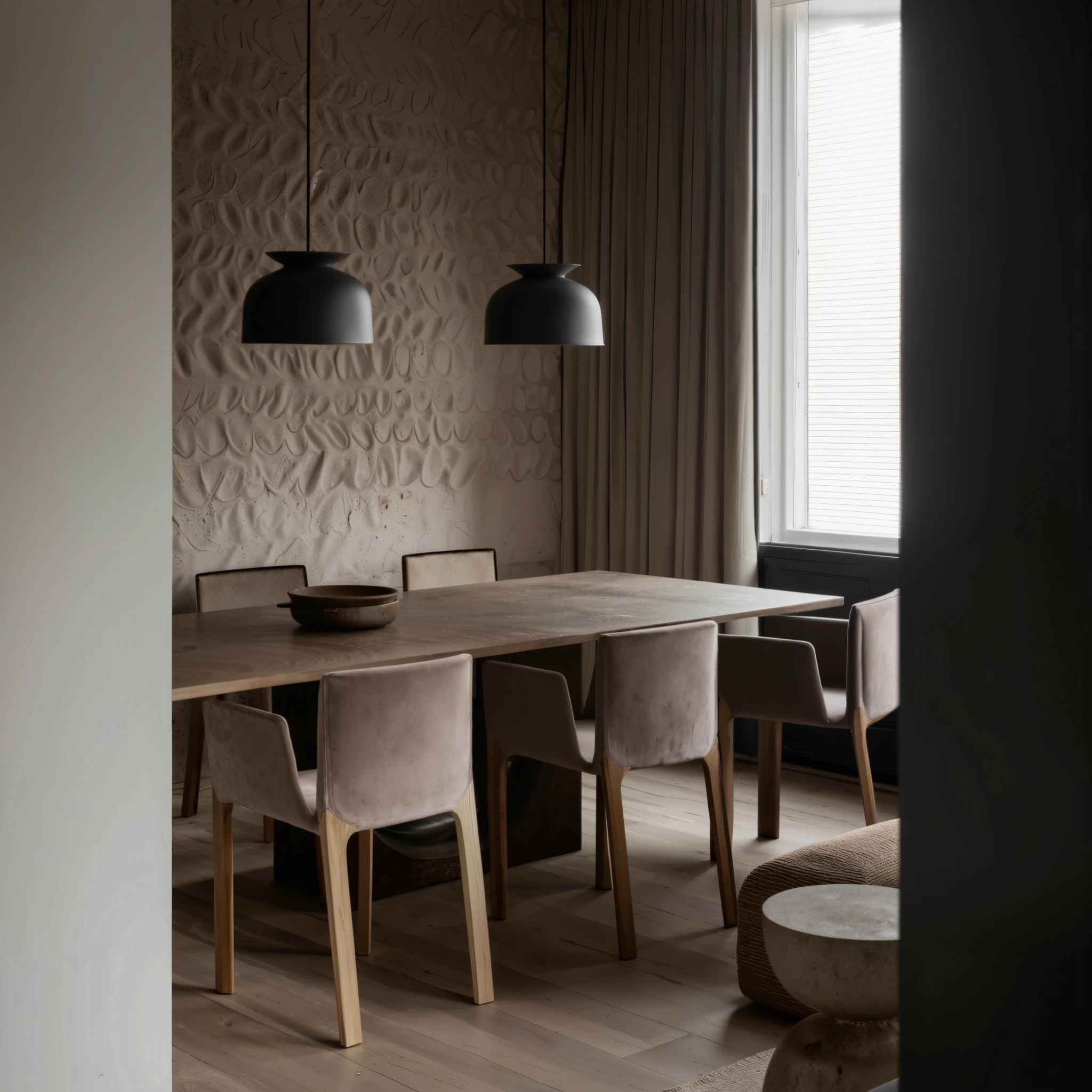
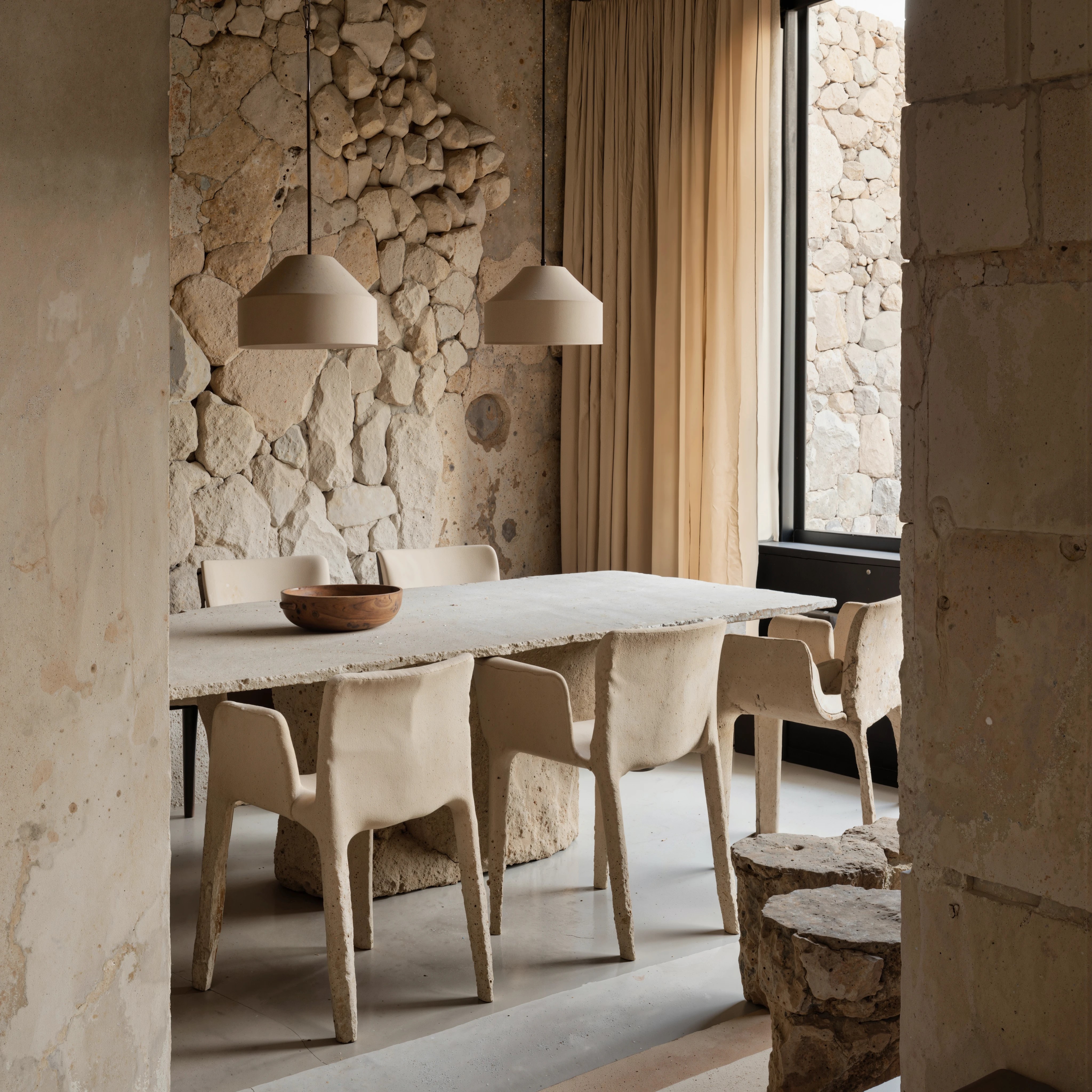
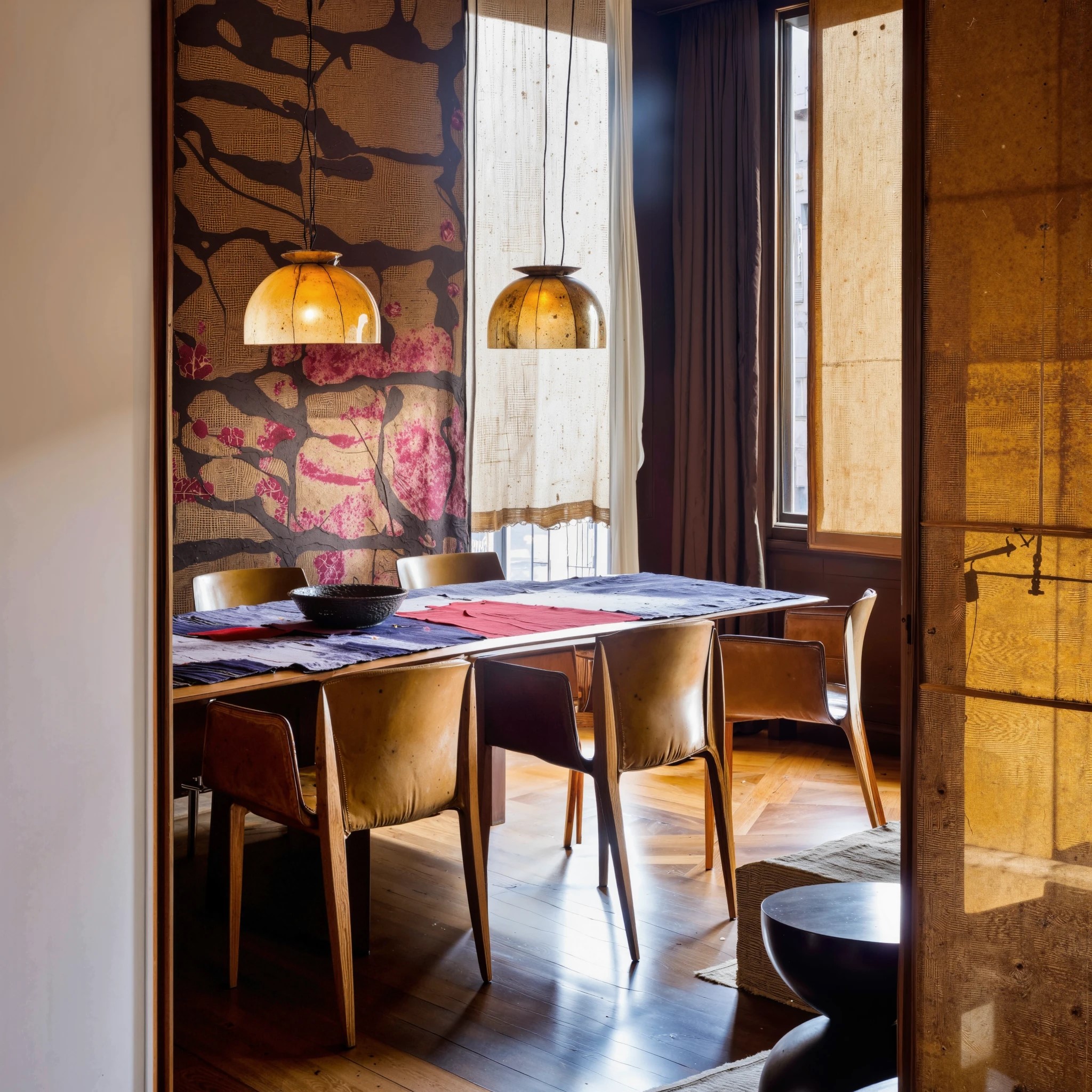
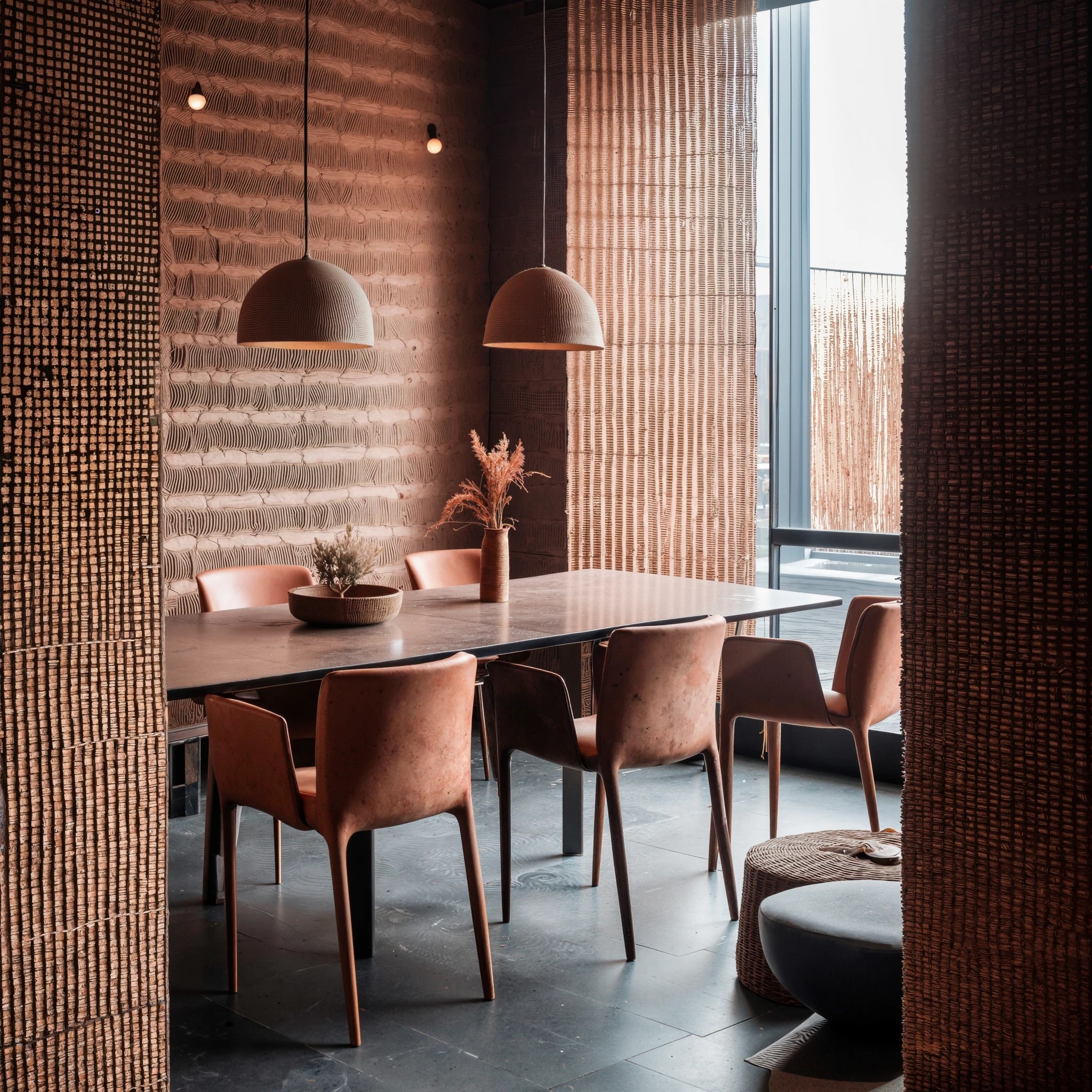
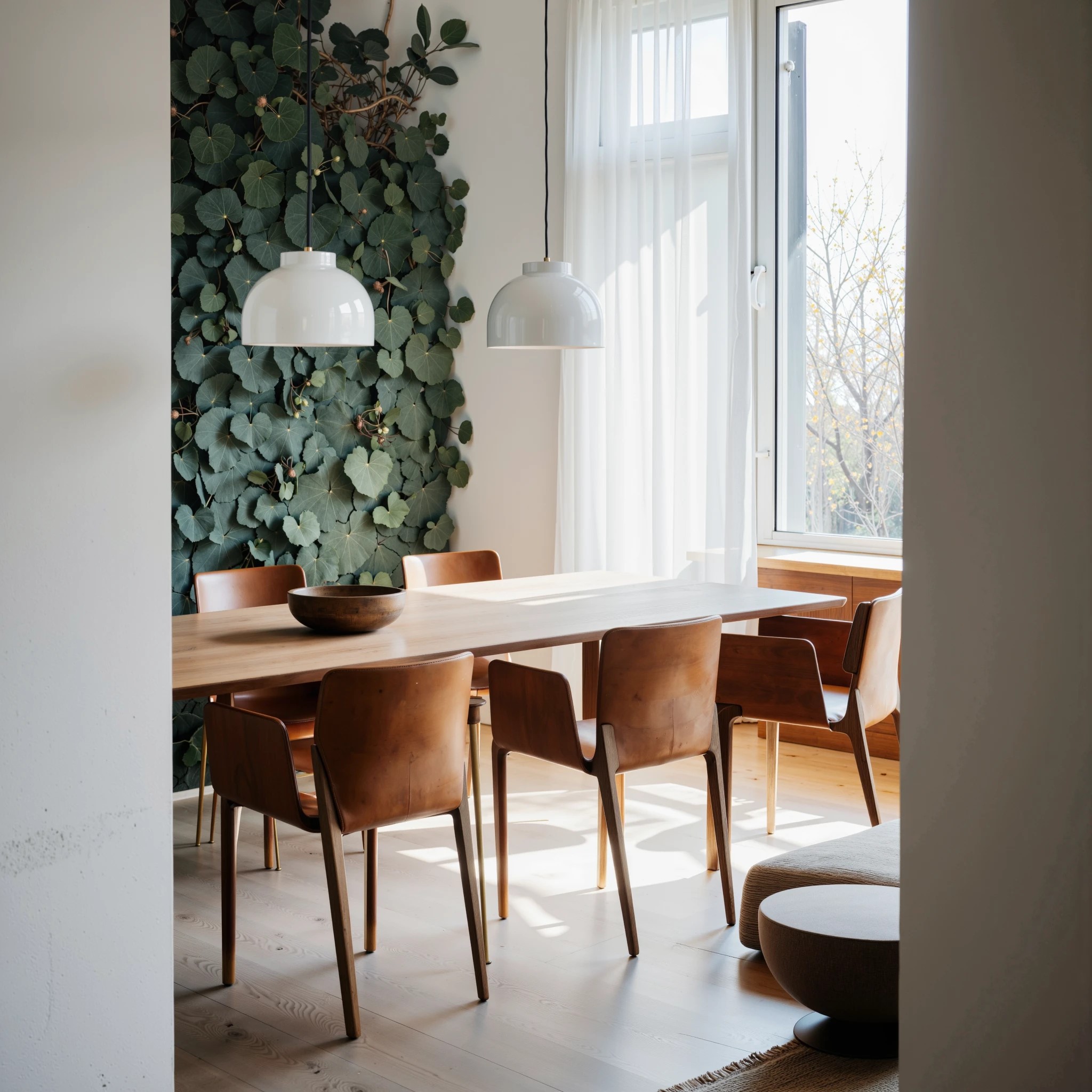
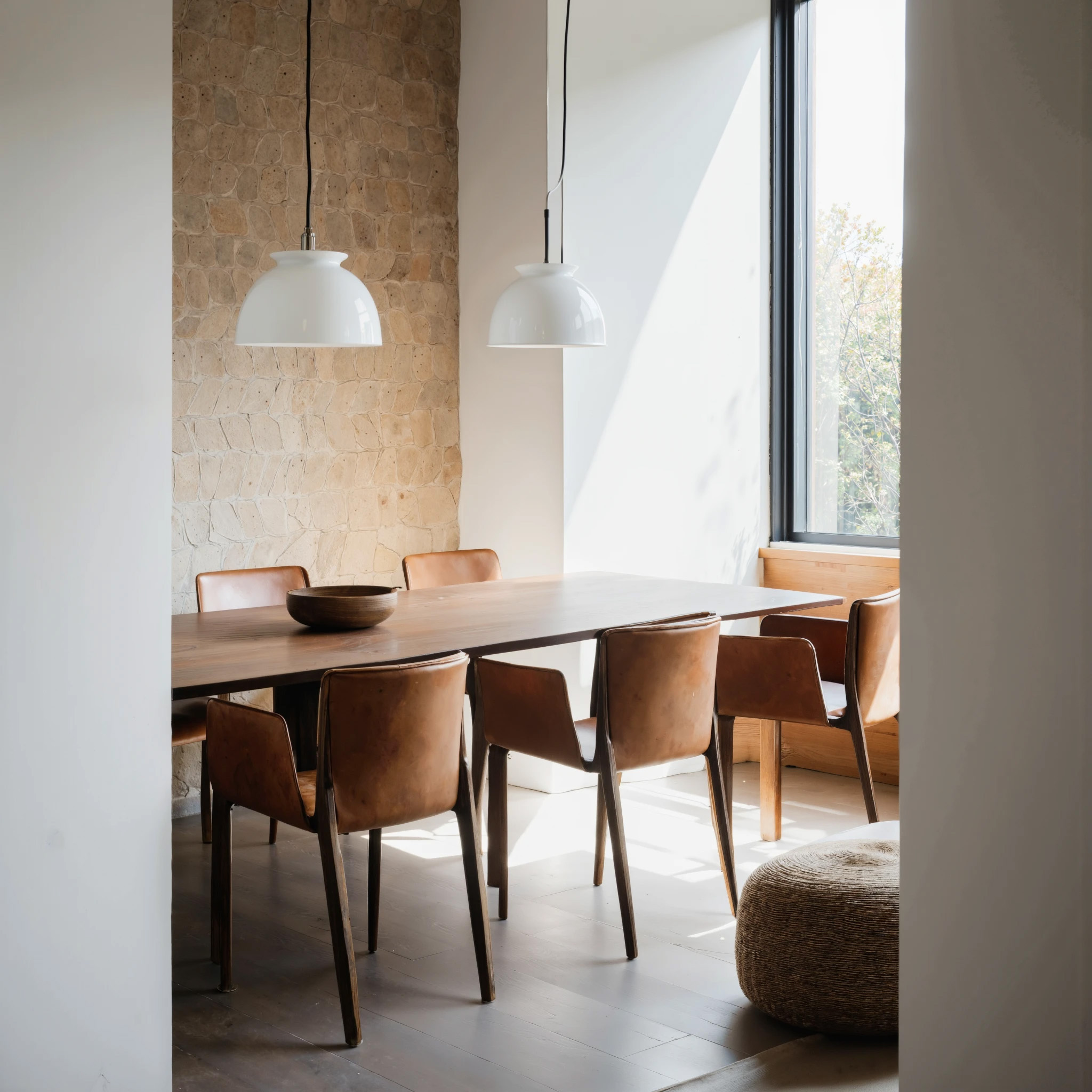
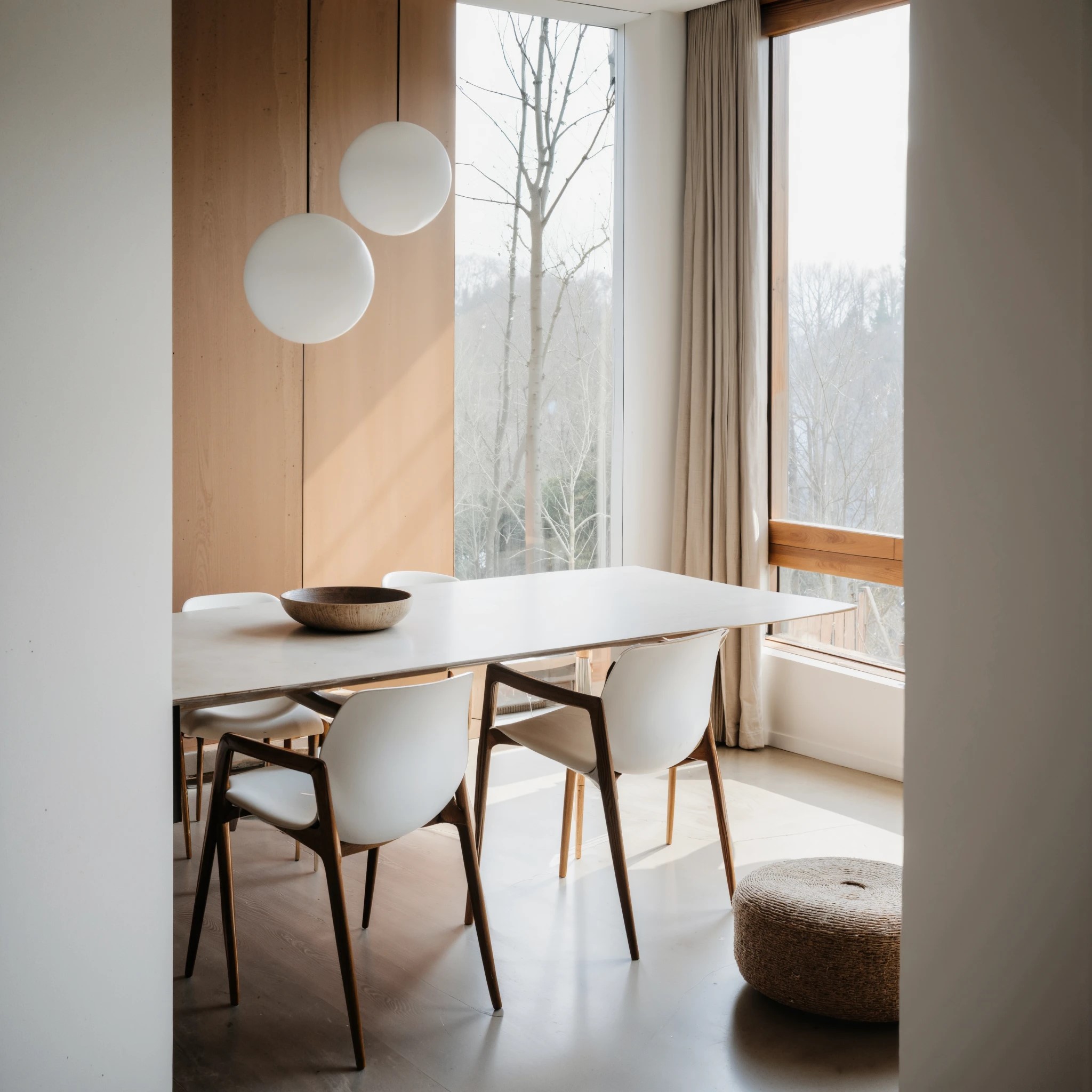
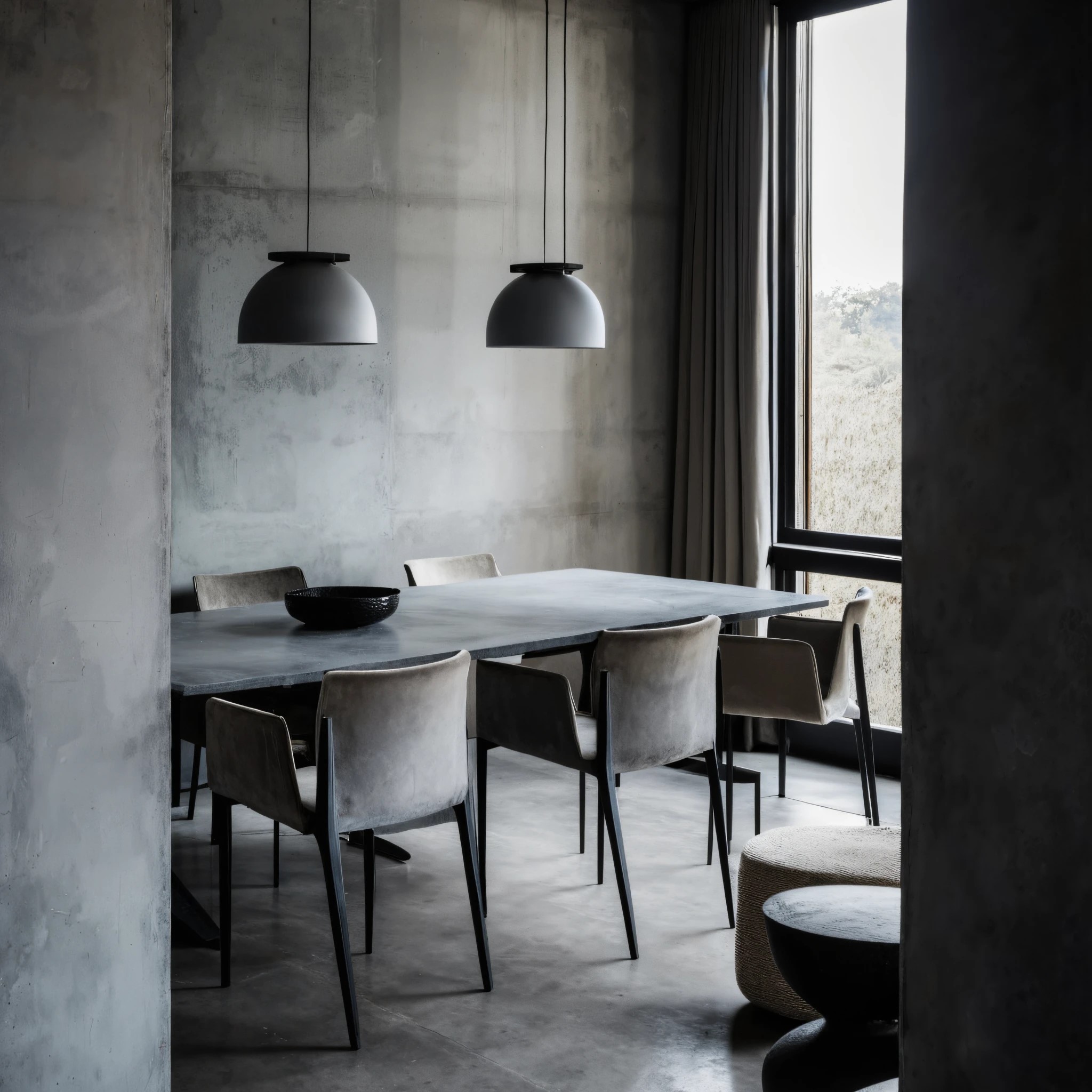
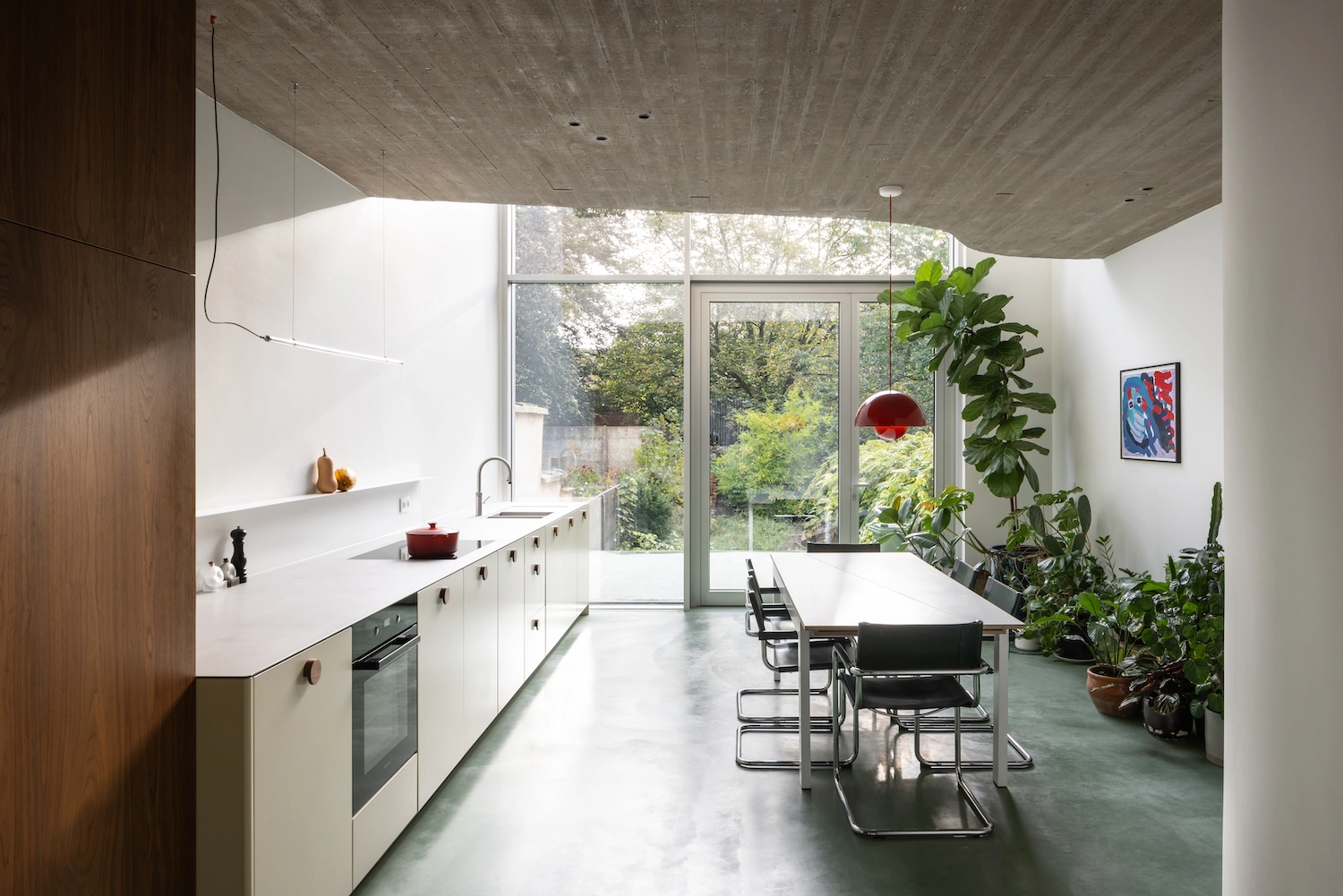
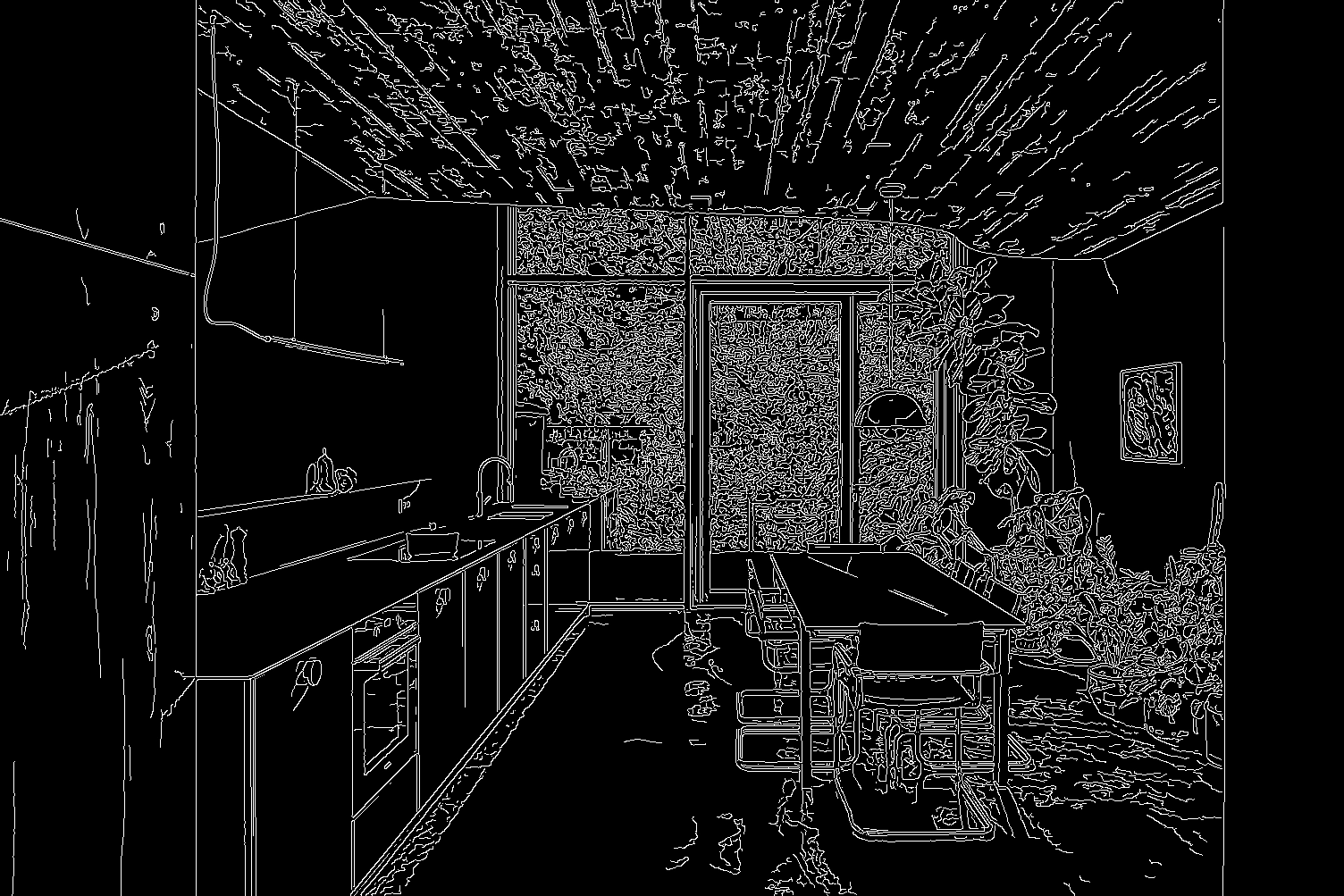
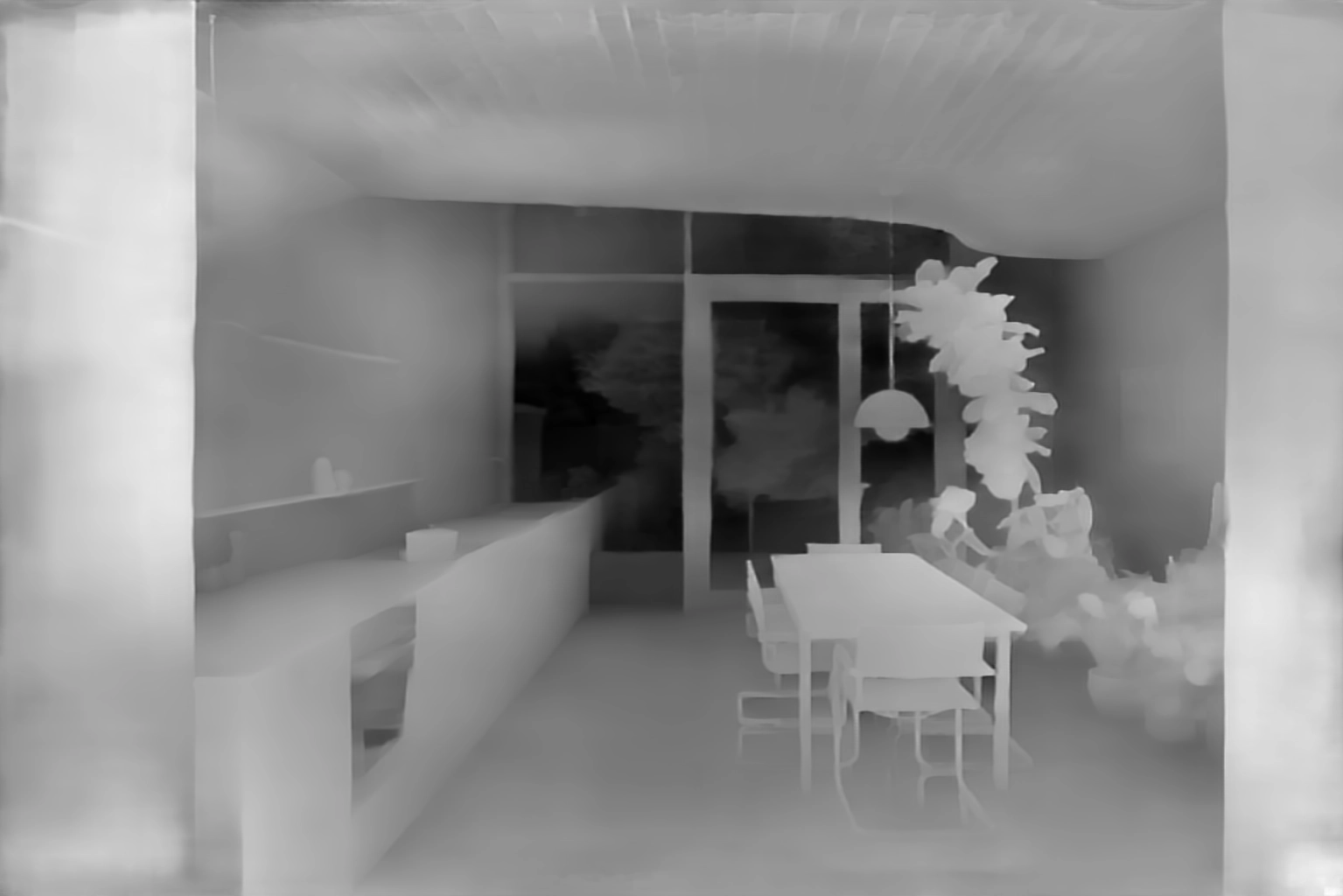
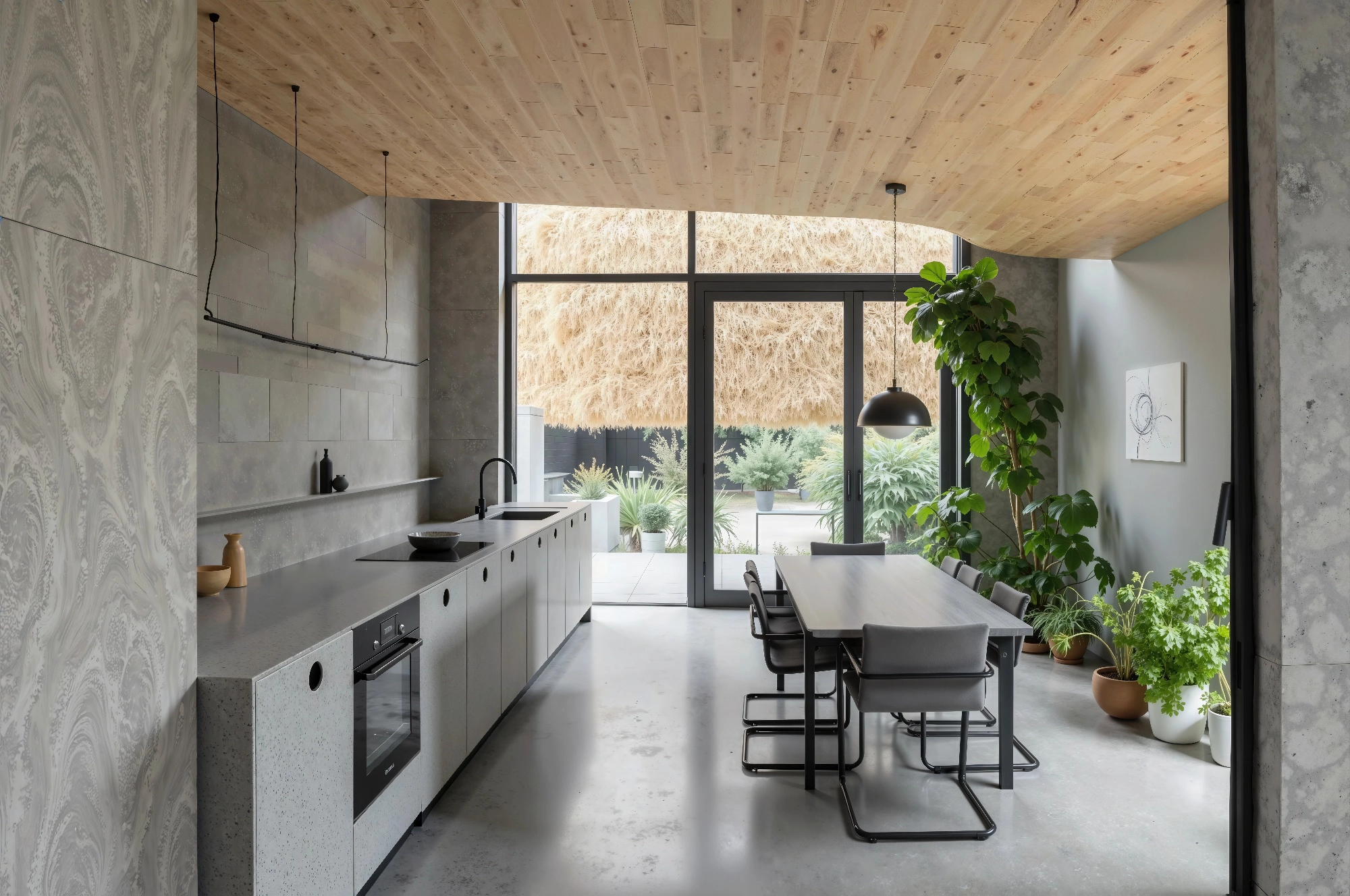
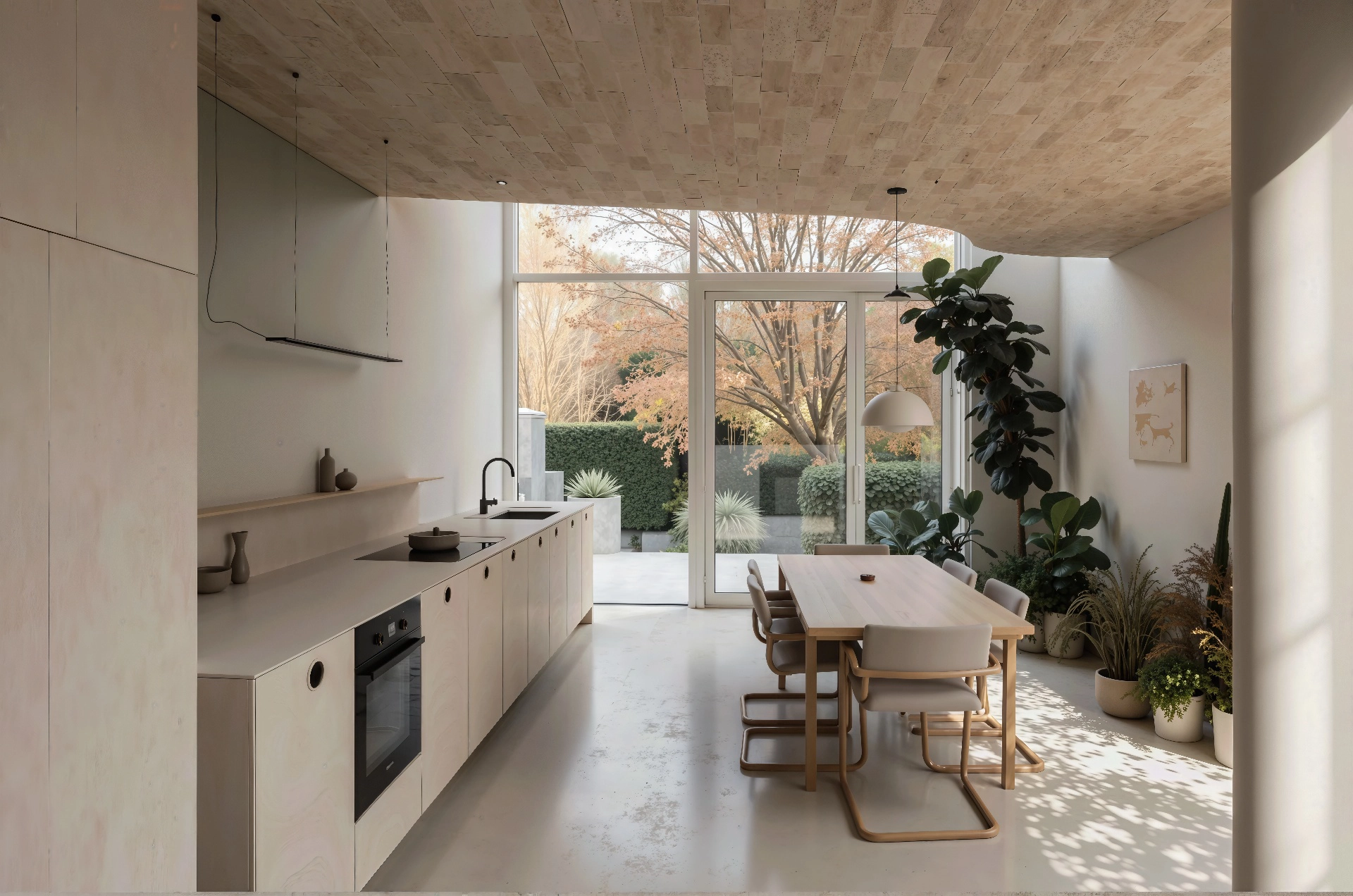
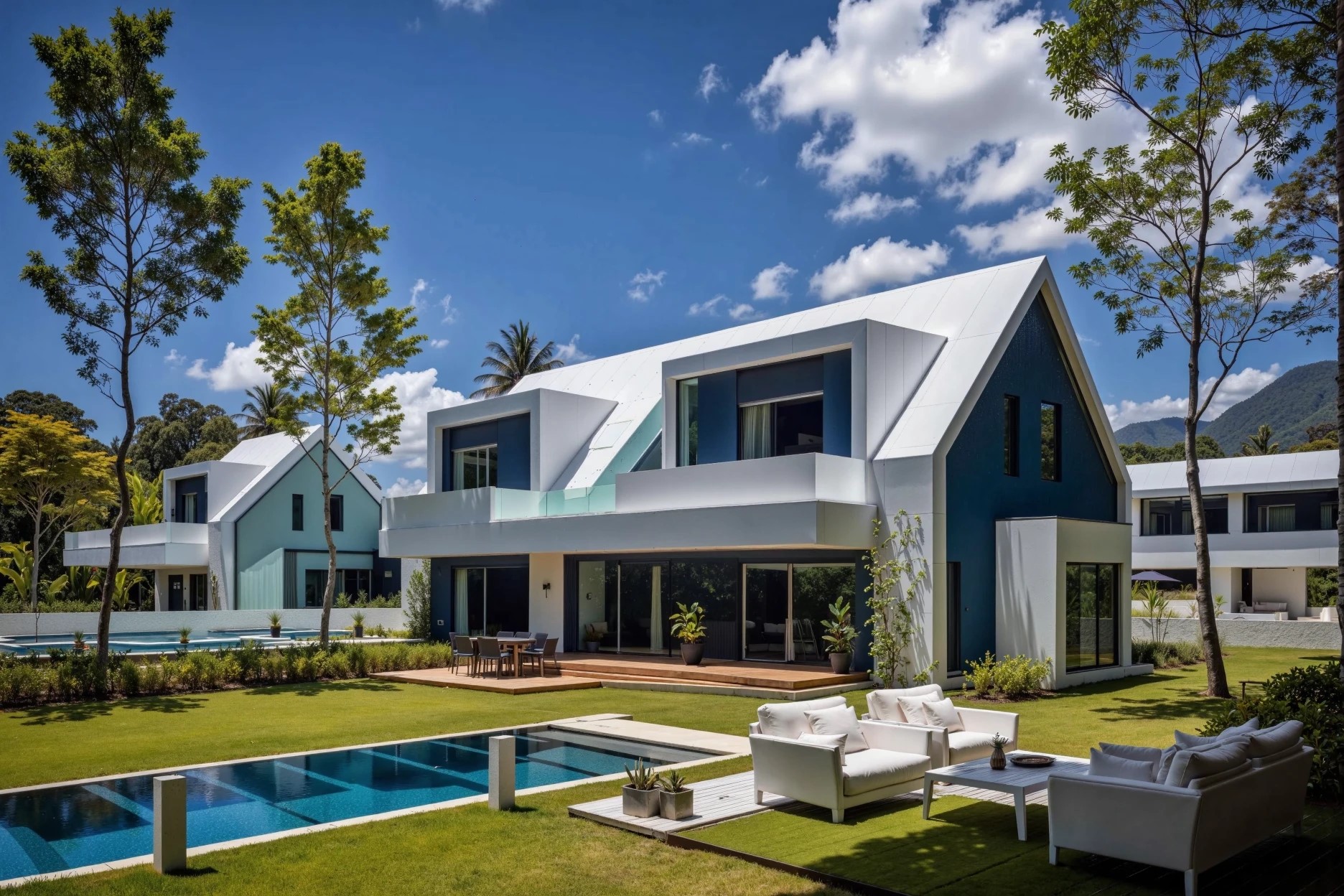
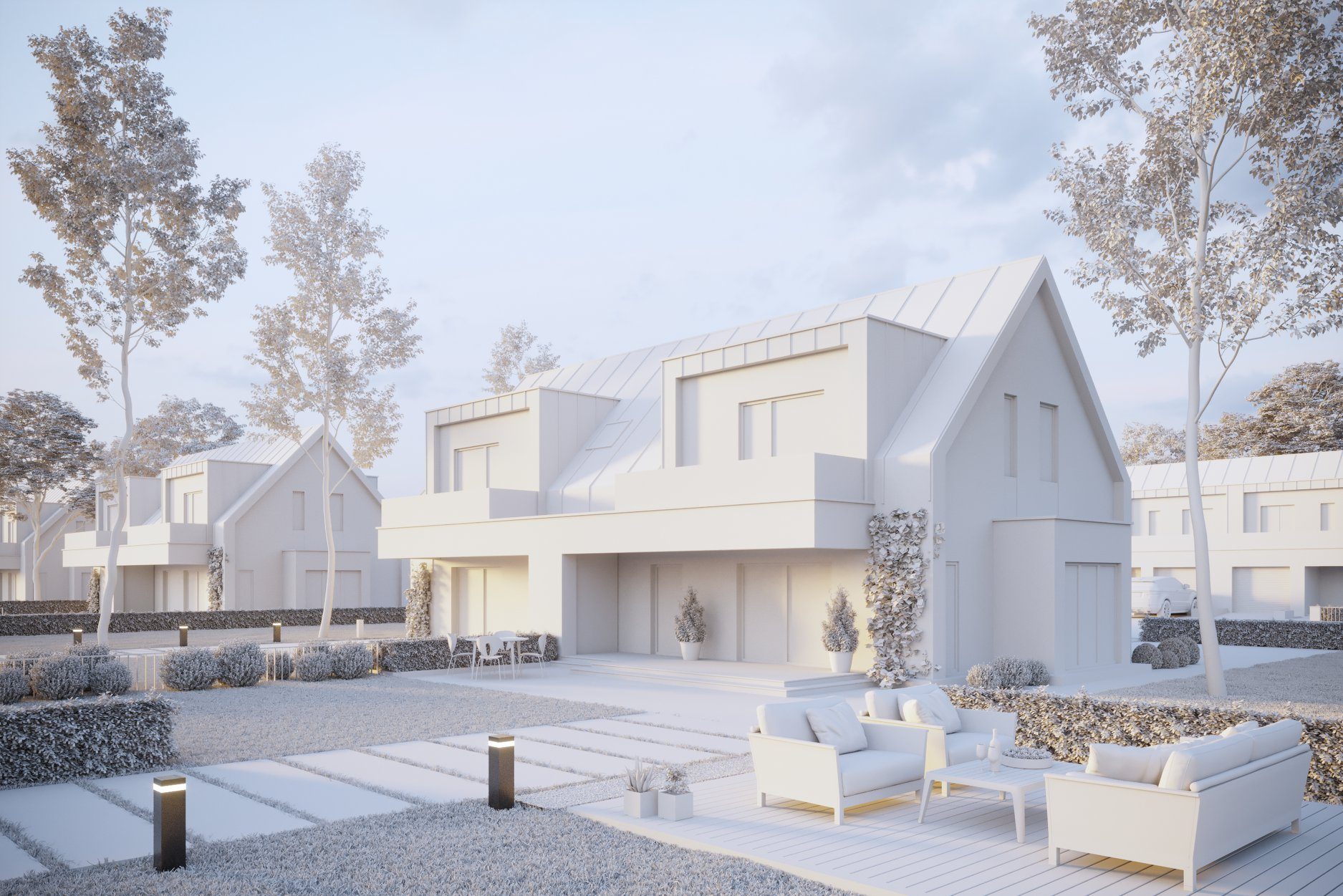
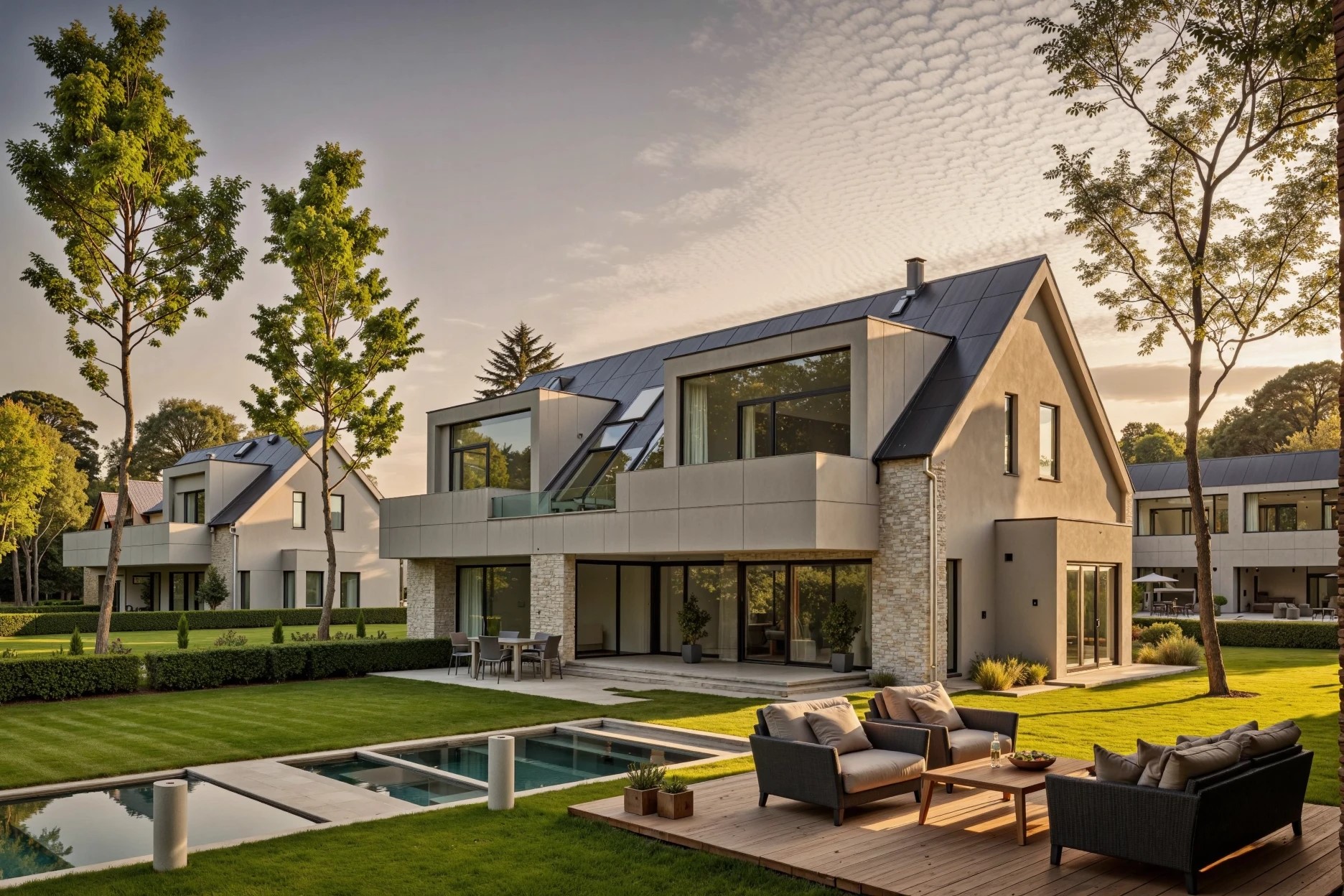
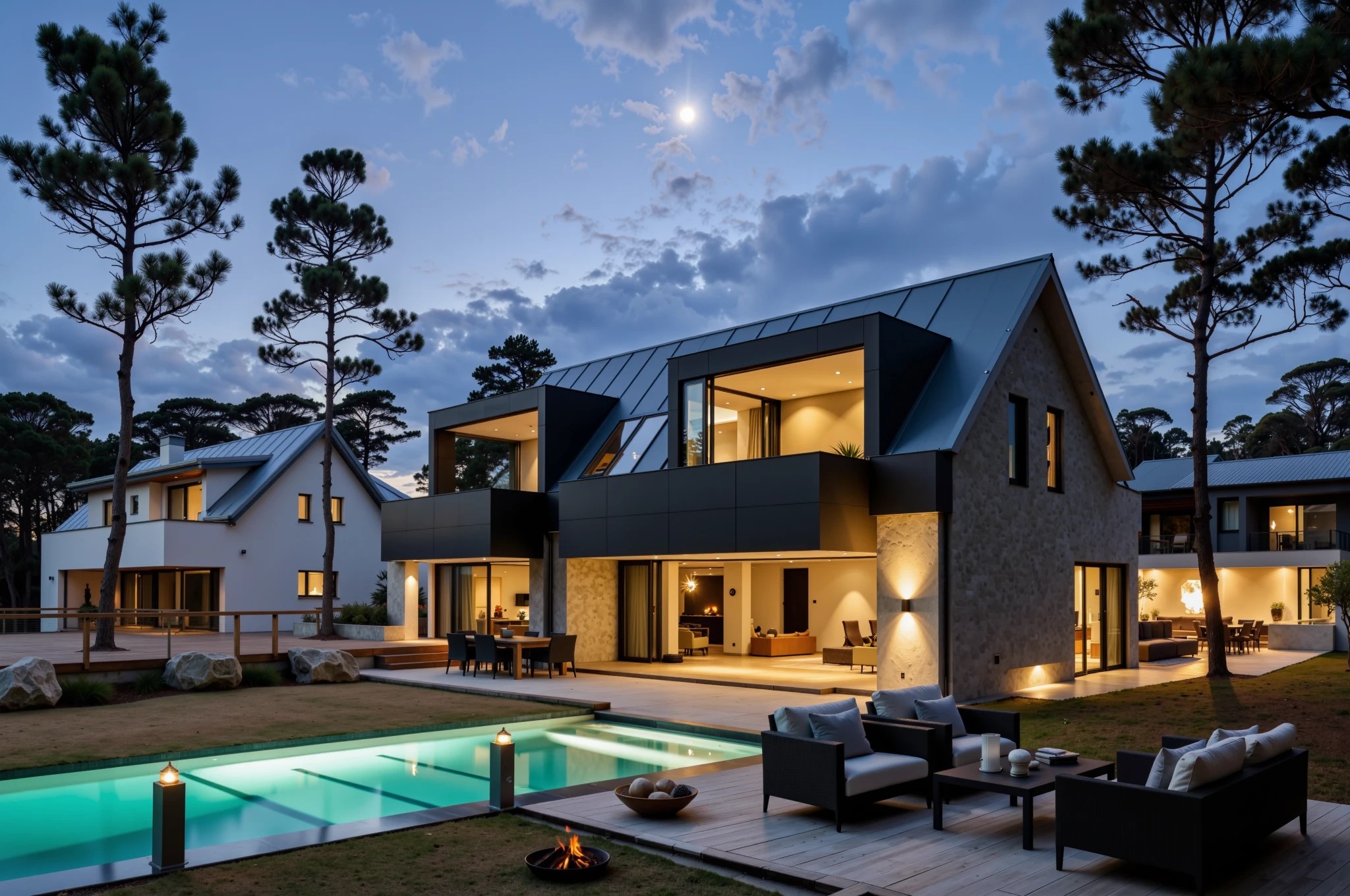
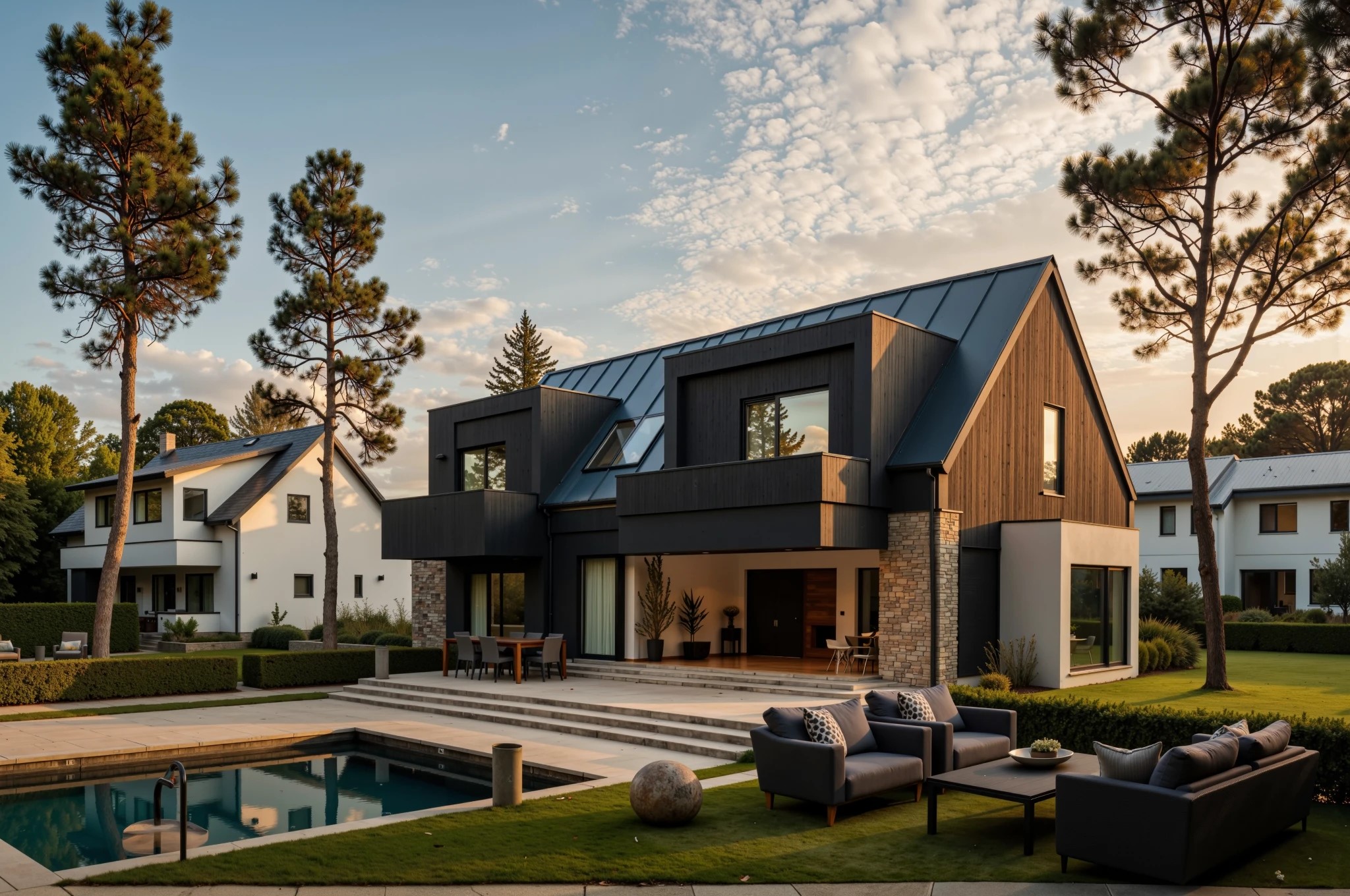
INPAINT (insertion / inpainting) — the function of local image editing — adding objects to an image by effect or reference
EXAMPLES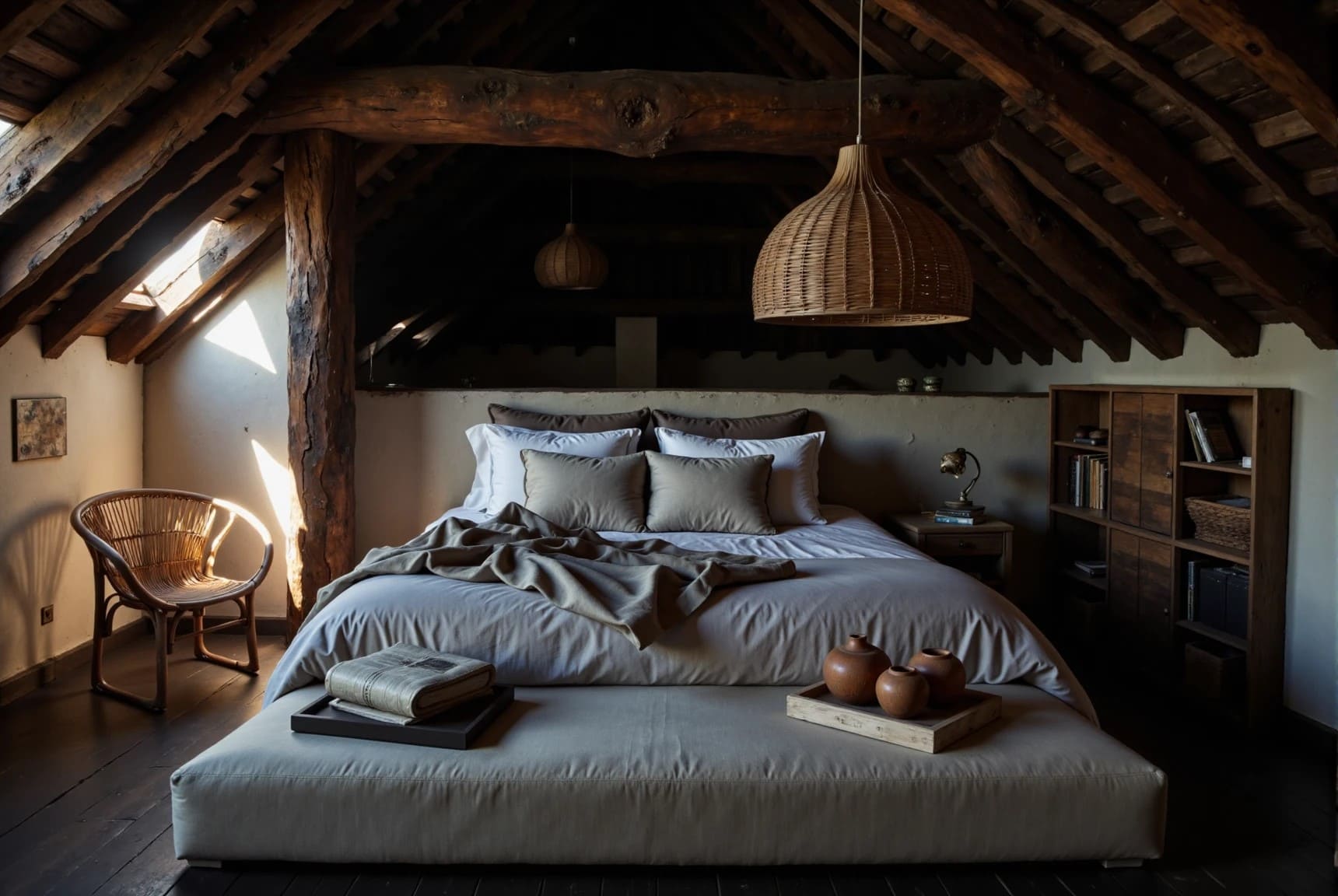
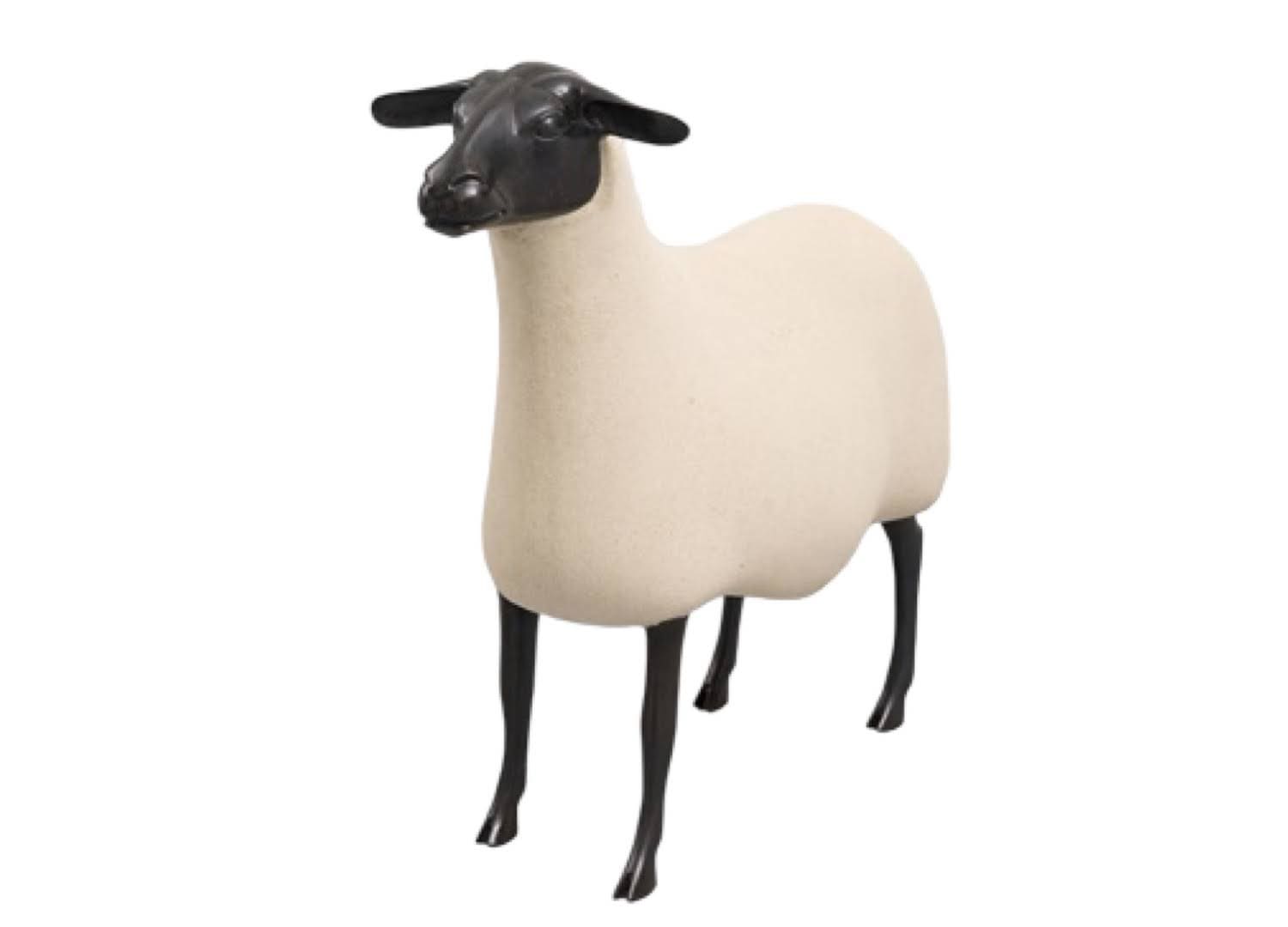
Francois-Xavier Lalanne
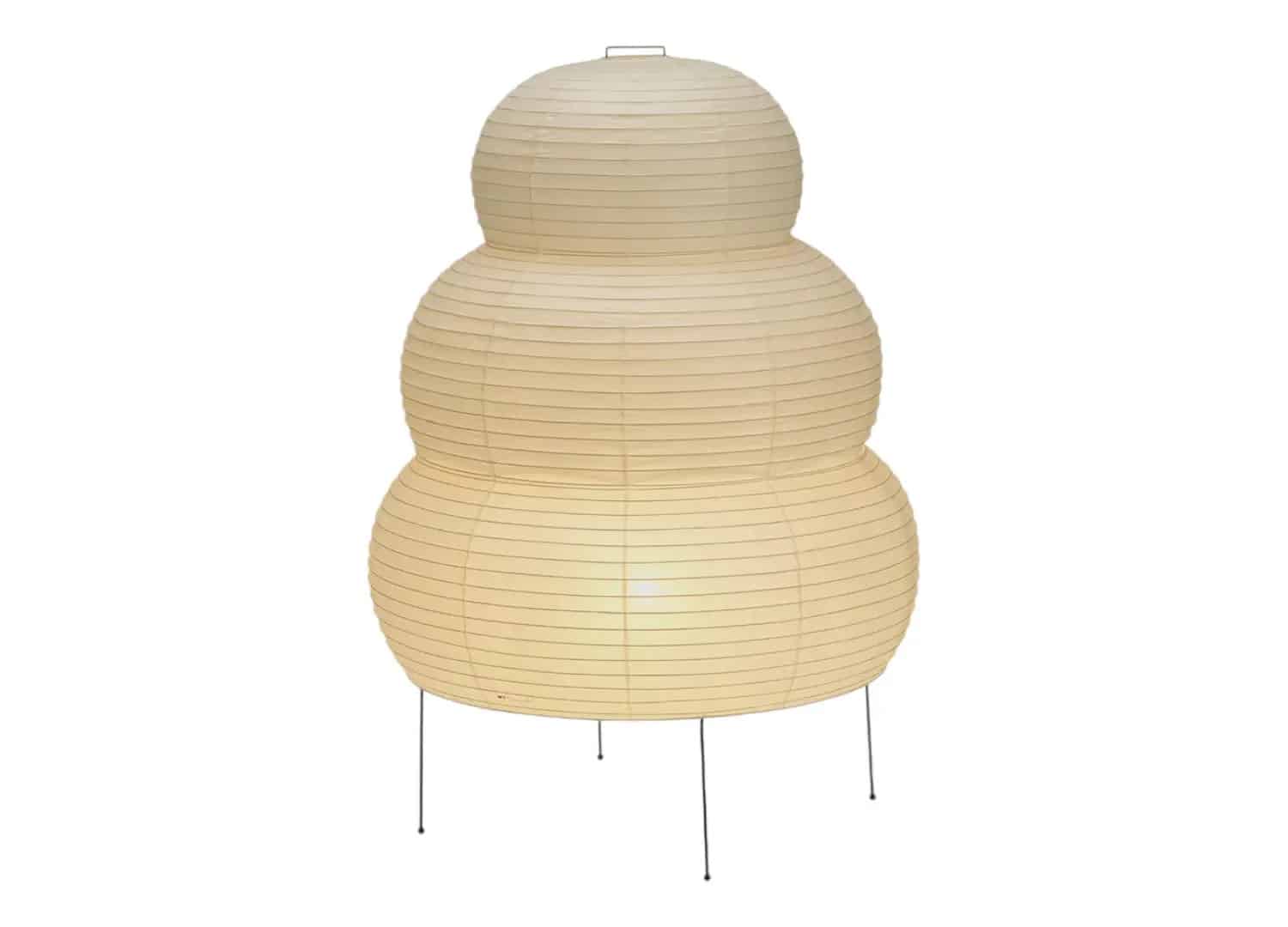
Vitra - Akari 25N Floor Lamp

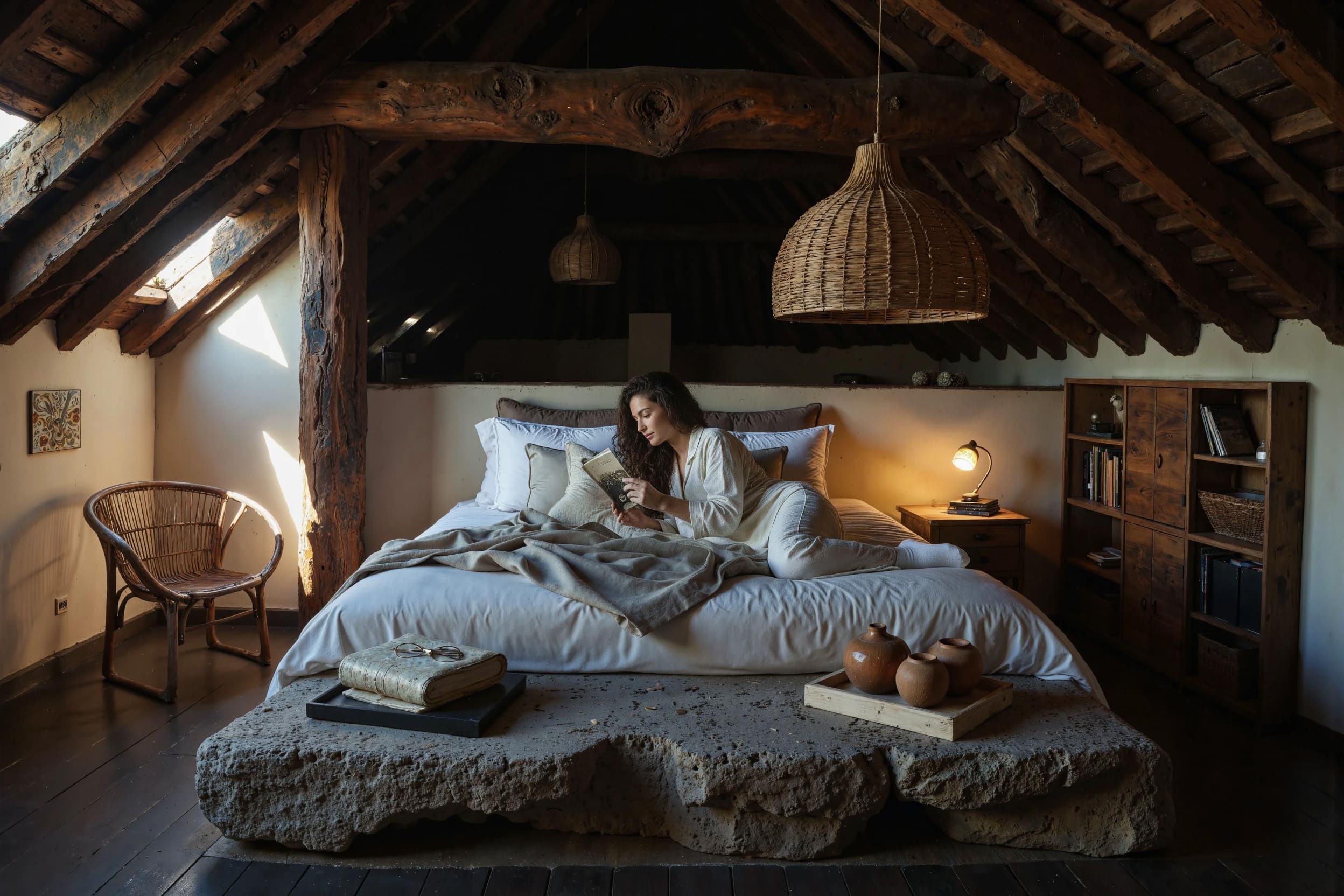
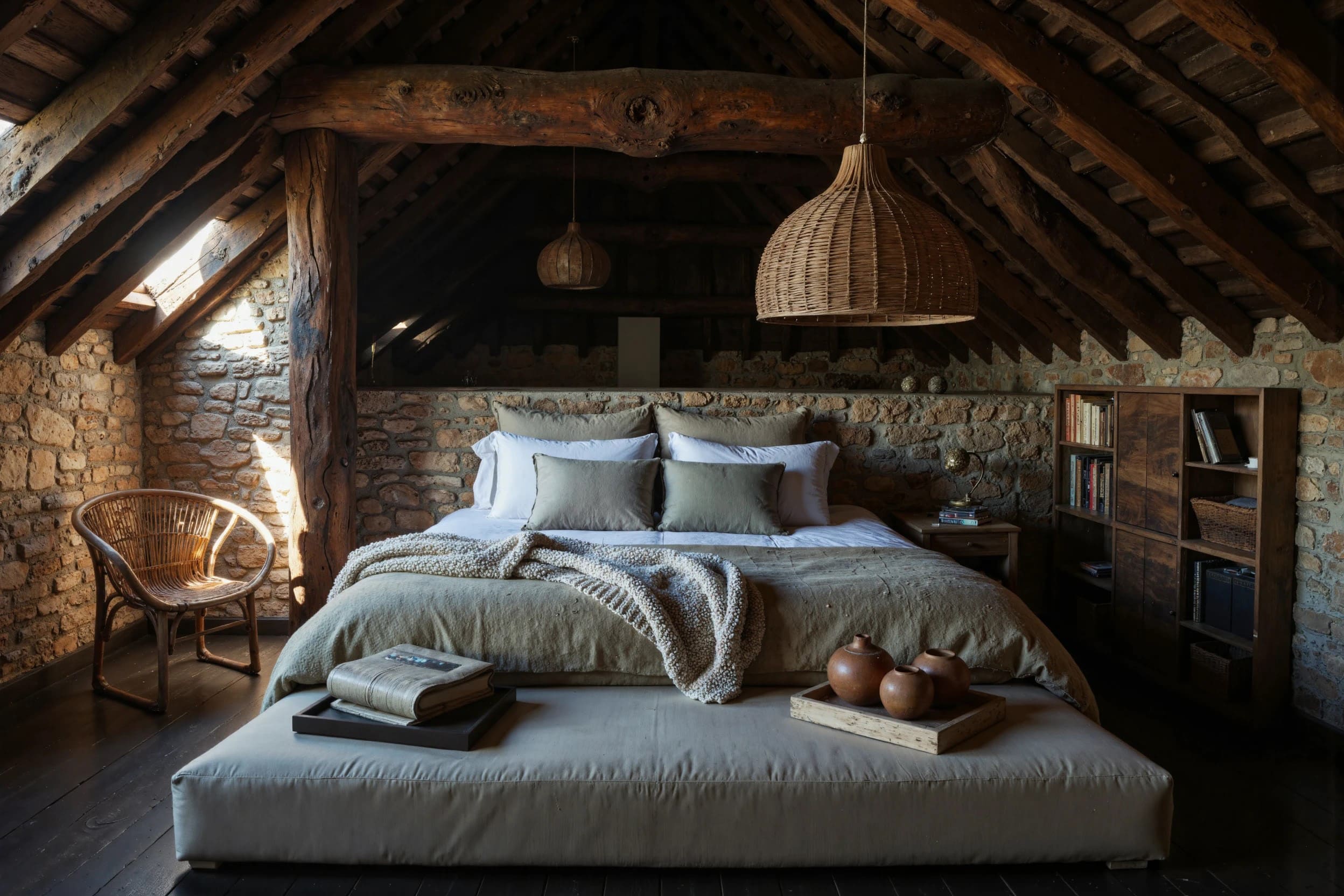
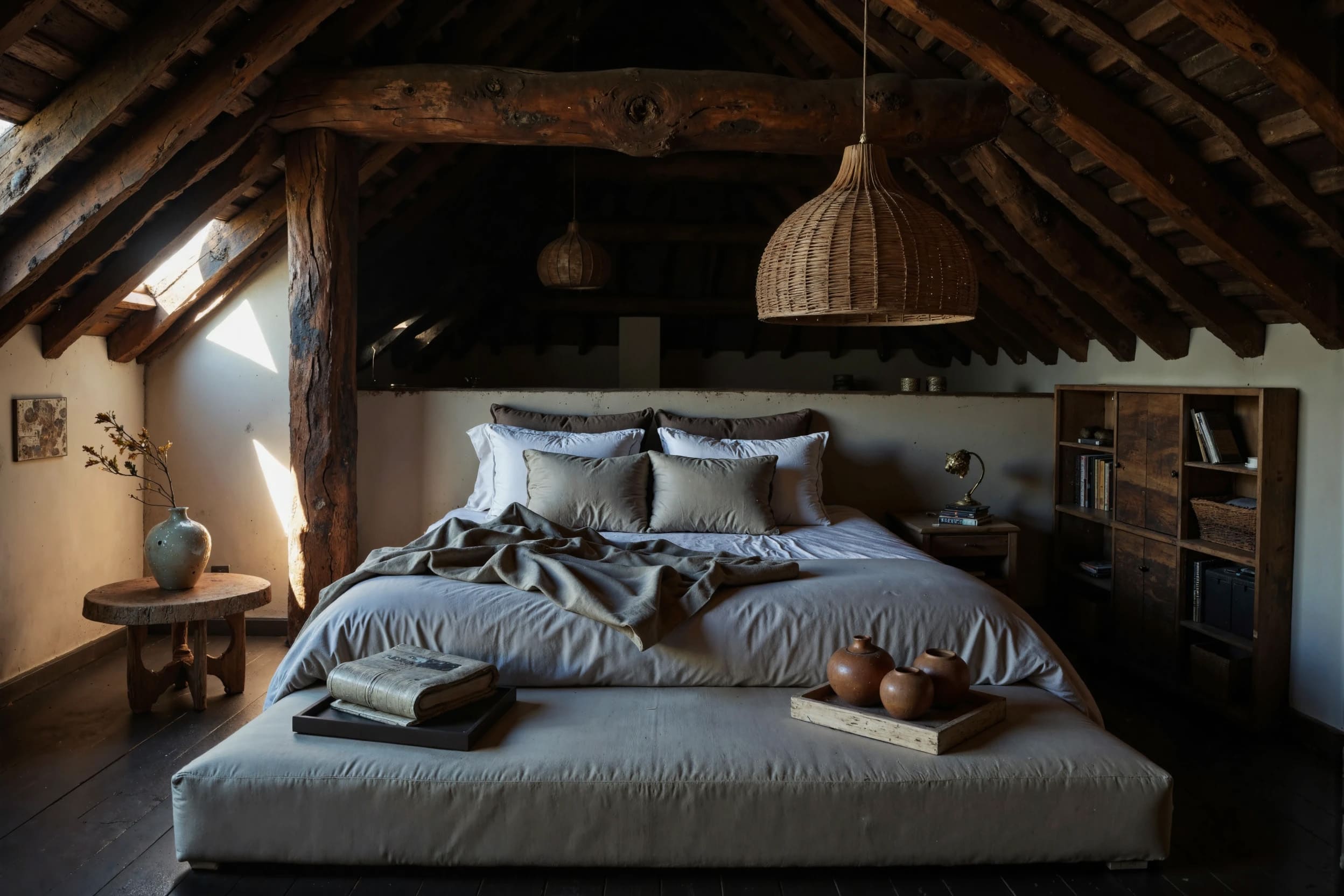
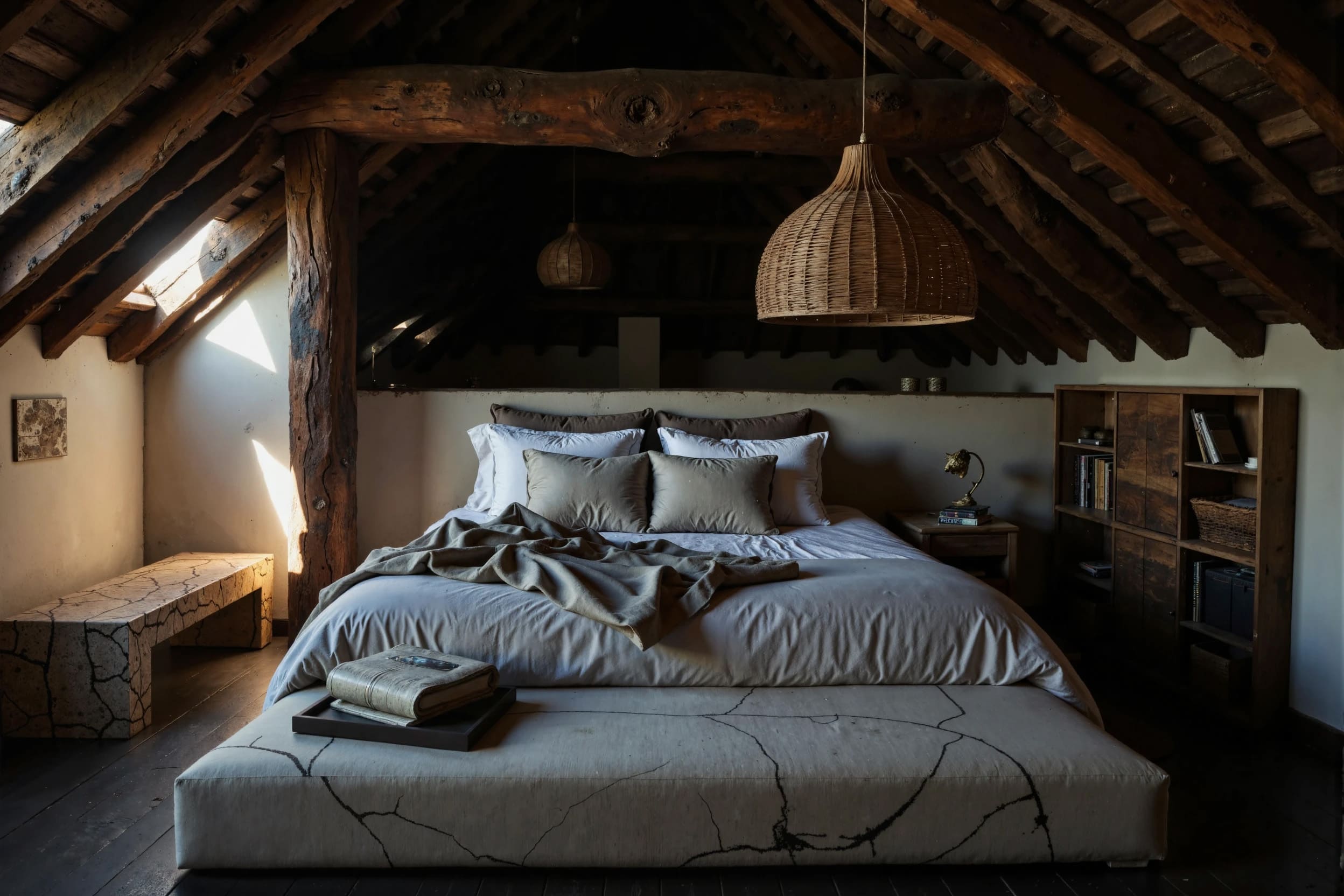
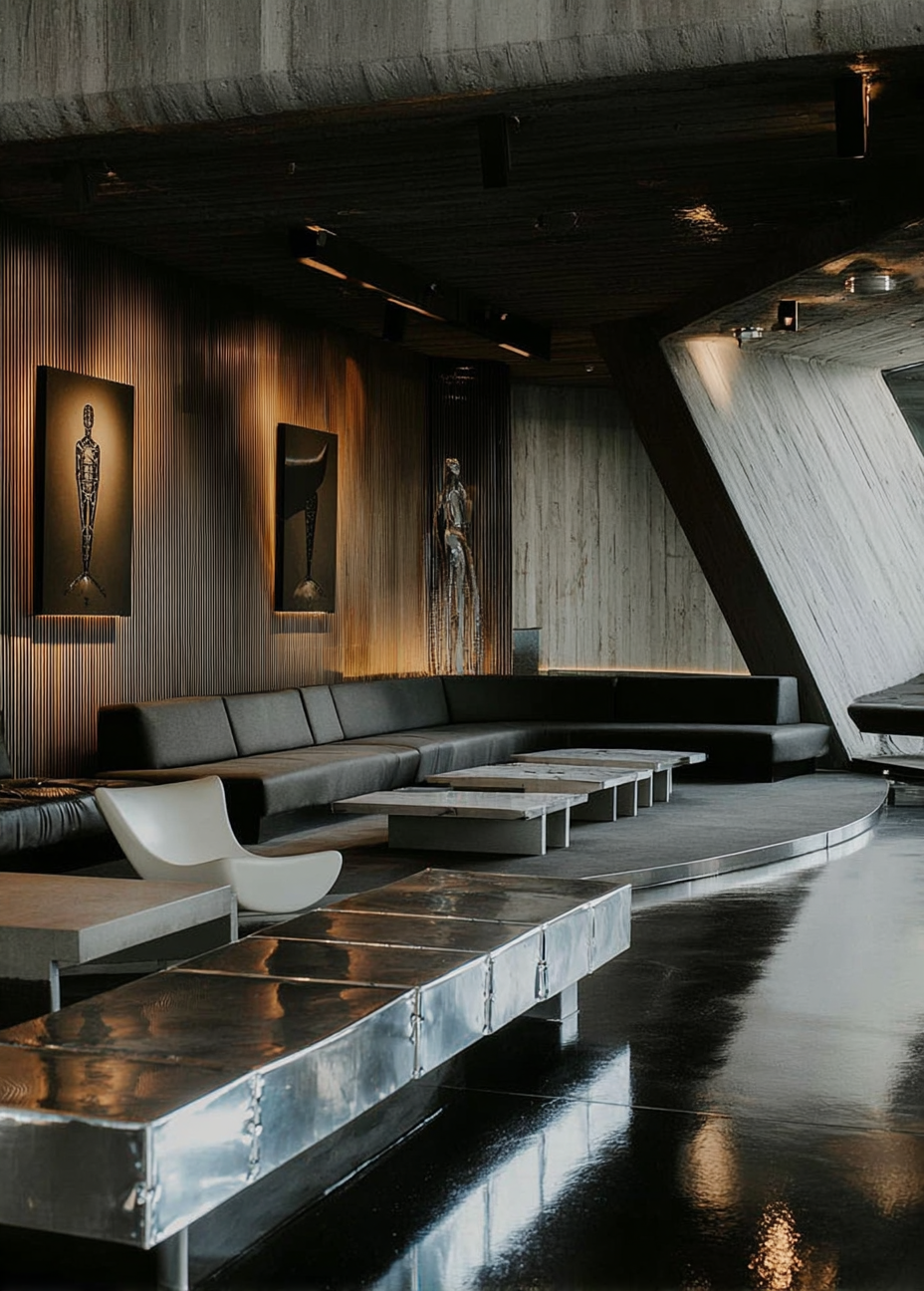
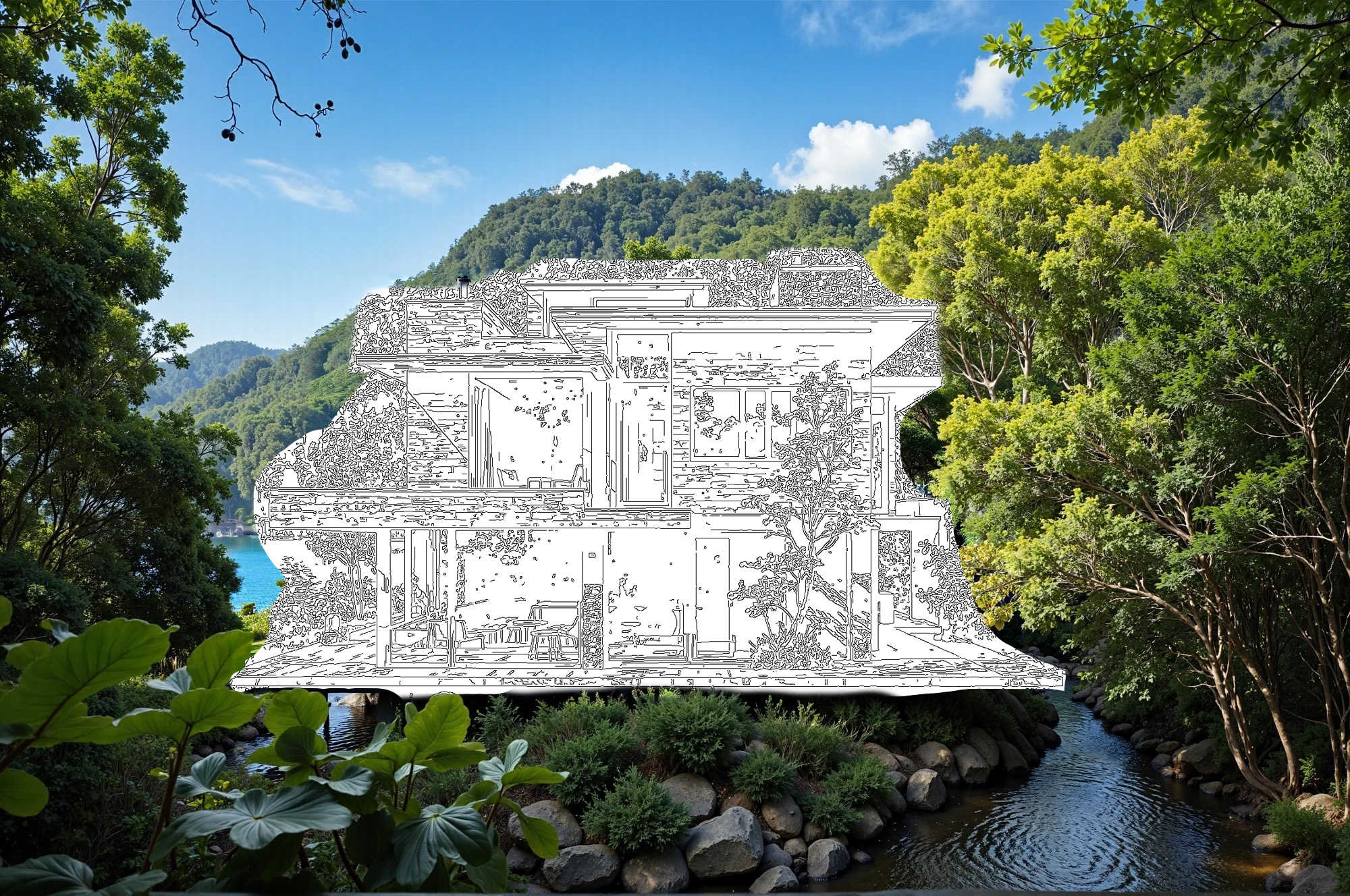
INPAINT - mask insertion using a control card, based on your sketches, drawings, images, 3D readers, etc.
EXAMPLES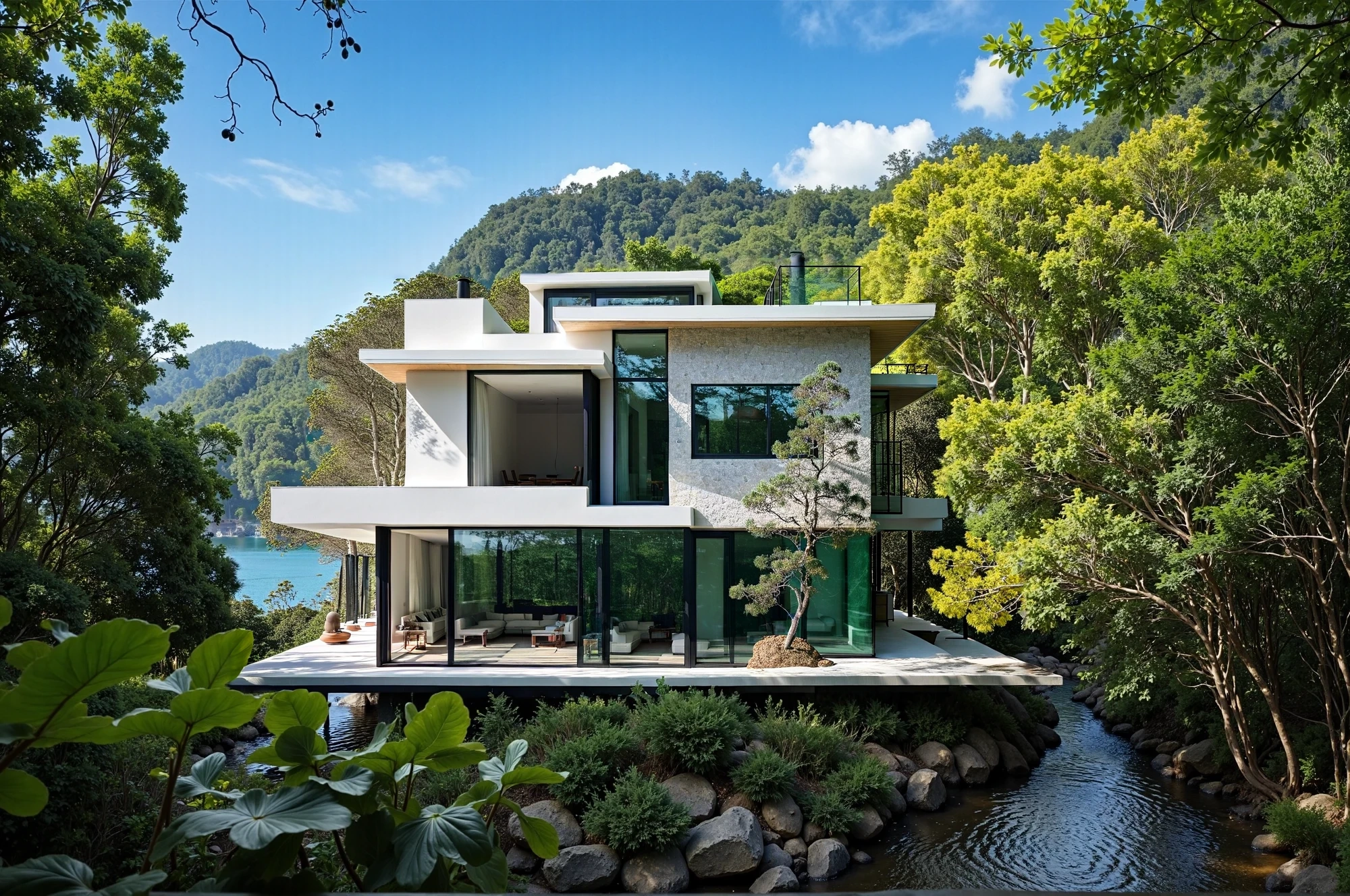
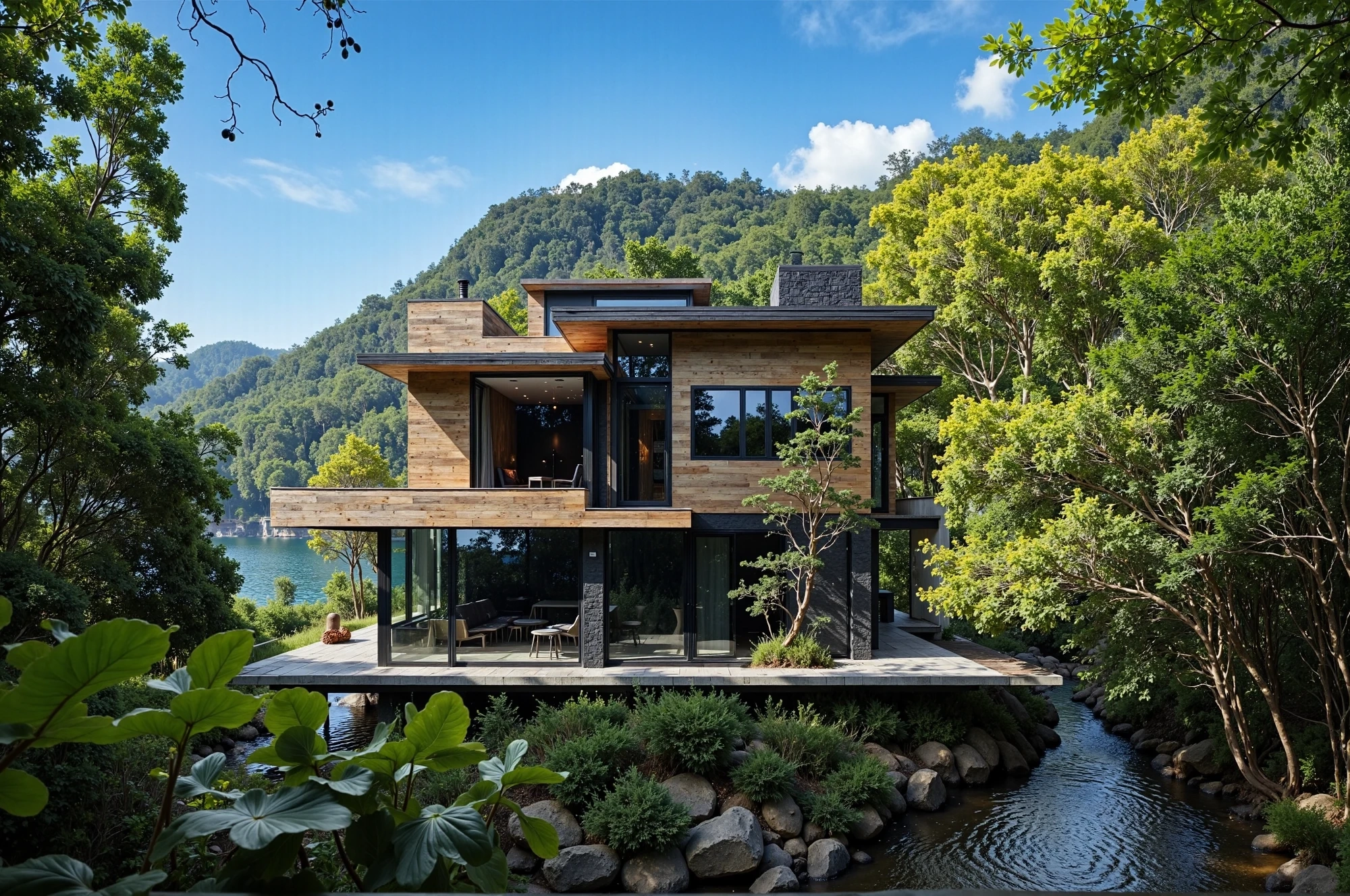
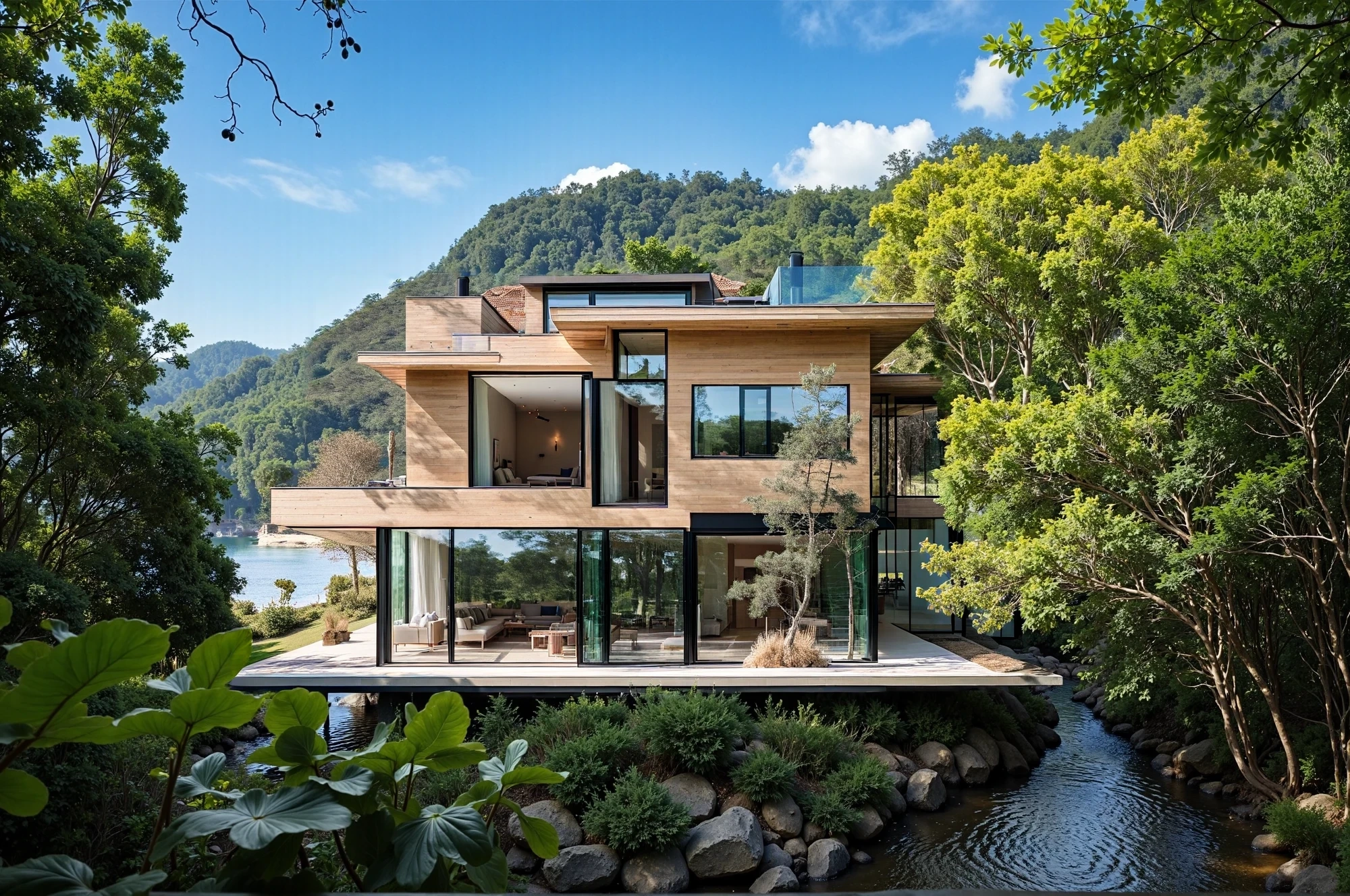
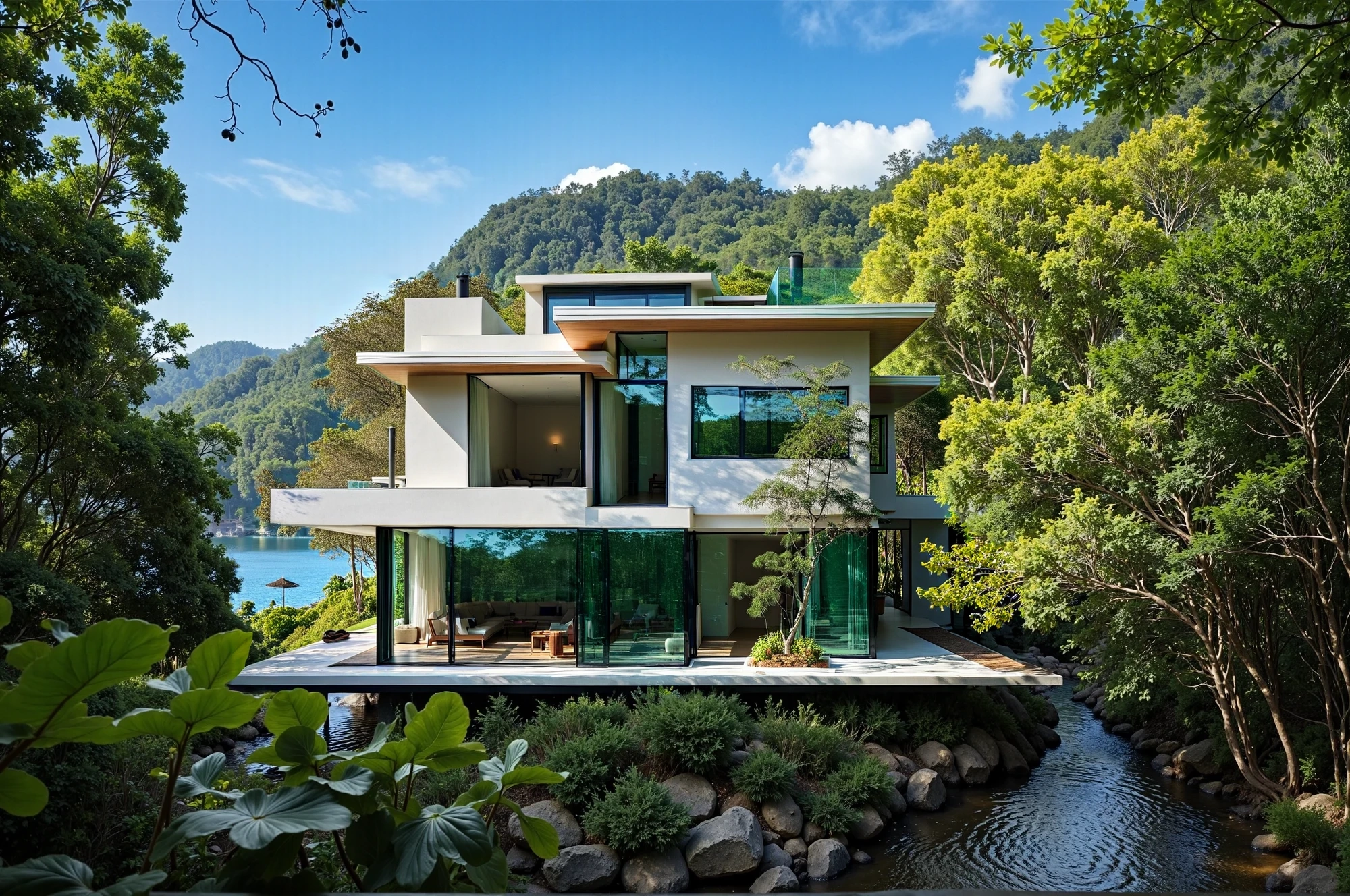
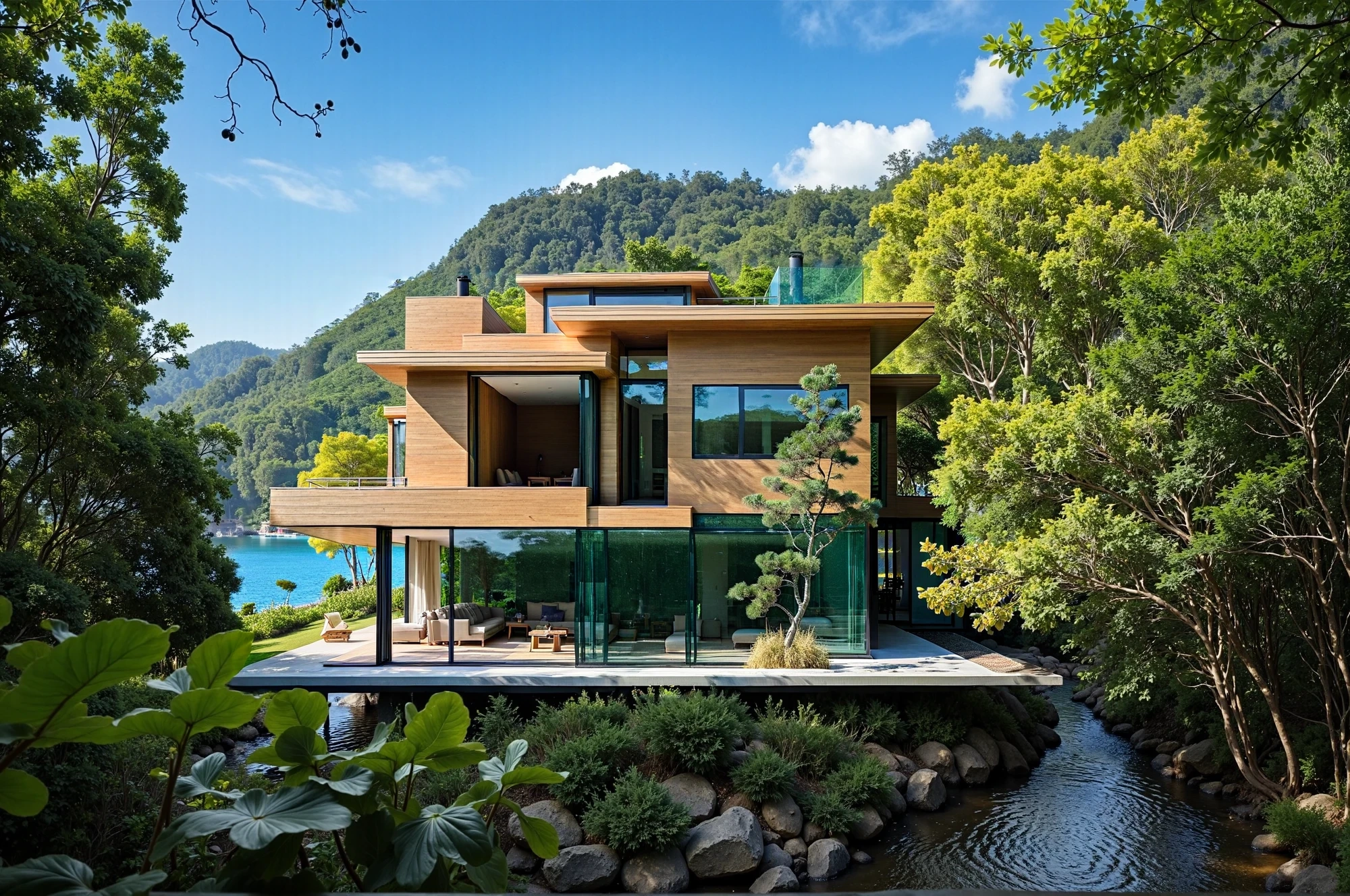
Generation of premium neurophotosessions at the level of glossy magazine covers
Generate images based on one or more references, orienting the created new image based on similarity with the reference in style, color, etc.
EXAMPLES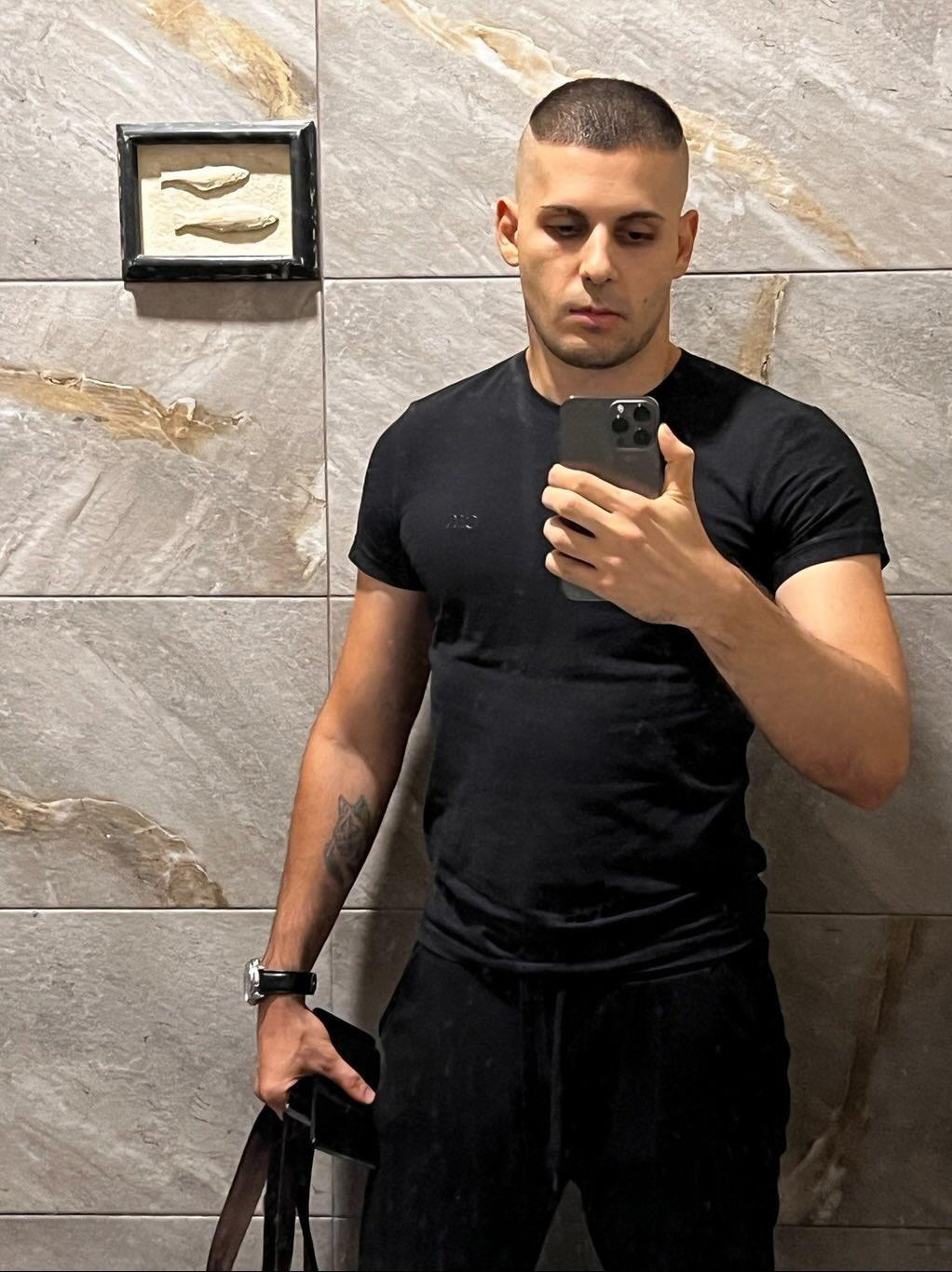
The online course includes:
- Access to training videos of the course on our online platform Nodsmap.com. You get round-the-clock access to the video materials of the course, the structure of the training program and related materials on our platform. Nodsmap.com if you have an internet connection. You can view video tutorials at any time convenient for you.
- Access to the opportunity to receive both paid and free updates on video tutorials in the course structure, as well as all important accompanying material, to eliminate the lag in the technological progress of AI technologies. Due to the rapid pace of development, it is unprofitable for us to lag behind in progress. Thus, thanks to our platform, on which the training material will be provided, you will be connected to a truly significant channel for the flow of current updates.
- An activation key for video lessons that allows you to link the course to one device.
- Bonus Photoshop tutorials.
The cost of the training course
Price: $320 [The course is now available for free to CGBClub members]
In order to purchase a course or become a member of the CGBClub, as well as for all questions, write a personal message to the author, head of the educational project "CGBandit" Valentin Kuznetsov
Curatorial support
Separate from access to the course, you can purchase our curatorial support either immediately or some time
after your purchase.
The price of curatorial support is $120 for two months. And if you need more attention and
assistance, you can always extend your support.